

Tranquil Waters Map v 1.0

Tranquil Waters Map v 1.0

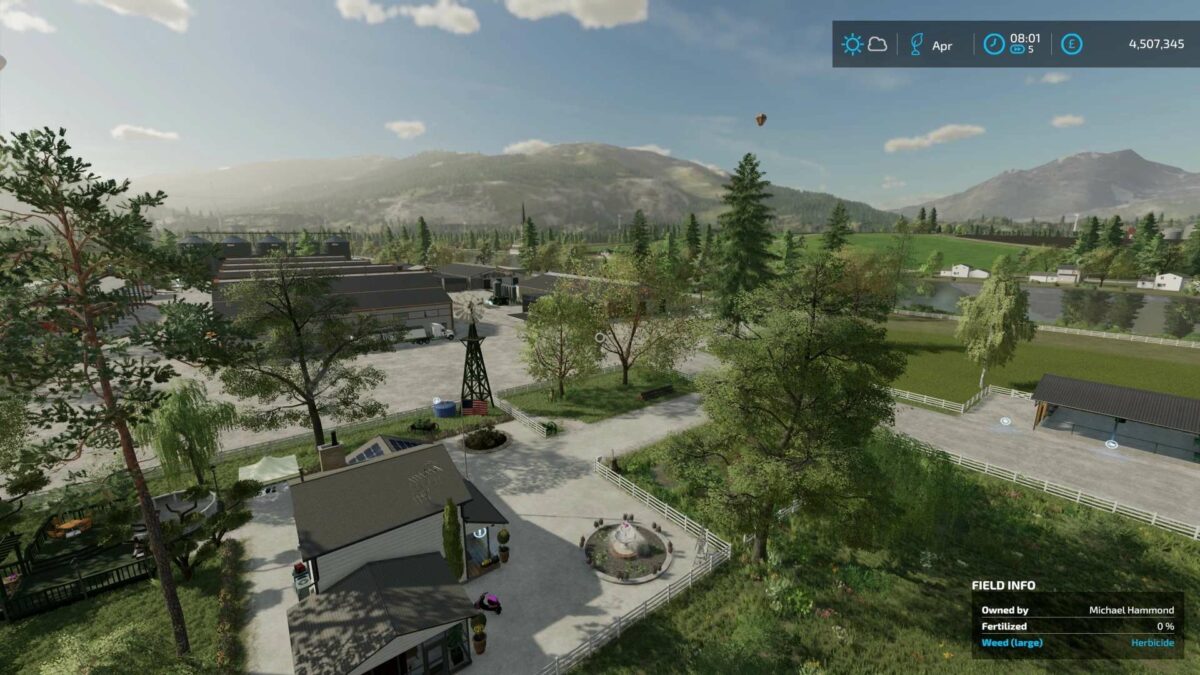
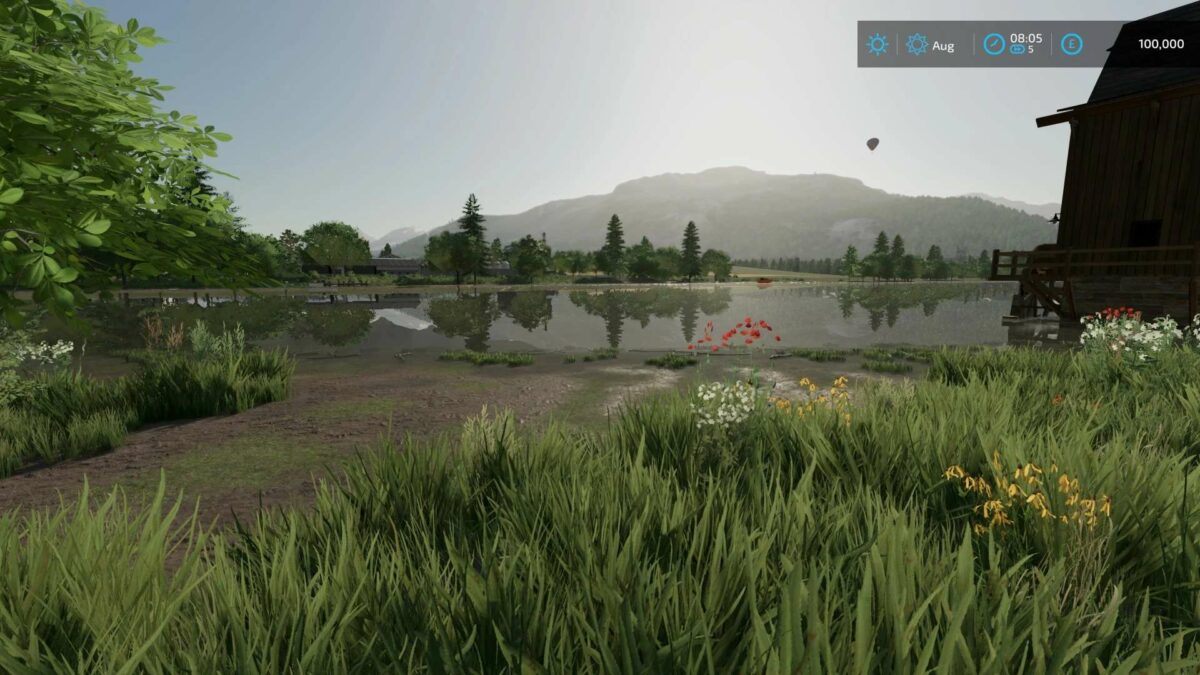
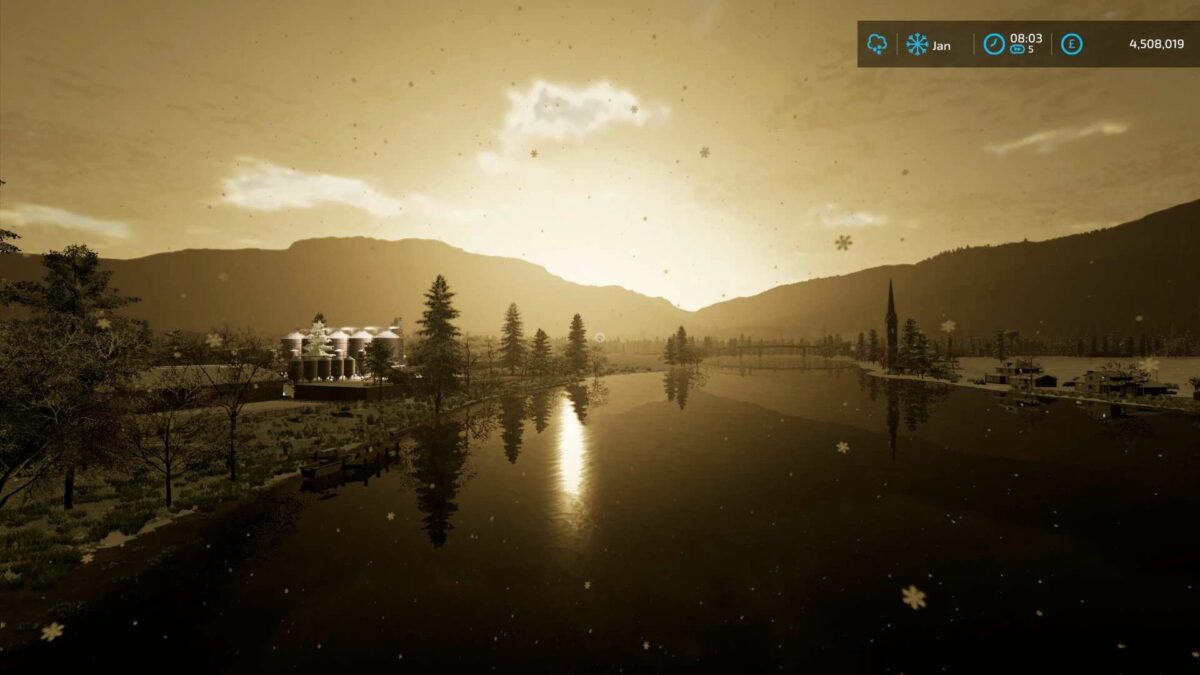
– Fictional normal sized American Map, featuring a large central farm by the tranquil waters river
– ModDesc Version 75 so you require the latest game update by Giants Software to run and play the map
– The farm is fully populated with custom animals, productions and more
– The farm house is fixed like my other maps but the rest of the farm can be removed and customised by the player
– Special AI splines are added and in testing we had 2 and 3 trailer semi road trains navigating the map flawlessly
– Take in the fantastic scenery the map offers and farm in a tranquil place
– Custom crops
– Fill types and textures
– Custom animal requirements
– Custom huge twin river bridges created by luke_bk
– Compost and anhydrous soil treatment built in
– Extra straw swaths for certain fruits
– Extra terrain angles
– Paintable fields
– Most field areas can be joined together
– Unique boxed and shaped fields
– Custom paintable textures and foliage
– Animations and particles
– Extra vehicles and productions all included with the map along with custom night lighting around the map
– Brewery added to productions this can be found in the construction menu under the Productions tab
– The yard has 2 AI spines which join the 2 entrance roads into the farm
Stevie
Farming Simulator 22
How do I install Farming Simulator mods?
Find a mod that you like and want to download first. Then, on your PC, download a mod. Mods are typically in.zip format. However, it is sometimes in.rar format. If the mod file is in.zip format, no additional actions are required. If a file is in.rar format, you must unarchive it using software such as WinRar or Zip7. Windows 10 users do not need to use archive software; Win10 includes an unarchive feature.
The next step is to locate the mods folder on your computer. It is typically found in Documents/My Games/Farming Simulator [Your FS game version, e.g. 2022]. Open the "mods" folder and place the downloaded.zip archive or unarchived.rar file there.
The final step. Have fun with Farming Simulator mods!