

Vehicle Fruit Hud v 1.0

Vehicle Fruit Hud v 1.0

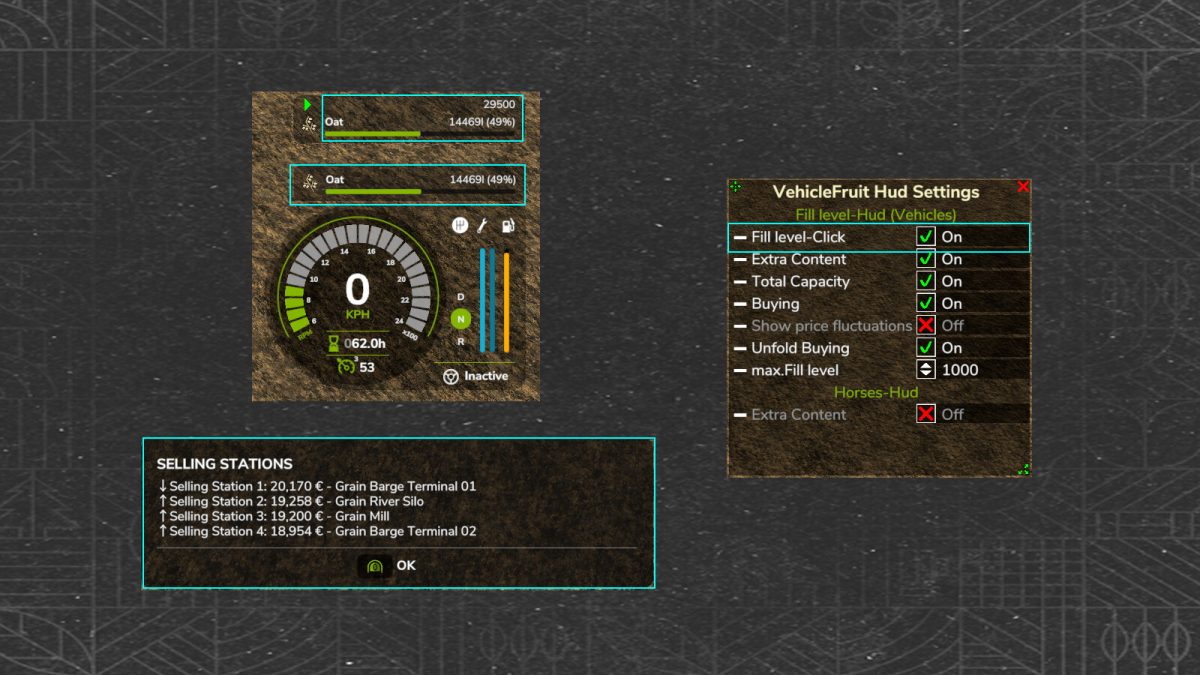
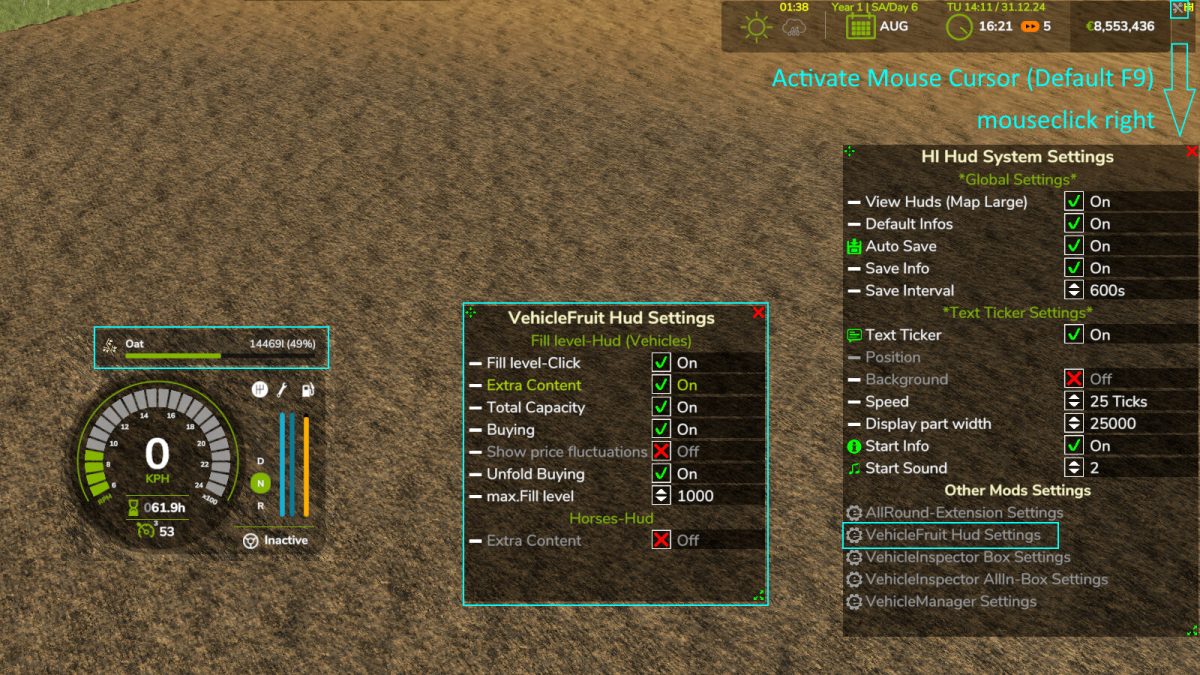
Vehicle Fruit Hud v 1.0 is a useful mod designed for Farming Simulator 25 that enhances your gameplay by providing real-time information about the goods you are transporting. This mod displays the highest selling price of your loaded items and indicates the sales station where you can get that price. Players have the flexibility to customize the display according to their preferences.
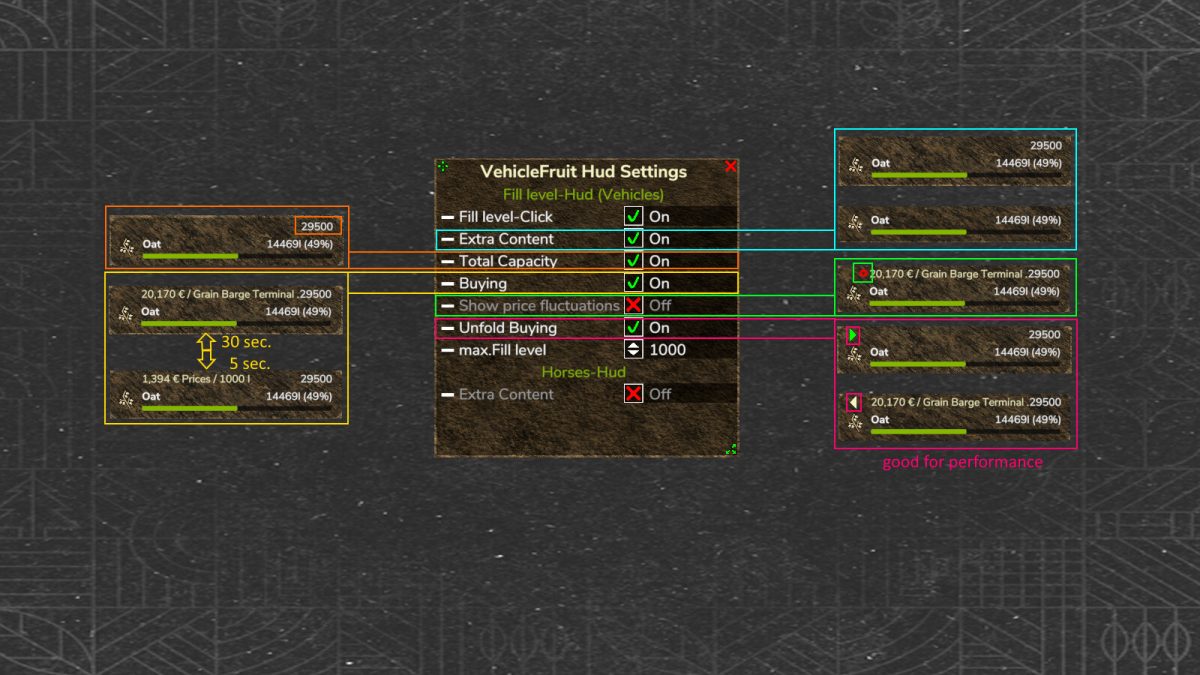
Key features include the optional display of total capacity for your vehicle, the ability to show the best price for your goods, and the option to open or close prices to improve performance. Additionally, it offers a trend of price fluctuations, giving you insights into market dynamics. The mod can also highlight the best four sales stations available for your products.
– Shows highest selling price of loaded goods
– Indicates sales station for best price
– Customizable display options
– Optional total capacity display
– Optional best price display
– Optional open/close prices for performance
– Optional price trend display
– Displays best four sales stations
HappyLooser
How do I install Farming Simulator mods?
Find a mod that you like and want to download first. Then, on your PC, download a mod. Mods are typically in.zip format. However, it is sometimes in.rar format. If the mod file is in.zip format, no additional actions are required. If a file is in.rar format, you must unarchive it using software such as WinRar or Zip7. Windows 10 users do not need to use archive software; Win10 includes an unarchive feature.
The next step is to locate the mods folder on your computer. It is typically found in Documents/My Games/Farming Simulator [Your FS game version, e.g. 2022]. Open the "mods" folder and place the downloaded.zip archive or unarchived.rar file there.
The final step. Have fun with Farming Simulator mods!