

Waseca Co Minnesota Map v 1.0

Waseca Co Minnesota Map v 1.0

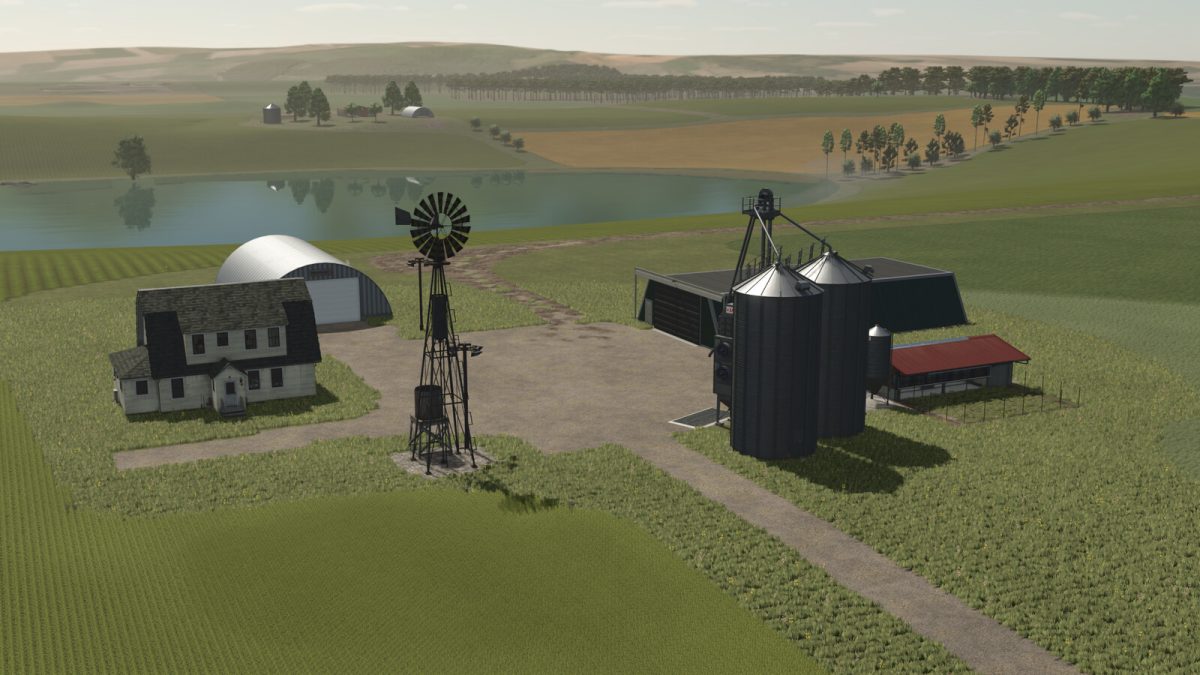
– 30 airable fields
– 3 meadow fields
– 2 forestry area’s
– 2 pig feed mill productions
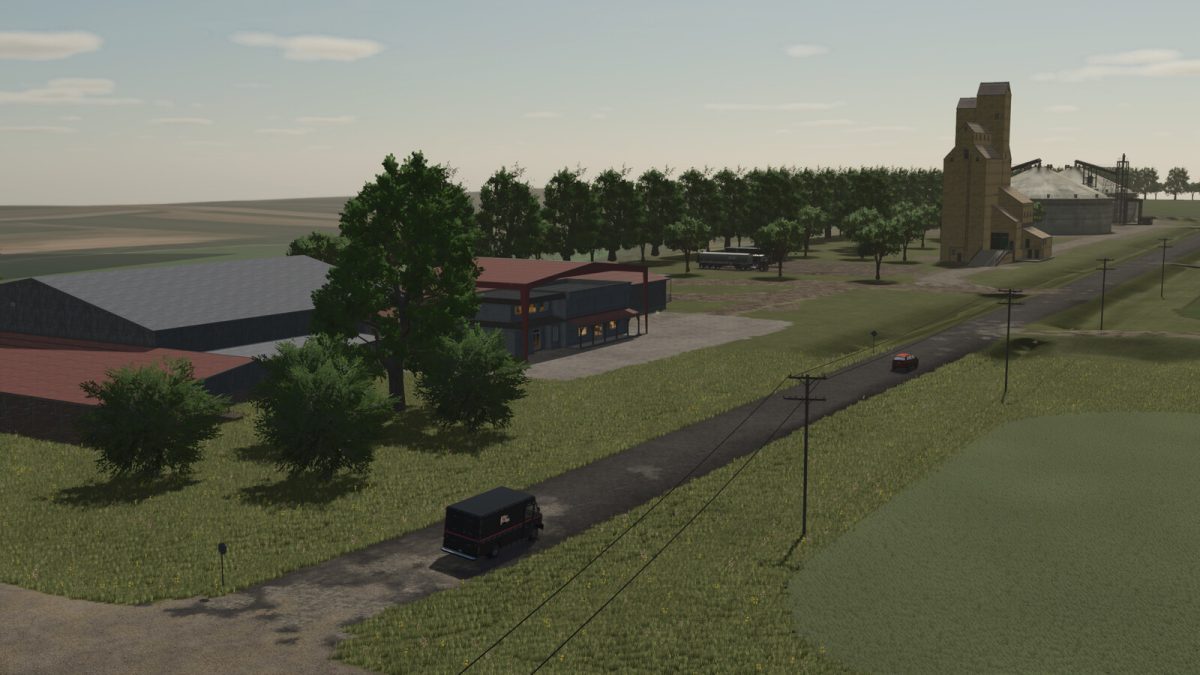
– Real life gravel roads
– 8 prebuilt farms, most placeables are sellable, with 1 empty area to build your own farm, a bulk buy station for basic farm needs
– The Co-op has provided 3 different trailer’s and semi to transport animals and goods
– The vehicle shop has also provided a forklift to aid in loading pallets and other purchased items more realistic to the area weather event’s including twisters
the ability for free water from multiple bodies of water
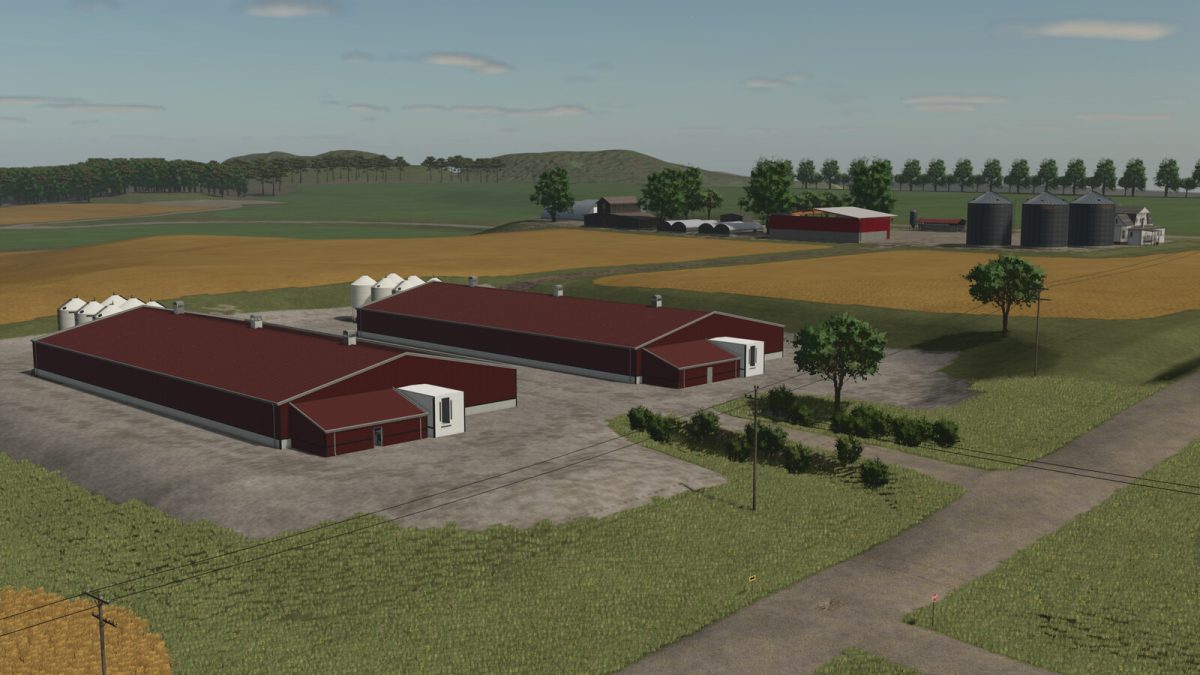
– A modern style pig feeding facility
– There are 2 triggers by the “control panel” in the office
– There is one to remove all the fences inside, and a 2nd trigger to actuate the fans
– The feed silos can be filled via Belt
MatzyModding
How do I install Farming Simulator mods?
Find a mod that you like and want to download first. Then, on your PC, download a mod. Mods are typically in.zip format. However, it is sometimes in.rar format. If the mod file is in.zip format, no additional actions are required. If a file is in.rar format, you must unarchive it using software such as WinRar or Zip7. Windows 10 users do not need to use archive software; Win10 includes an unarchive feature.
The next step is to locate the mods folder on your computer. It is typically found in Documents/My Games/Farming Simulator [Your FS game version, e.g. 2022]. Open the "mods" folder and place the downloaded.zip archive or unarchived.rar file there.
The final step. Have fun with Farming Simulator mods!