

Wood Storages v 1.0

Wood Storages v 1.0

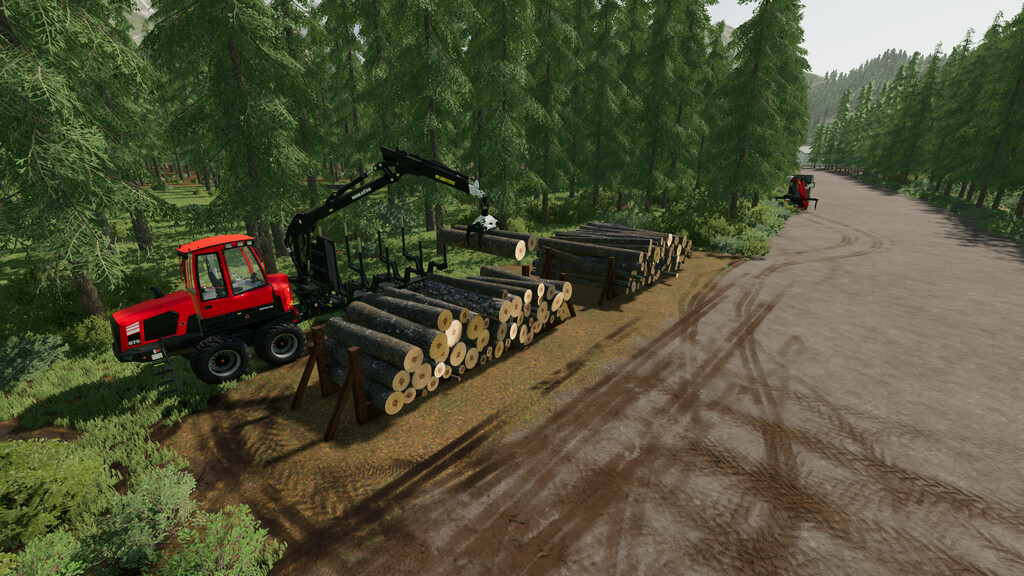
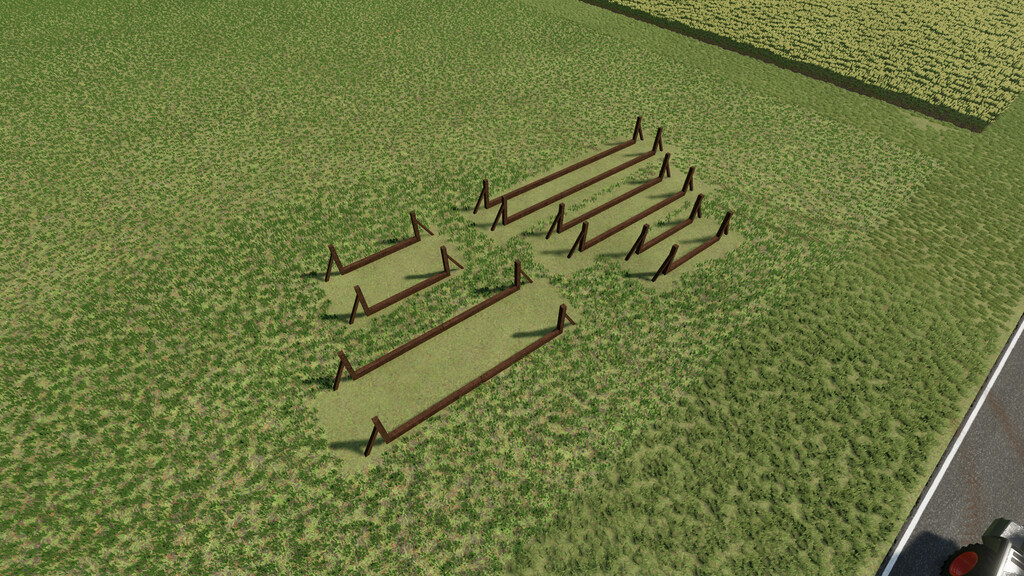
Every good forest needs good wood stores.
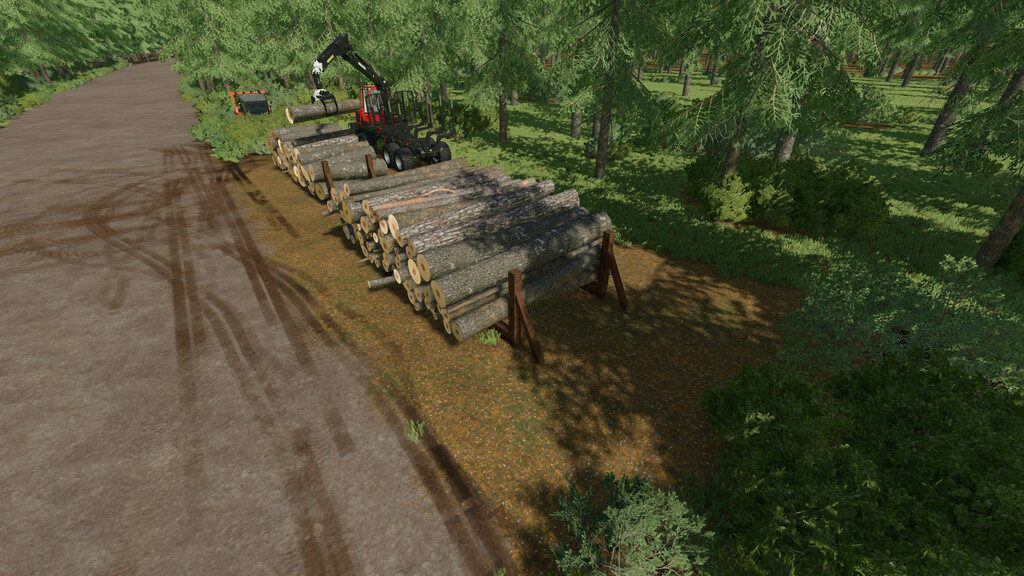
Due to their wooden nature, these wood storages fit particularly well into the forest setting. To help you keep track, the wood storages is shown on the map with an exclamation mark.
It is also possible to teleport directly to the wood storages. Since the wood does not rest on the ground, it can be picked up particularly well with the crane.
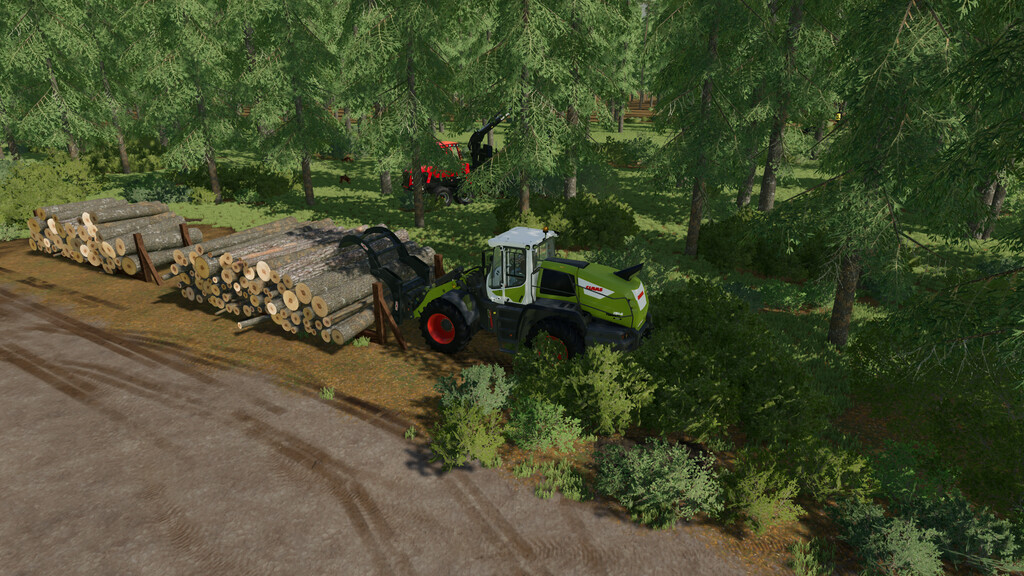
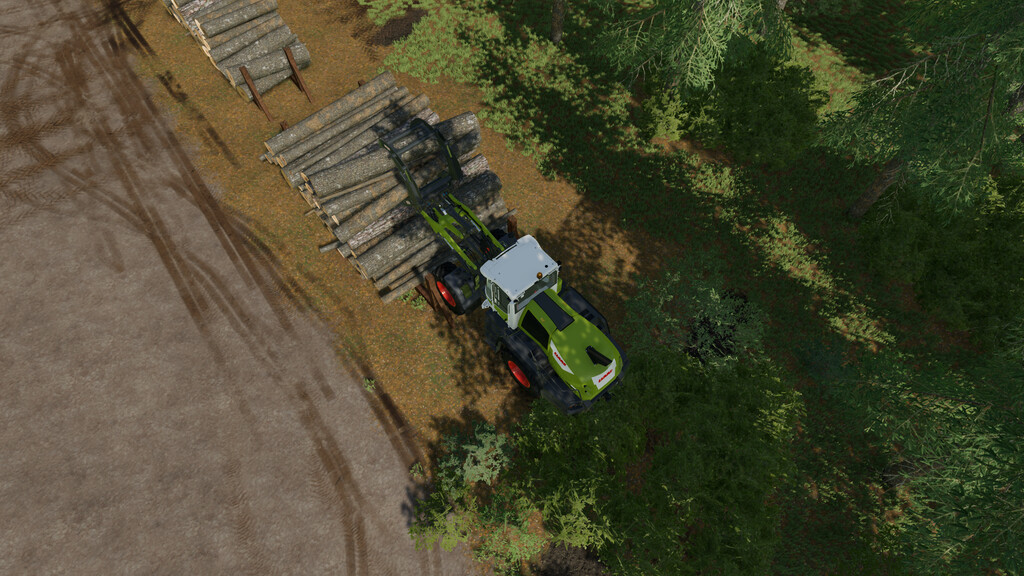
Due to the open sides, the wheel loader of the “46” wood storage can drive into the wood storage and thus grip the wood better.
Price:
– Wood storage 23S = 150 $
– Wood storage 23M = 300 $
– Wood storage 23L = 450 $
– Wood storage 46S = 250 $
– Wood storage 46L = 500 $
XaresHolzWelten
Farming Simulator 22
How do I install Farming Simulator mods?
Find a mod that you like and want to download first. Then, on your PC, download a mod. Mods are typically in.zip format. However, it is sometimes in.rar format. If the mod file is in.zip format, no additional actions are required. If a file is in.rar format, you must unarchive it using software such as WinRar or Zip7. Windows 10 users do not need to use archive software; Win10 includes an unarchive feature.
The next step is to locate the mods folder on your computer. It is typically found in Documents/My Games/Farming Simulator [Your FS game version, e.g. 2022]. Open the "mods" folder and place the downloaded.zip archive or unarchived.rar file there.
The final step. Have fun with Farming Simulator mods!