

ZCA Trains v 1.0

ZCA Trains v 1.0

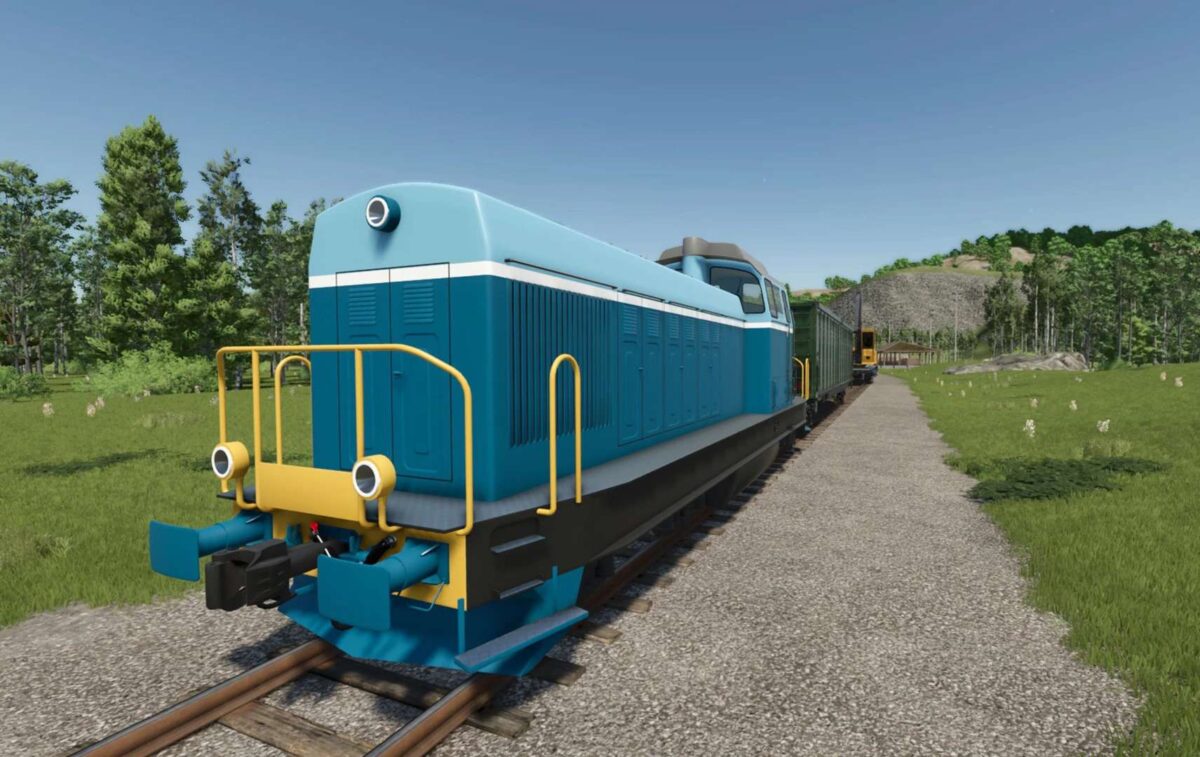
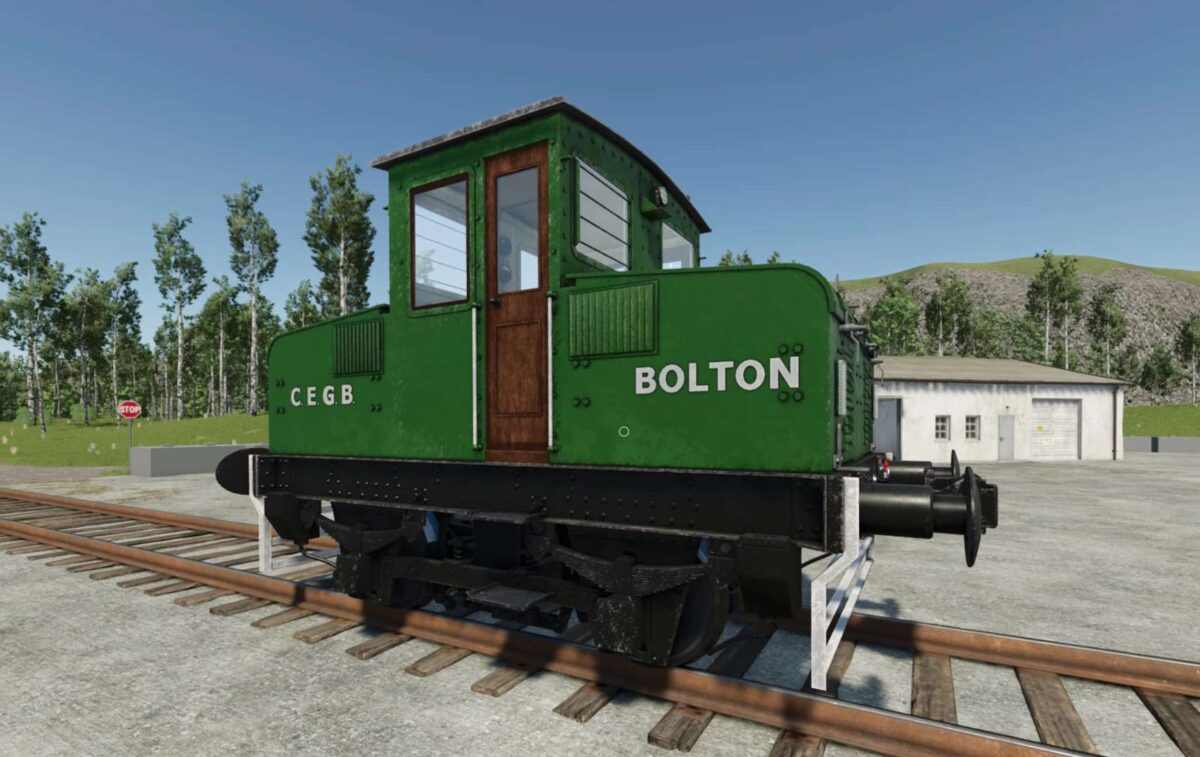
ZCA Trains v 1.0 introduces a comprehensive railroad system designed for Farming Simulator 25, specifically tailored to enhance your gameplay experience with rail transport. This mod features various locomotives that are compatible with the ZCA Railroads framework. Drawing inspiration from renowned modder JWeezy, this project aims to provide an integrated solution that complements the FDR Logging mod within the farming simulator environment.
As a work in progress, this beta release invites players to provide feedback and report any bugs they encounter, ensuring that the mod can be refined over time. Additionally, users are encouraged to explore other railway-related mods to fully benefit from their combined functionalities.
Key elements of the mod:
– Various locomotives for enhanced rail transport
– Compatibility with ZCA Train Carts and ZCA Store Items
– Designed to support FDR Logging in FS25
– Work in progress, open for community feedback
– Compatible with additional mods like Lumberjack and NoRestrictedFences
zcaalock
How do I install Farming Simulator mods?
Find a mod that you like and want to download first. Then, on your PC, download a mod. Mods are typically in.zip format. However, it is sometimes in.rar format. If the mod file is in.zip format, no additional actions are required. If a file is in.rar format, you must unarchive it using software such as WinRar or Zip7. Windows 10 users do not need to use archive software; Win10 includes an unarchive feature.
The next step is to locate the mods folder on your computer. It is typically found in Documents/My Games/Farming Simulator [Your FS game version, e.g. 2022]. Open the "mods" folder and place the downloaded.zip archive or unarchived.rar file there.
The final step. Have fun with Farming Simulator mods!