

Zetor Crystal Tractors Pack v 1.2

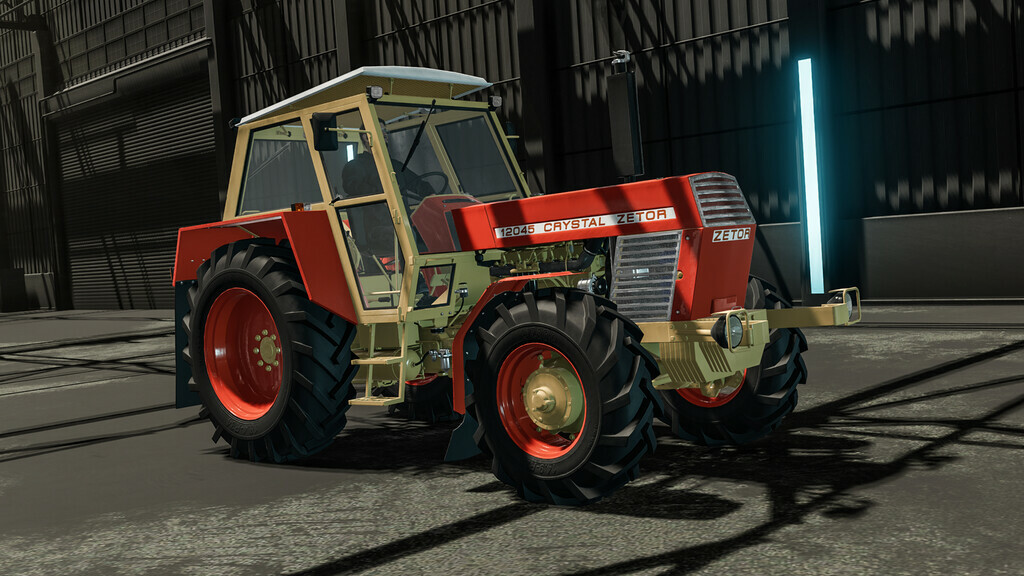
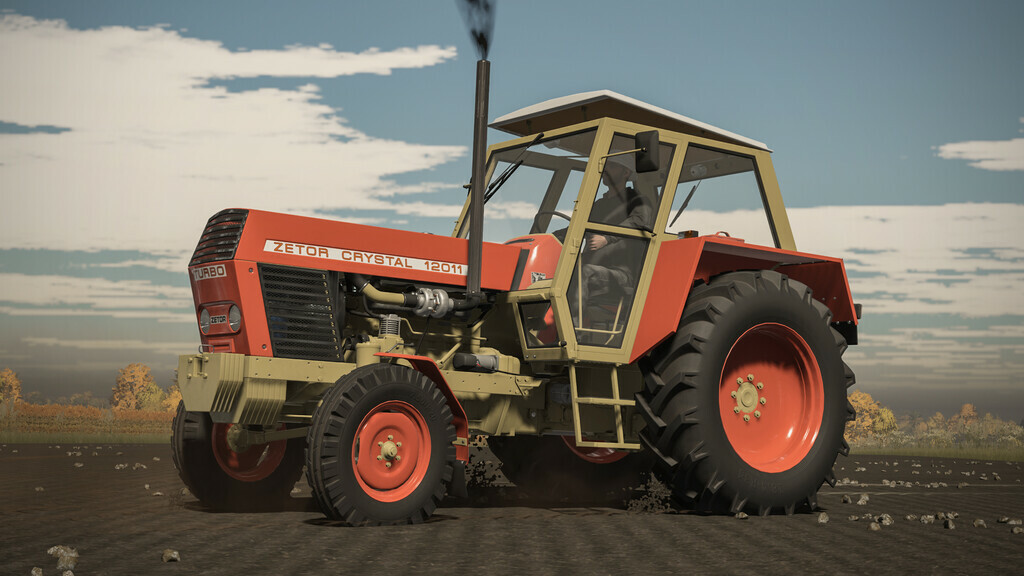
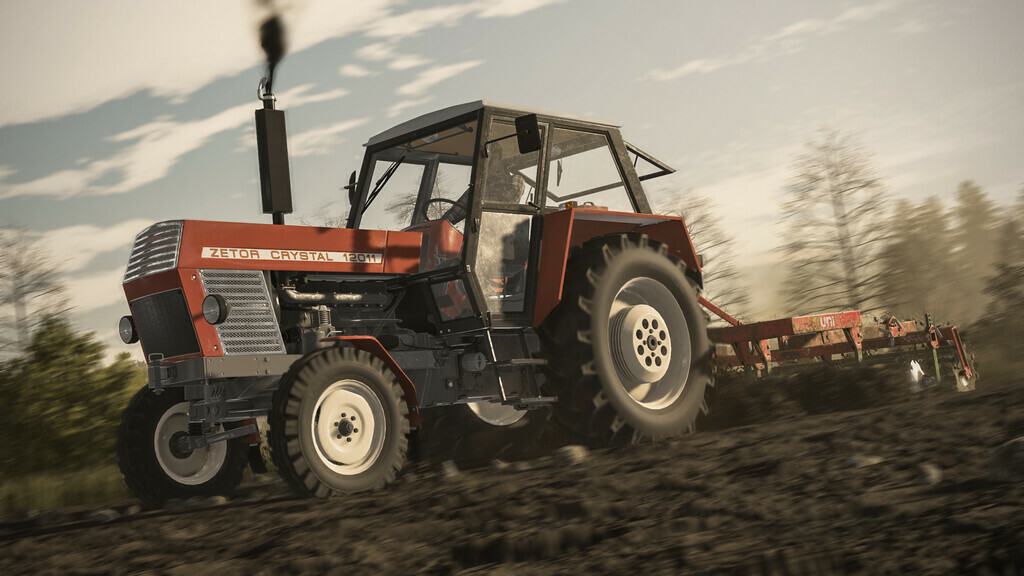
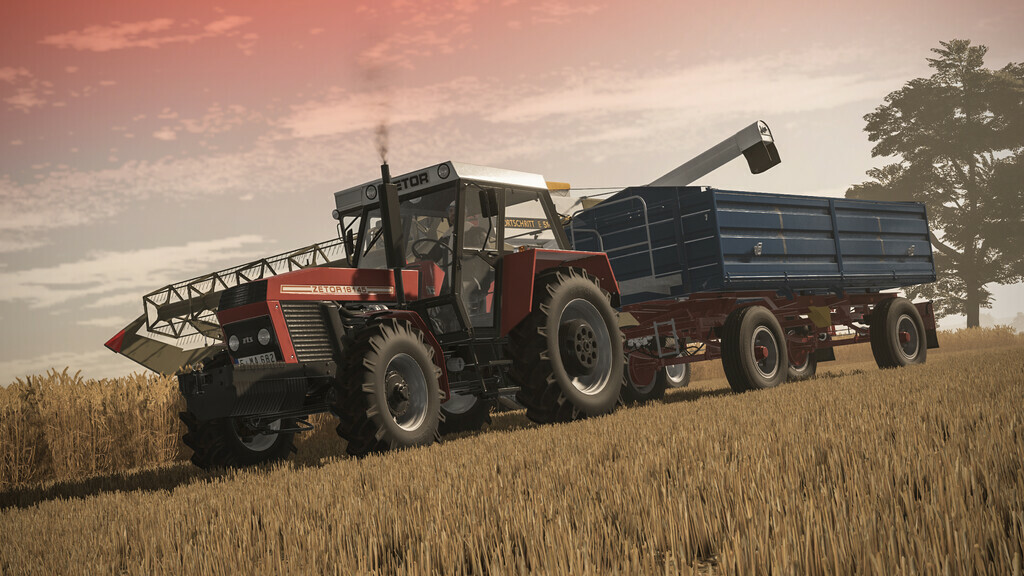
Zetor Crystal Tractors Pack v 1.2

A series of tractors constructed at the Polish-Czechoslovak Research and Development Center
for Tractors in Brno, produced in 1971-1984
8011:
-Price: 30000 $
-Power: 80 hp
-Max. speed: 28 kph
8045:
-Price: 40000 $
-Power: 80 hp
-Max. speed: 28 kph
12011:
-Price: 35000 $
-Power: 115 hp
-Max. speed: 28 kph
12045:
-Price: 45000 $
-Power: 115 hp
-Max. speed: 28 kph
Confiurations:
– Tires
– Transmission
– Decals
– Front weight
– Wheel weight
– Back fenders
– Front fenders
– Mud guards
– Cabine
– Front lights
– Grill
– Back attacher
– Exhaust
– Steering wheel
– Hood
– Frontloader console
– Animations: Ic/Mc
Color confiurations:
– Engine
– Hood
– Fenders
– Cabine
– Grill
– Rims
– Front weight
– Wheel weights
Interactive Control support
Version 1.2:
* Added new models (16045, 16145)
* New colors
* Fixed back window animation
* A lot of small visual corrections
* Fixed errors occurring on Mac OS
Kasztan18
Farming Simulator 22
How do I install Farming Simulator mods?
Find a mod that you like and want to download first. Then, on your PC, download a mod. Mods are typically in.zip format. However, it is sometimes in.rar format. If the mod file is in.zip format, no additional actions are required. If a file is in.rar format, you must unarchive it using software such as WinRar or Zip7. Windows 10 users do not need to use archive software; Win10 includes an unarchive feature.
The next step is to locate the mods folder on your computer. It is typically found in Documents/My Games/Farming Simulator [Your FS game version, e.g. 2022]. Open the "mods" folder and place the downloaded.zip archive or unarchived.rar file there.
The final step. Have fun with Farming Simulator mods!