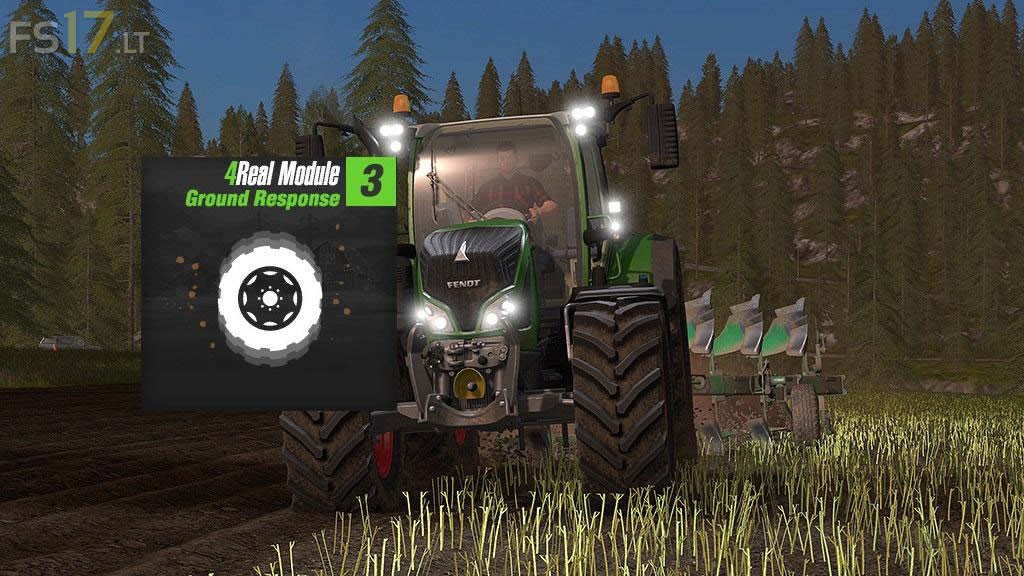
4Real Module 03 – Ground Response
About the mod:
Adds more advanced terrain properties. Tires will sink into the soil depending on the type and weather, wheels respond more dynamically to rough ground and slip more on wet soil.
Credits:
Giants
How to install FS17 mods?
Firstly find a mod which you like and want to download. Then download a mod to your PC. Mods are usually in .zip format file. But sometimes it can be in .rar. If a mod file is a .zip format no needed additional actions. If a file is in .rar, then you must unarchive mod with software like WinRar or Zip7. Windows 10 users no need to use software for archives, Win10 itself has a feature to unarchive files.
The next step is to find mods folder in your PC. Usually, it is in Documents/My Games/Farming Simulator 17/2017. Open the "mods" folder and put downloaded .zip archive or unarchived .rar file to this folder.
Last step. Enjoy of FS17 mods!




Appreciate it for helping out, great information. bdebkfcbkdfa
I just like the helpful info you supply on your articles. I will bookmark your blog and take a look at once more here regularly. I’m somewhat sure Ill learn a lot of new stuff right right here! Best of luck for the following! feddddggdbdkdgke
Ne+Mutlu+Turkum+Dıyene