JCB 536 70 with Tools v 1.0

FS19 mods

About the mod:

– Power 145 hp
– Speed 42 km/h
– Interior Lighting
– Trailer Low added for wider use via trailer support
– Drive mode script has been added for versatility and improved driving experience at higher speed
– New roof section added to make it more realistic
– Added RPM script to raise / lower boom and direction of movement of the tool
– New sounds
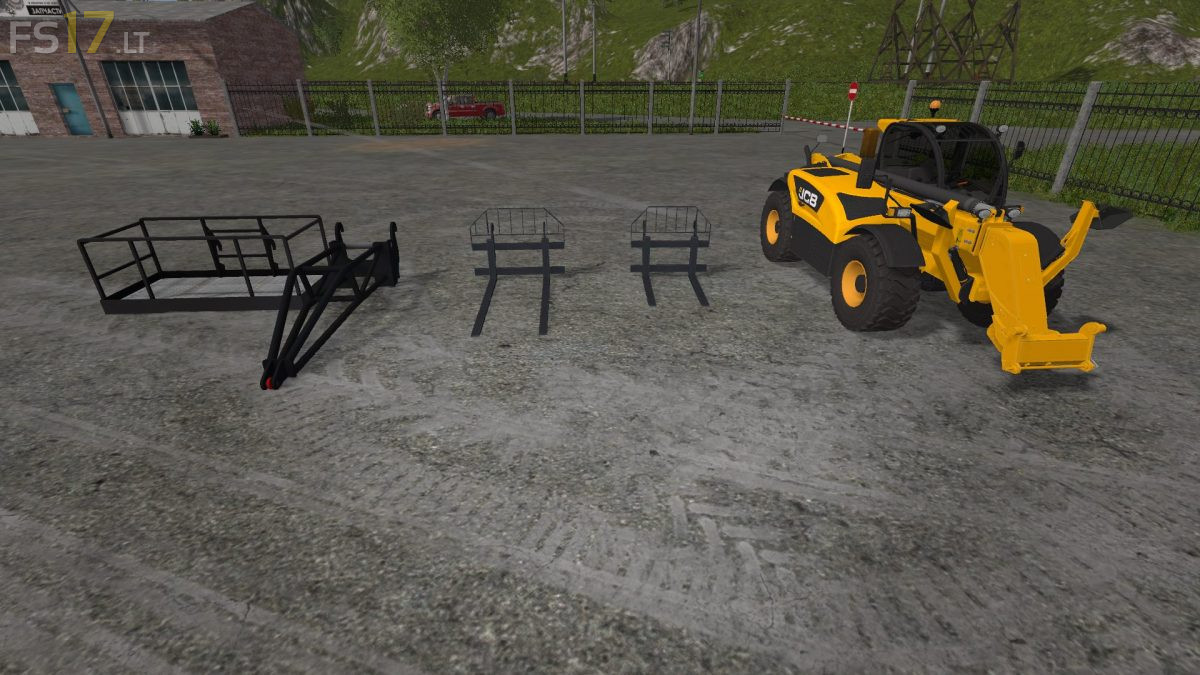
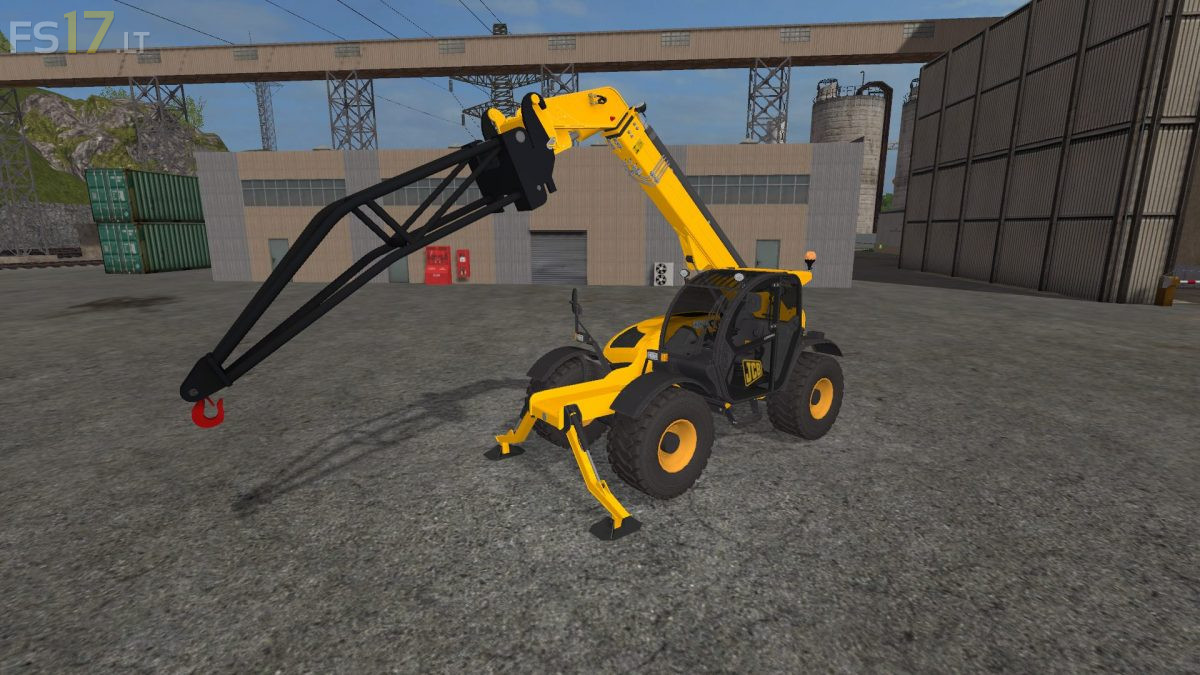
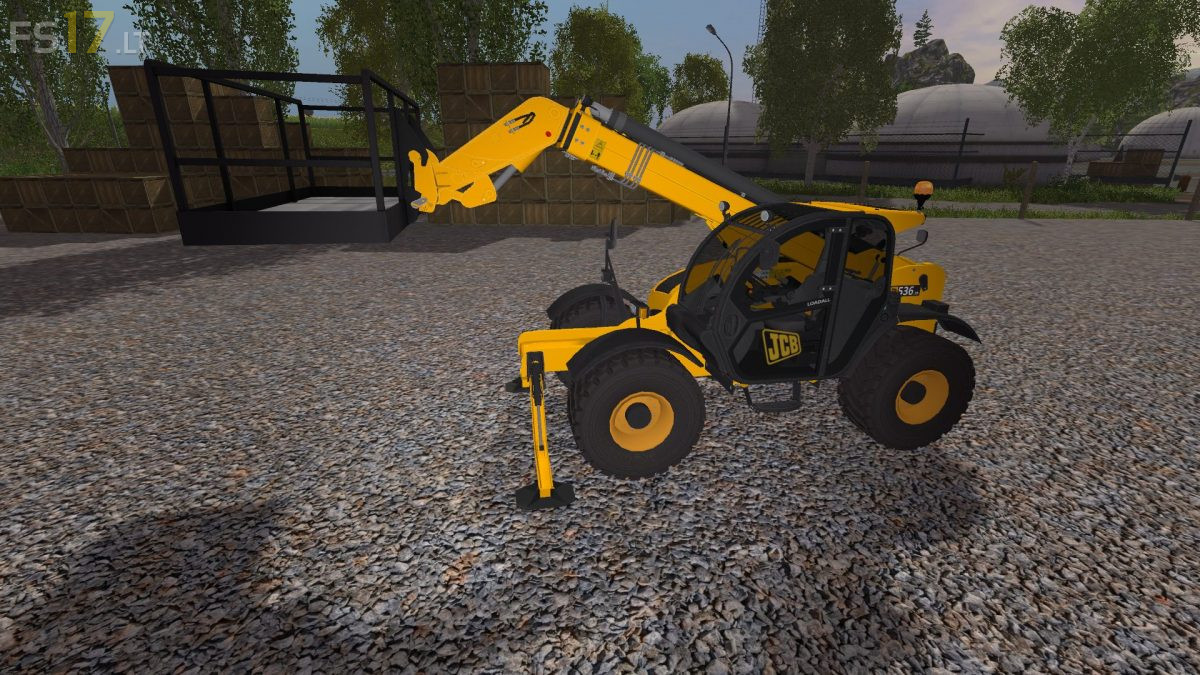
– Included 4 Tools

Credits:
Giants, FTmodding

How to install FS17 mods?

Firstly find a mod which you like and want to download. Then download a mod to your PC. Mods are usually in .zip format file. But sometimes it can be in .rar. If a mod file is a .zip format no needed additional actions. If a file is in .rar, then you must unarchive mod with software like WinRar or Zip7. Windows 10 users no need to use software for archives, Win10 itself has a feature to unarchive files.

The next step is to find mods folder in your PC. Usually, it is in Documents/My Games/Farming Simulator 17/2017. Open the "mods" folder and put downloaded .zip archive or unarchived .rar file to this folder.

Last step. Enjoy of FS17 mods!

3 thoughts on “JCB 536 70 with Tools v 1.0

  • Fulda says:
    2017-04-18 at 12:14

    There is ONE problem, when you are turning or something else, the wheels lock but you’re still mowing forward
    (sorry for my bad english)

  • ol says:
    2017-05-08 at 16:40

    totally

  • papouf761 says:
    2017-07-12 at 11:22

    sai frais ja vou !!!!!

Leave a Reply

Your email address will not be published. Required fields are marked *