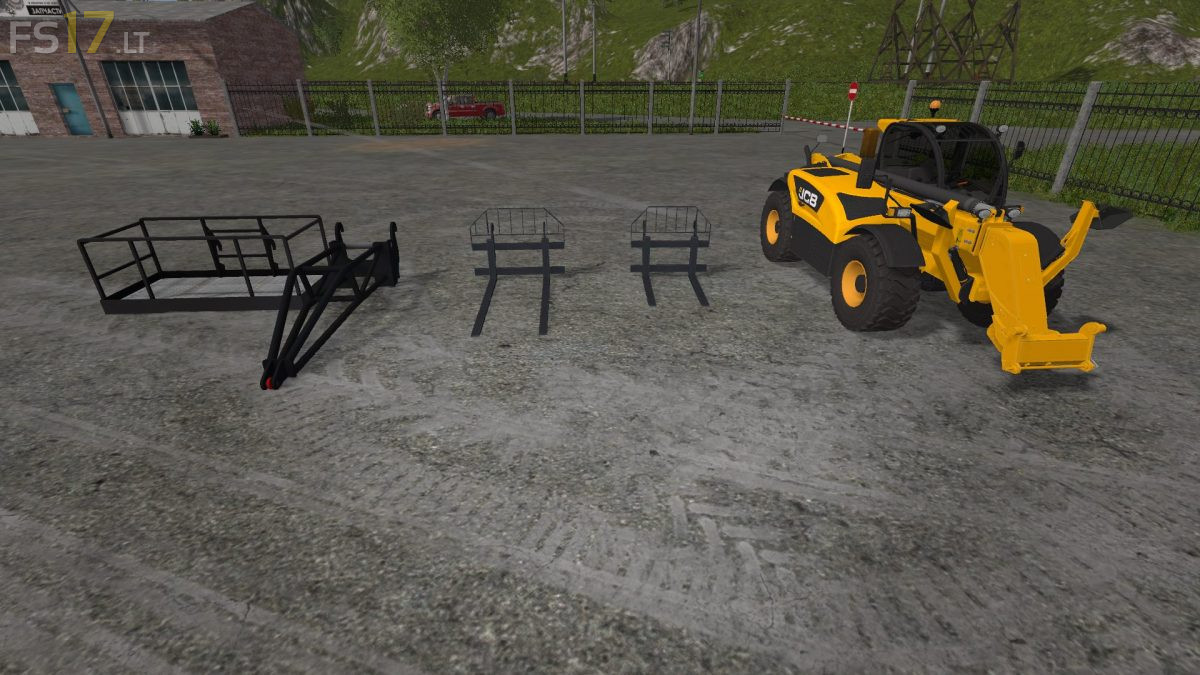
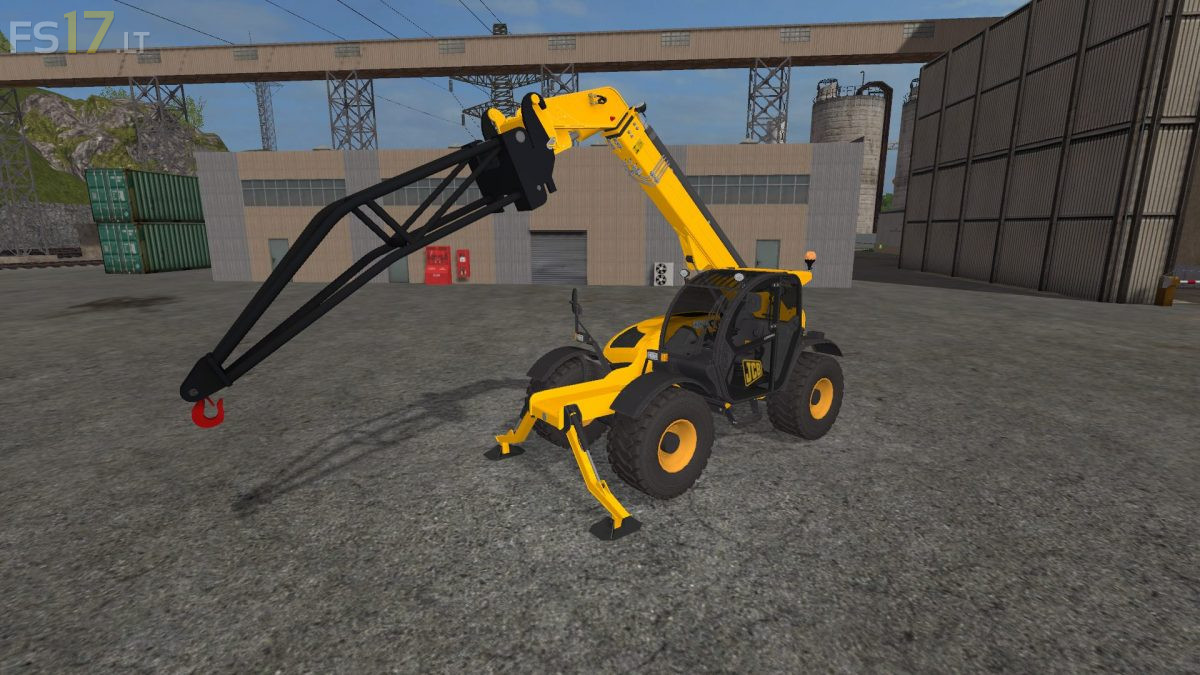
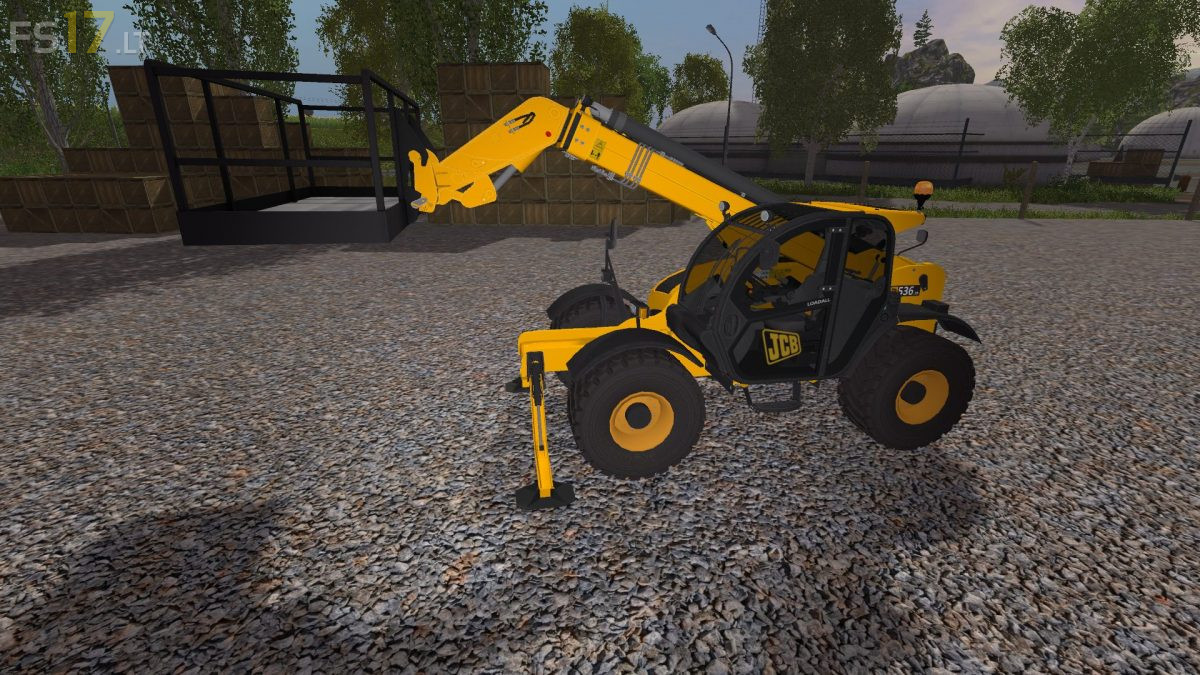
JCB 536 70 with Tools v 1.0
About the mod:
– Power 145 hp
– Speed 42 km/h
– Interior Lighting
– Trailer Low added for wider use via trailer support
– Drive mode script has been added for versatility and improved driving experience at higher speed
– New roof section added to make it more realistic
– Added RPM script to raise / lower boom and direction of movement of the tool
– New sounds
– Included 4 Tools
Credits:
Giants, FTmodding
How to install FS17 mods?
Firstly find a mod which you like and want to download. Then download a mod to your PC. Mods are usually in .zip format file. But sometimes it can be in .rar. If a mod file is a .zip format no needed additional actions. If a file is in .rar, then you must unarchive mod with software like WinRar or Zip7. Windows 10 users no need to use software for archives, Win10 itself has a feature to unarchive files.
The next step is to find mods folder in your PC. Usually, it is in Documents/My Games/Farming Simulator 17/2017. Open the "mods" folder and put downloaded .zip archive or unarchived .rar file to this folder.
Last step. Enjoy of FS17 mods!
There is ONE problem, when you are turning or something else, the wheels lock but you’re still mowing forward
(sorry for my bad english)
totally
sai frais ja vou !!!!!