

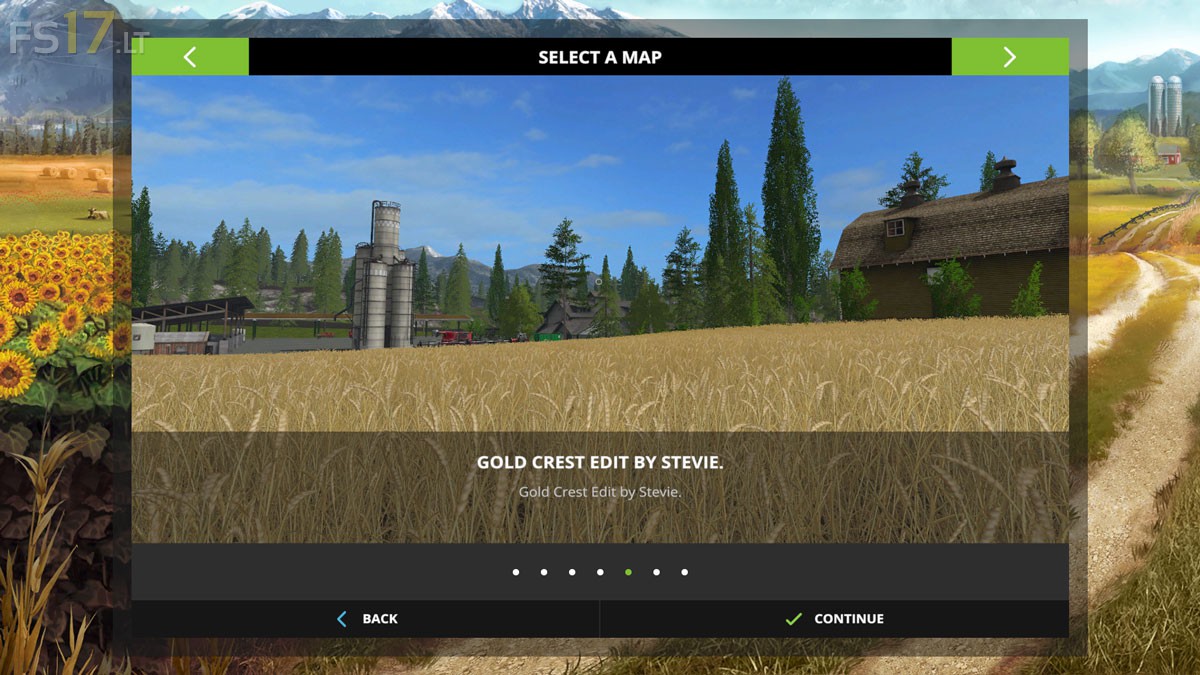
Gold Crest Map edit by Stevie v 1.0

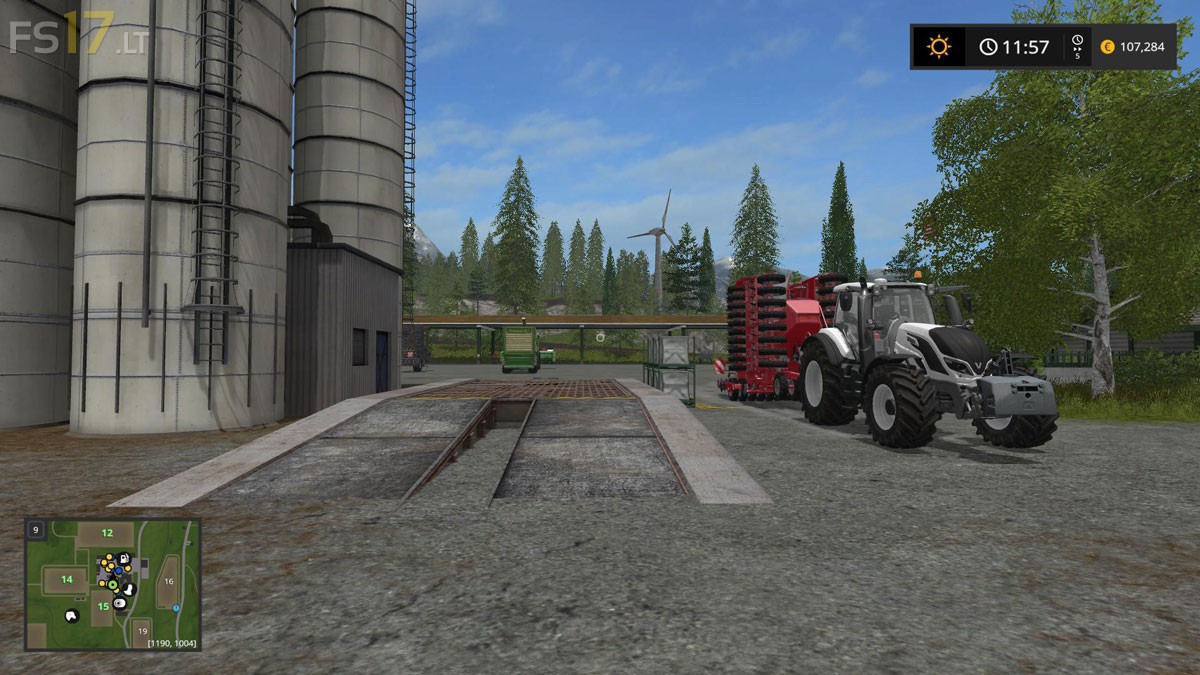
Gold Crest Map edit by Stevie v 1.0
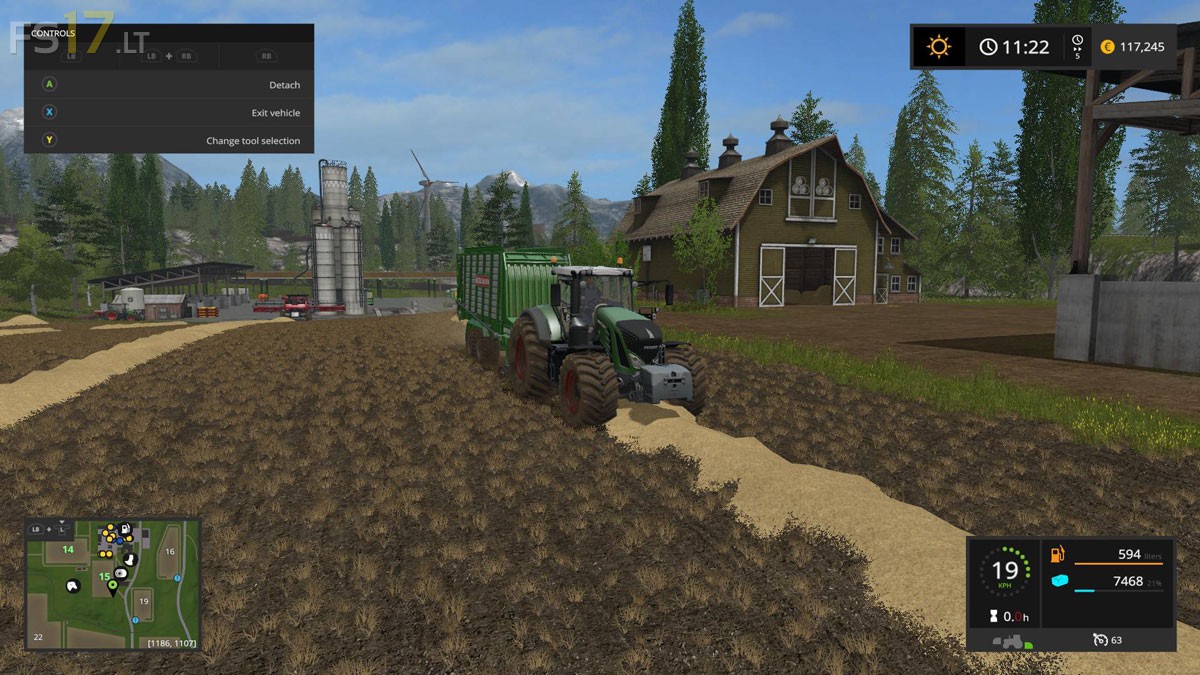
– Edited new larger farm yard
– Storage added at the farm
– Place able yard across from the farm
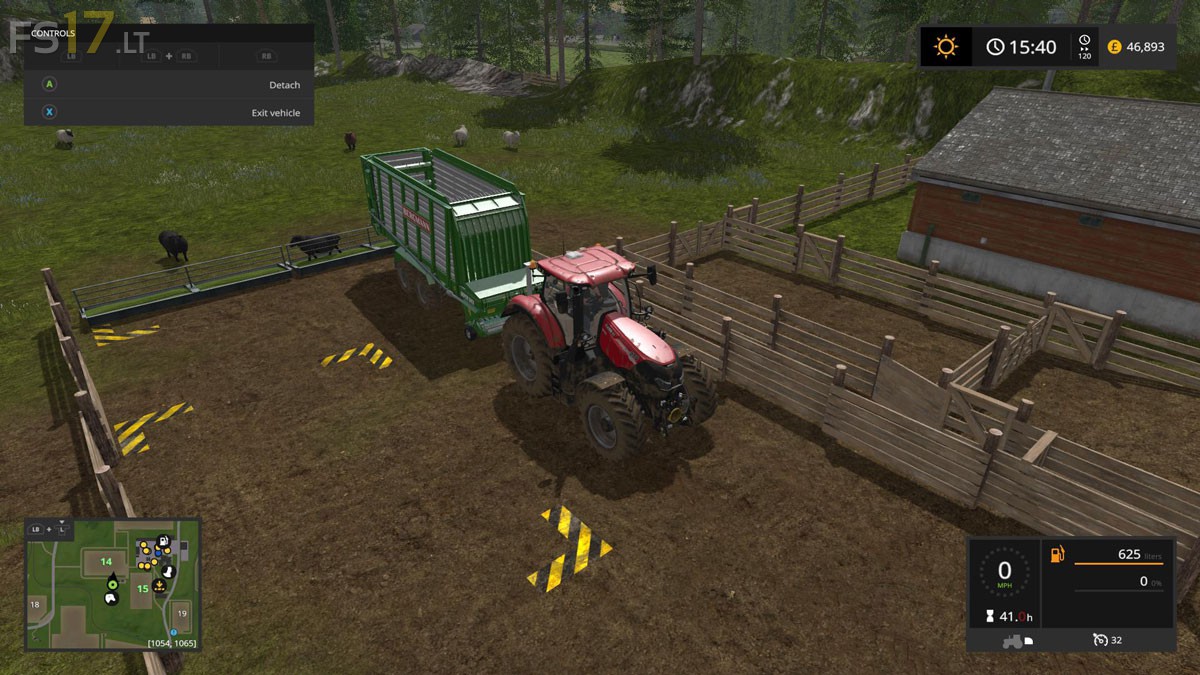
– Animals moved closer to the farm
– Vehicle reset added to the farm with 2 large load points
– Egg collector added to the farm
– Water, Seeds, Fertilizer, Liquid Fertilizer and Diesel added to the farm
– New starting equipment added to the map
– Hundreds of trees added
– Access to river water provided but awaiting water transport mod
– Placeable yards also added at the pig zone, cowzone, old cowzone, farm forest near outlook tower, number mill and off the motorway. Vary in size from small to very large
– All field ends have had where possible trees removed and terrain edited to create room from large equipment
– BGA Sunken tip point added
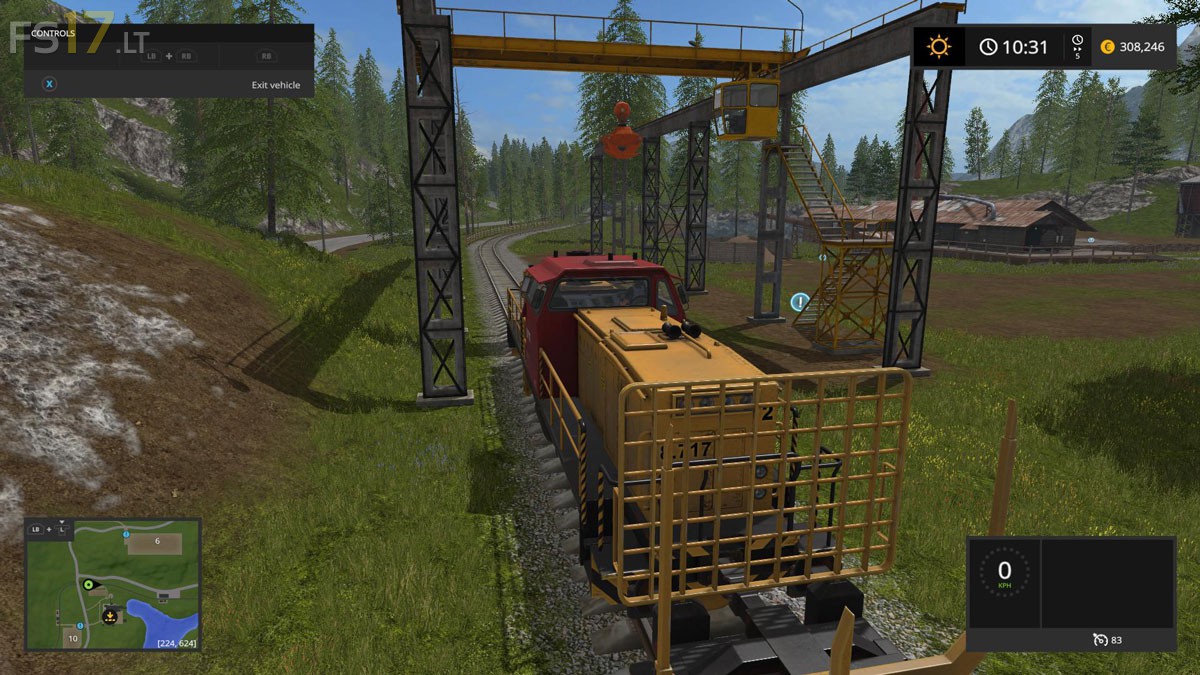
– Exported issues fixed on textures and lumber crane.
– Texture edited
– Shader and alpha blend distances increased from 75 m to 110 m for fruits and terrain. Shaders matched
– PDA and map descriptions updated
– Contracting and missions retained
– The field layout is very restricted in the maps layout
– Expected issues due to the oversized tree collision placed on the trees by giant’s you may find floating trees