

Massey Ferguson 9S Patriotic v 2.1


Massey Ferguson 9S Patriotic v 2.1
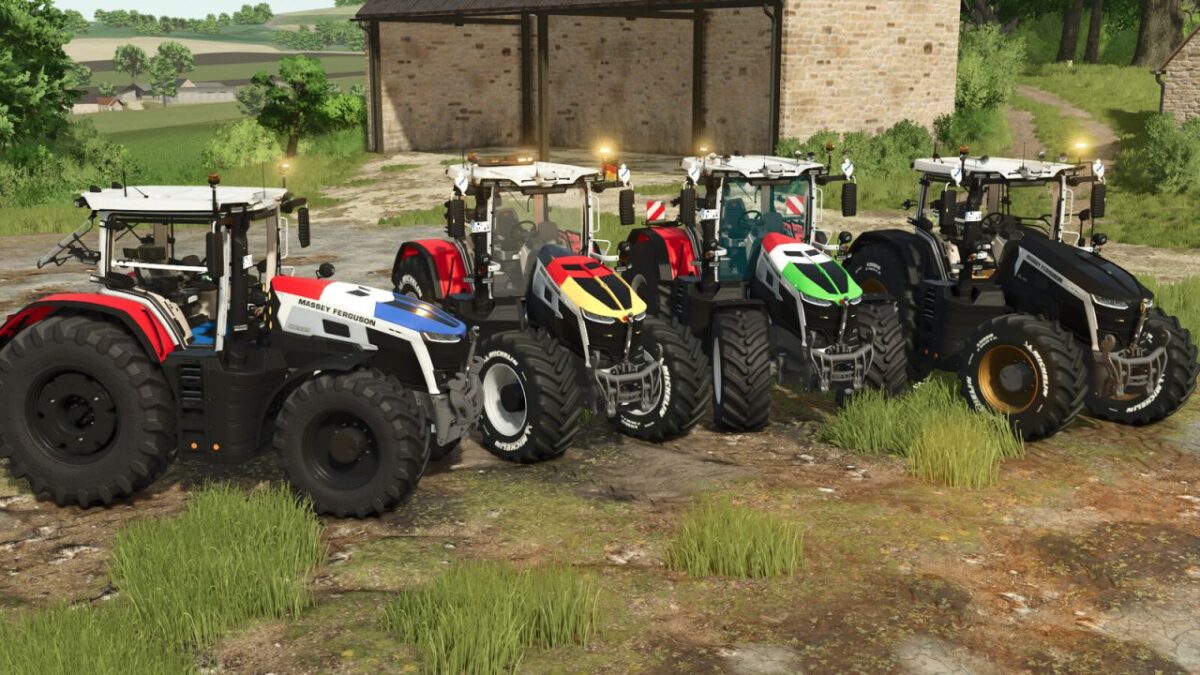
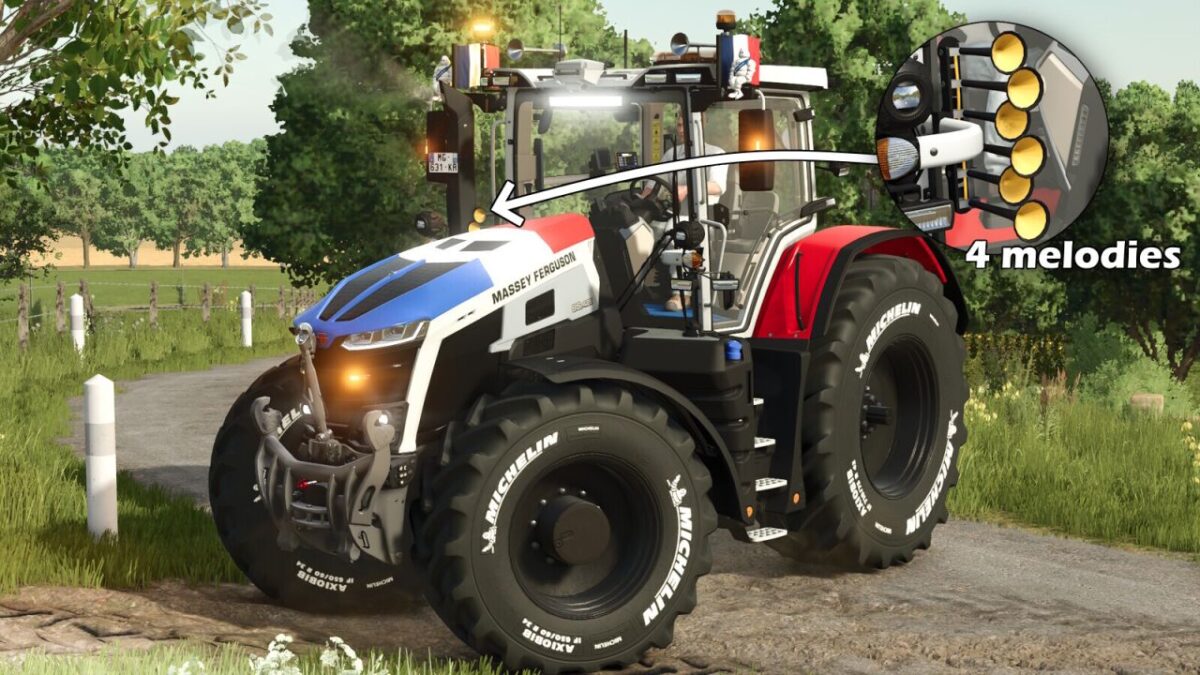
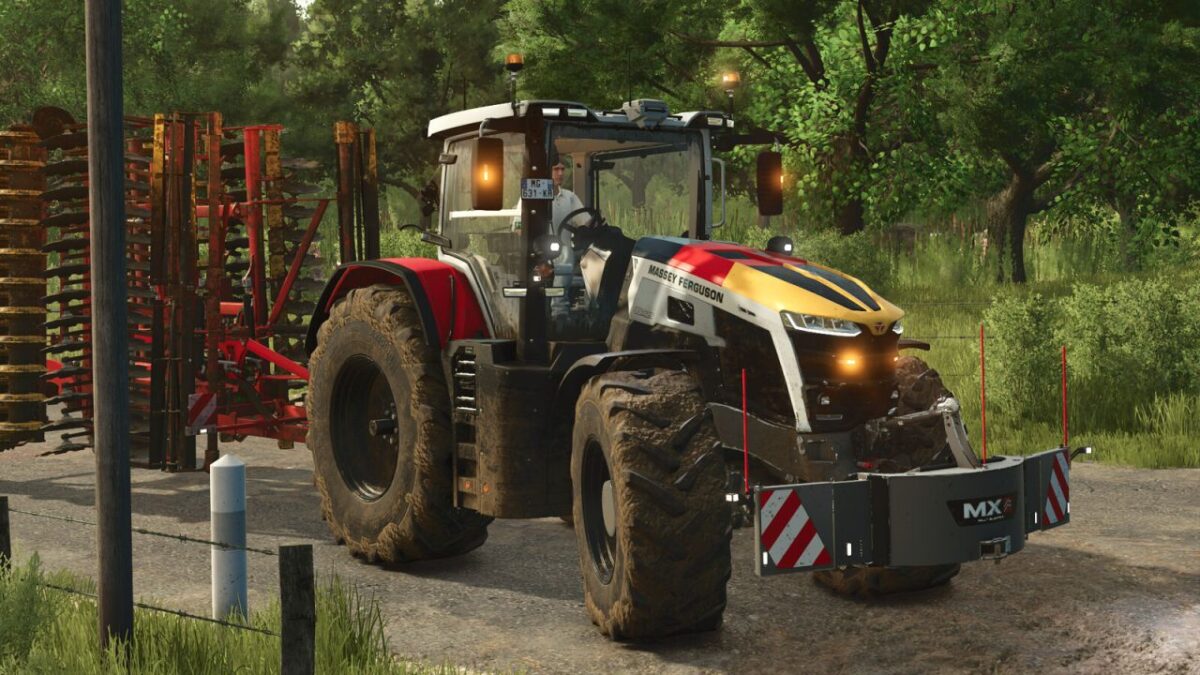
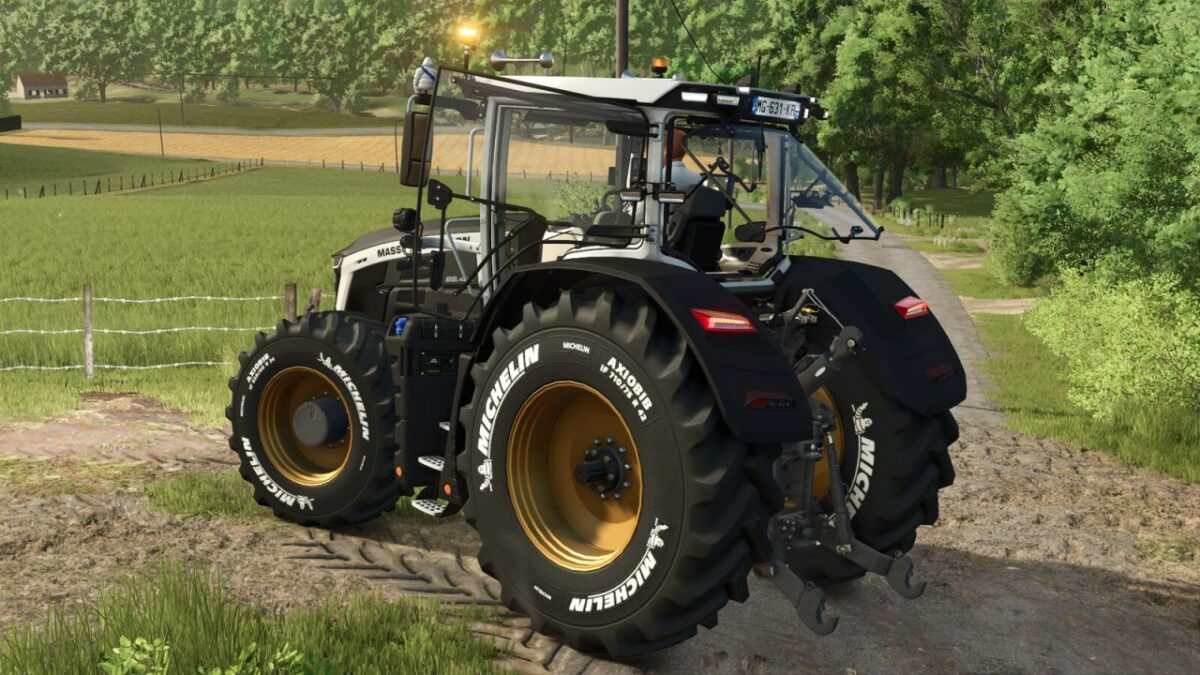
Discover the Massey Ferguson 9S Patriotic, a customized version of the famous tractor combining performance, international style and many configuration options. Customize your machine according to your preferences with various visual variants and available equipment.
Available configurations:
– US or EU version
– Wheel selection
– Hood flag (France, Germany, Italia, Belgium or none)
– LED flash (mirror, grille, both or none)
– Phone inside the cabin (yes/no)
– 50 km/h stickers (yes/no)
– Rim color
– Tractor color (use only without a flag to keep accurate colors)
Additional modifications:
– Interactive Control / mouse control installed
– Improved LED beacons
– Revised tractor physics
– Camera on the control terminal (Mercedes-Benz DLC is required)
Enjoy a unique and fully customizable Massey Ferguson 9S, ready to represent the colors of nations on your farms
Version 2.1:
* Added the option to install roof horns without the standard horn
* The arrows on the LizardHorn panel are now always visible
* Correction of configuration errors and translation