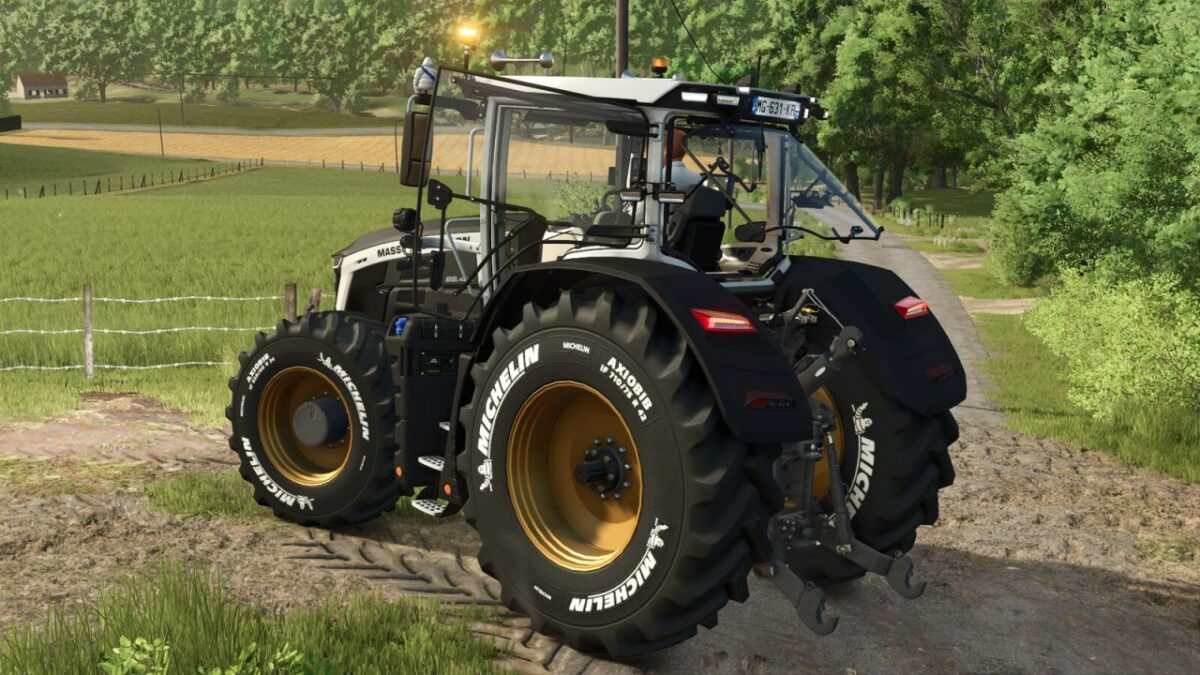
Massey Ferguson 9S Patriotic v 2.1

FS25 mods

Massey Ferguson 9S Patriotic v 2.1


1 Star2 Stars3 Stars4 Stars5 Stars
About mod:

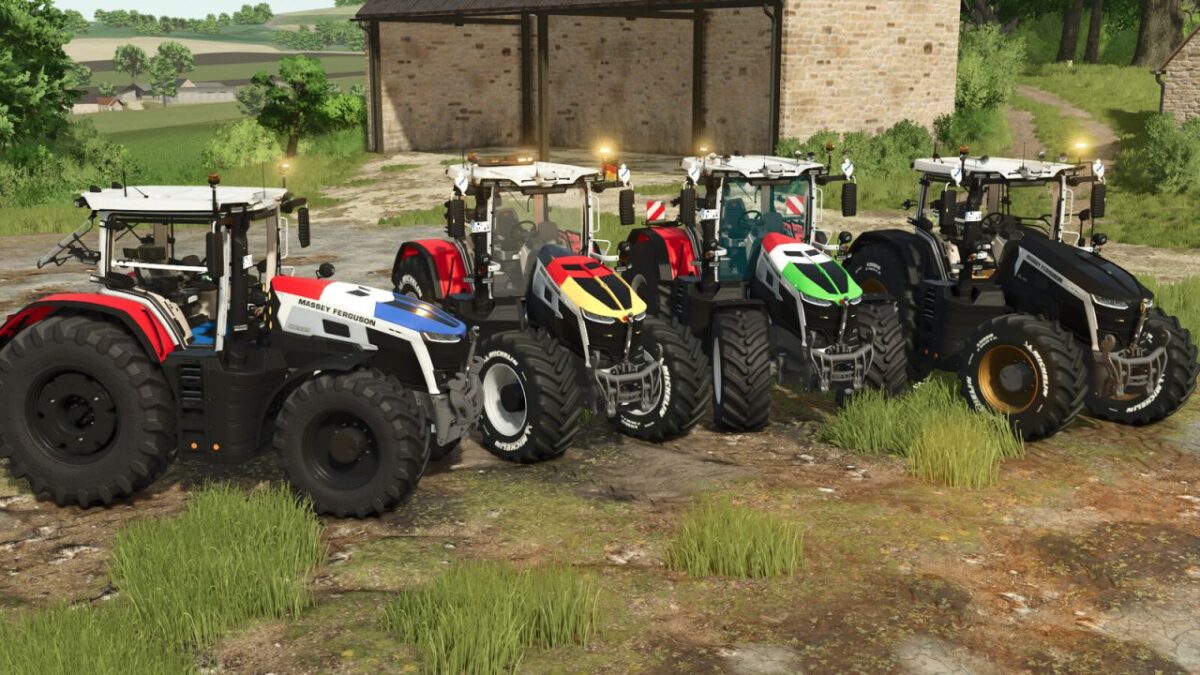
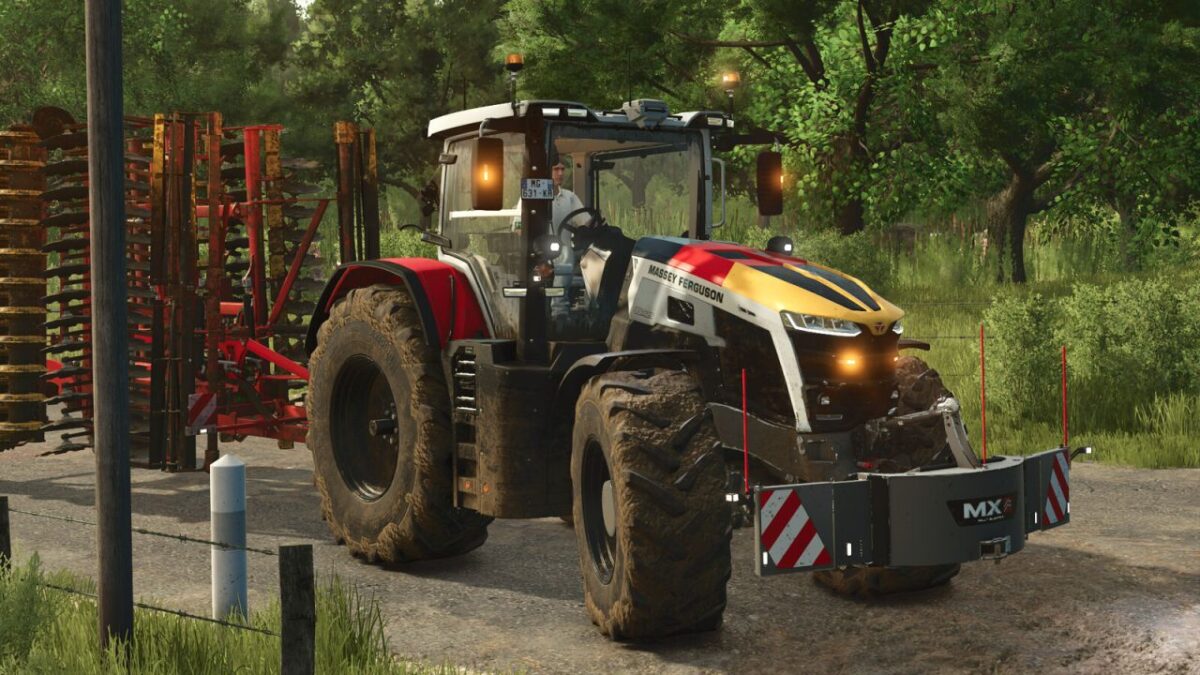
Discover the Massey Ferguson 9S Patriotic, a customized version of the famous tractor combining performance, international style and many configuration options. Customize your machine according to your preferences with various visual variants and available equipment.

Available configurations:
– US or EU version
– Wheel selection
– Hood flag (France, Germany, Italia, Belgium or none)
– LED flash (mirror, grille, both or none)
– Phone inside the cabin (yes/no)
– 50 km/h stickers (yes/no)
– Rim color
– Tractor color (use only without a flag to keep accurate colors)

Additional modifications:
– Interactive Control / mouse control installed
– Improved LED beacons
– Revised tractor physics
– Camera on the control terminal (Mercedes-Benz DLC is required)

Enjoy a unique and fully customizable Massey Ferguson 9S, ready to represent the colors of nations on your farms

Version 2.1:
* Added the option to install roof horns without the standard horn
* The arrows on the LizardHorn panel are now always visible
* Correction of configuration errors and translation

Credits:

Kaymara

* By clicking [Download this mod from filehost] button you agree to leave this website. The link opens in the new tab. File is hosted in the external website. We are not responsible for the content of the external page and the possibility of free download of the file.

How do I install Farming Simulator mods?
Find a mod that you like and want to download first. Then, on your PC, download a mod. Mods are typically in.zip format. However, it is sometimes in.rar format. If the mod file is in.zip format, no additional actions are required. If a file is in.rar format, you must unarchive it using software such as WinRar or Zip7. Windows 10 users do not need to use archive software; Win10 includes an unarchive feature.

The next step is to locate the mods folder on your computer. It is typically found in Documents/My Games/Farming Simulator [Your FS game version, e.g. 2022]. Open the "mods" folder and place the downloaded.zip archive or unarchived.rar file there.

The final step. Have fun with Farming Simulator mods!

Leave a Reply

Your email address will not be published. Required fields are marked *