

Pallet Capacity and Spawn Control v 1.0

Pallet Capacity and Spawn Control v 1.0
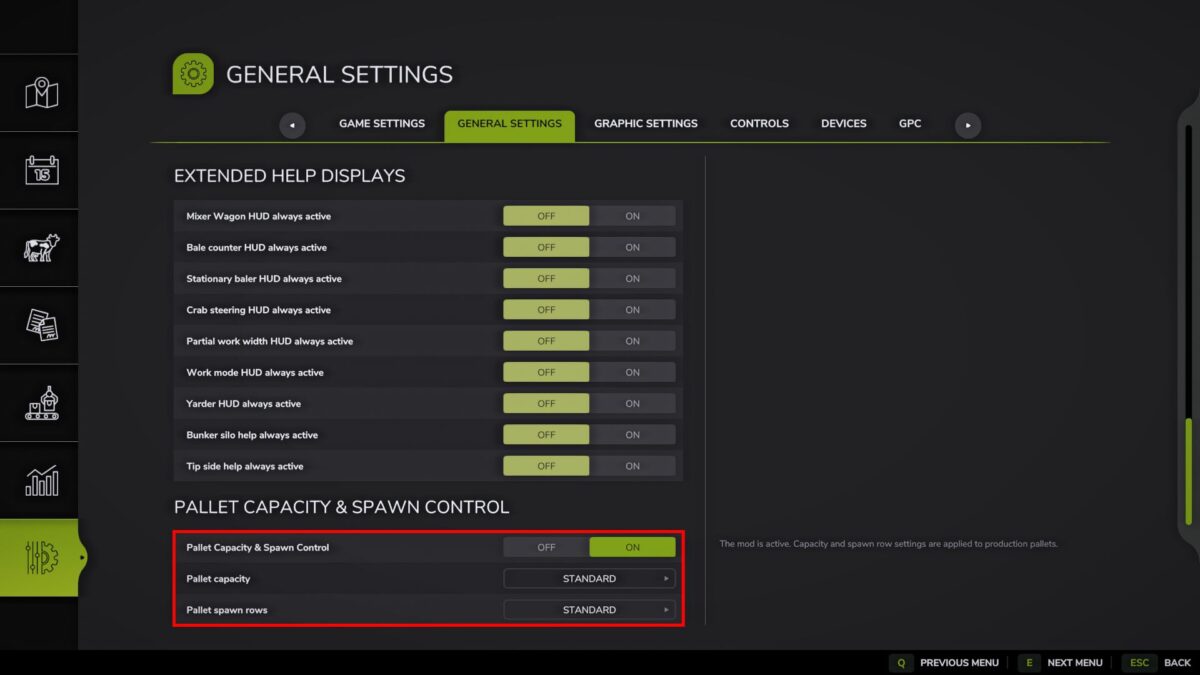
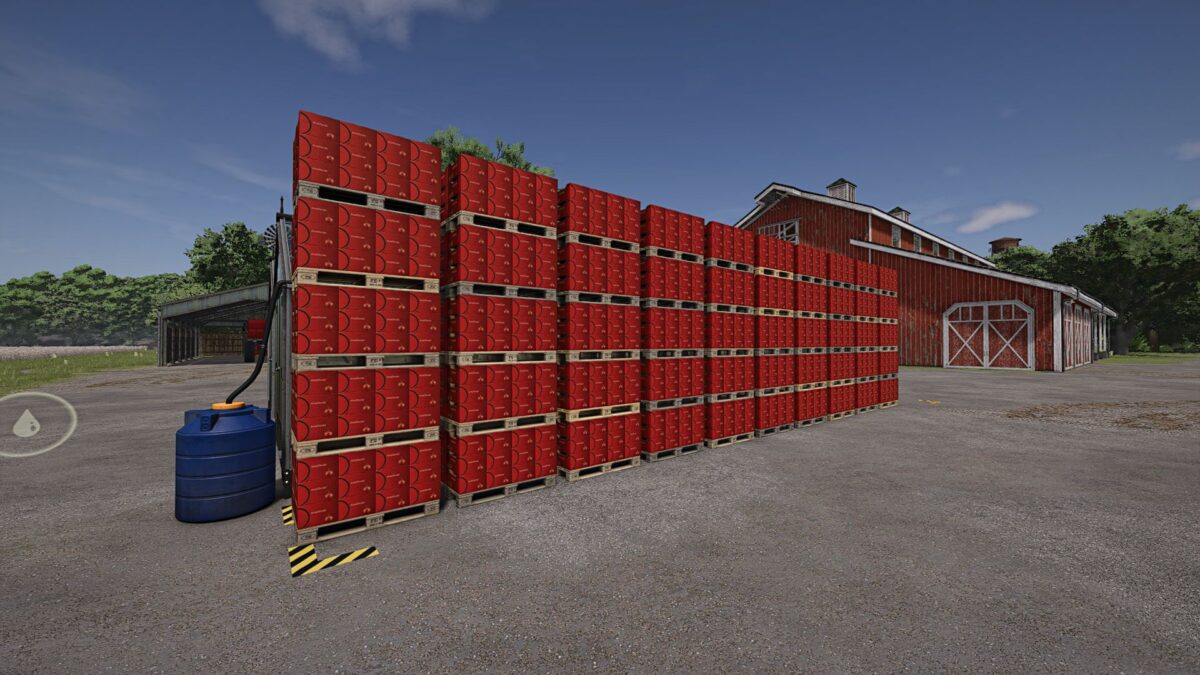
The mod allows you to adjust the capacity of production pallets and the number of vertical rows of pallets.
Features:
– Enabling and disabling the mod in the standard general game settings.
– Adjustable pallet capacity from standard to 10x.
– Adjust the number of rows of pallets from the standard value to 5 rows.
– Settings are saved separately for the current save.
– Changes are applied without restarting the game.
Examples of capacity values:
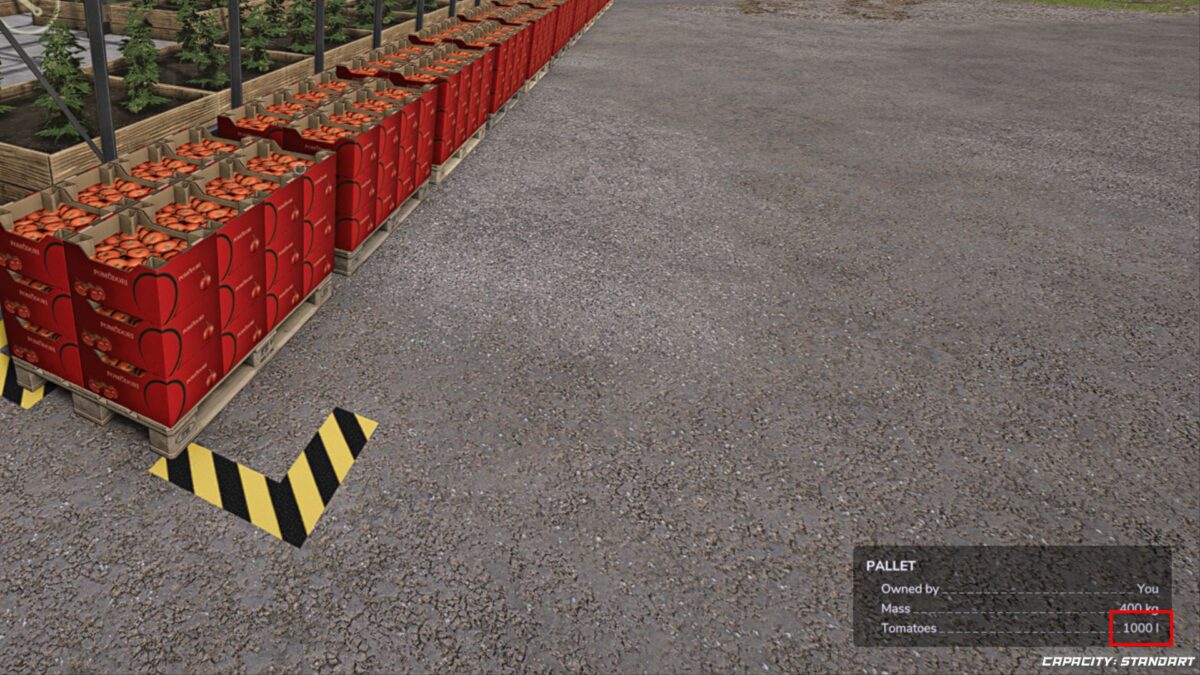
– Standard: regular pallet capacity.
– 2x: each pallet holds 2 times more products.
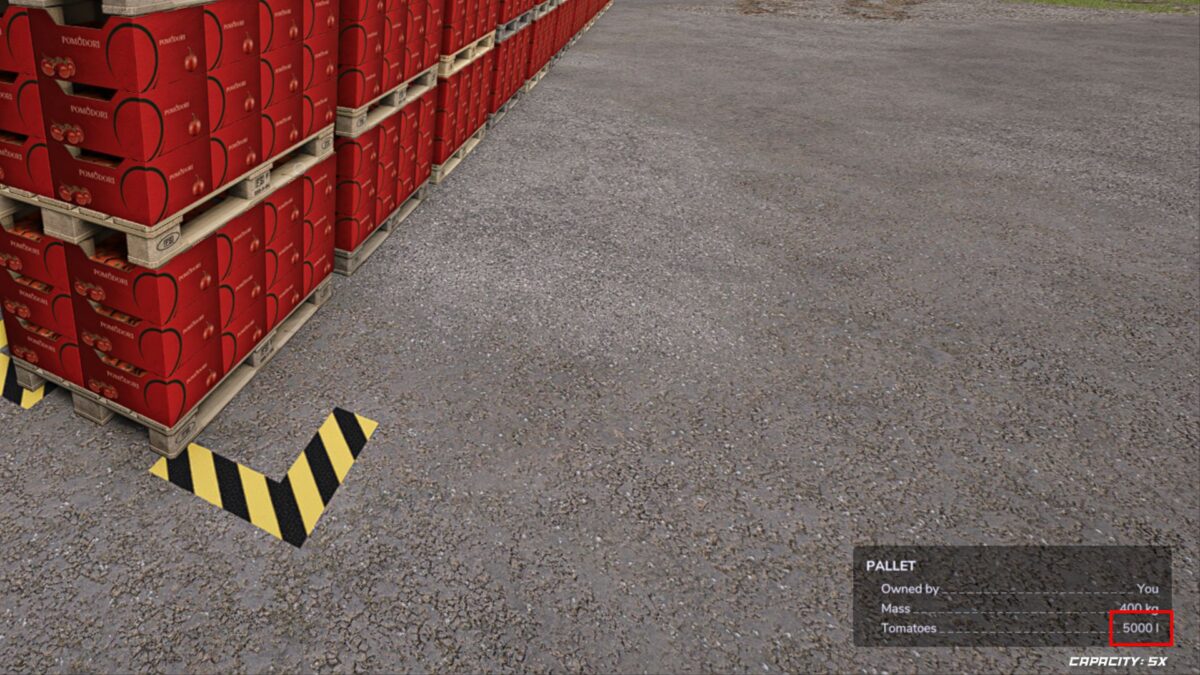
– 5x: each pallet holds 5 times more products.
– 10x: each pallet holds 10 times more products.
Examples of row values:
– Standard: normal appearance of pallets, as in the game without the mod.
– 2 rows: pallets can appear as the second row from the top.
– 3 rows: pallets can appear up to three rows in height.
– 5 rows: maximum value for large pallet stocks.
Important:
– For a normal game, 2 or 3 rows are usually enough.
– The value of 5 rows is best used carefully. In some production facilities, there may be walls, partitions, or little free space near where the pallets appear. As a result, pallets may not appear in perfect order, areas may remain empty, or pallets may behave erratically.
– The mod does not delete already created pallets. New settings will affect the further appearance of pallets.