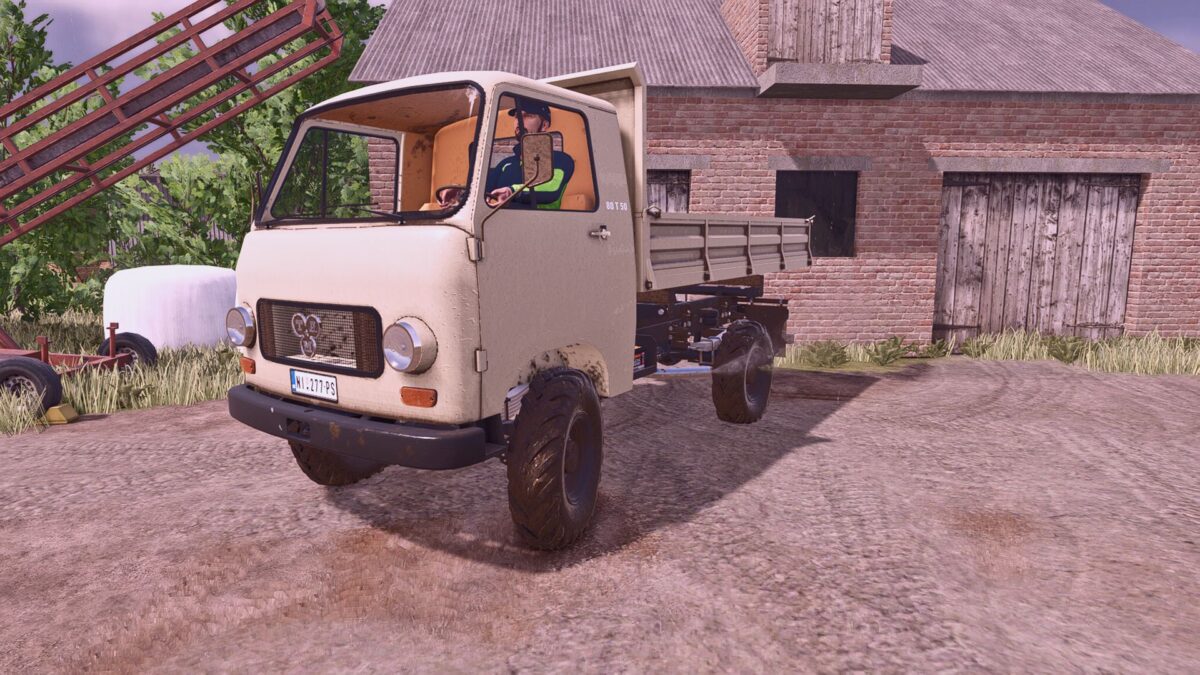
TAM 80 T50 Dump Truck v 1.0

FS25 mods

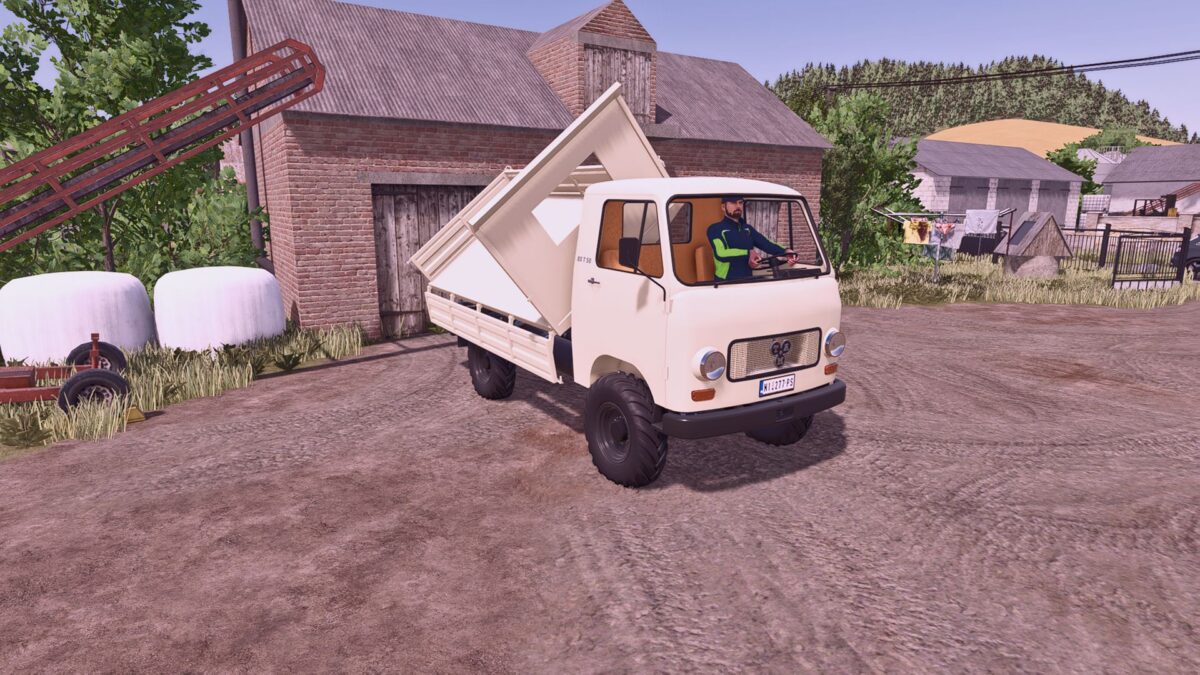
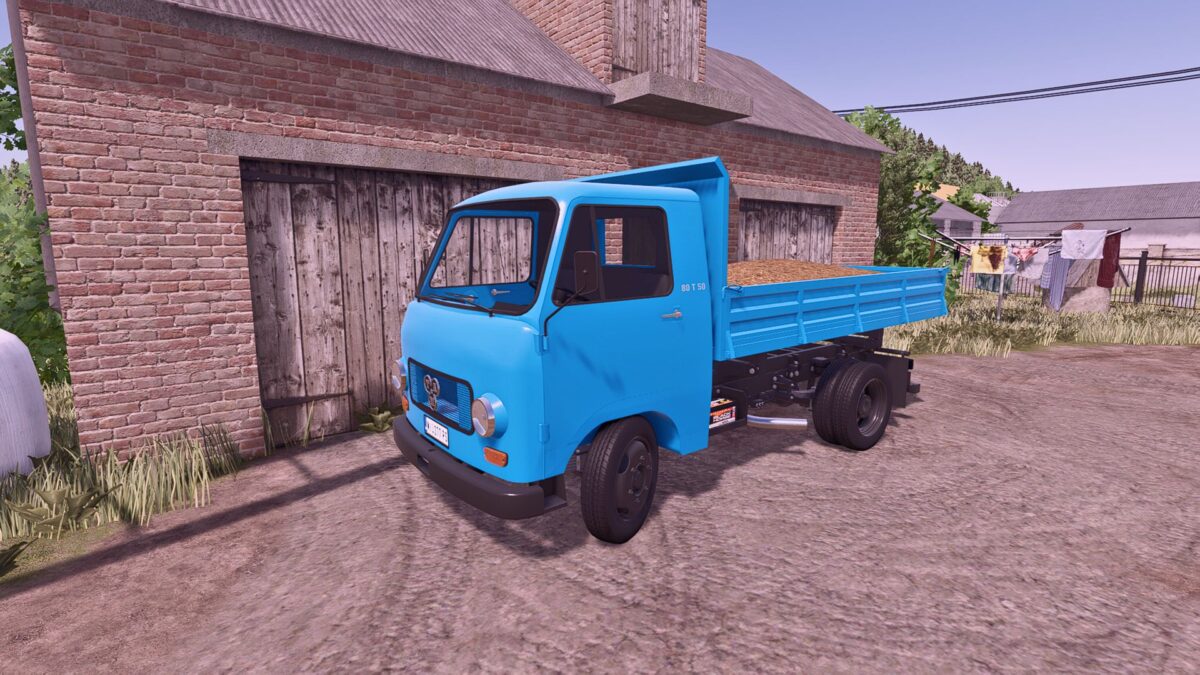
TAM 80 T50 Dump Truck v 1.0
1 Star2 Stars3 Stars4 Stars5 Stars
About mod:

Model: Tam 80 T 50
Power: 81 hp
Cargo Capacity: 3200 L
Top Speed: 73 km/h
Price: €12,500

Changes and Improvements Compared to the FS22 Version
– The entire model has been reworked in Blender, with many parts separated and assigned their own materials.
– All materials have been converted to FS25 standards, supporting both color customization and wetness effects.
– Special attention was given to wetness masks, ensuring that rain and water effects appear only on the truck’s exterior, while the cab interior remains dry.
– The dirt map intensity has been reduced, as it was previously too aggressive.
– Added color configurations for the bodywork and chassis.
– Added color and material configurations for the cab’s interior fabric elements (seats, upholstery, etc.).
– Added a gear shifter animation.
– Numerous additional small animations have been implemented throughout the vehicle.
– Added a 4×4 drivetrain configuration.

Interactive Control Support
When used together with the Interactive Control mod, a variety of additional interactive functions become available.

Additional Features
The mod also supports Universal Autoload, and installing it is highly recommended for the best experience.

Credits:

Dracarys, Jukka, UzveceFS

* By clicking [Download this mod from filehost] button you agree to leave this website. The link opens in the new tab. File is hosted in the external website. We are not responsible for the content of the external page and the possibility of free download of the file.

How do I install Farming Simulator mods?
Find a mod that you like and want to download first. Then, on your PC, download a mod. Mods are typically in.zip format. However, it is sometimes in.rar format. If the mod file is in.zip format, no additional actions are required. If a file is in.rar format, you must unarchive it using software such as WinRar or Zip7. Windows 10 users do not need to use archive software; Win10 includes an unarchive feature.

The next step is to locate the mods folder on your computer. It is typically found in Documents/My Games/Farming Simulator [Your FS game version, e.g. 2022]. Open the "mods" folder and place the downloaded.zip archive or unarchived.rar file there.

The final step. Have fun with Farming Simulator mods!

Leave a Reply

Your email address will not be published. Required fields are marked *