

TAM 80 T50 Dump Truck v 1.0

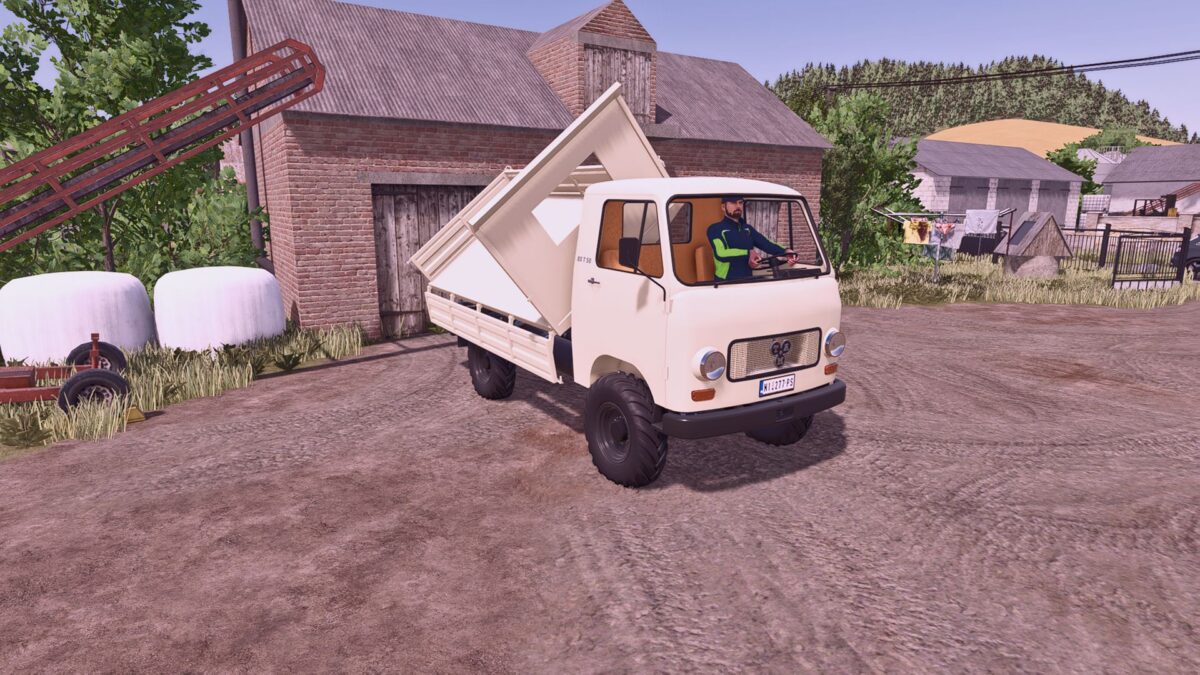
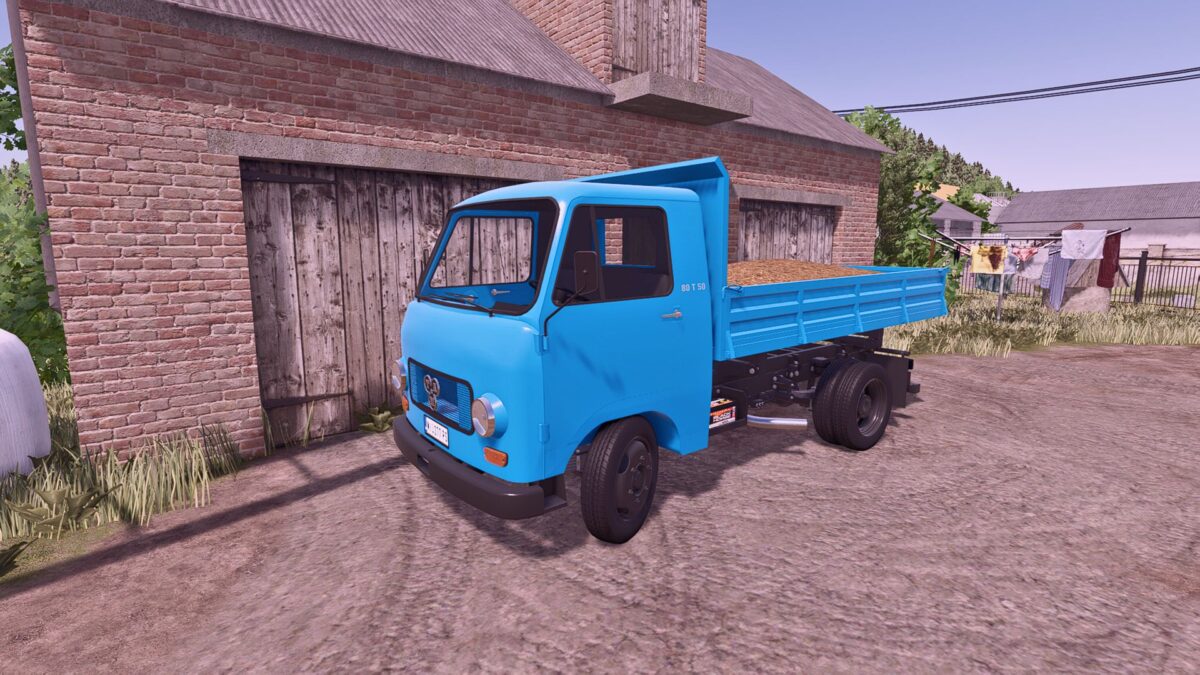
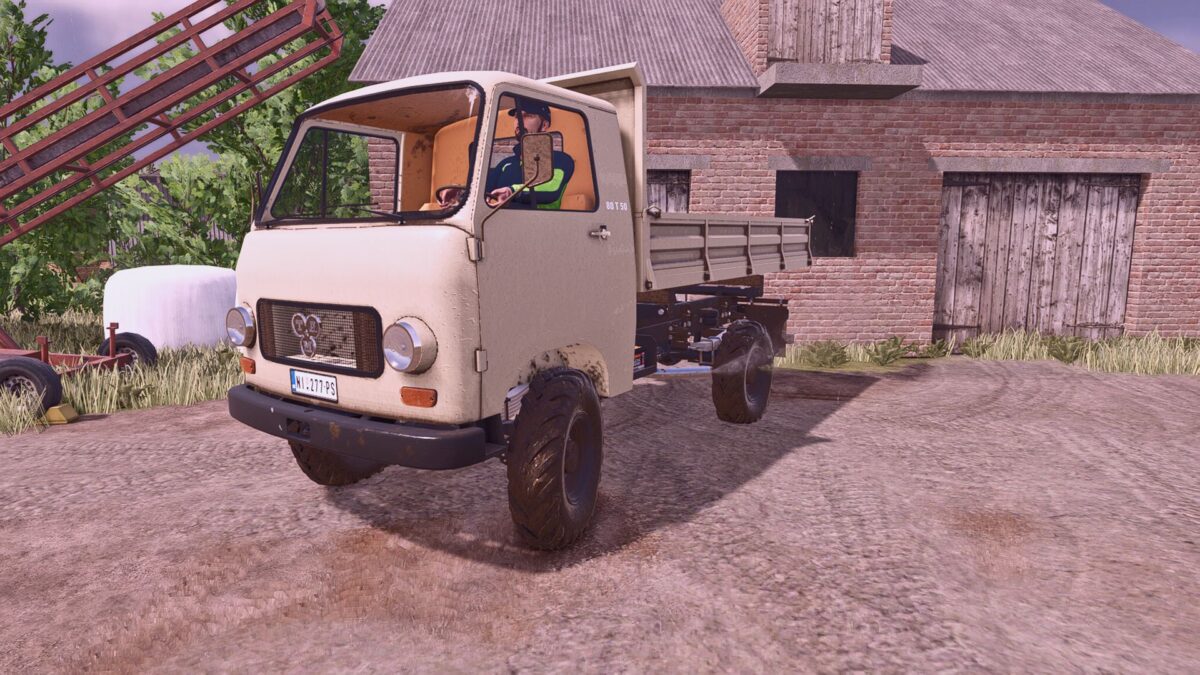
TAM 80 T50 Dump Truck v 1.0
Model: Tam 80 T 50
Power: 81 hp
Cargo Capacity: 3200 L
Top Speed: 73 km/h
Price: €12,500
Changes and Improvements Compared to the FS22 Version
– The entire model has been reworked in Blender, with many parts separated and assigned their own materials.
– All materials have been converted to FS25 standards, supporting both color customization and wetness effects.
– Special attention was given to wetness masks, ensuring that rain and water effects appear only on the truck’s exterior, while the cab interior remains dry.
– The dirt map intensity has been reduced, as it was previously too aggressive.
– Added color configurations for the bodywork and chassis.
– Added color and material configurations for the cab’s interior fabric elements (seats, upholstery, etc.).
– Added a gear shifter animation.
– Numerous additional small animations have been implemented throughout the vehicle.
– Added a 4×4 drivetrain configuration.
Interactive Control Support
When used together with the Interactive Control mod, a variety of additional interactive functions become available.
Additional Features
The mod also supports Universal Autoload, and installing it is highly recommended for the best experience.