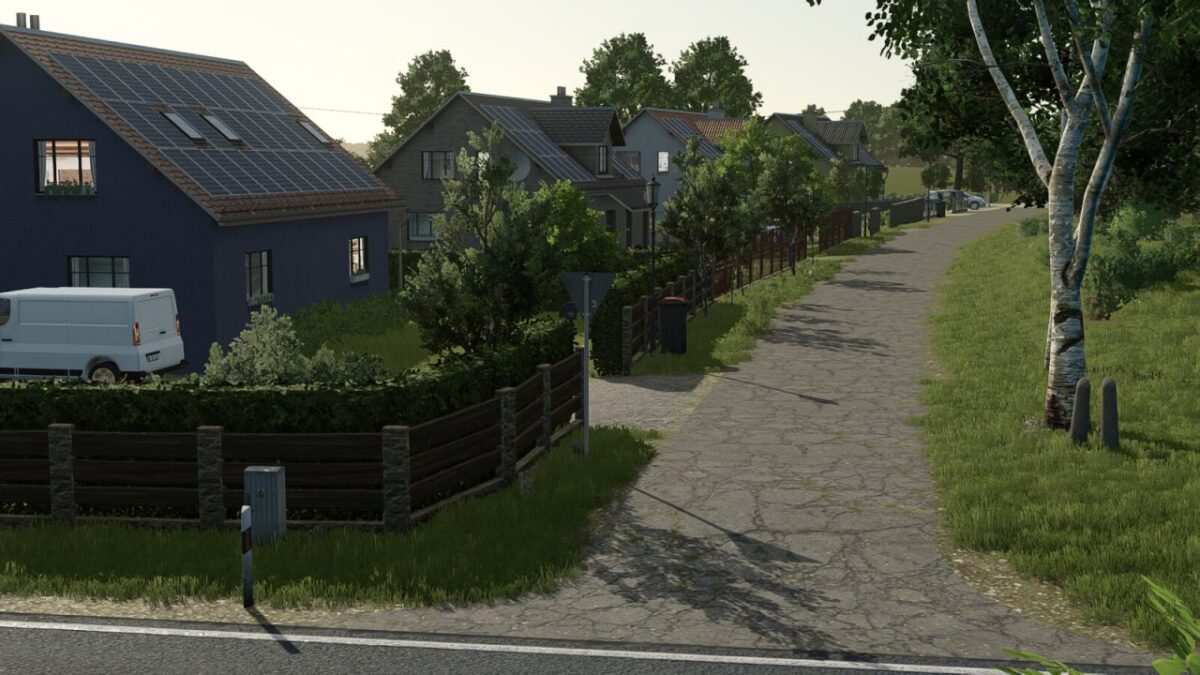
Guelzow Map v 1.1.0.1

FS25 mods

Guelzow Map v 1.1.0.1

1 Star2 Stars3 Stars4 Stars5 Stars
About mod:

– 32 soil angles
– New crops: Rye, Spelt, Triticale, Green Rye, Wick Rye, Mustard, Humus Activator, Silage Maize, Flowering Cover Crops, Winter Wheat, Summer Wheat, Winter Barley, Summer Barley, Clover, and Lucerne
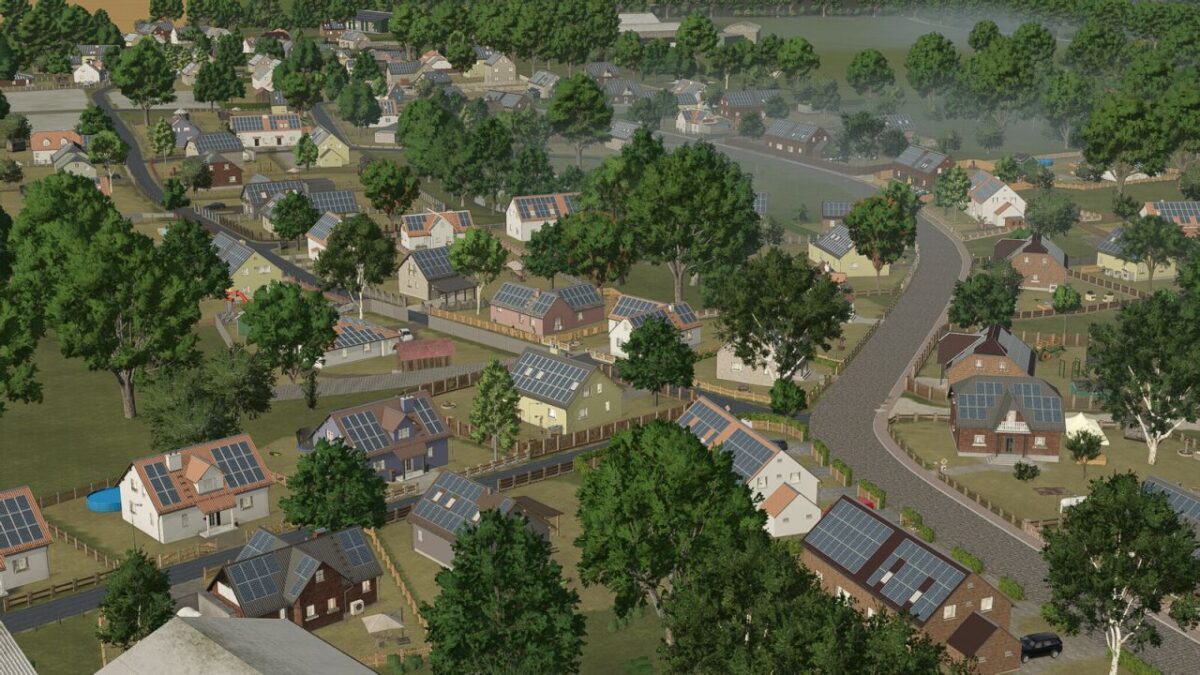
– Partial replanting with realistic road layouts, fields, and road signs
– Realistic stubble destruction
– Seed and harvest calendar adjusted
– More paintable textures added (also ingame)
– Cotton and sugar cane are not grown by AI
– Local registration plates
– Changed lime texture
– 40 fields with a total area of 1246 hectares
– 15 grass fields with a total area of 72 hectares
– The total area: 1318 hectares
– 8 removable farms
– In-game help added
– Realistic yields and sale prices
– Realistic feeding values
– Custom soil map for Precision Farming
– New crops added for animal feed
– Custom Colorgrading/Environment

Version 1.1.0.1:
* Problem solved that prevented feed from being properly prepared in the feed mixer wagon
* Reduced plant density (vetch rye, green rye, alfalfa, clover, field grass)
* Corrected pickup effects for winter barley and winter wheat
* A new save game is not strictly necessary, but in some cases it can lead to this

Credits:

AgrarlohnVirtual

* By clicking [Download this mod from filehost] button you agree to leave this website. The link opens in the new tab. File is hosted in the external website. We are not responsible for the content of the external page and the possibility of free download of the file.

How do I install Farming Simulator mods?
Find a mod that you like and want to download first. Then, on your PC, download a mod. Mods are typically in.zip format. However, it is sometimes in.rar format. If the mod file is in.zip format, no additional actions are required. If a file is in.rar format, you must unarchive it using software such as WinRar or Zip7. Windows 10 users do not need to use archive software; Win10 includes an unarchive feature.

The next step is to locate the mods folder on your computer. It is typically found in Documents/My Games/Farming Simulator [Your FS game version, e.g. 2022]. Open the "mods" folder and place the downloaded.zip archive or unarchived.rar file there.

The final step. Have fun with Farming Simulator mods!

Leave a Reply

Your email address will not be published. Required fields are marked *