Adjust Pasture Fence v 1.0

FS25 mods

Adjust Pasture Fence v 1.0
1 Star2 Stars3 Stars4 Stars5 Stars
About mod:

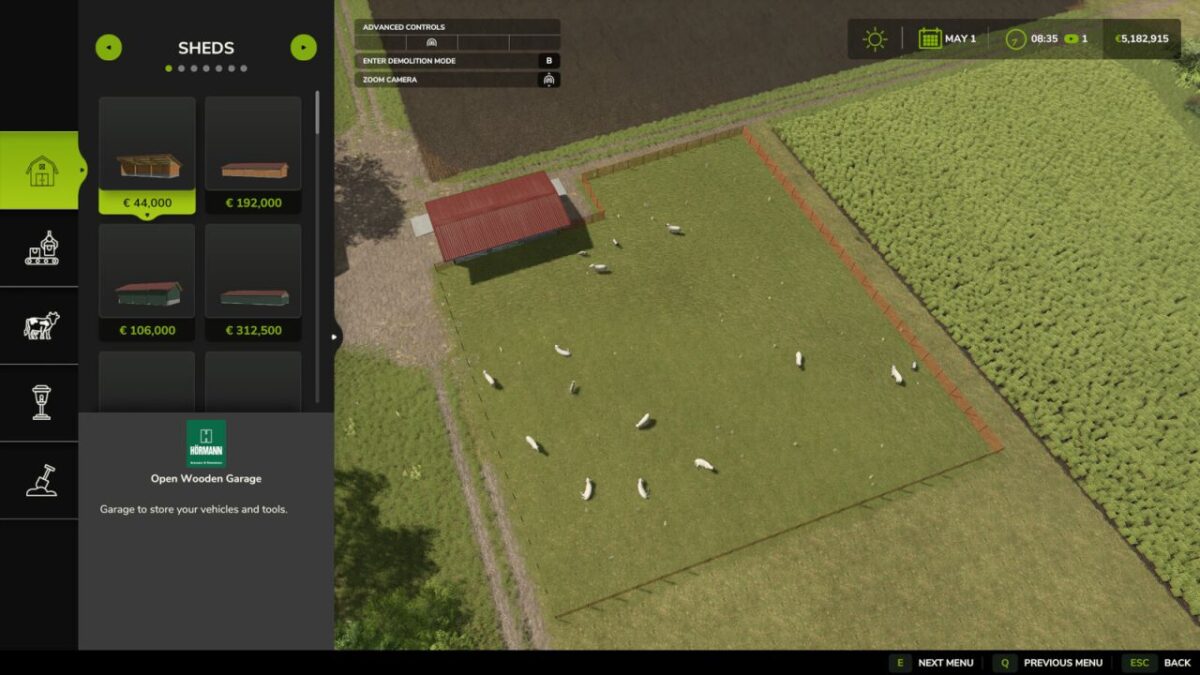
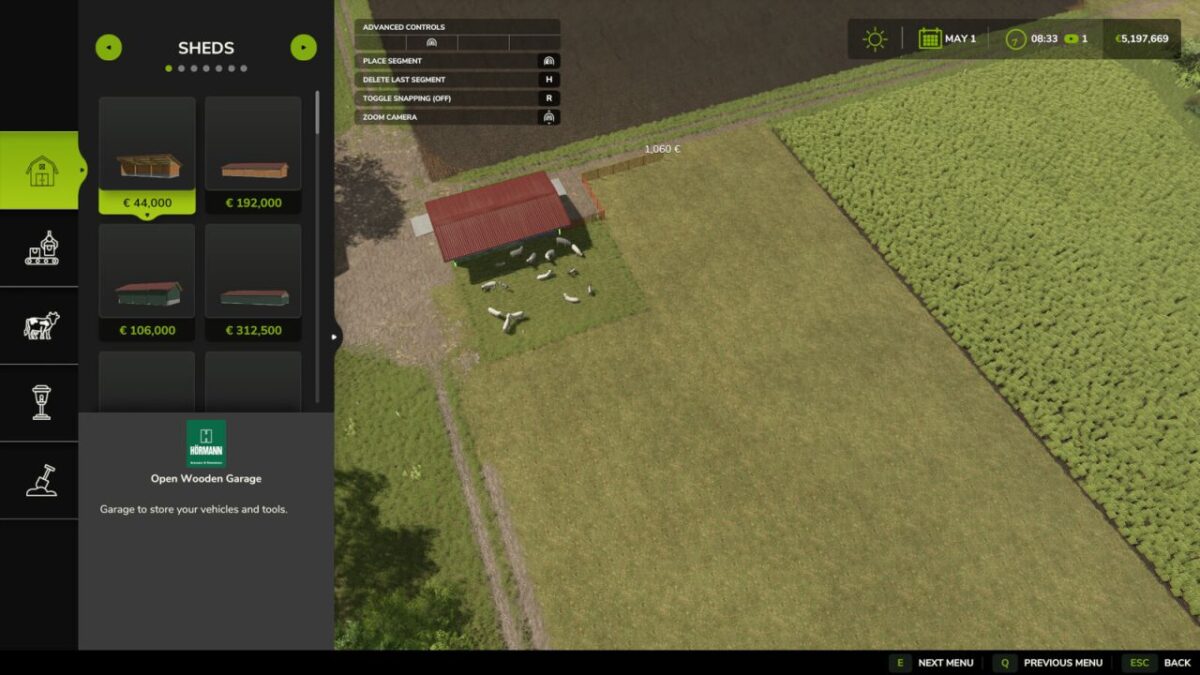
With this mod you can adjust pasture fences on already built barns as often as you want.
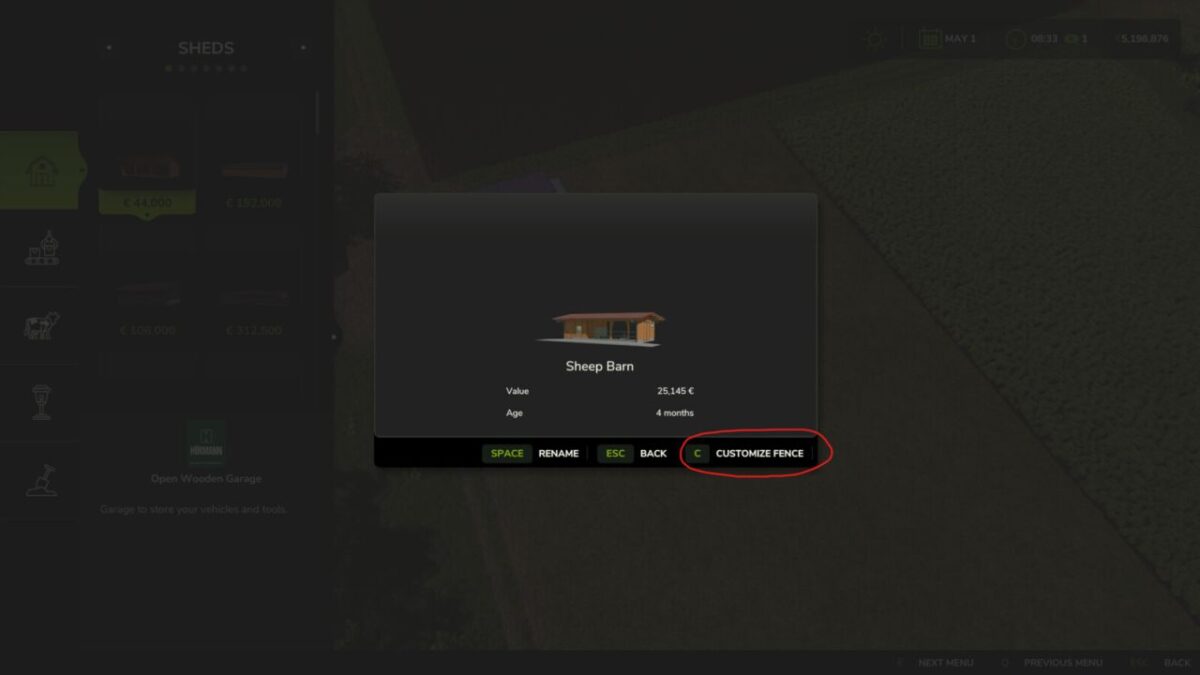
In build mode, a new “Customize Fence” button appears for all buildings with a pasture fence.
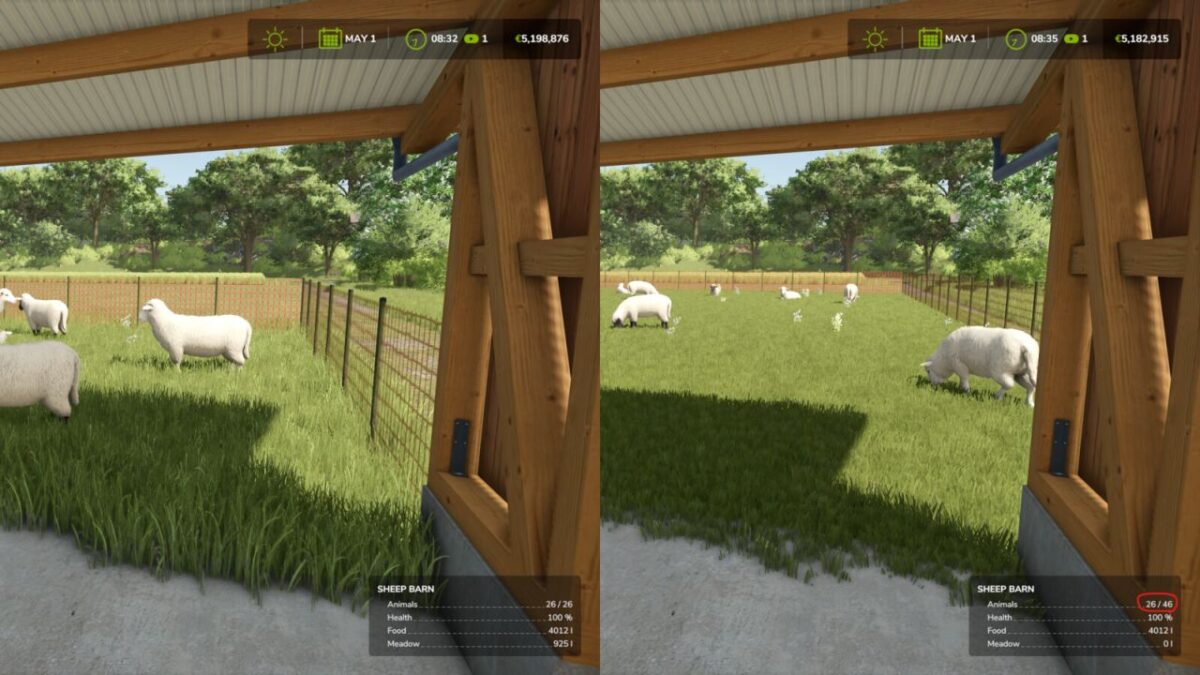
This allows you to recreate the fence completely, just like when placing a new barn, to create space for more animals or free up building ground.
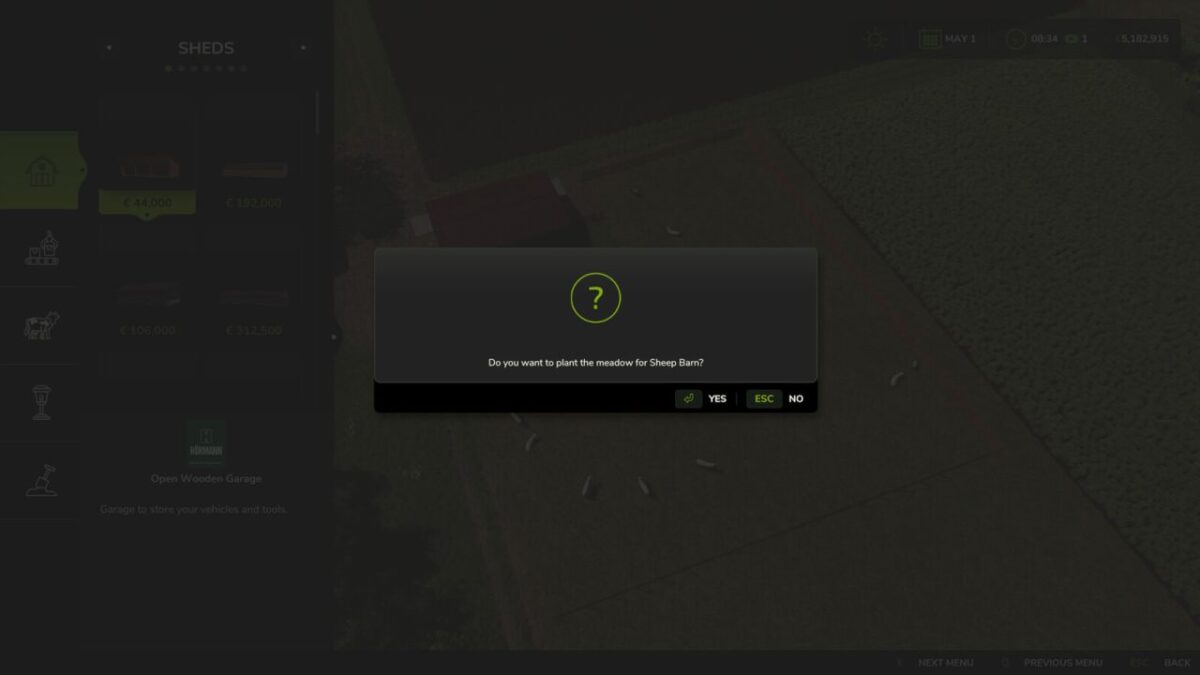
Afterward, you can optionally plant a new meadow on the new area.

Notes:
Since you can also shrink the pasture, overcapacity can occur with a completely full barn.
This normally has no effect in the game, except that (like with a full barn) no offspring is generated.
The new pasture fence costs a bit of money per meter, like any fence in the game.

Credits:

Fantomas11

* By clicking [Download this mod from filehost] button you agree to leave this website. The link opens in the new tab. File is hosted in the external website. We are not responsible for the content of the external page and the possibility of free download of the file.

How do I install Farming Simulator mods?
Find a mod that you like and want to download first. Then, on your PC, download a mod. Mods are typically in.zip format. However, it is sometimes in.rar format. If the mod file is in.zip format, no additional actions are required. If a file is in.rar format, you must unarchive it using software such as WinRar or Zip7. Windows 10 users do not need to use archive software; Win10 includes an unarchive feature.

The next step is to locate the mods folder on your computer. It is typically found in Documents/My Games/Farming Simulator [Your FS game version, e.g. 2022]. Open the "mods" folder and place the downloaded.zip archive or unarchived.rar file there.

The final step. Have fun with Farming Simulator mods!

Leave a Reply

Your email address will not be published. Required fields are marked *