

Adjust Pasture Fence v 1.0

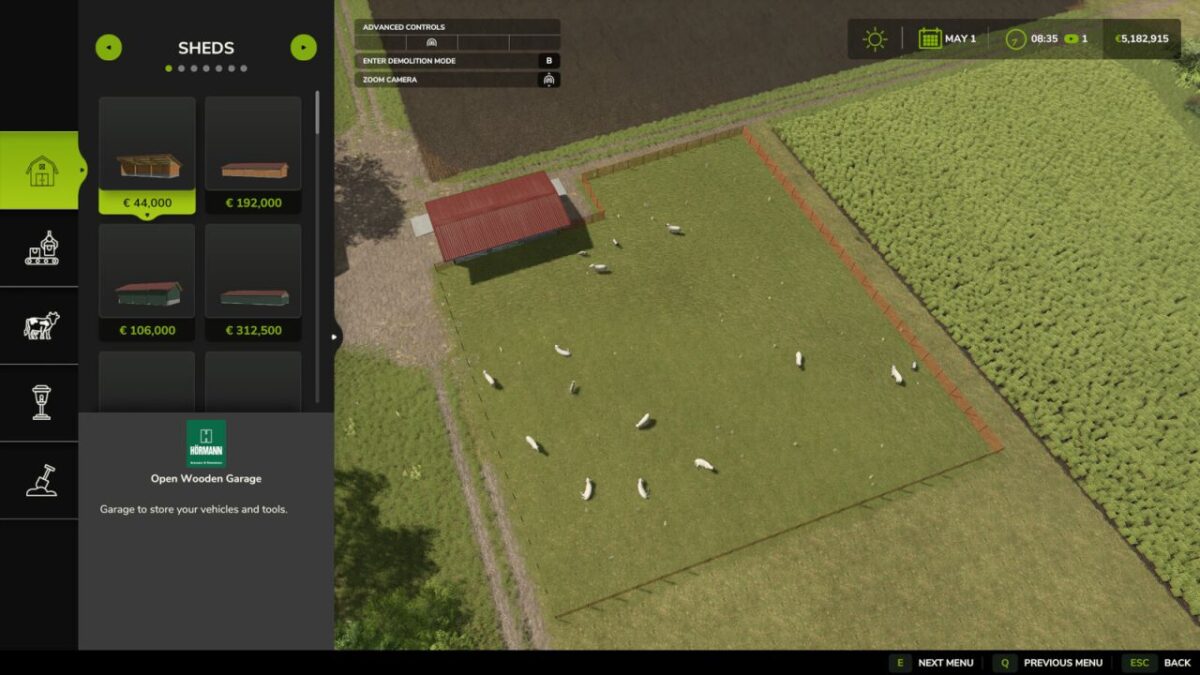
Adjust Pasture Fence v 1.0
About the mod:
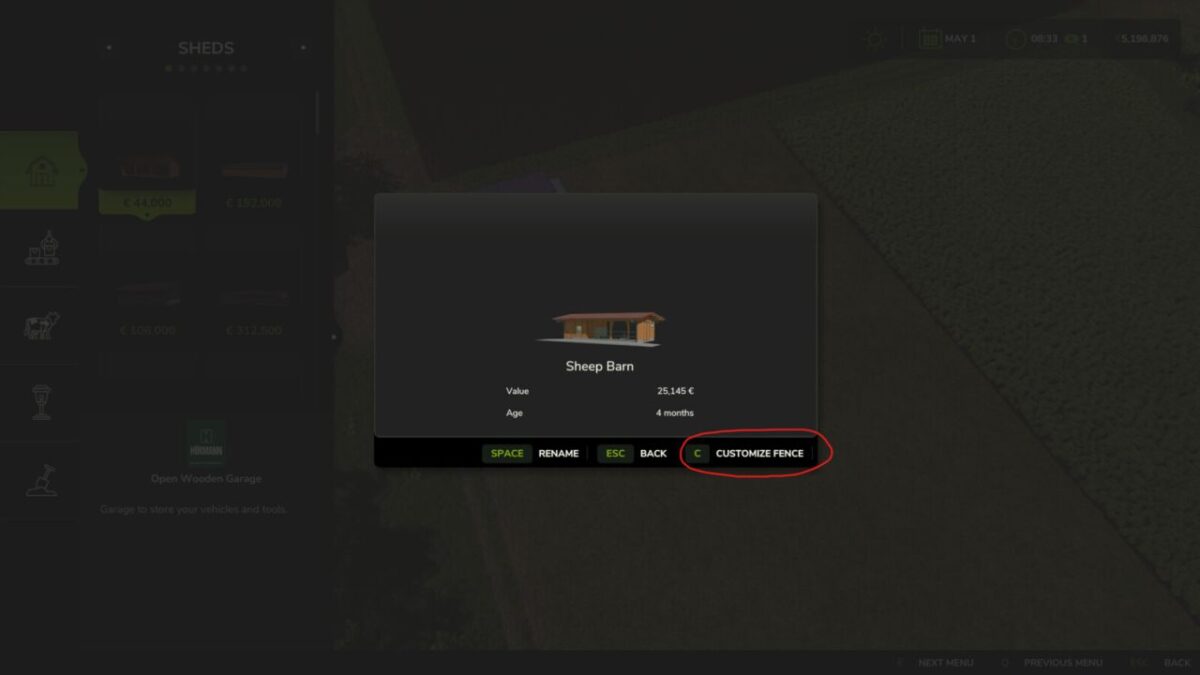
With this mod you can adjust pasture fences on already built barns as often as you want.
In build mode, a new “Customize Fence” button appears for all buildings with a pasture fence.
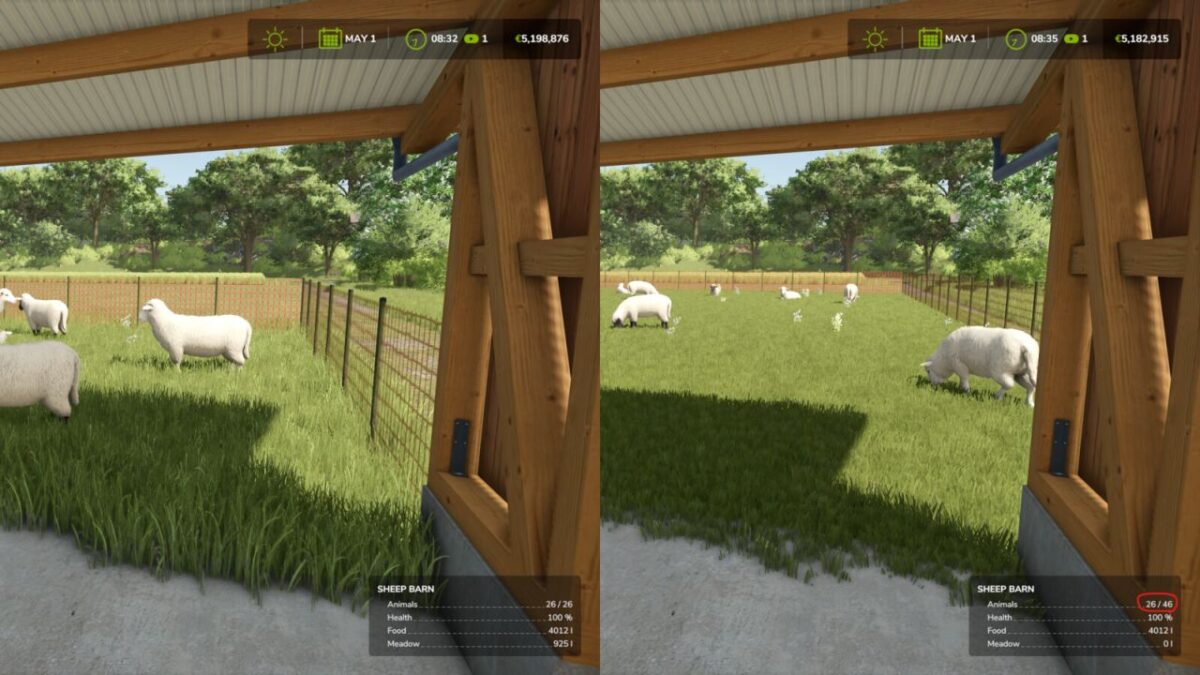
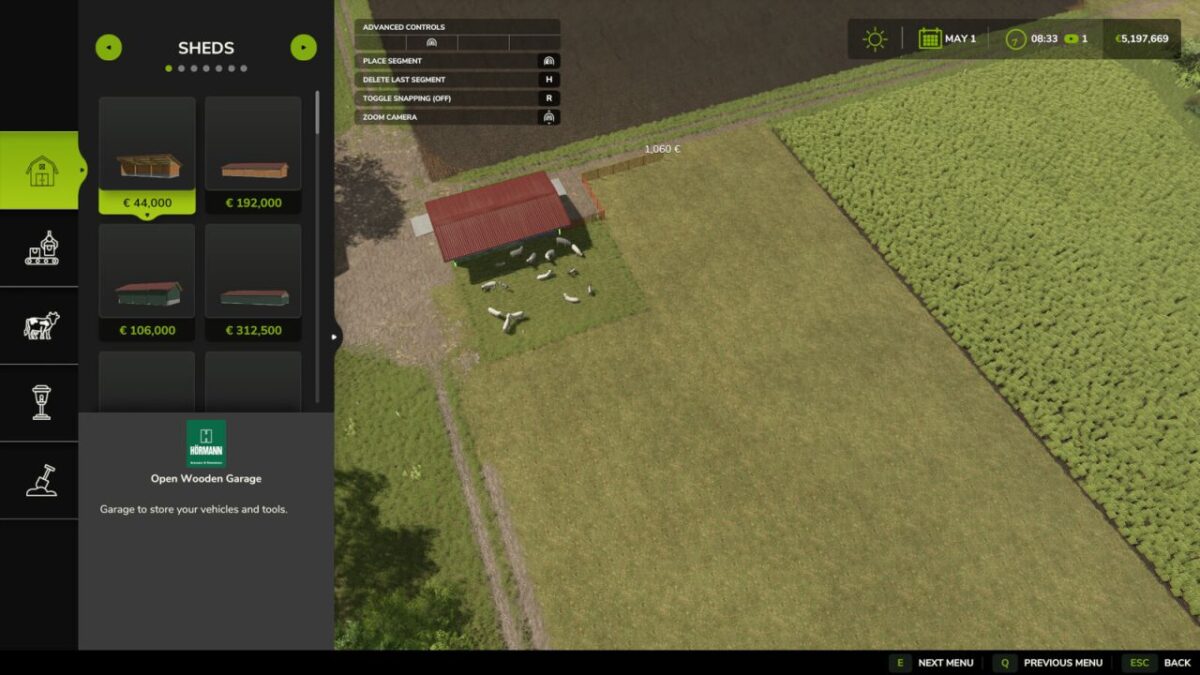
This allows you to recreate the fence completely, just like when placing a new barn, to create space for more animals or free up building ground.
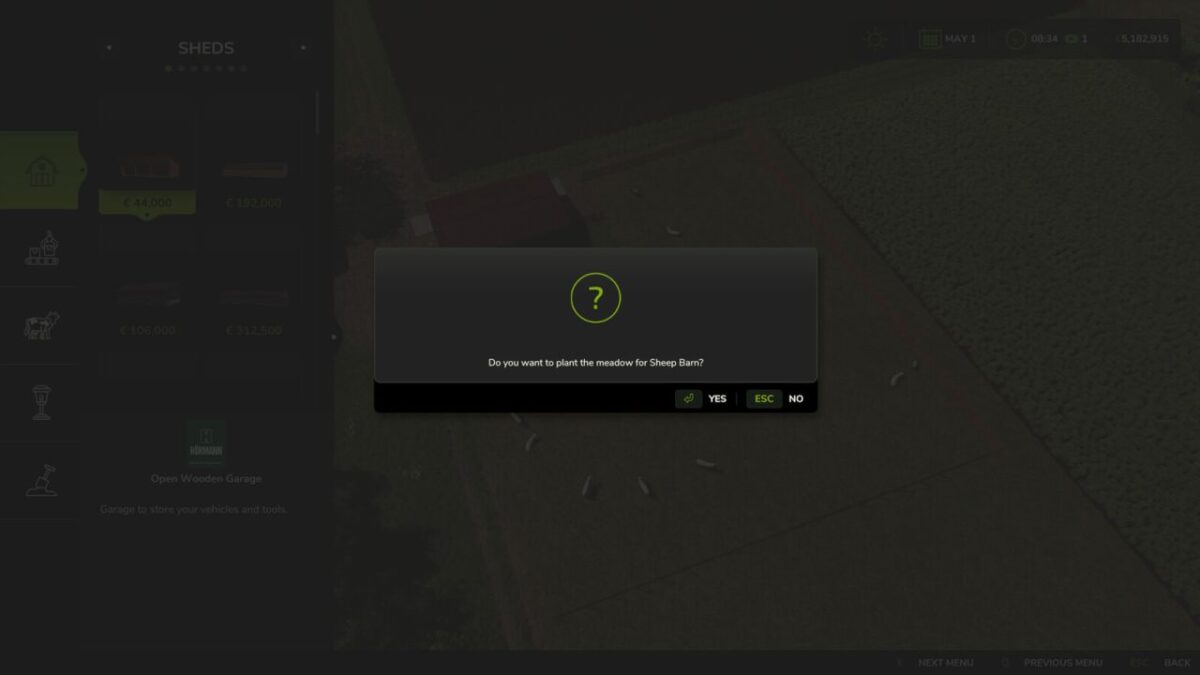
Afterward, you can optionally plant a new meadow on the new area.
Notes:
Since you can also shrink the pasture, overcapacity can occur with a completely full barn.
This normally has no effect in the game, except that (like with a full barn) no offspring is generated.
The new pasture fence costs a bit of money per meter, like any fence in the game.
Credits:
Fantomas11