

Economic History v 1.0

Economic History v 1.0
About the mod:
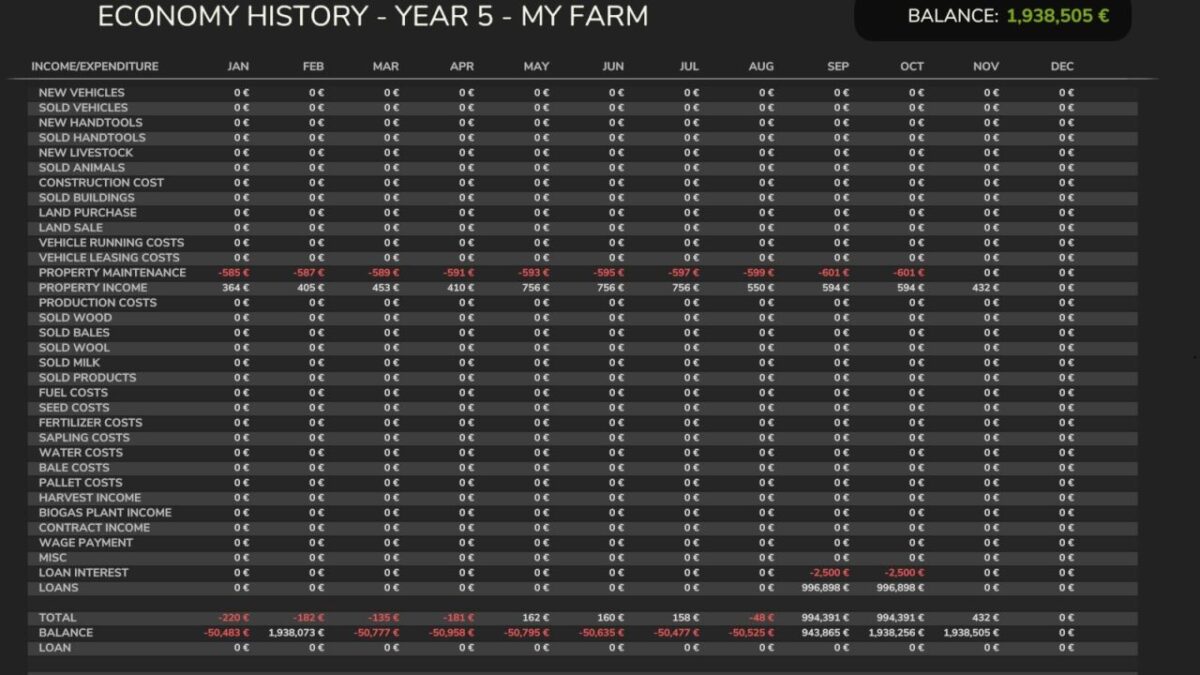
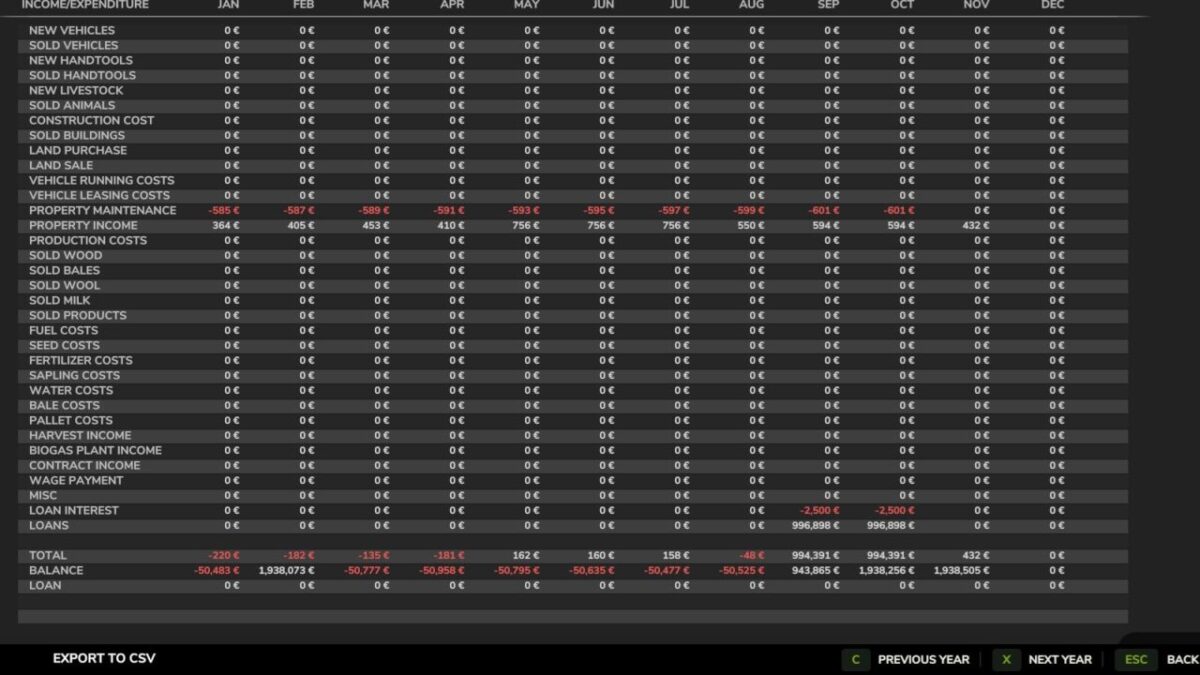
This mod allows you to get a complete financial history from the moment it is installed.
There is the option to export data to a CSV file, you can set where it is saved.
The CSV files will be stored locally.
In connection with a multi-farm farm, you will only be able to see data for your own farm.
If you log in as admin, you will be able to browse through all farms.
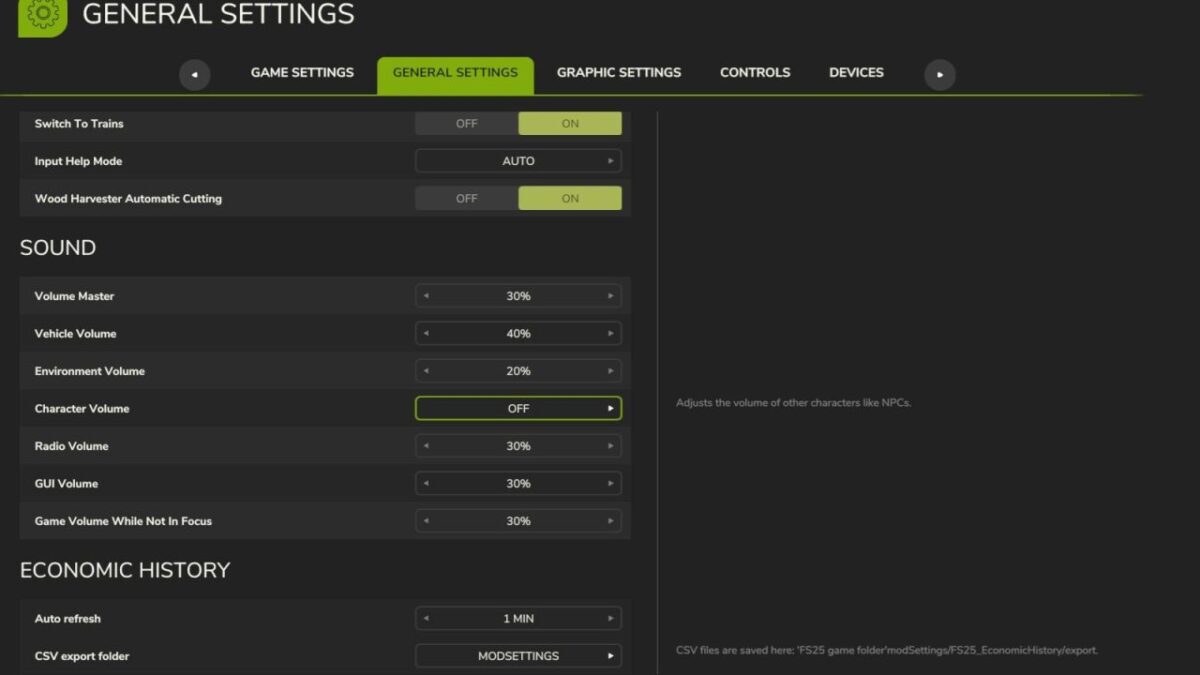
In the “GENERAL SETTINGS” section, you can set the auto refresh time when viewing this page, and where to store the CSV export file.
If “Custom Path” is selected, you need to manually modify the settings file to set the path where the CSV files will be saved.
The settings file is located in the modSettings folder, which is located in the FS25 game folder.
Credits:
Chris1969