

New Holland FR780 (US Version) v 1.1

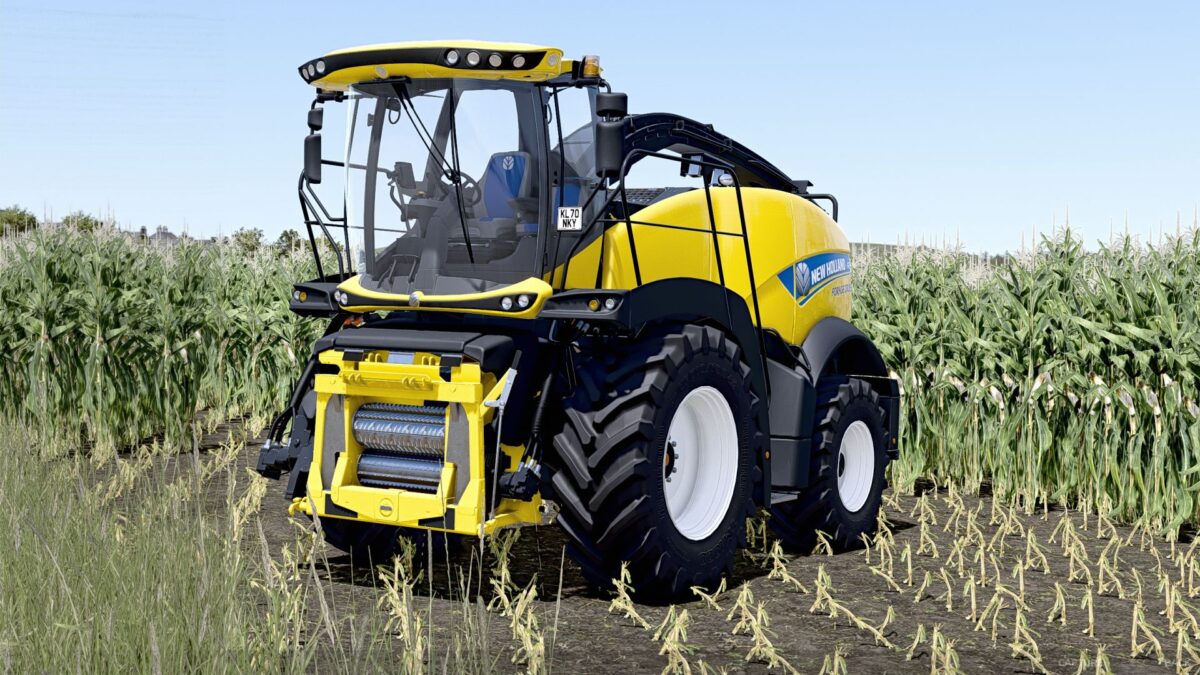
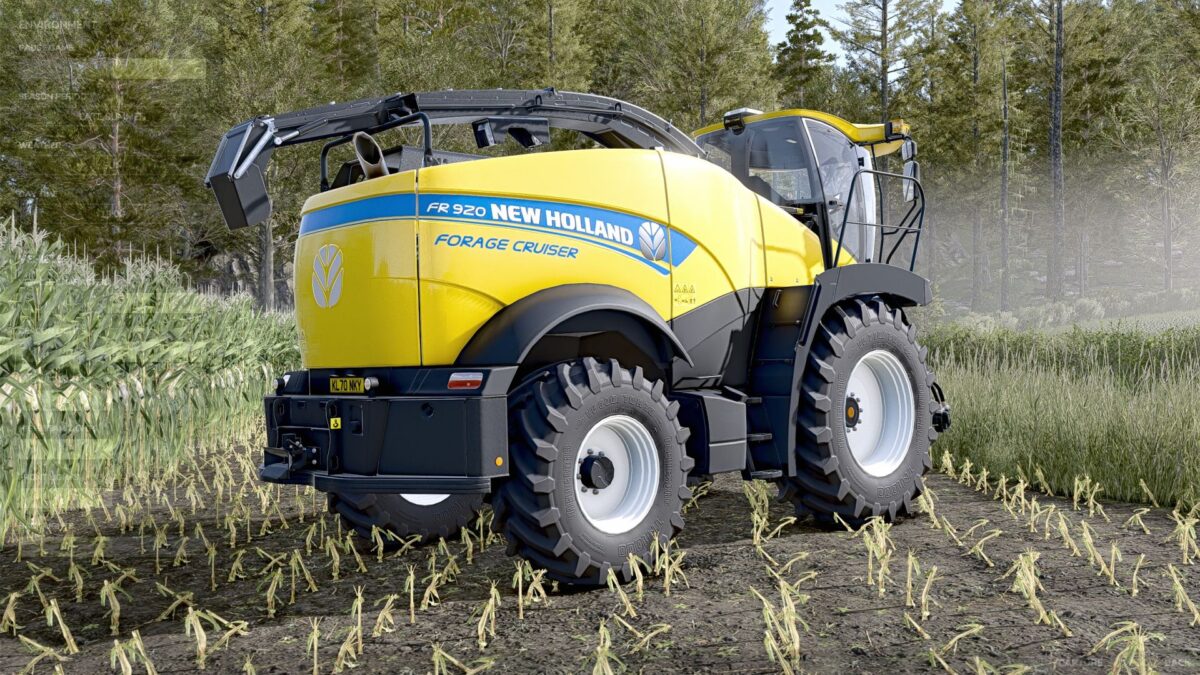
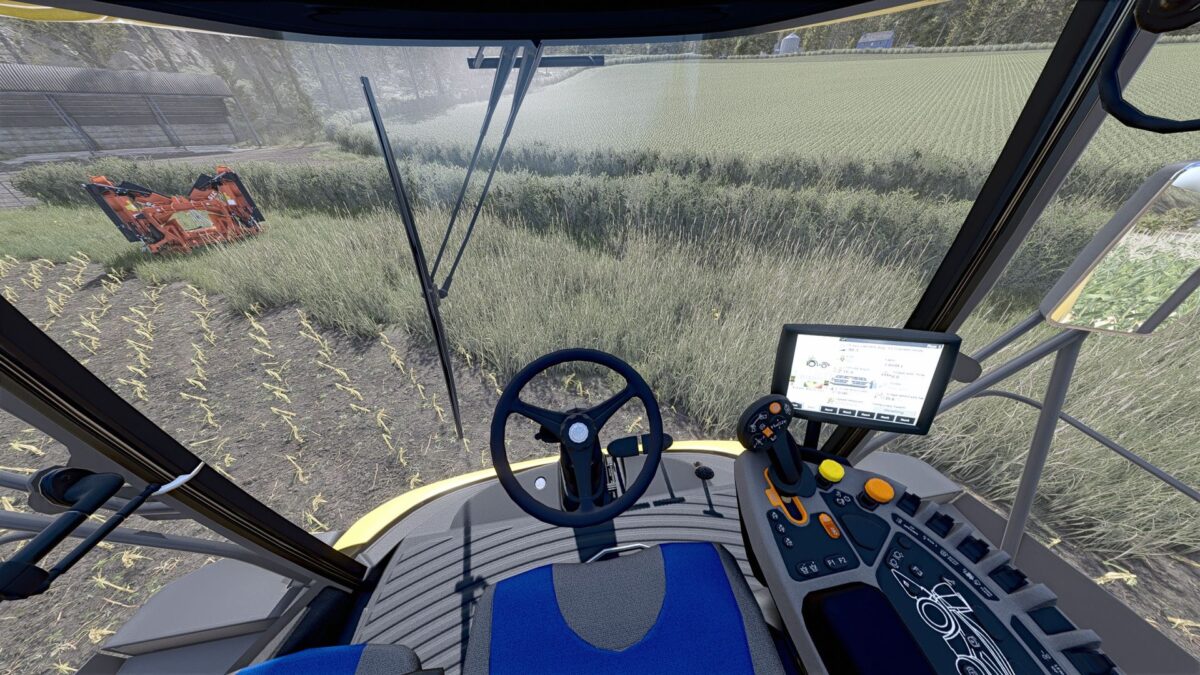
New Holland FR780 (US Version) v 1.1
About the mod:
US Version of the New Holland FR Series forage harvester.
Initial changes from the base machine:
Made rear red/white reflective stripes selectable
Added selectable SMV triangle
Version 1.1:
* Changed mod and file names to reflect changes presented below
* Added engine configs (480, 550, 650 and 920)
* Added option for additional fuel tank (extra 79 gal / 300 liters)
* Slightly adjusted steering attributes
* Lowered base price to account for engine config pricing
* Several other small XML and i3d changes
* Added “Vehicle Years” mod support (optional, if you don’t have it, nothing happens, just purely a visual thing in the shop)
Credits:
Burco Modding