New Holland FR780 (US Version) v 1.1

FS25 mods

New Holland FR780 (US Version) v 1.1
1 Star2 Stars3 Stars4 Stars5 Stars
About mod:

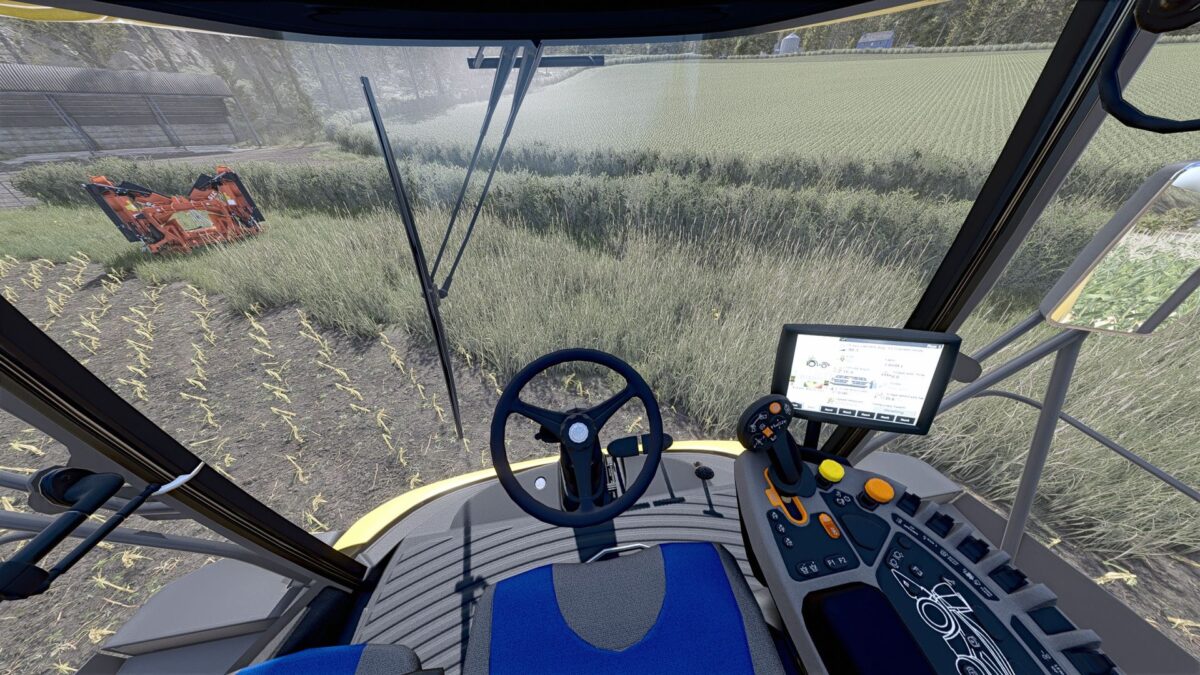
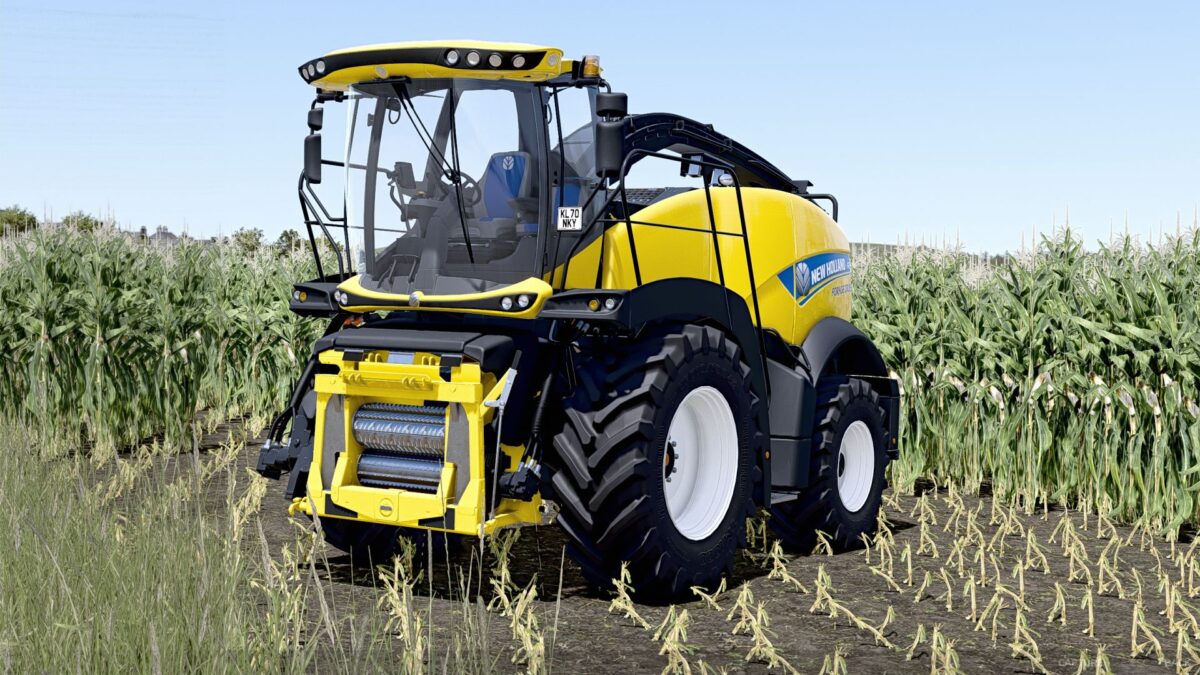
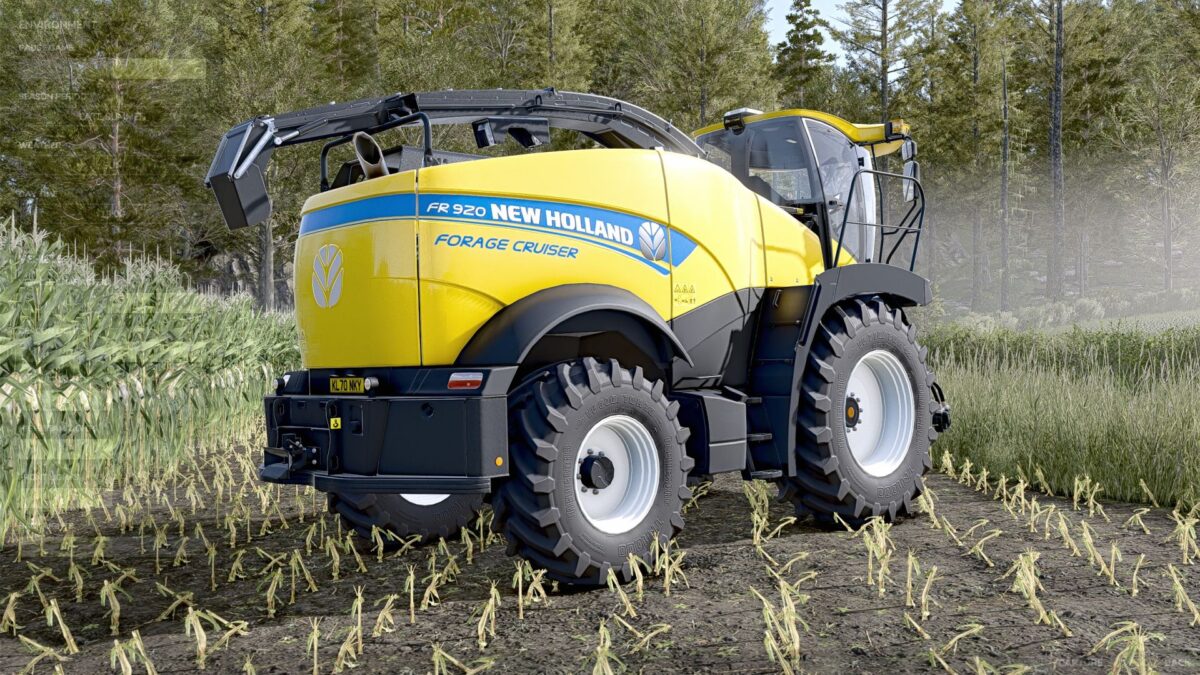
US Version of the New Holland FR Series forage harvester.

Initial changes from the base machine:
Made rear red/white reflective stripes selectable
Added selectable SMV triangle

Version 1.1:
* Changed mod and file names to reflect changes presented below
* Added engine configs (480, 550, 650 and 920)
* Added option for additional fuel tank (extra 79 gal / 300 liters)
* Slightly adjusted steering attributes
* Lowered base price to account for engine config pricing
* Several other small XML and i3d changes
* Added “Vehicle Years” mod support (optional, if you don’t have it, nothing happens, just purely a visual thing in the shop)

Credits:

Burco Modding

* By clicking [Download this mod from filehost] button you agree to leave this website. The link opens in the new tab. File is hosted in the external website. We are not responsible for the content of the external page and the possibility of free download of the file.

How do I install Farming Simulator mods?
Find a mod that you like and want to download first. Then, on your PC, download a mod. Mods are typically in.zip format. However, it is sometimes in.rar format. If the mod file is in.zip format, no additional actions are required. If a file is in.rar format, you must unarchive it using software such as WinRar or Zip7. Windows 10 users do not need to use archive software; Win10 includes an unarchive feature.

The next step is to locate the mods folder on your computer. It is typically found in Documents/My Games/Farming Simulator [Your FS game version, e.g. 2022]. Open the "mods" folder and place the downloaded.zip archive or unarchived.rar file there.

The final step. Have fun with Farming Simulator mods!

Leave a Reply

Your email address will not be published. Required fields are marked *