
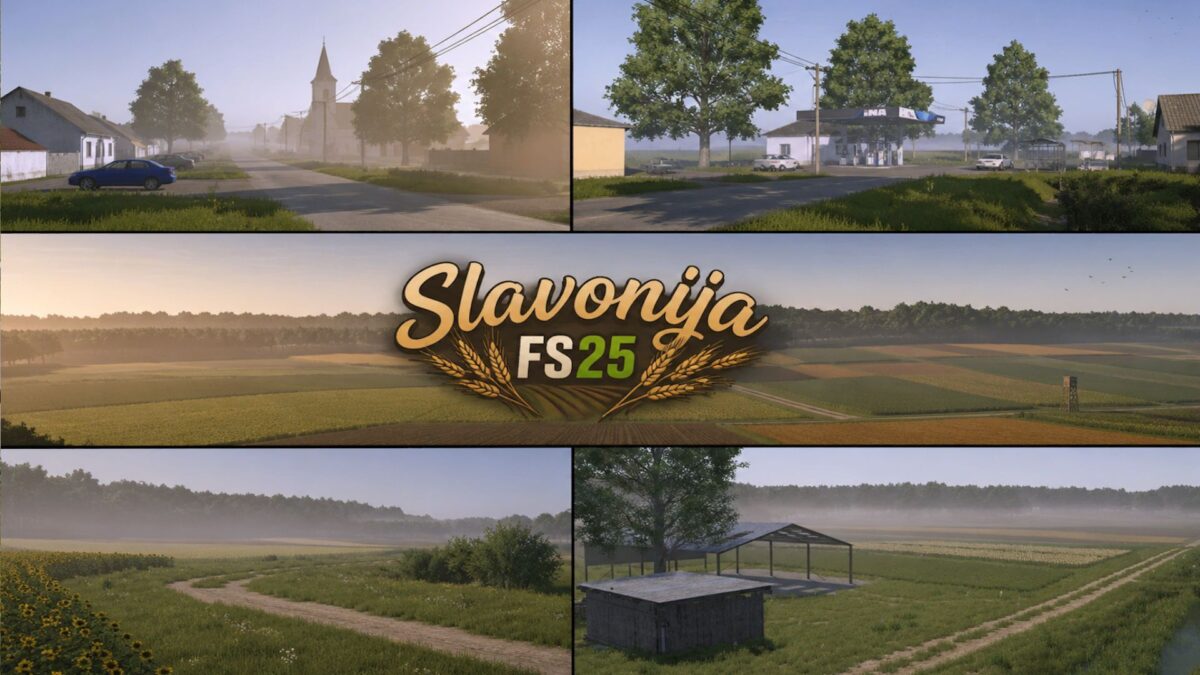
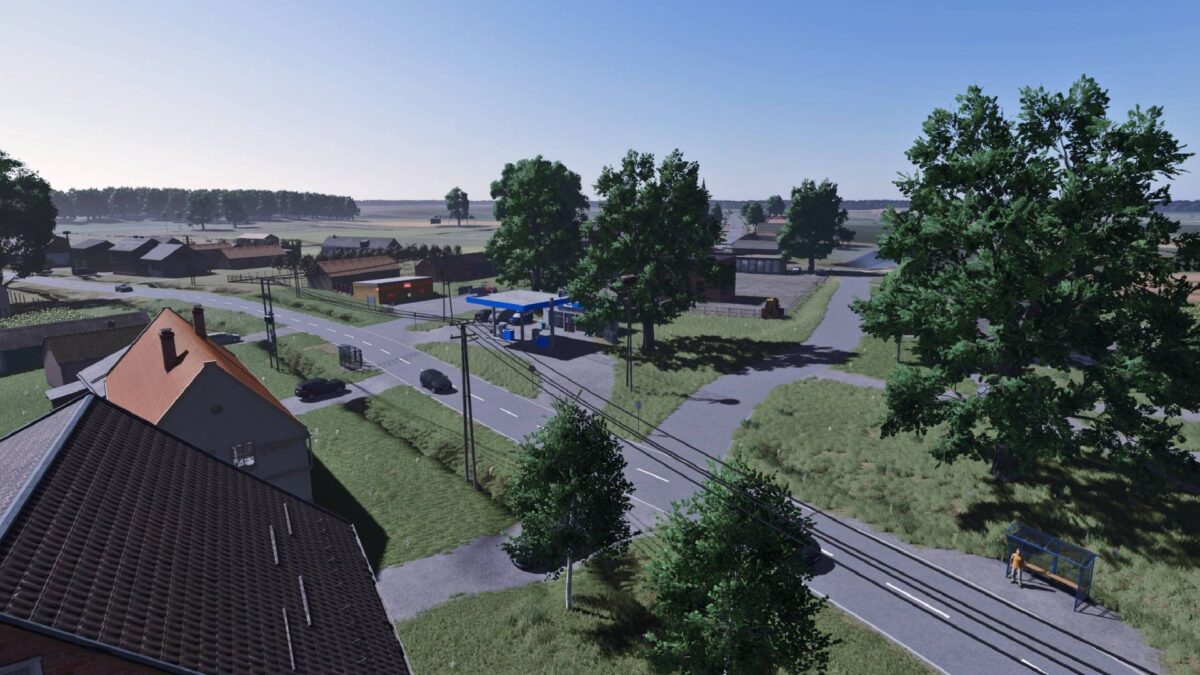
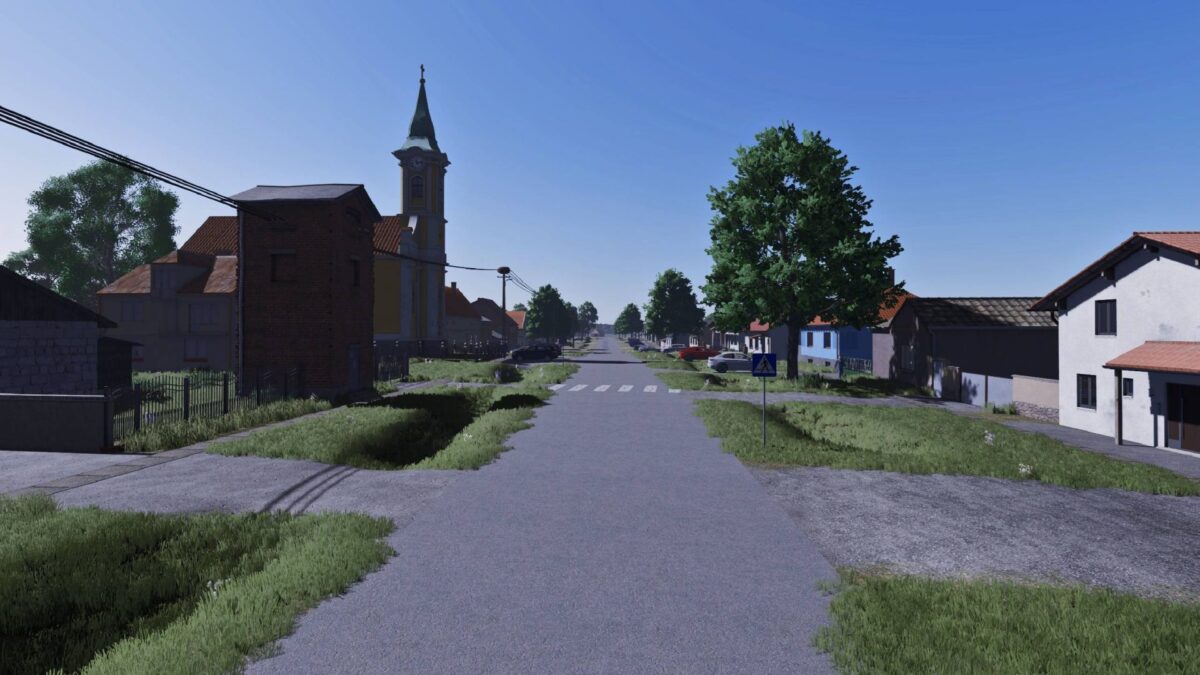
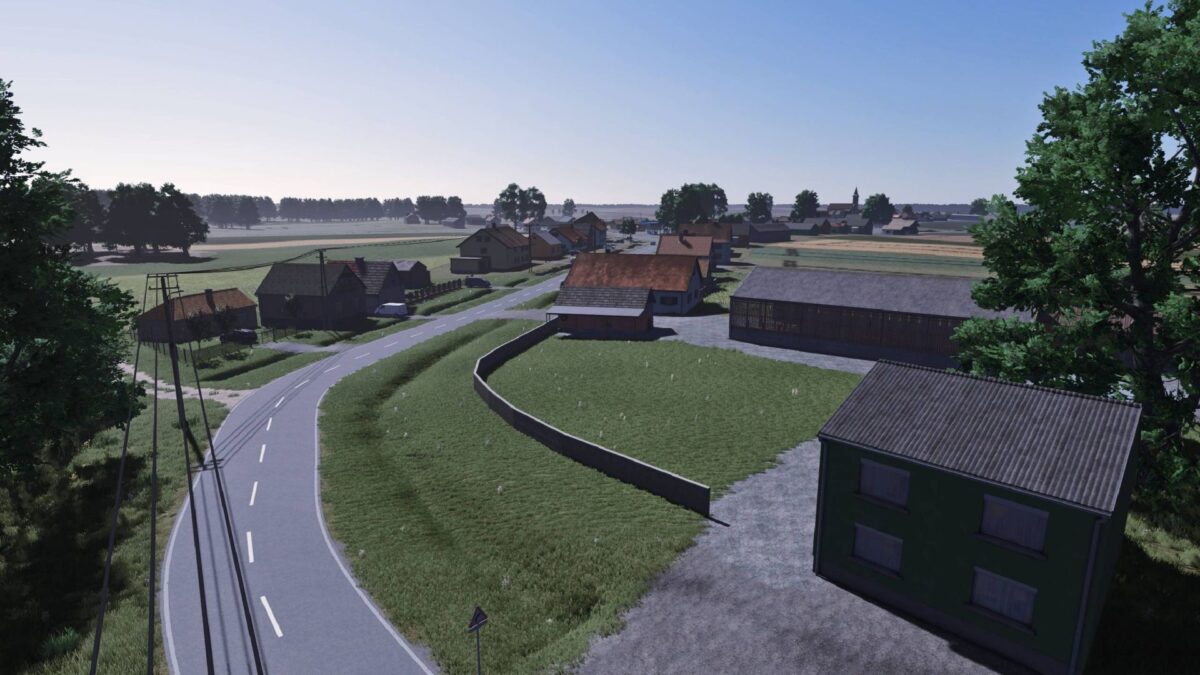
Slavonija Map v 1.0

FS25 mods

Slavonija Map v 1.0
Slavonija Map v 1.0
Slavonija Map v 1.0
Slavonija Map v 1.0
Slavonija Map v 1.0
Slavonija Map v 1.0

1 Star2 Stars3 Stars4 Stars5 Stars
About mod:

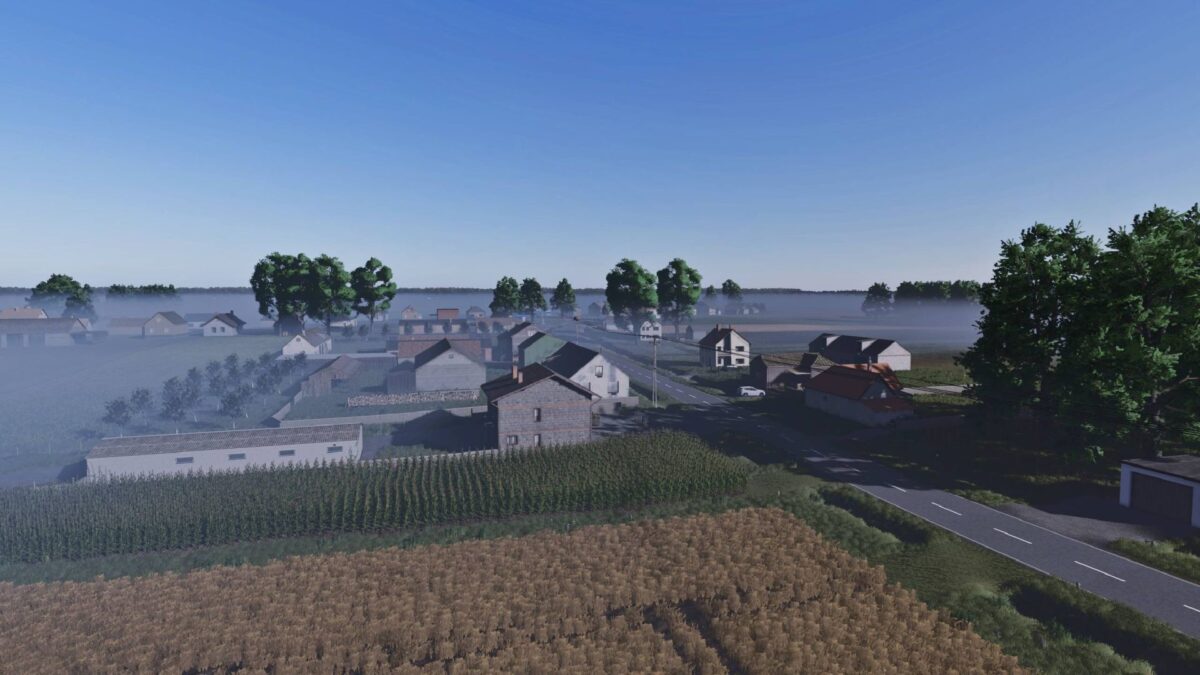
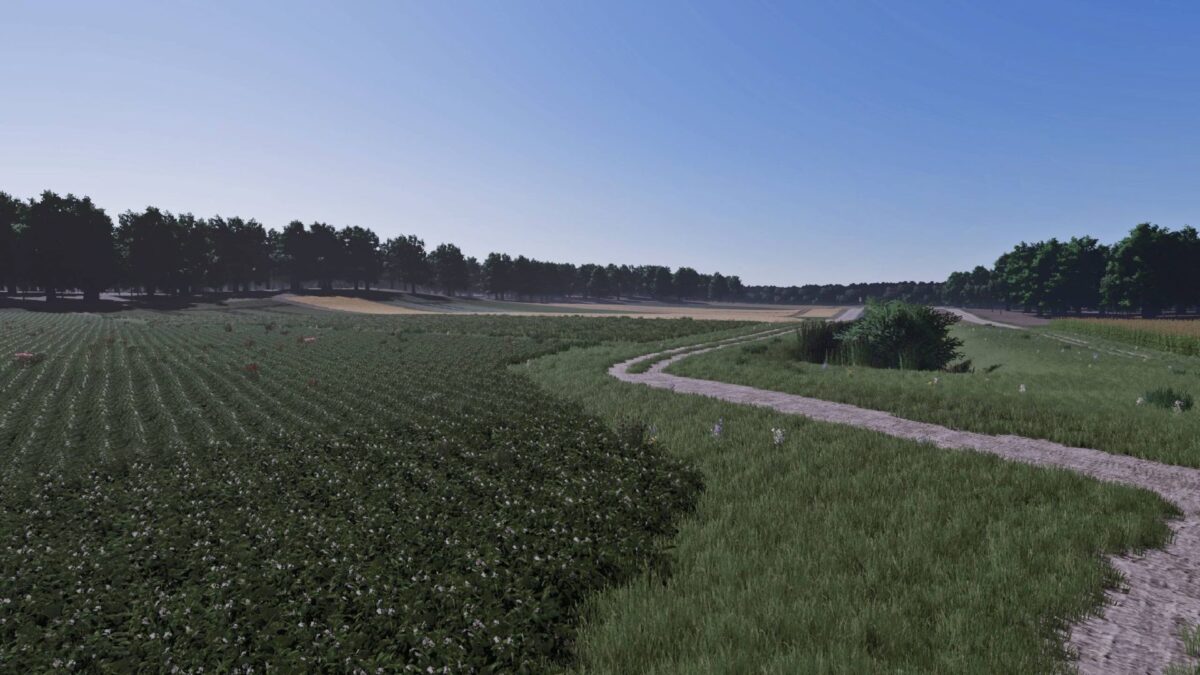
– 160 Arable Fields: While the majority of the fields range between 0.20 and 1.00 hectare, the map also includes several larger fields.
– Machinery Recommendation: For the most realistic and optimal experience, equipment up to 150 HP is highly recommended.
– 3 Dedicated Meadows: Large grasslands specifically designed for intensive silage production and livestock forage.
– Integrated Animal Market: Fully functional local dealer for buying, selling, and managing livestock.
– Pre-Built Farms: 3 fully equipped farmyards with operational infrastructure, ready for immediate use.
– Customizable Farm Plots: 3 designated construction zones with cleared land for players who prefer to design their own farm layouts.
– Crop Logistics: 2 independent standard selling stations for grains and root crops.
– Forestry Hub: Over 50 buyable forest parcels paired with a dedicated timber and wood selling station.
– Pallet & Bale Logistics: A specialized unloading point tailored for commercializing bales and production pallets.
– The map is optimized for both singleplayer management and multiplayer dedicated servers.

Credits:

Gabrijell01

* By clicking [Download this mod from filehost] button you agree to leave this website. The link opens in the new tab. File is hosted in the external website. We are not responsible for the content of the external page and the possibility of free download of the file.

How do I install Farming Simulator mods?
Find a mod that you like and want to download first. Then, on your PC, download a mod. Mods are typically in.zip format. However, it is sometimes in.rar format. If the mod file is in.zip format, no additional actions are required. If a file is in.rar format, you must unarchive it using software such as WinRar or Zip7. Windows 10 users do not need to use archive software; Win10 includes an unarchive feature.

The next step is to locate the mods folder on your computer. It is typically found in Documents/My Games/Farming Simulator [Your FS game version, e.g. 2022]. Open the "mods" folder and place the downloaded.zip archive or unarchived.rar file there.

The final step. Have fun with Farming Simulator mods!

Leave a Reply

Your email address will not be published. Required fields are marked *