

Slavonija Map v 1.0

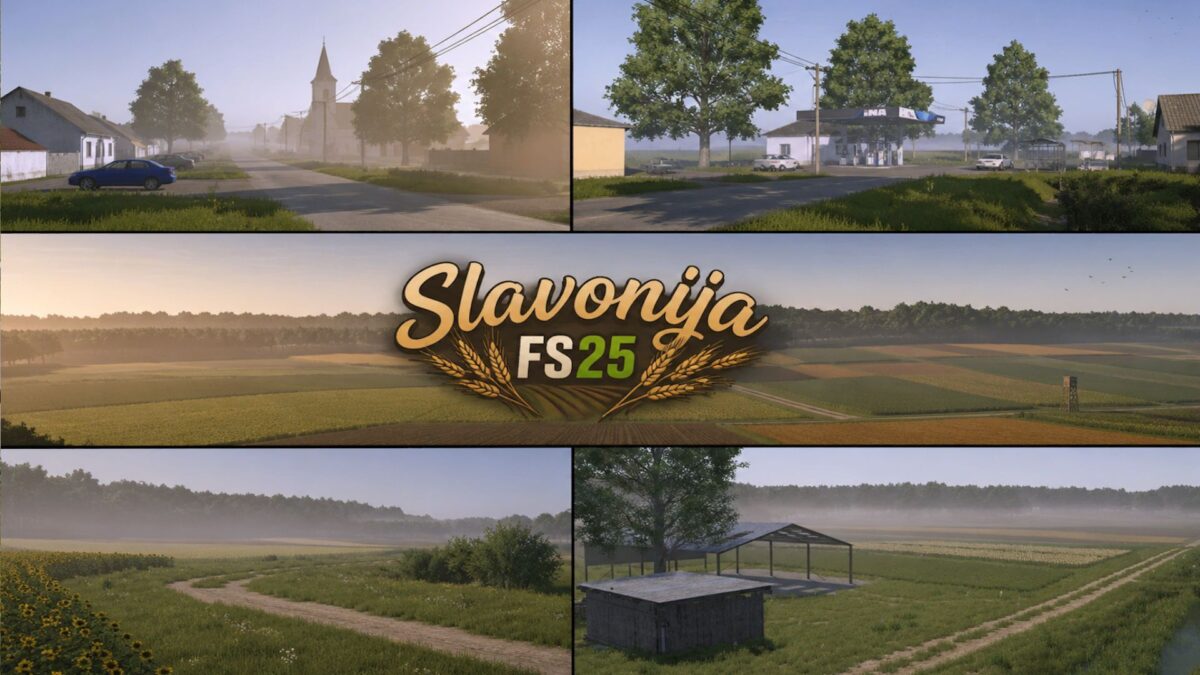
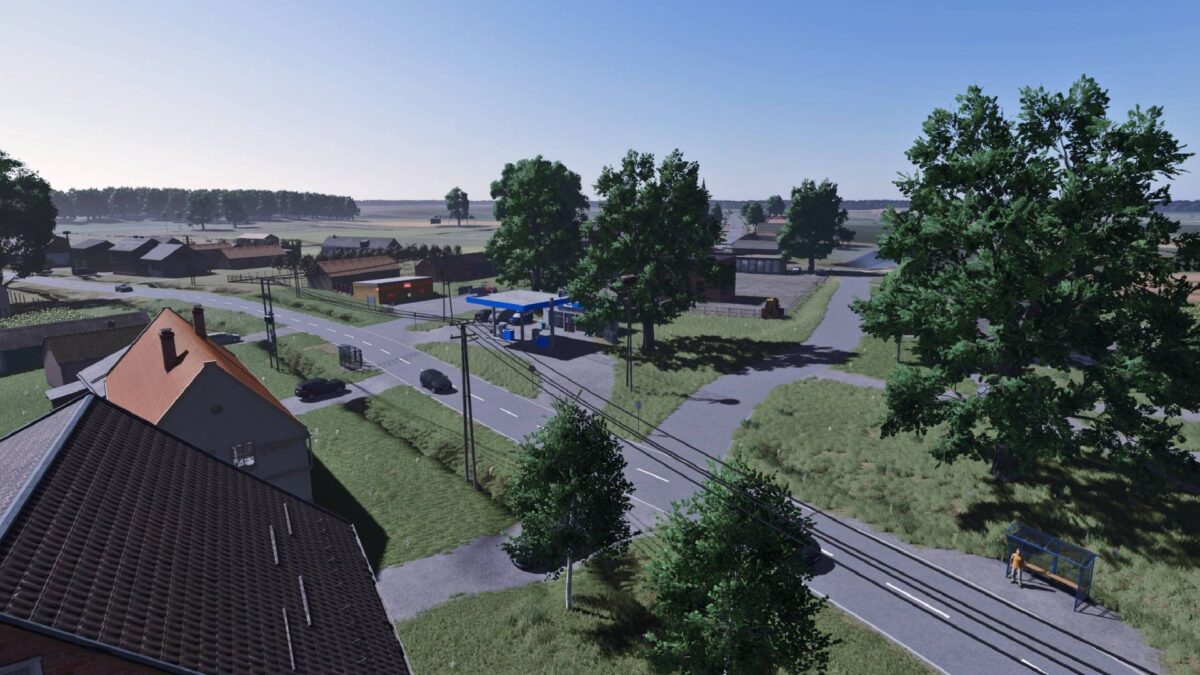
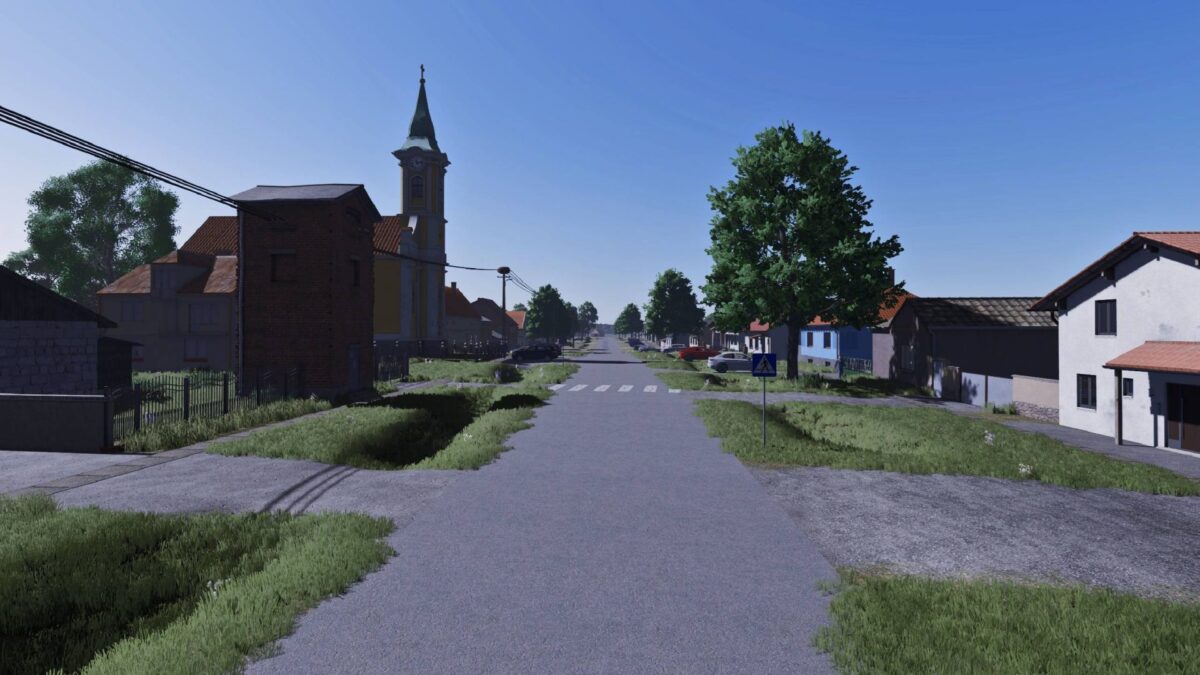
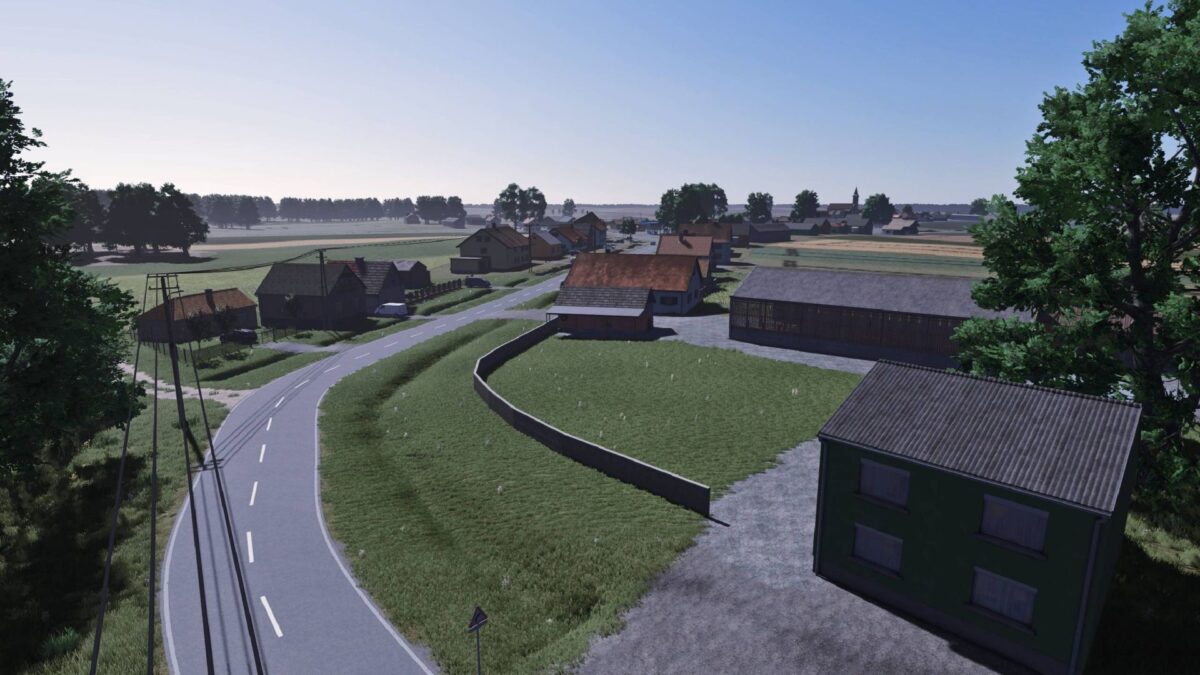
Slavonija Map v 1.0
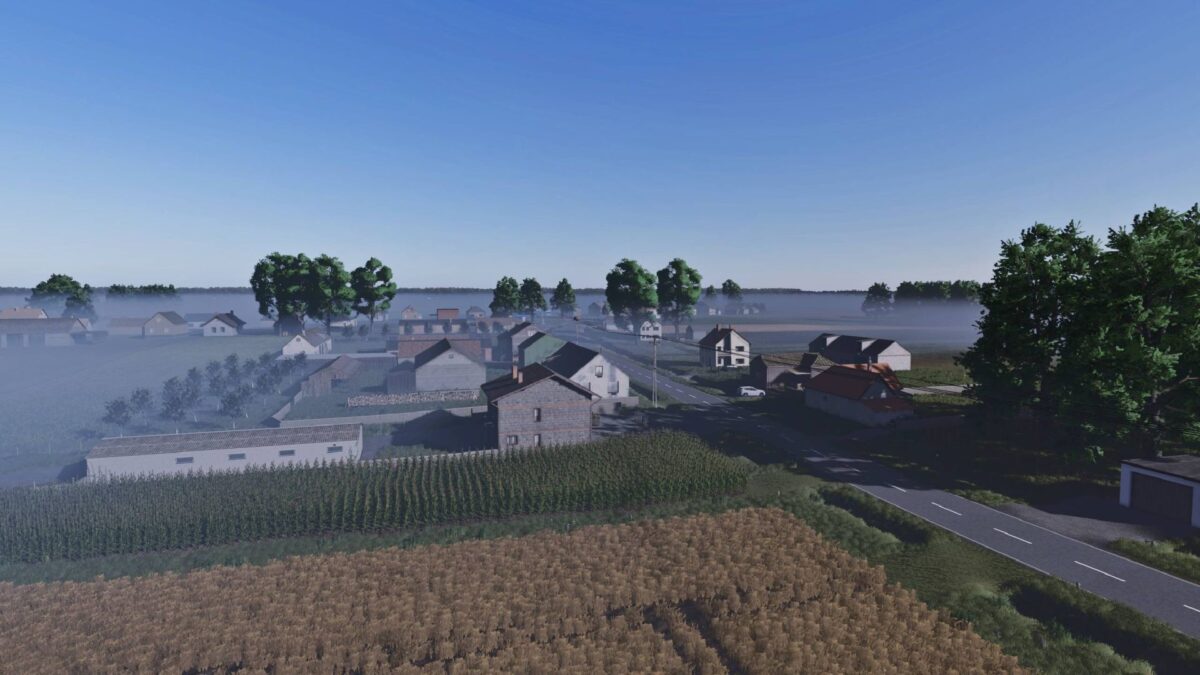
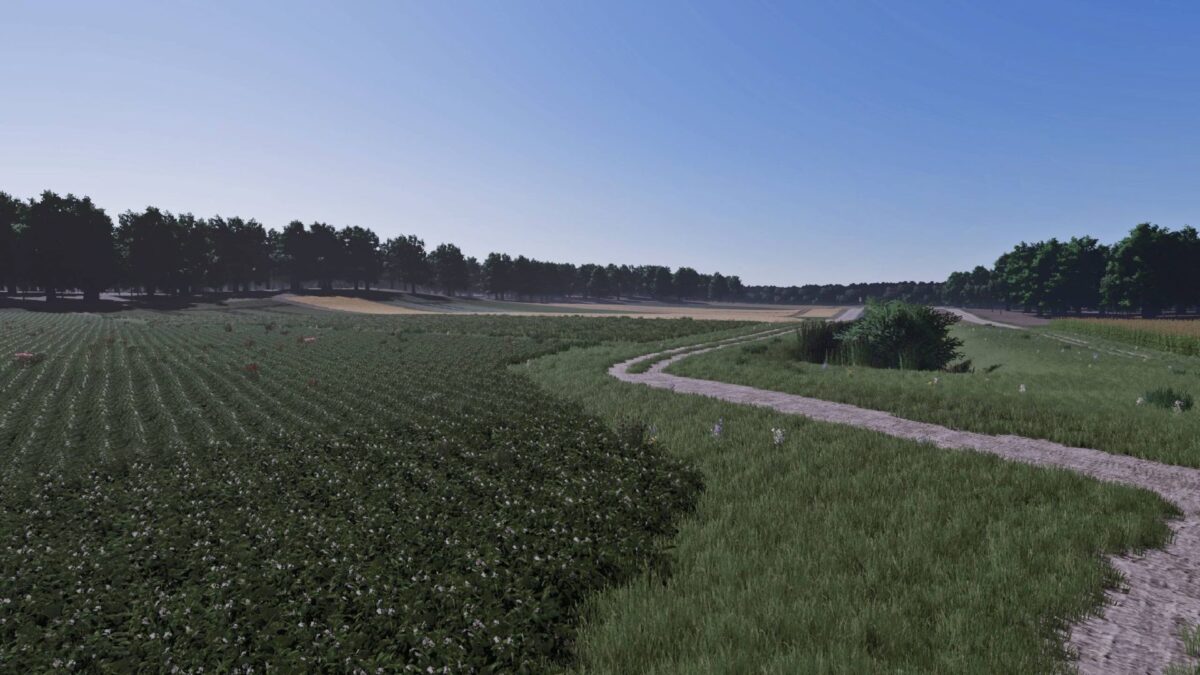
– 160 Arable Fields: While the majority of the fields range between 0.20 and 1.00 hectare, the map also includes several larger fields.
– Machinery Recommendation: For the most realistic and optimal experience, equipment up to 150 HP is highly recommended.
– 3 Dedicated Meadows: Large grasslands specifically designed for intensive silage production and livestock forage.
– Integrated Animal Market: Fully functional local dealer for buying, selling, and managing livestock.
– Pre-Built Farms: 3 fully equipped farmyards with operational infrastructure, ready for immediate use.
– Customizable Farm Plots: 3 designated construction zones with cleared land for players who prefer to design their own farm layouts.
– Crop Logistics: 2 independent standard selling stations for grains and root crops.
– Forestry Hub: Over 50 buyable forest parcels paired with a dedicated timber and wood selling station.
– Pallet & Bale Logistics: A specialized unloading point tailored for commercializing bales and production pallets.
– The map is optimized for both singleplayer management and multiplayer dedicated servers.