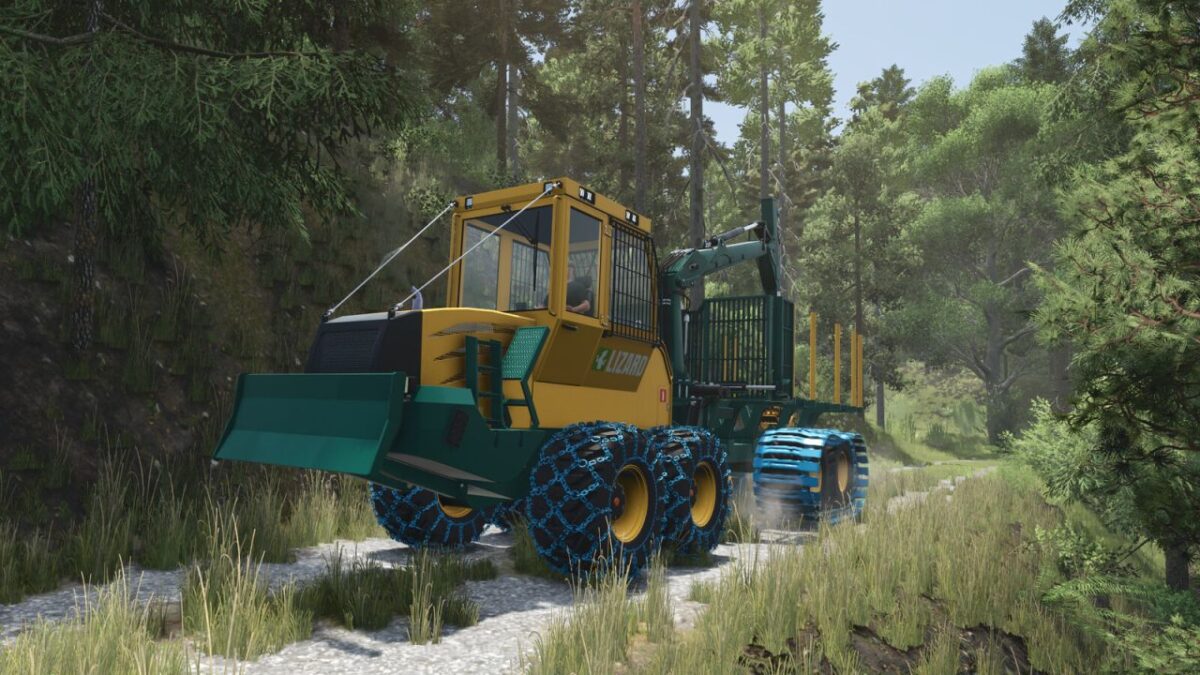
Lizard LogFlex Series v 1.0.6.0

FS25 mods

Lizard LogFlex Series v 1.0.6.0
1 Star2 Stars3 Stars4 Stars5 Stars
About mod:

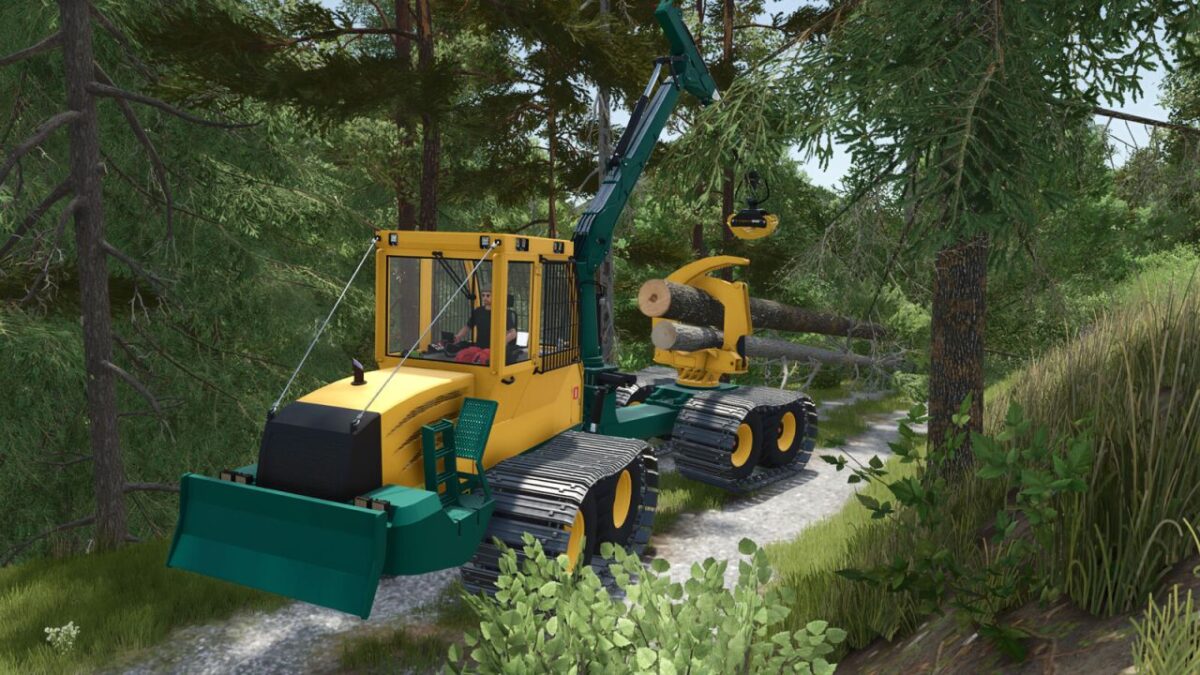
The Lizard LogFlex Forwarder is a versatile forestry machine built for efficient log handling and transport and designed with both productivity and flexibility in mind, it’s ready to take on a wide range of forestry tasks.
With its robust frame and powerful crane, the LogFlex forwarder performs reliably in different environments, from dense forests to public works operations.
It’s a simple, dependable machine built to get the job done.

Version 1.0.6.0:
* Added new swamp crawler tracks to all forwarders
* Adjusted visuals of the Gripen 040HD grapple
* Removed the tree-saw forwarder and replaced it with a tree felling head forwarder (Felling head model created by Nordjaja)
* Added a custom control binding for the felling head tilt to prevent conflicts with Wood Harvester Controls.

Credits:

Carl-TG

* By clicking [Download this mod from filehost] button you agree to leave this website. The link opens in the new tab. File is hosted in the external website. We are not responsible for the content of the external page and the possibility of free download of the file.

How do I install Farming Simulator mods?
Find a mod that you like and want to download first. Then, on your PC, download a mod. Mods are typically in.zip format. However, it is sometimes in.rar format. If the mod file is in.zip format, no additional actions are required. If a file is in.rar format, you must unarchive it using software such as WinRar or Zip7. Windows 10 users do not need to use archive software; Win10 includes an unarchive feature.

The next step is to locate the mods folder on your computer. It is typically found in Documents/My Games/Farming Simulator [Your FS game version, e.g. 2022]. Open the "mods" folder and place the downloaded.zip archive or unarchived.rar file there.

The final step. Have fun with Farming Simulator mods!

Leave a Reply

Your email address will not be published. Required fields are marked *