

Lizard LogFlex Series v 1.0.6.0

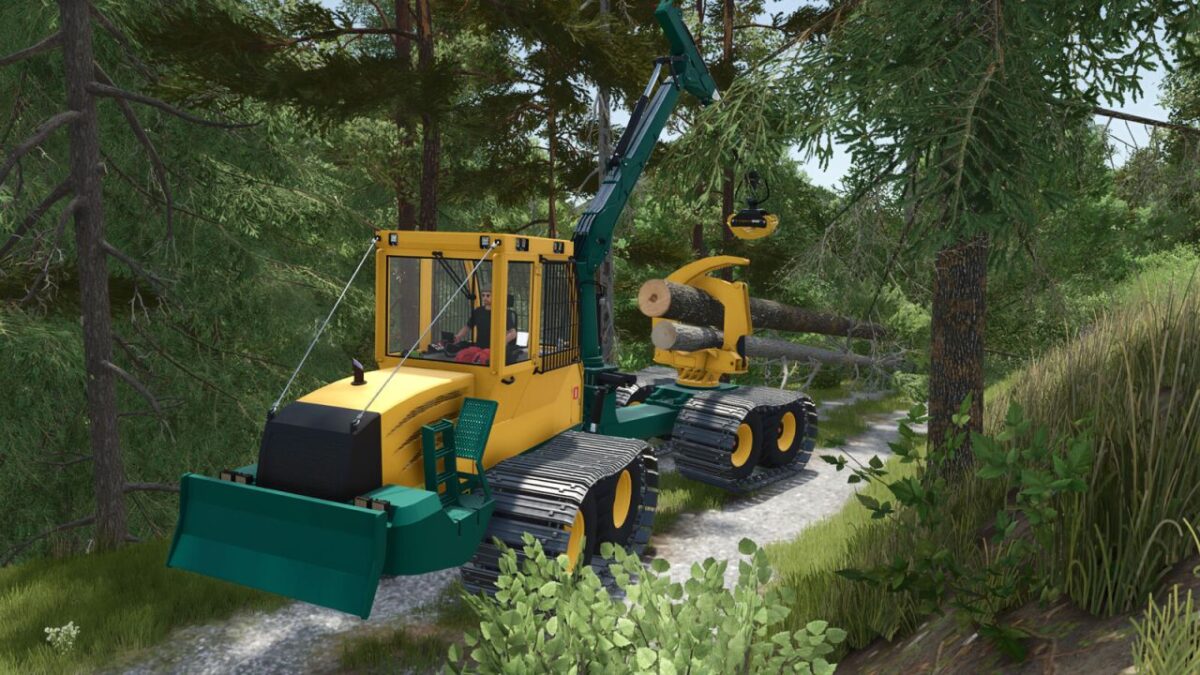
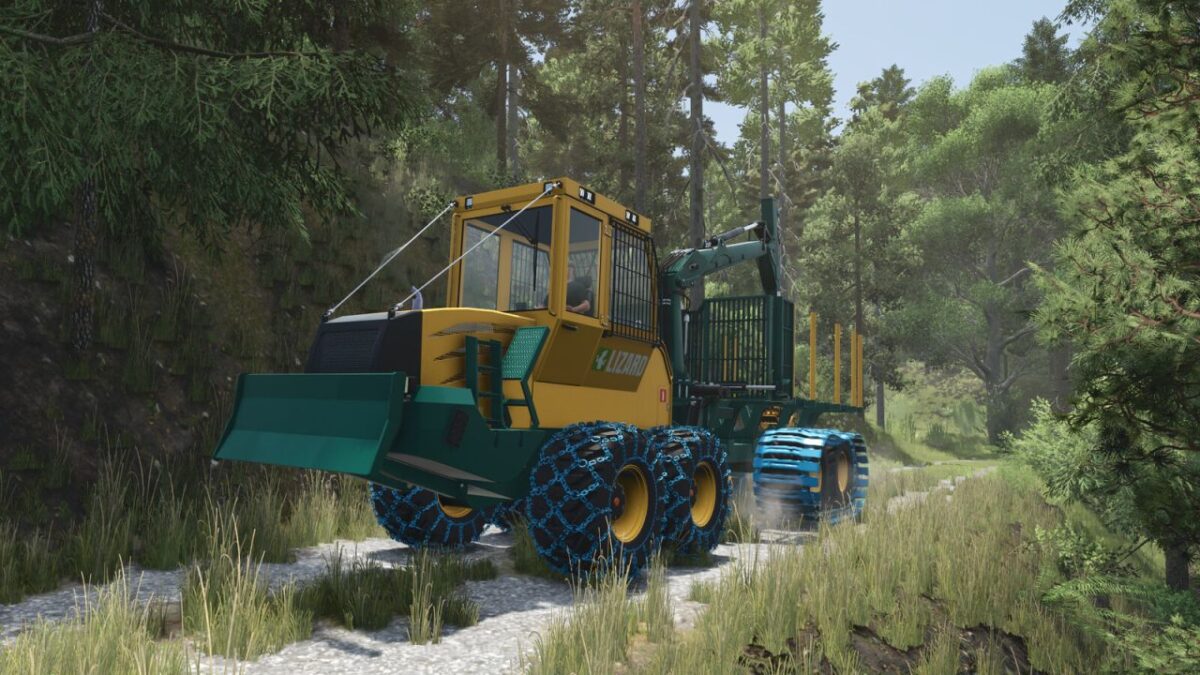
Lizard LogFlex Series v 1.0.6.0
The Lizard LogFlex Forwarder is a versatile forestry machine built for efficient log handling and transport and designed with both productivity and flexibility in mind, it’s ready to take on a wide range of forestry tasks.
With its robust frame and powerful crane, the LogFlex forwarder performs reliably in different environments, from dense forests to public works operations.
It’s a simple, dependable machine built to get the job done.
Version 1.0.6.0:
* Added new swamp crawler tracks to all forwarders
* Adjusted visuals of the Gripen 040HD grapple
* Removed the tree-saw forwarder and replaced it with a tree felling head forwarder (Felling head model created by Nordjaja)
* Added a custom control binding for the felling head tilt to prevent conflicts with Wood Harvester Controls.