

Beuren Map v 1.0

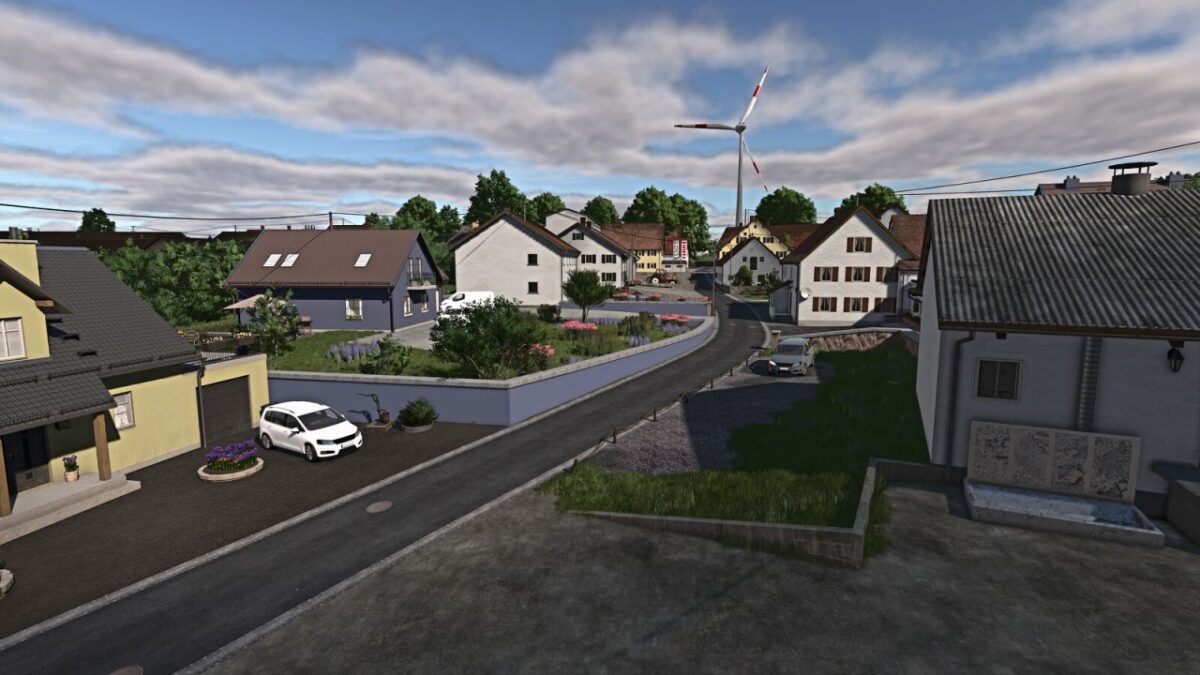
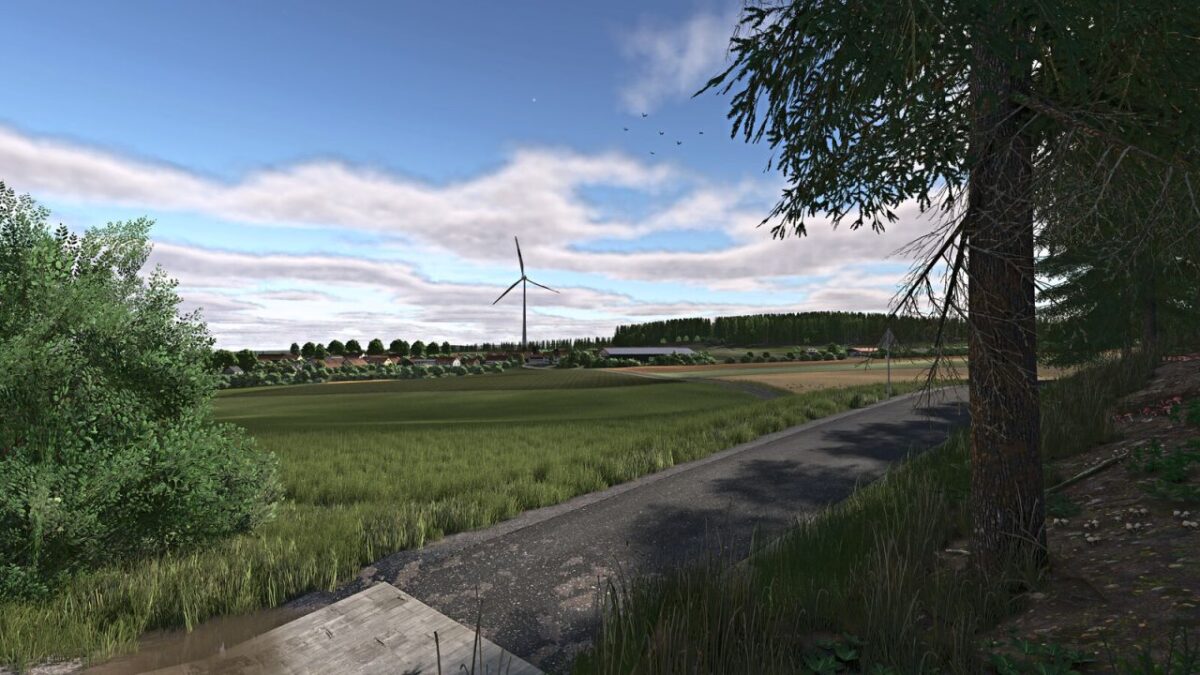
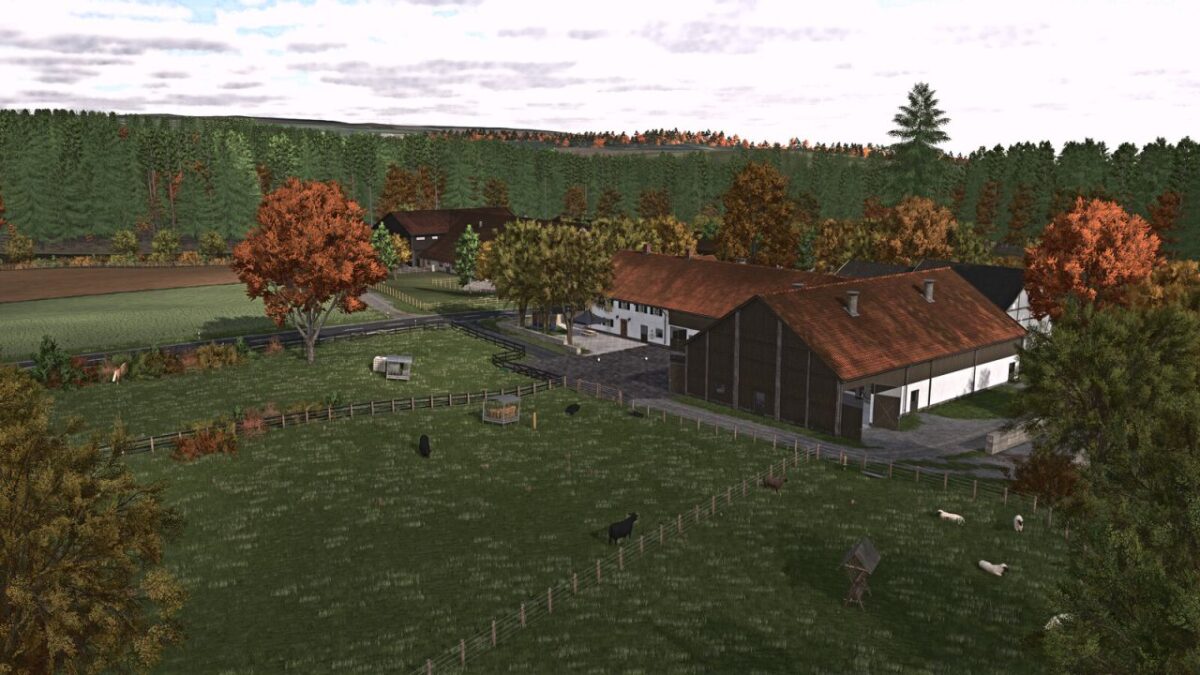
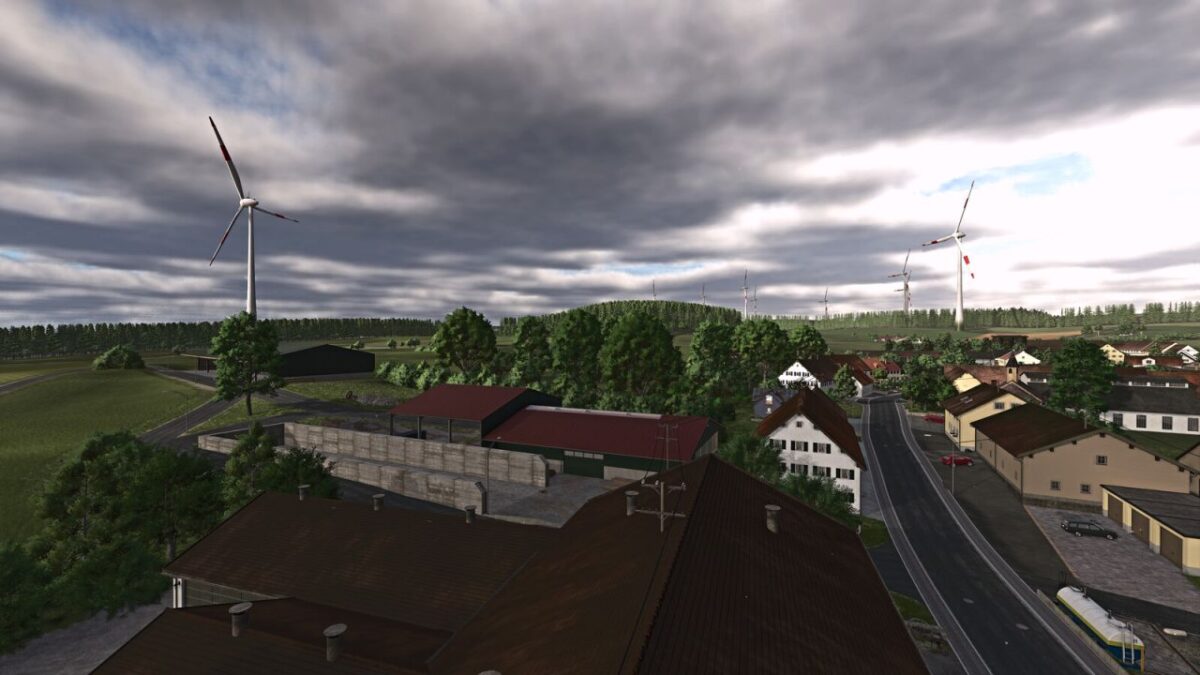
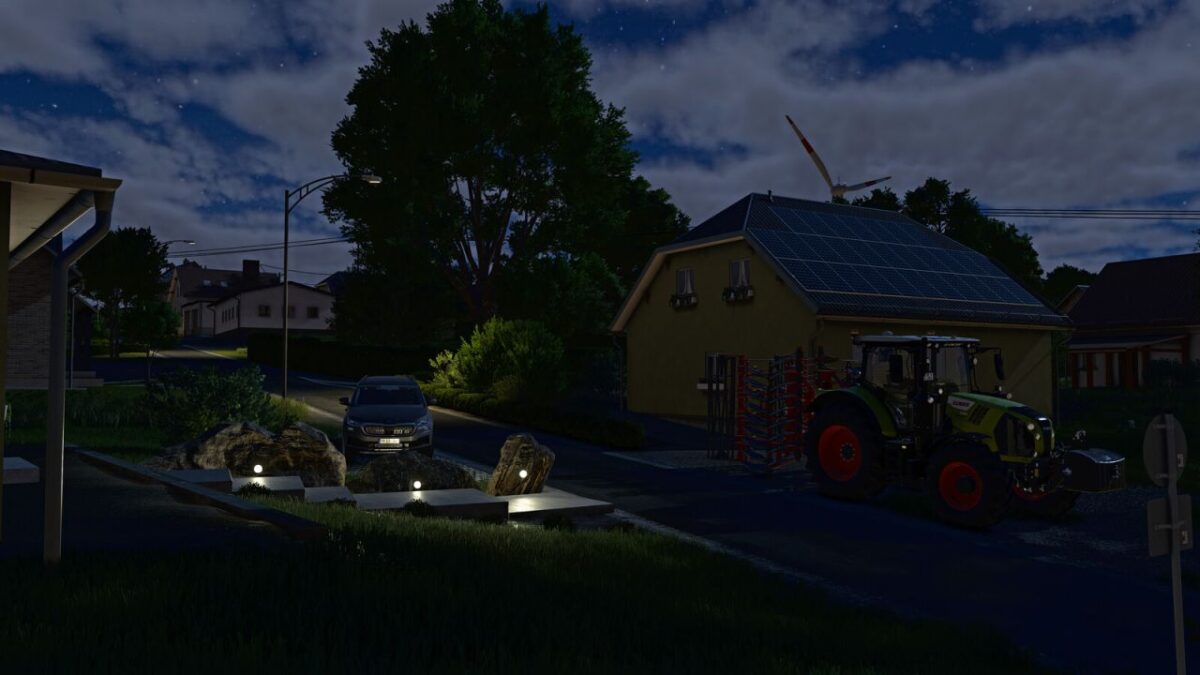
Beuren Map v 1.0
– 95 fields ranging from 0.35 to 10.47 hectares
– 6 farms, including 3 located within the village
– Biogas Plant (BGA)
– 10 forest areas
– 5 purchasable building plots
– Mowable grass along roads and field tracks
– Purchasable fire station
– 2 purchasable standalone machinery sheds
– Garden plot with apple trees and space for a placeable greenhouse
– Juice production
– Sawmill
– Compost and digestate buying and selling point
– Custom Precision Farming soil map
– Custom license plates
– Realistic overhead power lines
– Map-specific in-game help menu
– Additional Features from the Weekend Farmers Template Map
– 32 ground angle types
– Additional crops: Rye, Spelt, Triticale, Green Rye, Rye-Vetch, Mustard, Humus Active, Silage Corn, Flowering Cover Crop, Winter Wheat, Spring Wheat, Winter Barley, Spring Barley, Clover and Alfalfa
– Stubble destruction integrated
– Customized crop calendar
– Additional paintable ground textures (including in-game)
– AI traffic does not cultivate cotton or sugarcane
– Silverrun Forest trees included
– Improved lime texture
– Additional feed crops