


Beuren Map v 1.0

FS25 mods

Beuren Map v 1.0
Beuren Map v 1.0
Beuren Map v 1.0
Beuren Map v 1.0
Beuren Map v 1.0

1 Star2 Stars3 Stars4 Stars5 Stars
About mod:

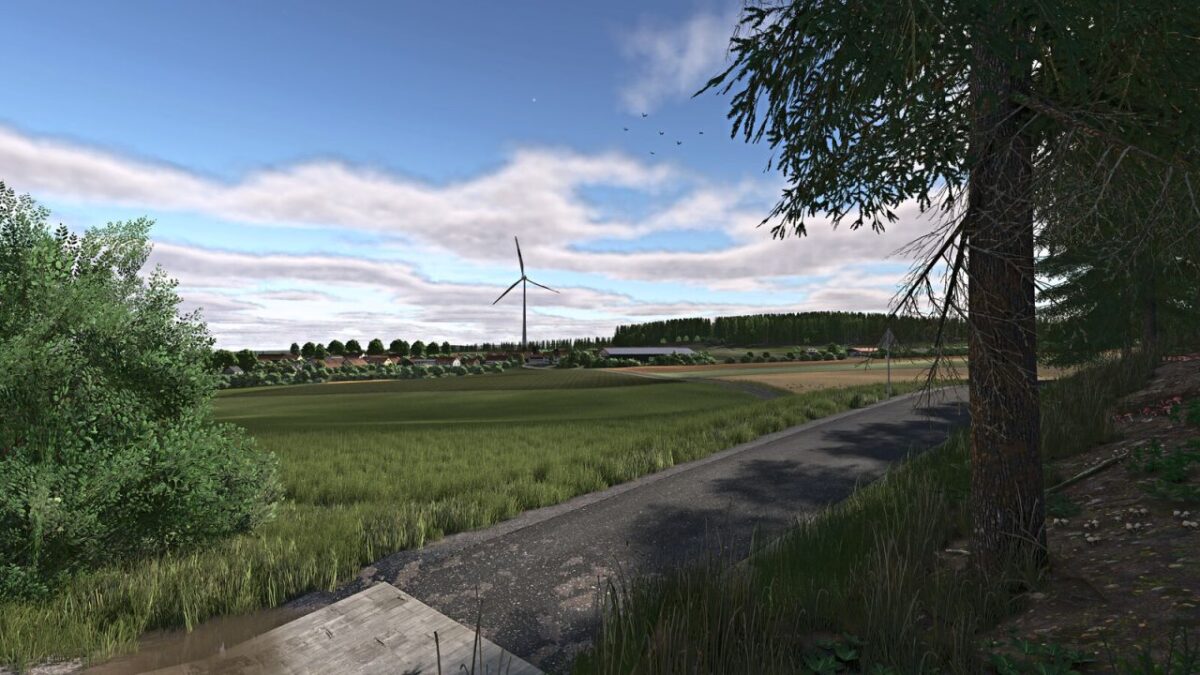
– 95 fields ranging from 0.35 to 10.47 hectares
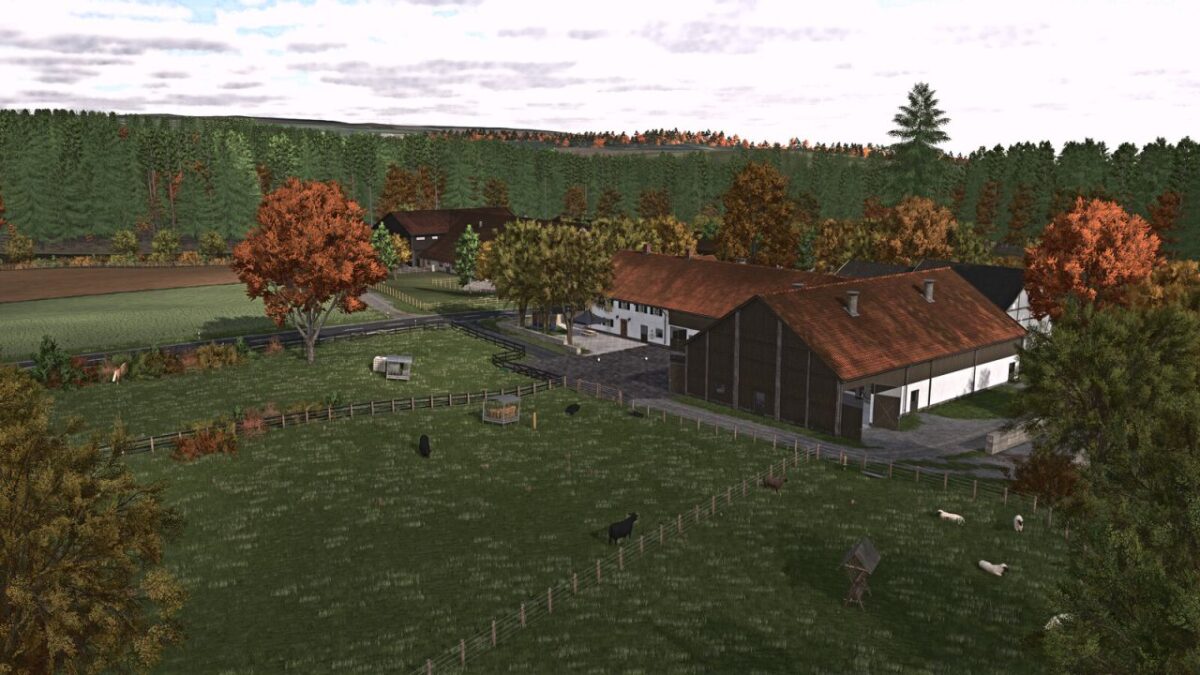
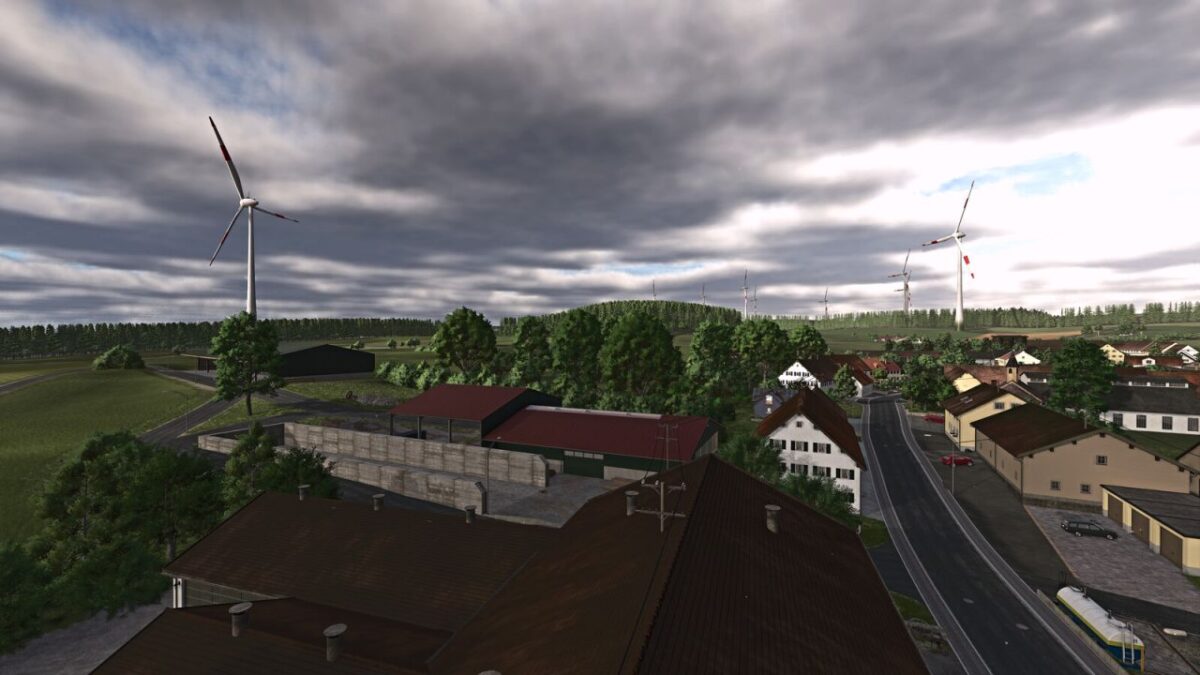
– 6 farms, including 3 located within the village
– Biogas Plant (BGA)
– 10 forest areas
– 5 purchasable building plots
– Mowable grass along roads and field tracks
– Purchasable fire station
– 2 purchasable standalone machinery sheds
– Garden plot with apple trees and space for a placeable greenhouse
– Juice production
– Sawmill
– Compost and digestate buying and selling point
– Custom Precision Farming soil map
– Custom license plates
– Realistic overhead power lines
– Map-specific in-game help menu
– Additional Features from the Weekend Farmers Template Map
– 32 ground angle types
– Additional crops: Rye, Spelt, Triticale, Green Rye, Rye-Vetch, Mustard, Humus Active, Silage Corn, Flowering Cover Crop, Winter Wheat, Spring Wheat, Winter Barley, Spring Barley, Clover and Alfalfa
– Stubble destruction integrated
– Customized crop calendar
– Additional paintable ground textures (including in-game)
– AI traffic does not cultivate cotton or sugarcane
– Silverrun Forest trees included
– Improved lime texture
– Additional feed crops

Credits:

[Weekend Farmers], Cuby

* By clicking [Download this mod from filehost] button you agree to leave this website. The link opens in the new tab. File is hosted in the external website. We are not responsible for the content of the external page and the possibility of free download of the file.

How do I install Farming Simulator mods?
Find a mod that you like and want to download first. Then, on your PC, download a mod. Mods are typically in.zip format. However, it is sometimes in.rar format. If the mod file is in.zip format, no additional actions are required. If a file is in.rar format, you must unarchive it using software such as WinRar or Zip7. Windows 10 users do not need to use archive software; Win10 includes an unarchive feature.

The next step is to locate the mods folder on your computer. It is typically found in Documents/My Games/Farming Simulator [Your FS game version, e.g. 2022]. Open the "mods" folder and place the downloaded.zip archive or unarchived.rar file there.

The final step. Have fun with Farming Simulator mods!

Leave a Reply

Your email address will not be published. Required fields are marked *