

John Deere 4840 v 1.0

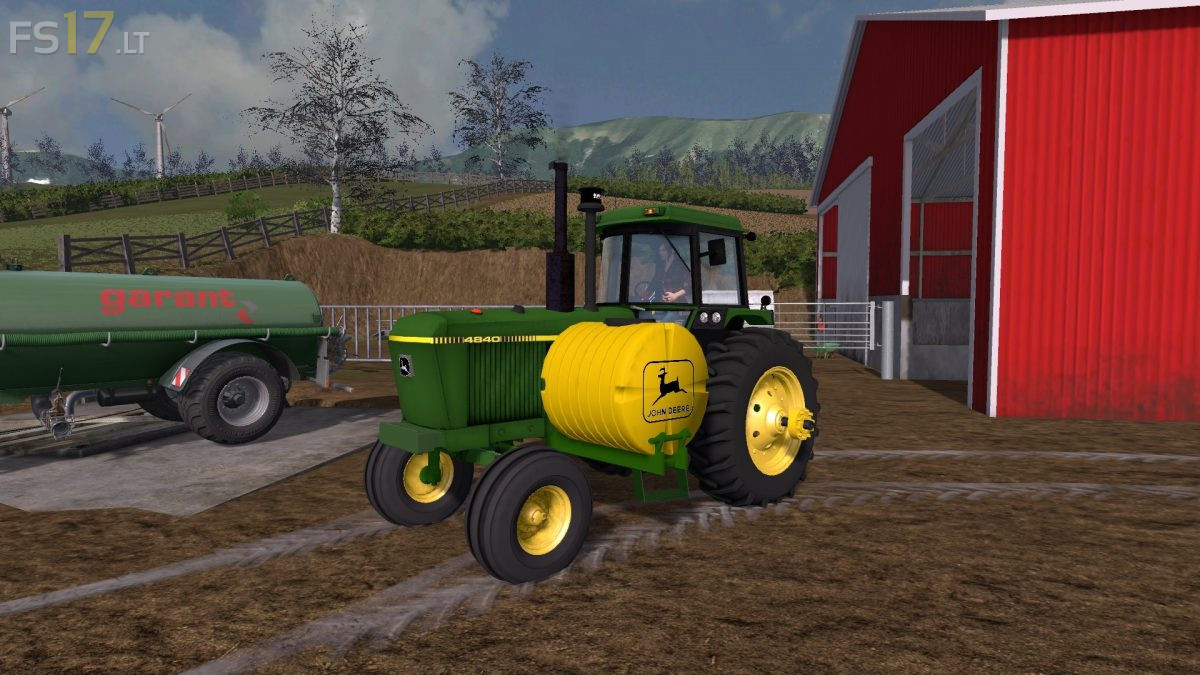
John Deere 4840 v 1.0
About the mod:
– Power 180 hp
– Speed 34 km/h
– Dirt / washable
Selectable Wheels:
– Older Singles w/ Hubs Wheels
– Firestone Singles w/ Hubs Wheels
– Older Hub Duals Wheels
– Firestone Hub Duals Wheels
Selectable Design:
– Regular
– Saddle Tanks
Credits:
JRD84
Why so childish? Is it because I blocked you? Maybe because I want nothing to do with any group out there, or be a part of any server? You are officially like all of those other people, even though you claimed not to be. Congratulations, I am glad FS has officially become the atmosphere that kindergarten was. And credit is not all yours, just to let everyone else know.
First of all Andrew, I did not put that mod out publicly, some idiot from our server joined simply to leak mods. Second of all I don’t really give a damn how you feel about it as you have already put everything that has been leaked out twice before so get over yourself!