

Klingenbach Map v 1.4



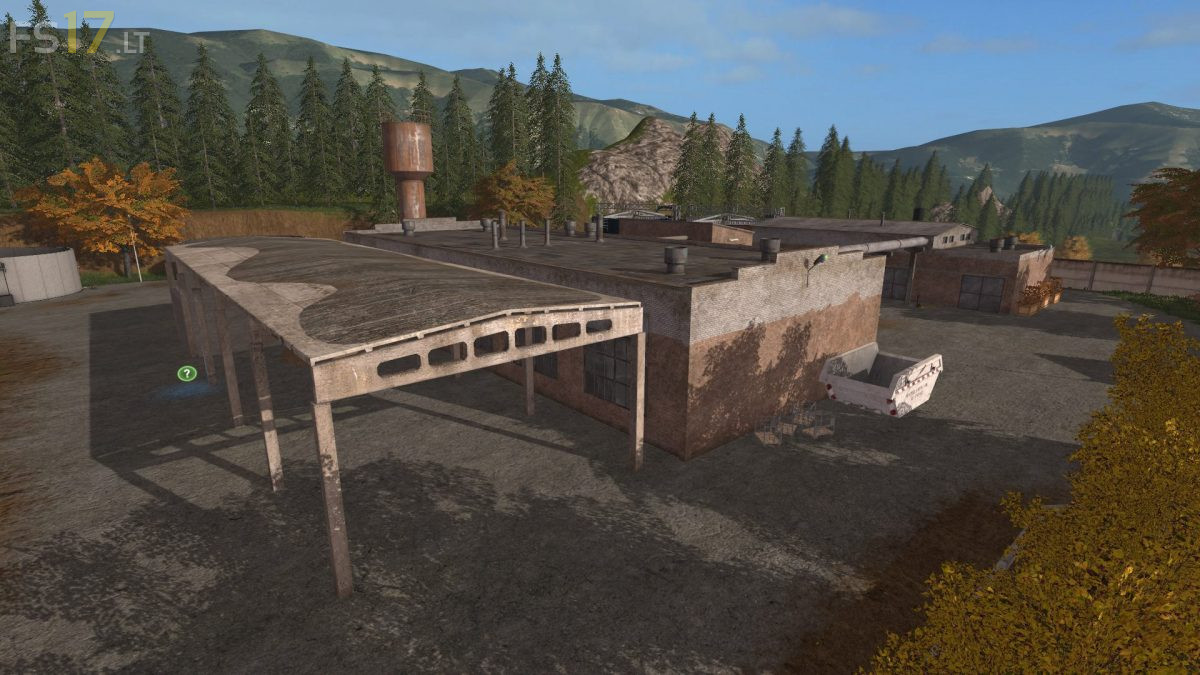
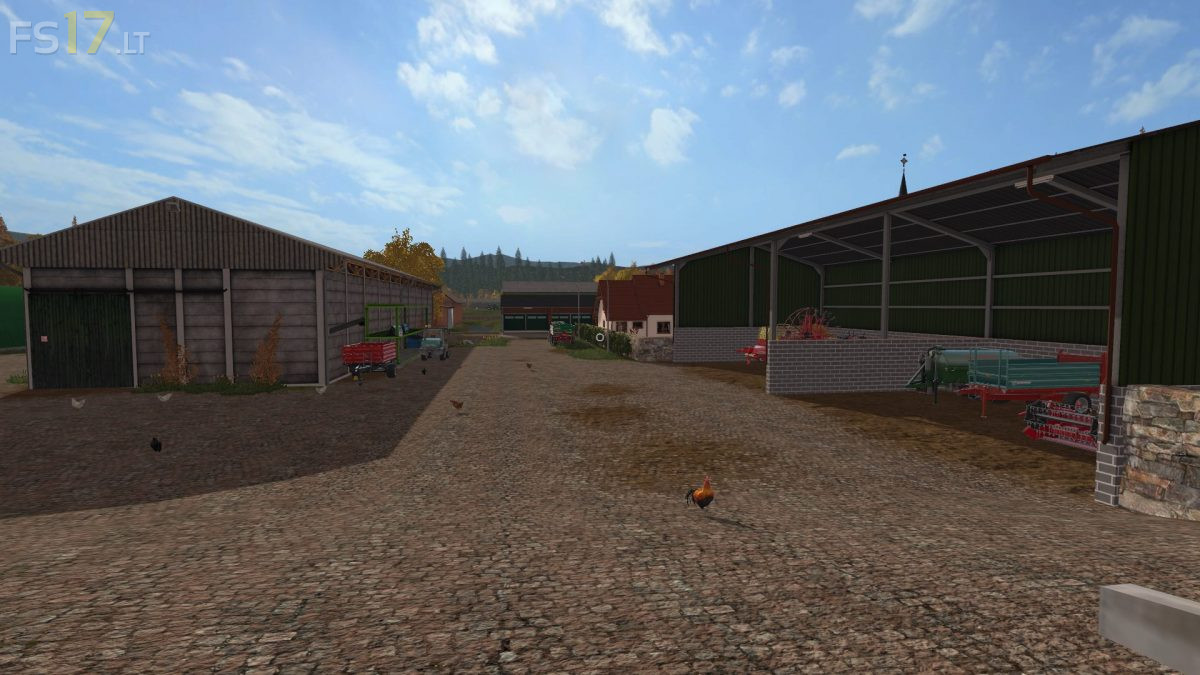
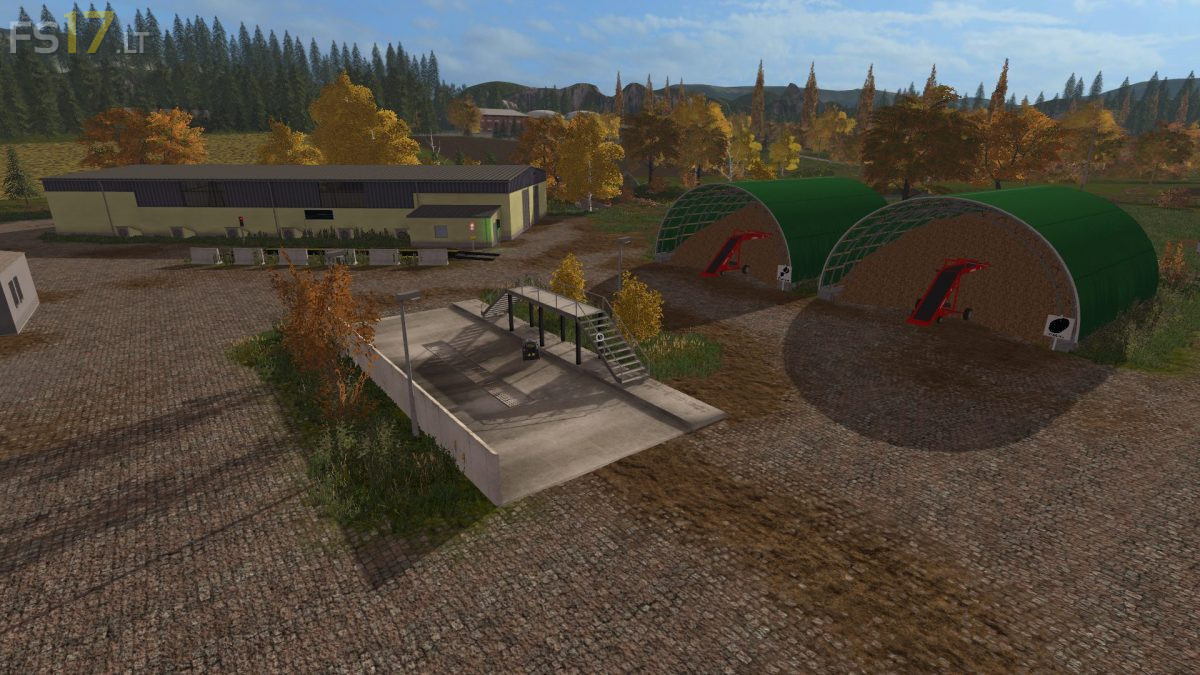

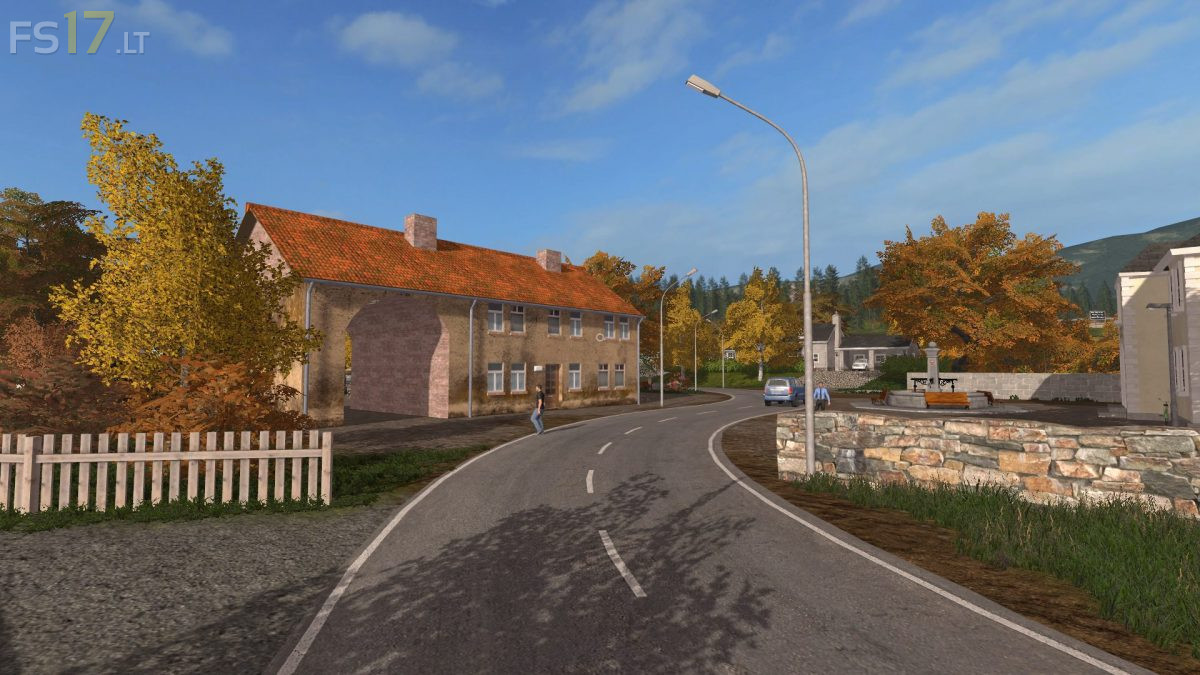
Klingenbach Map v 1.4
Version 1.4:
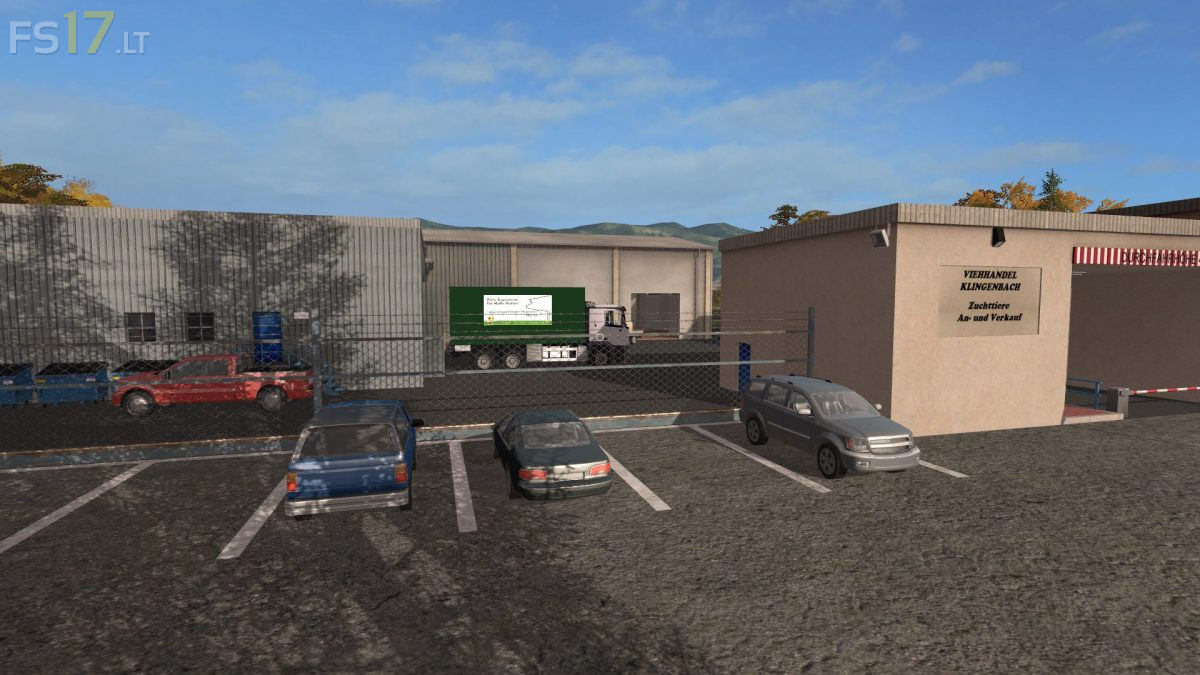
* Dealer space enlarged to the rear, large vehicles and equipment are spawned behind
* Position of the plants refined (wheat, barley, rape, ….) are more in rank and file
* Mais texture exchanged and plants also realigned
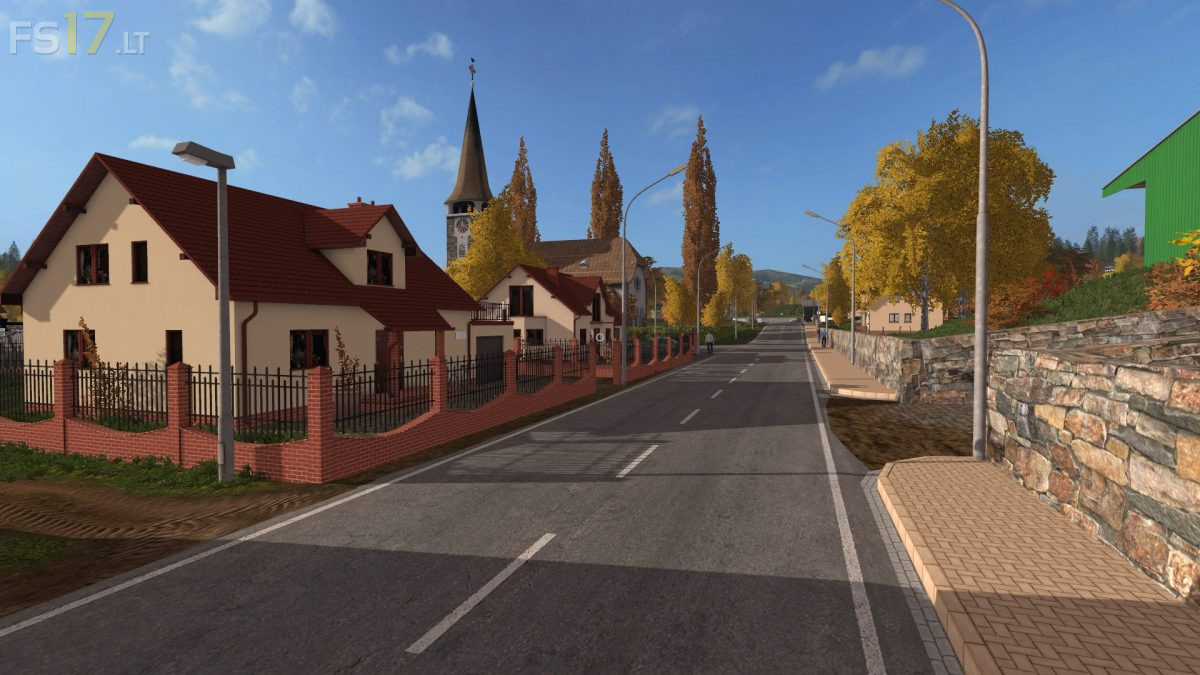
* Field paths at the entrance to the farm from field 1 & 2 and removed replaced by asphalted roads
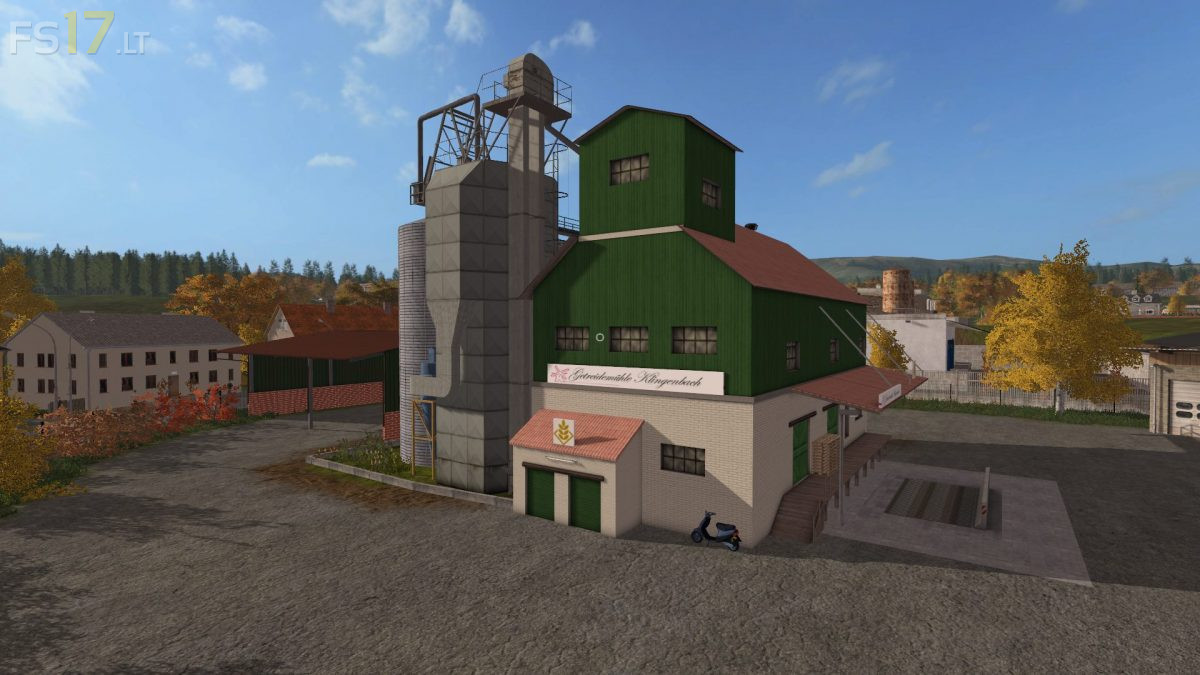
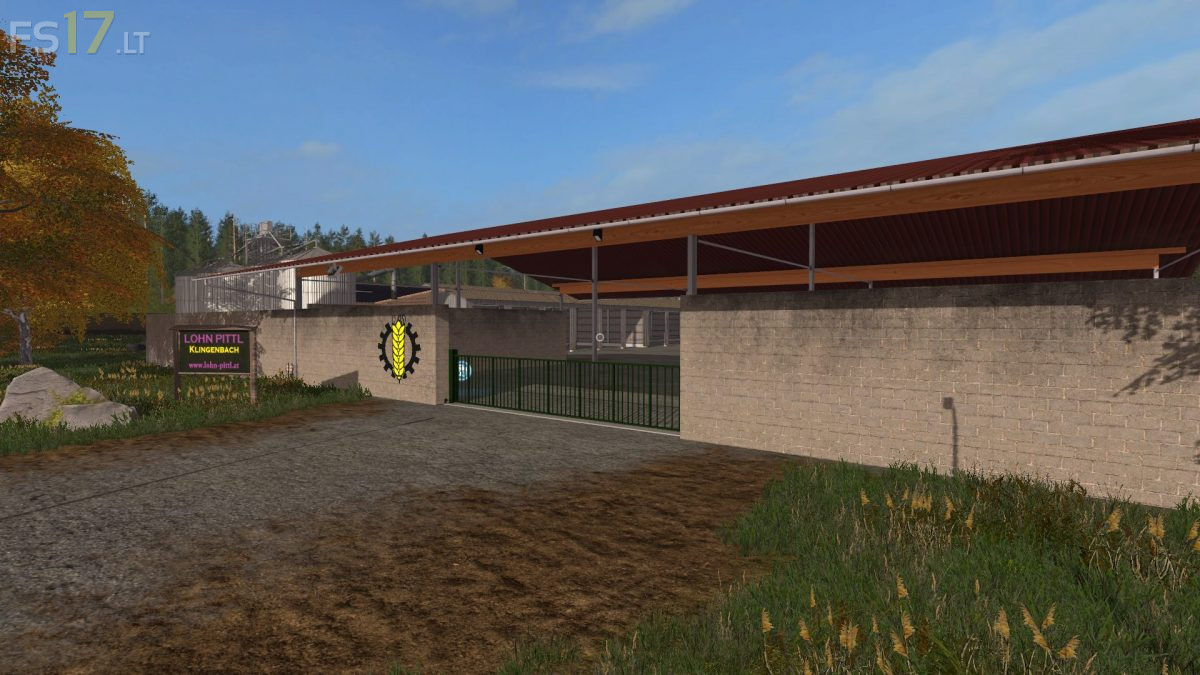
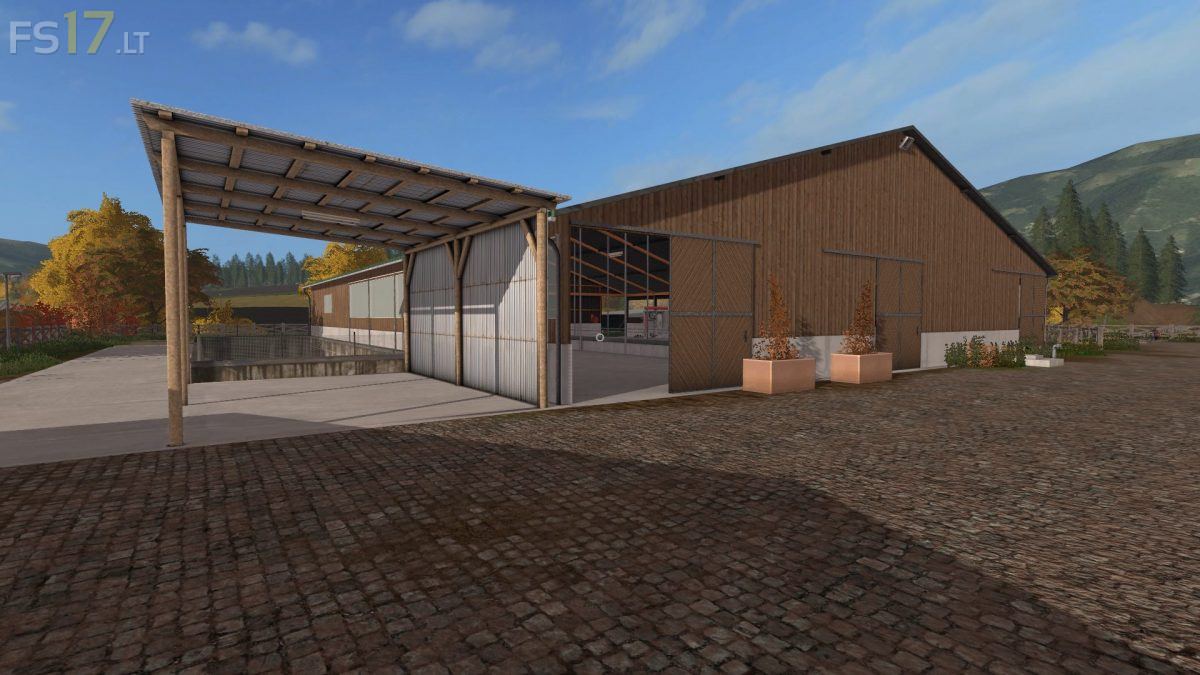
* Farm silo system installed in the large hall at the farm (storage for all crops, plus lime, compost and pig feed)
* Grain storage hall at the yard removed and Durchfahrhalle installed with adjoining feed mixing hall
* Libra moved backwards and replaced with the visually beautiful model
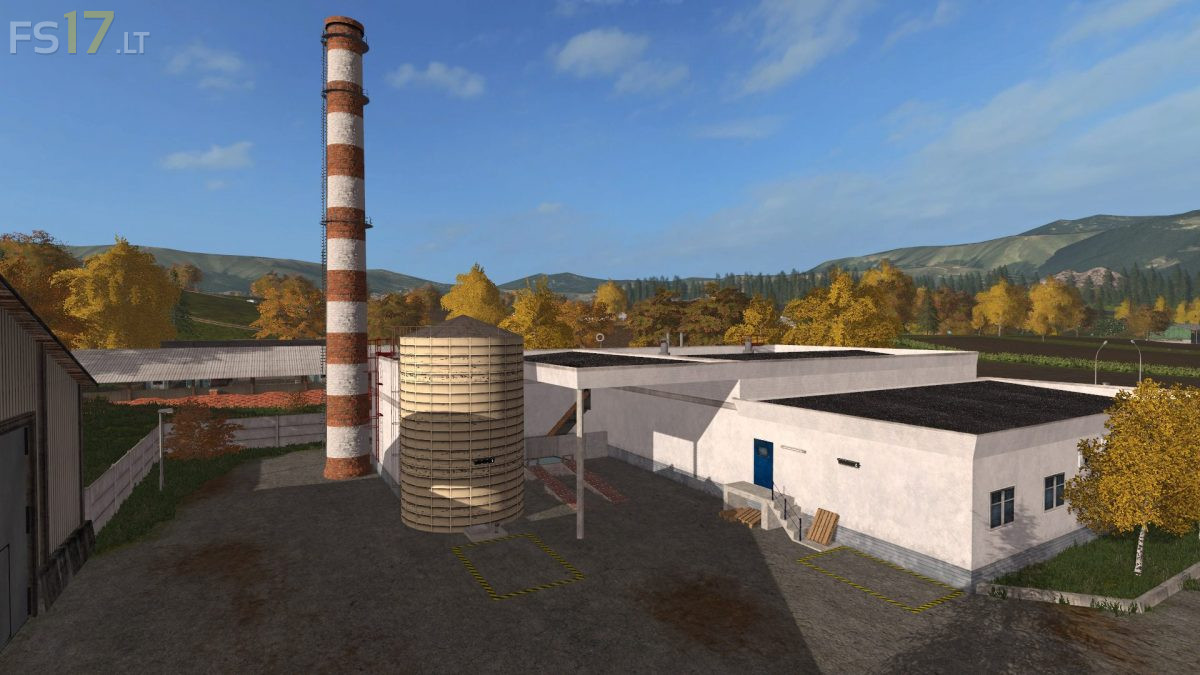
* Traunsteinersilos removed and replaced with 1 outdoor silo
* Shed replaced at the yard opposite the hall for another model
* Own feed mixing hall with the heap system created by Giants (gabs so never in this way on a map)
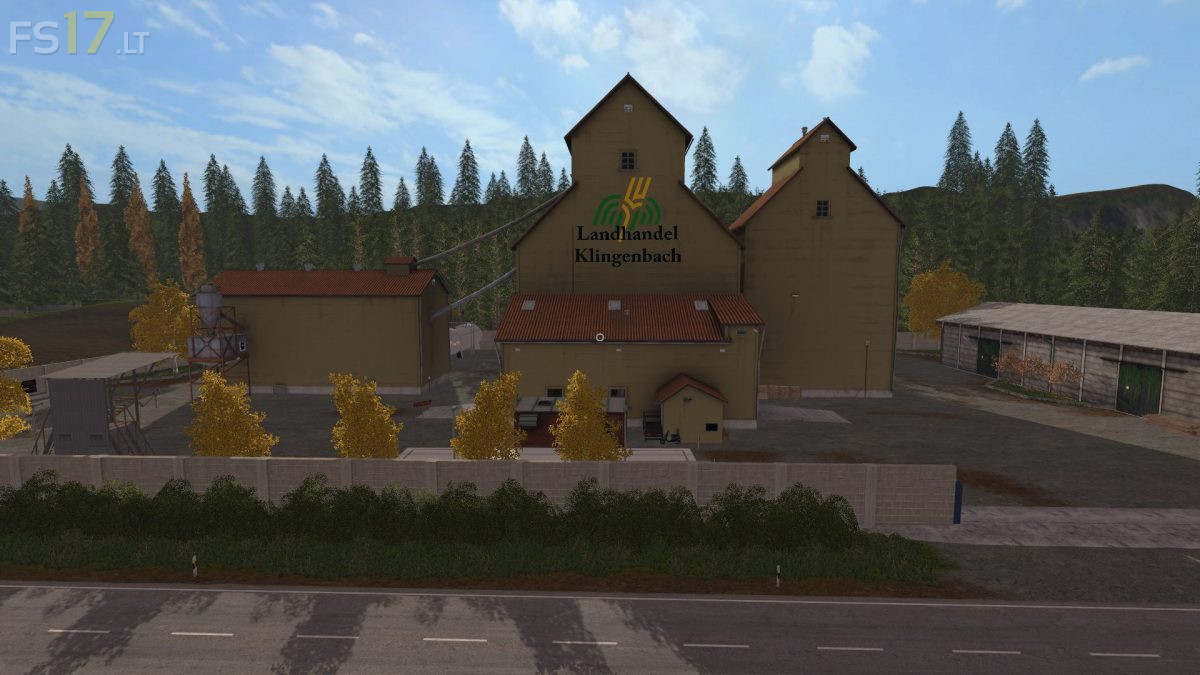
* Straw, grass and silage can be bought at the land trade (description on sign has been adjusted)