
Bergsee Map v 1.0

FS19 mods

About the mod:

– 27 fields from 1.13 to 19 ha
– Meadows with about 9.5 ha at the farm
– FS 17 standard cultures
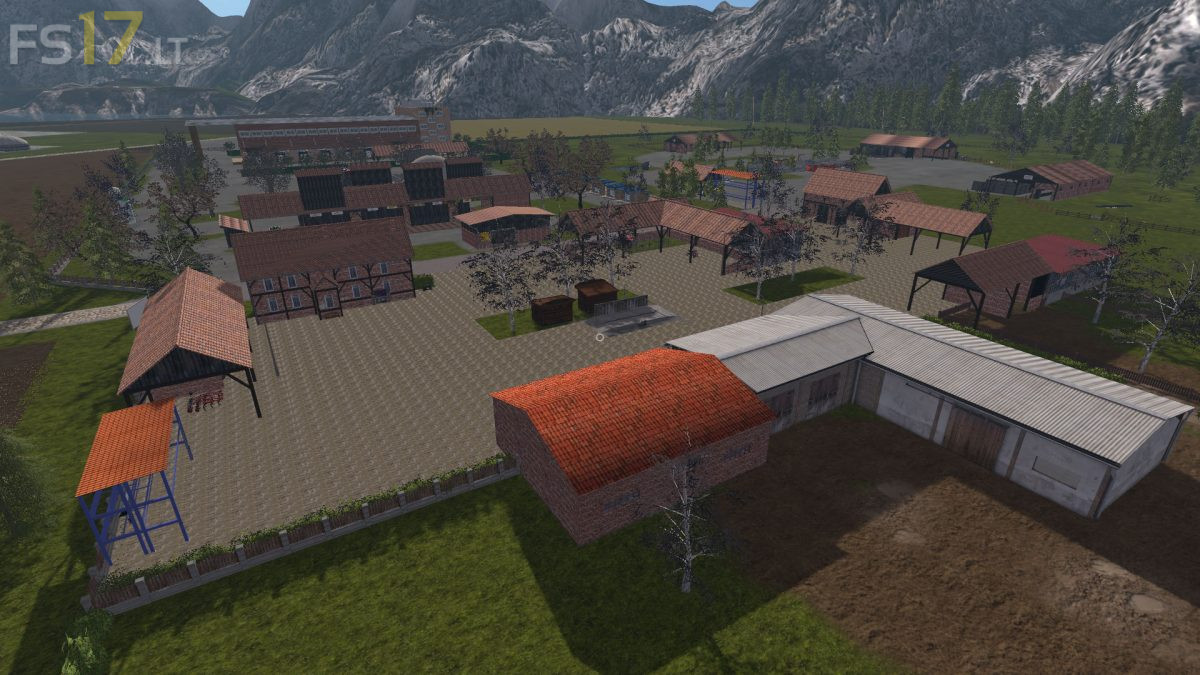
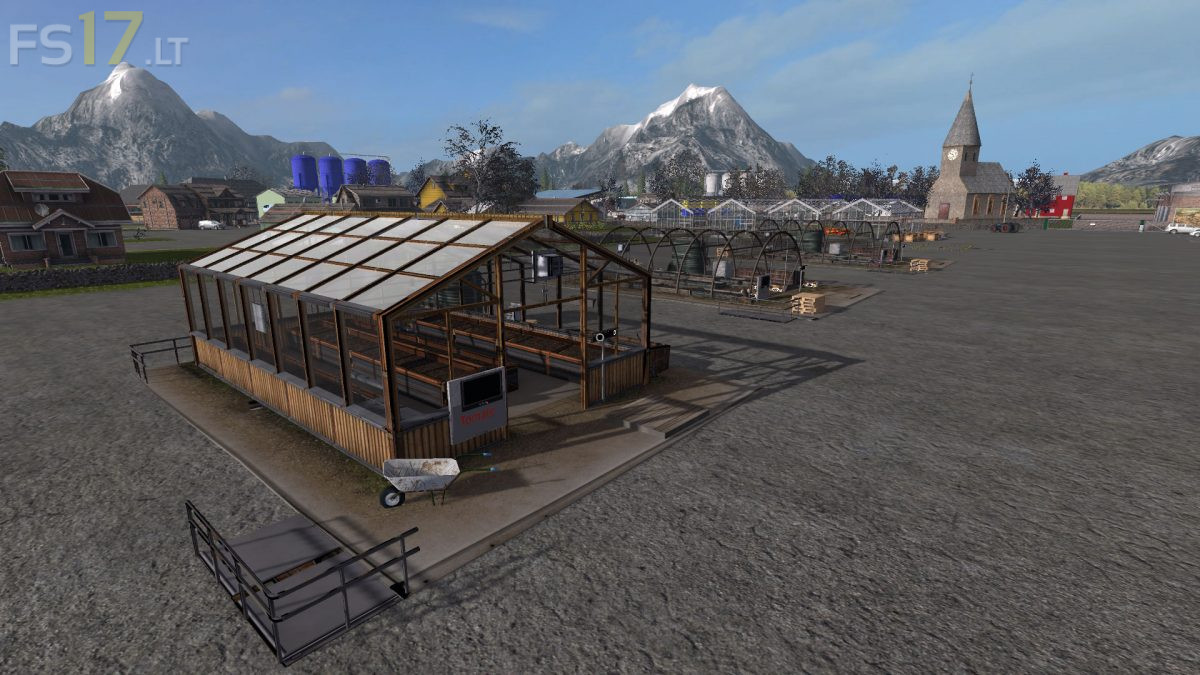
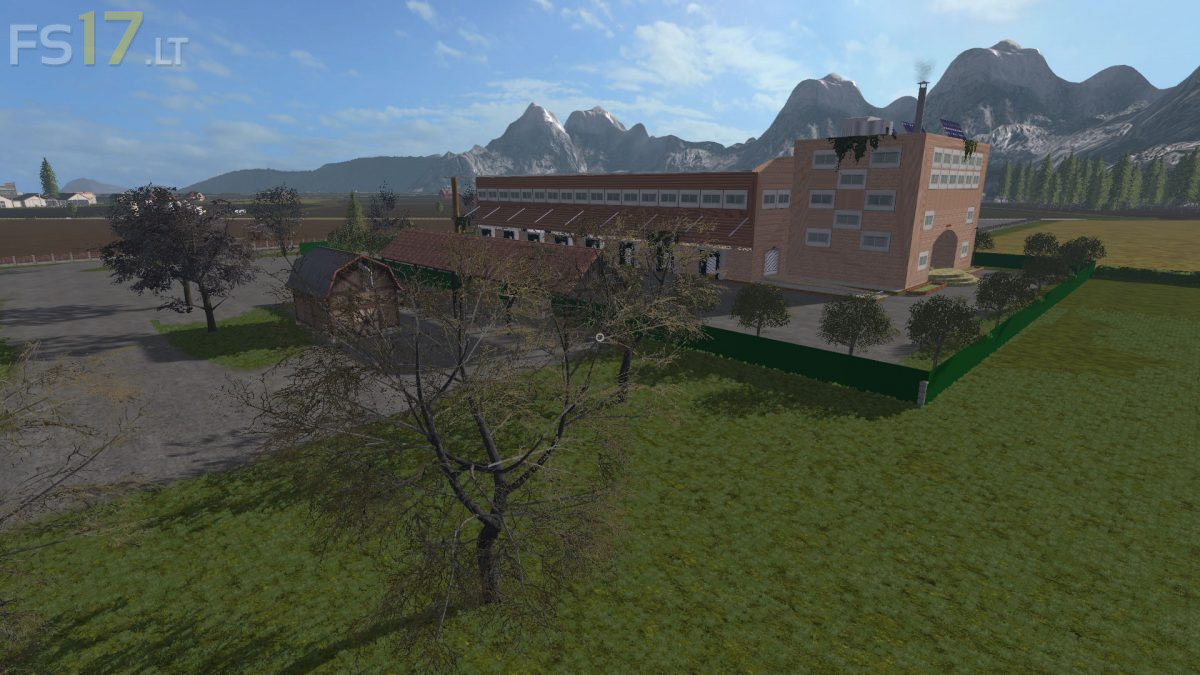
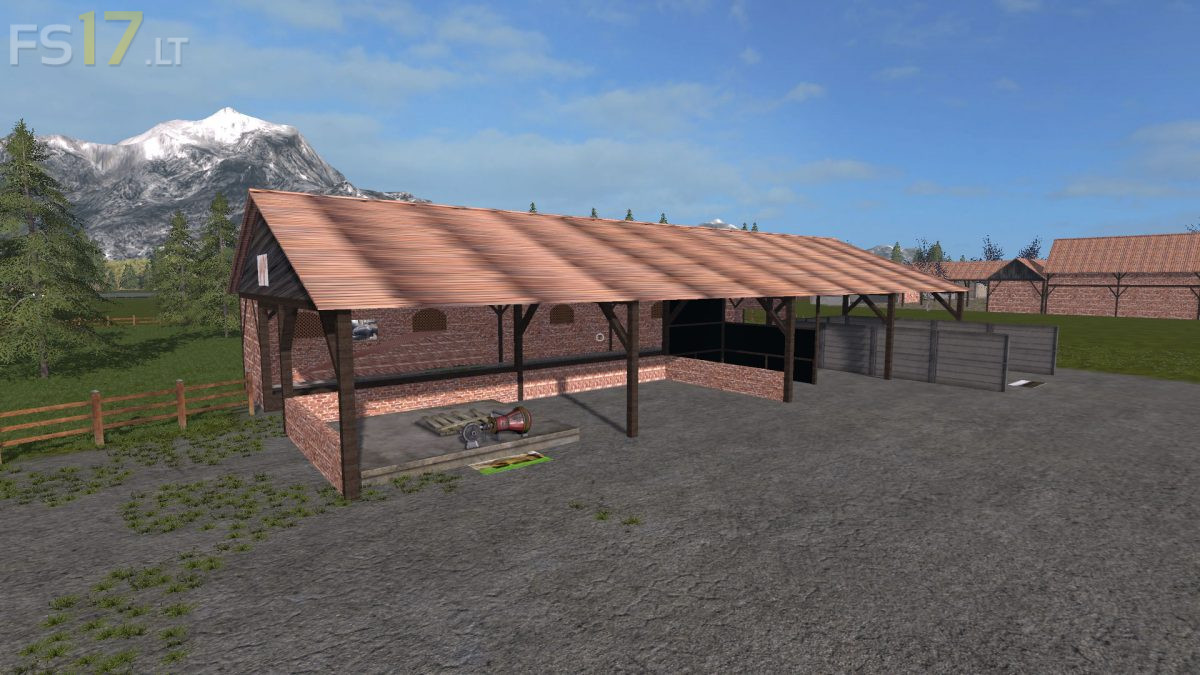
– Large yard with animals, storage and machine parking
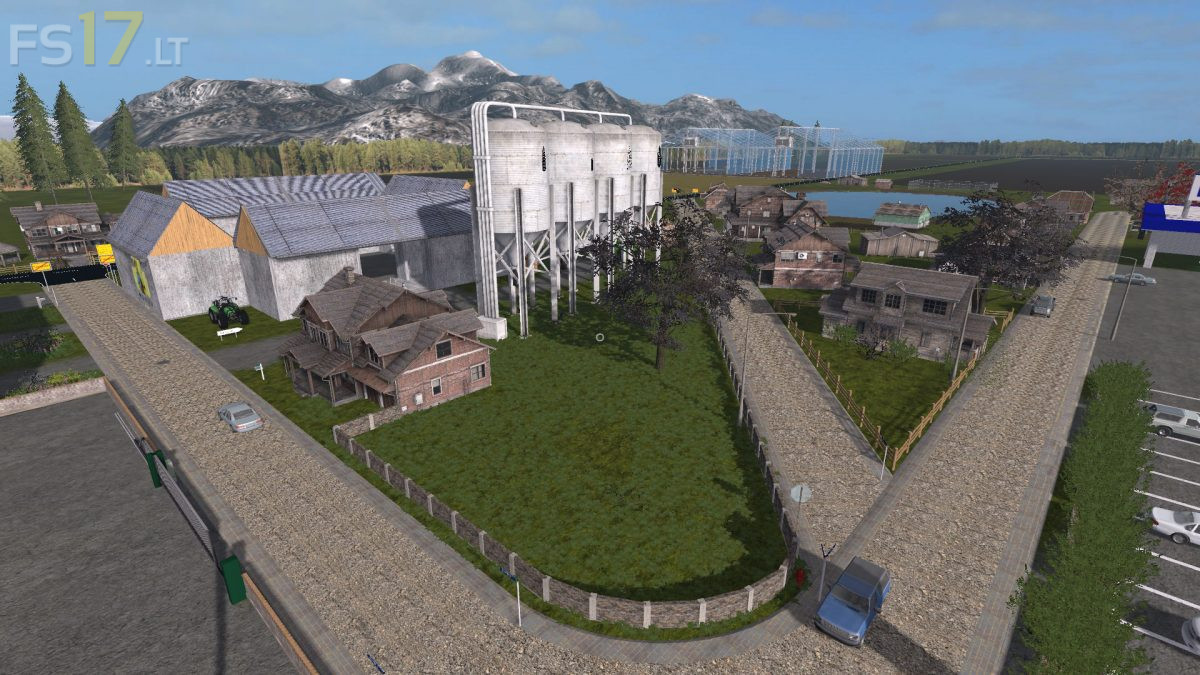
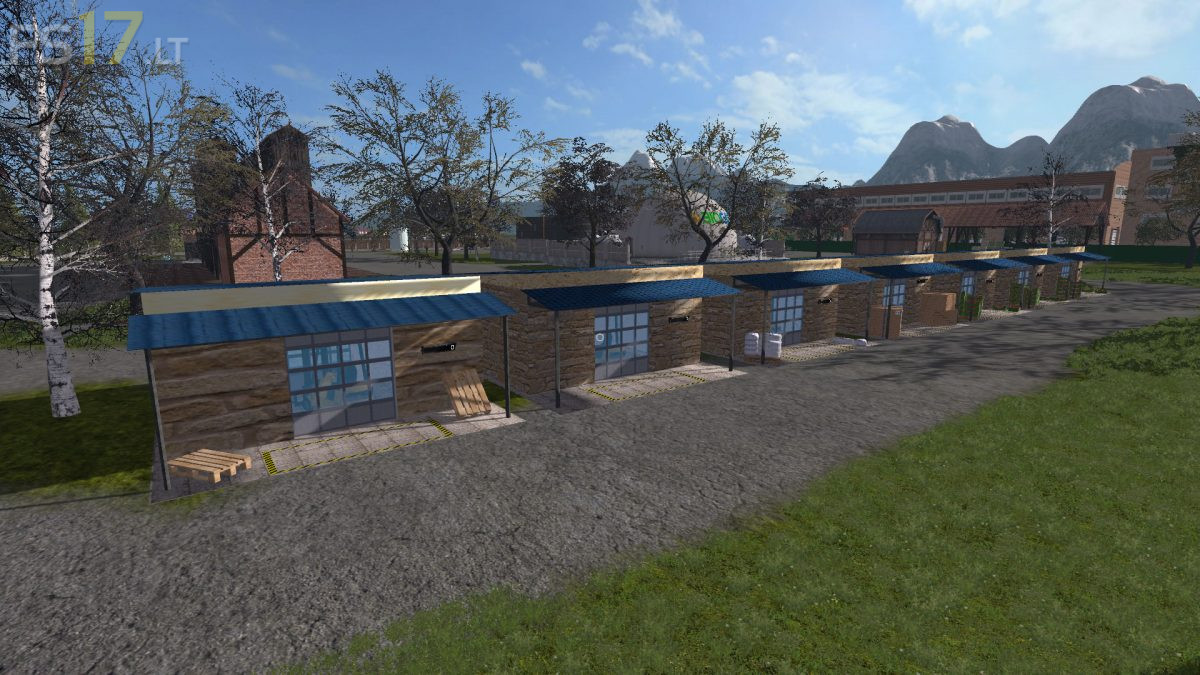
– Living village
– Gold nuggets
– Pig trader, cow dealer and shepherd searat
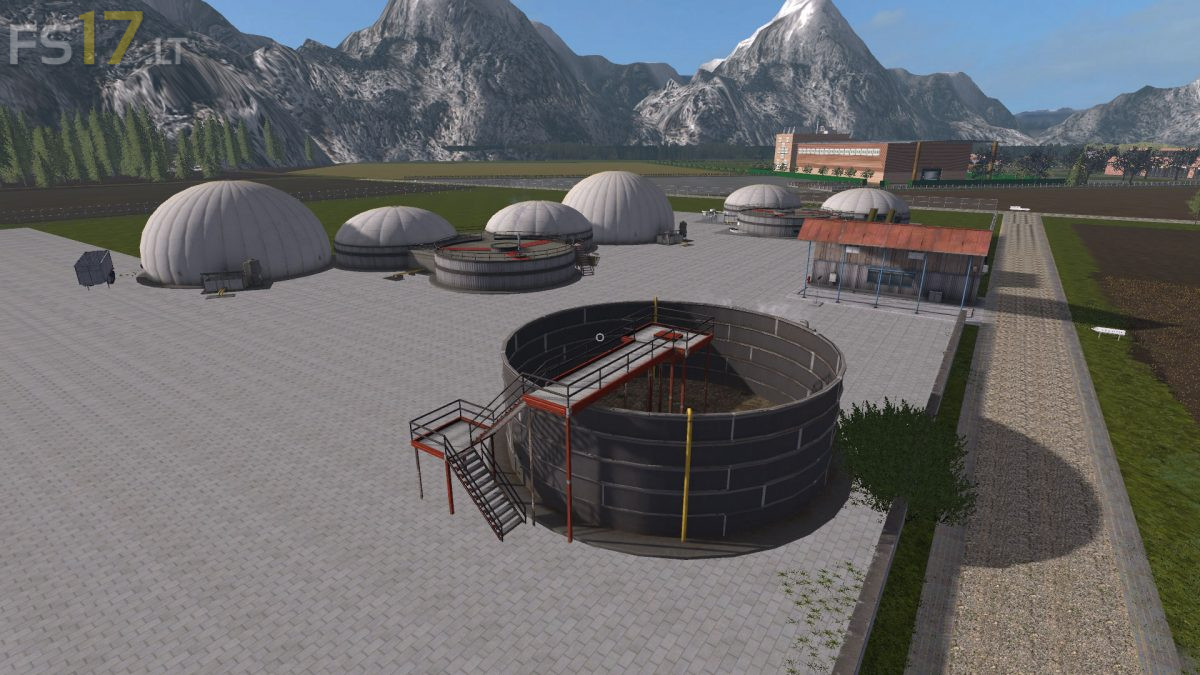
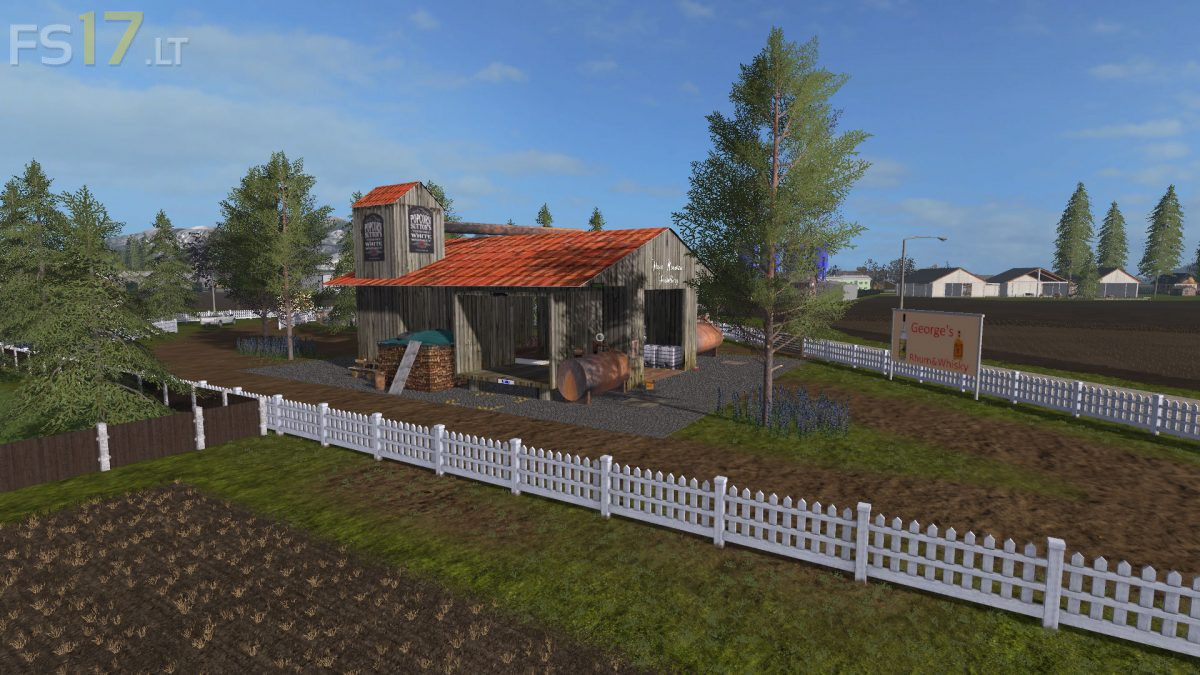
– Productions: Bakery, Brewery, Coke, Greenhouses, Barrel Factory, Sawmill, Pallet Factory, Charcoal, Cardboard, Dairy, Pasta, Rum, Whiskey, Seeds, Fertilizer, Soy Milk, Weaving, Sugar Mill, Compost, Biogas
– Sale : Edeka, garden center, grain trade, spinning mill, sawmill, straw, manure, grass, manure, biogas

Credits:
Papaherz

How to install FS17 mods?

Firstly find a mod which you like and want to download. Then download a mod to your PC. Mods are usually in .zip format file. But sometimes it can be in .rar. If a mod file is a .zip format no needed additional actions. If a file is in .rar, then you must unarchive mod with software like WinRar or Zip7. Windows 10 users no need to use software for archives, Win10 itself has a feature to unarchive files.

The next step is to find mods folder in your PC. Usually, it is in Documents/My Games/Farming Simulator 17/2017. Open the "mods" folder and put downloaded .zip archive or unarchived .rar file to this folder.

Last step. Enjoy of FS17 mods!

One thought on “Bergsee Map v 1.0

  • Ron says:
    2018-04-05 at 20:07

    Some fields (like field nr1) are only partial mission prepared ;(, did not tried other fields

Leave a Reply

Your email address will not be published. Required fields are marked *