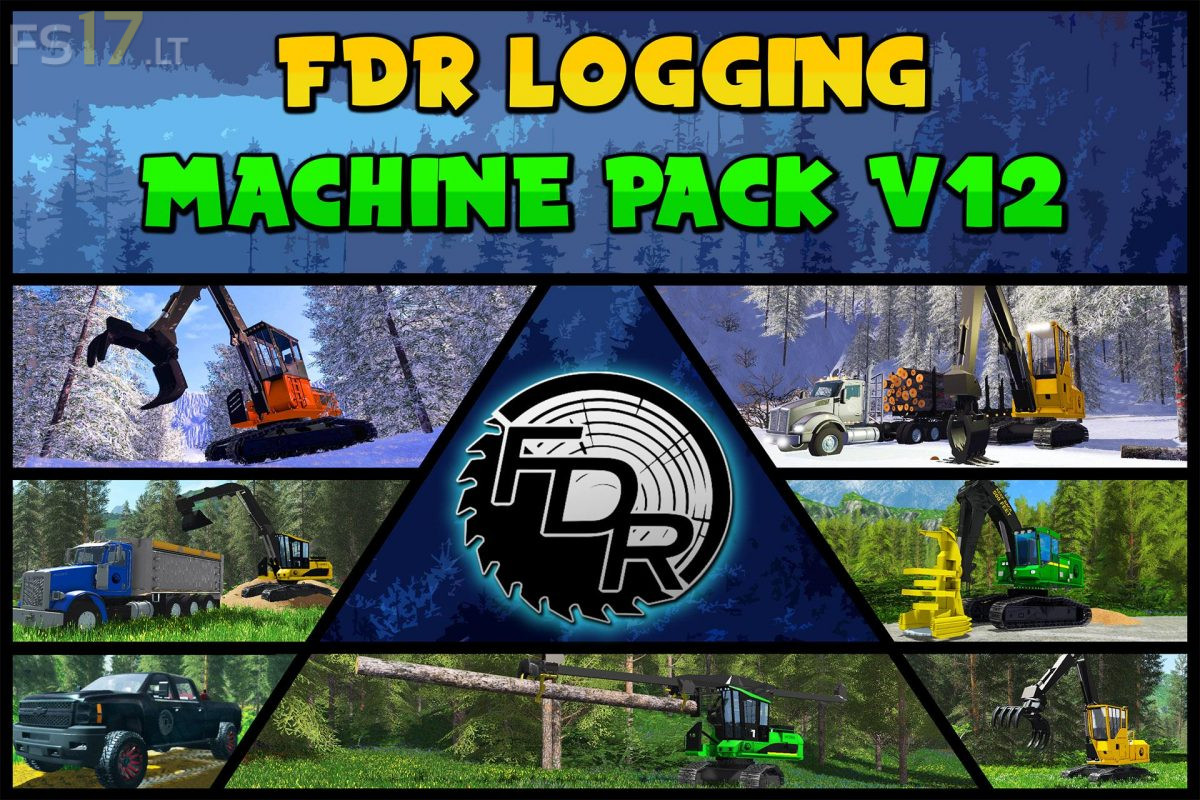
FDR Logging – Machine Pack v 12.0

FS19 mods

About the mod:

1. Machine Buncher Varcolac
2. Machine Buncher Wolverine
3. Machine Chipper Chimera
4. Machine Grinder ChimeraST
5. Machine Loader Btop Ladon
5. Machine Loader Chip Amarok
6. Machine Loader Fixed SaberTooth
7. Machine Loader Fixed Wyvern
8. Machine Loader Riser Peluda
9. Machine Loader Yarder Guivre
10. Machine Processor Delimber Hydra
11. Machine Processor Fixed Hyde
12. Machine SkidderLine Banshee
13. Machine SkidderLine Talos
14. Trailer Log Roc
15. Trailer Low Caladrius
16. Truck Dump Pegasus
17. Truck Fuel Titan
18. Truck Hauler Valkyrie
19. Xmisc Chainsaw
20. Znon FDR Manual Cut
21. Znon FDR Nocolcam

Credits:
FDR Logging

How to install FS17 mods?

Firstly find a mod which you like and want to download. Then download a mod to your PC. Mods are usually in .zip format file. But sometimes it can be in .rar. If a mod file is a .zip format no needed additional actions. If a file is in .rar, then you must unarchive mod with software like WinRar or Zip7. Windows 10 users no need to use software for archives, Win10 itself has a feature to unarchive files.

The next step is to find mods folder in your PC. Usually, it is in Documents/My Games/Farming Simulator 17/2017. Open the "mods" folder and put downloaded .zip archive or unarchived .rar file to this folder.

Last step. Enjoy of FS17 mods!

Leave a Reply

Your email address will not be published. Required fields are marked *