

Amerikanisches Outback Map v 3.0

Amerikanisches Outback Map v 3.0
– Chopped Straw blocked
– Extended field angle installed
– Volume of farm silos 500k per fruit increased
– Season Mod made ready
– All trees and shrubs traded (Now all trees fellable and Season Mod ready)
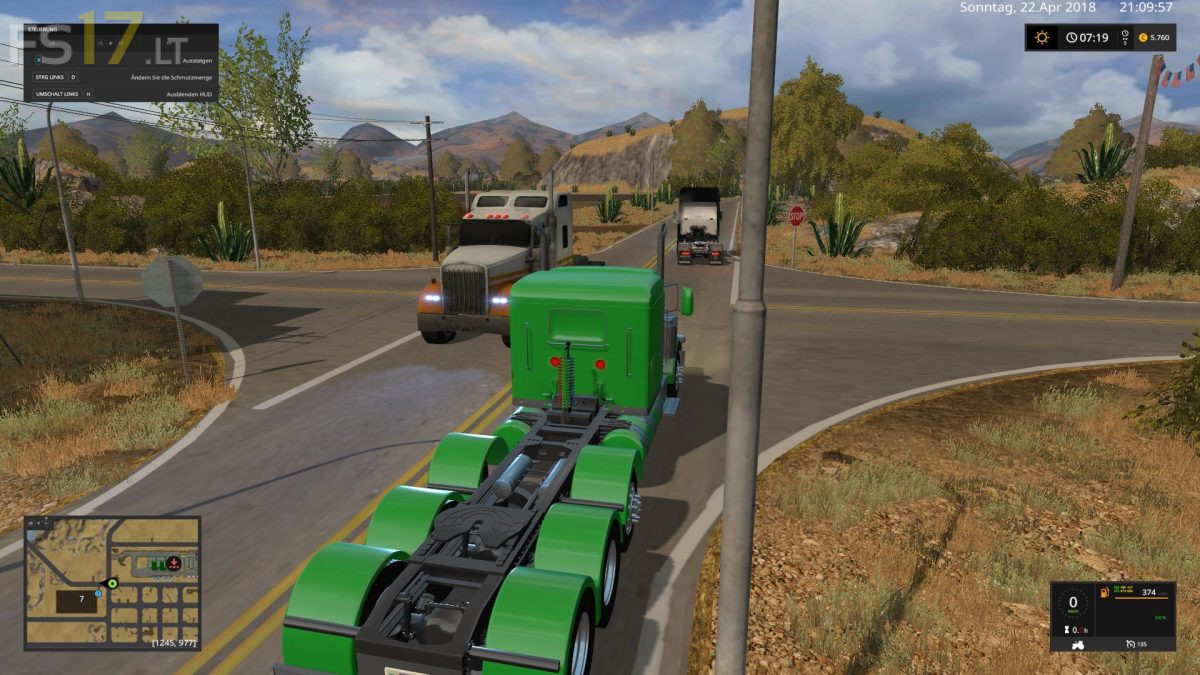
– US street signs installed
– New gas stations installed
– Sludge installed
– Sawmill rebuilt
– 2 new BGAs installed
– Pallet collector for production installed
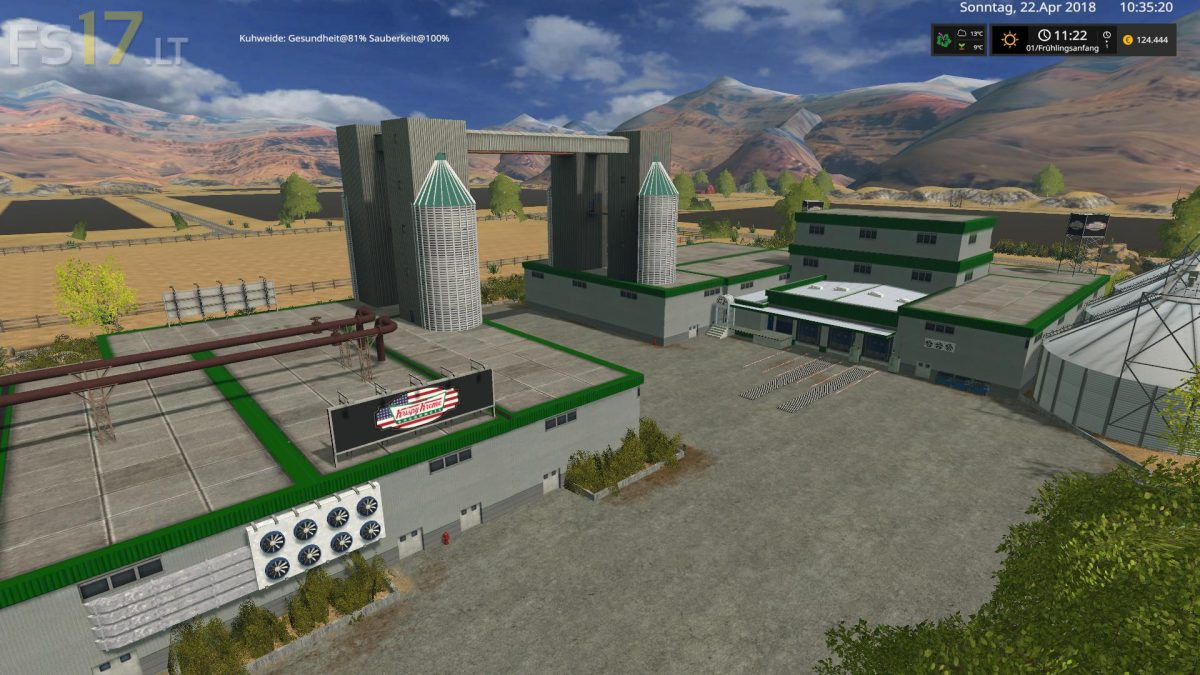
– New sale for production installed
– Hotspots added
– Railing installed on the bridges
– New fruits: carrots, beetroot, garlic and onions
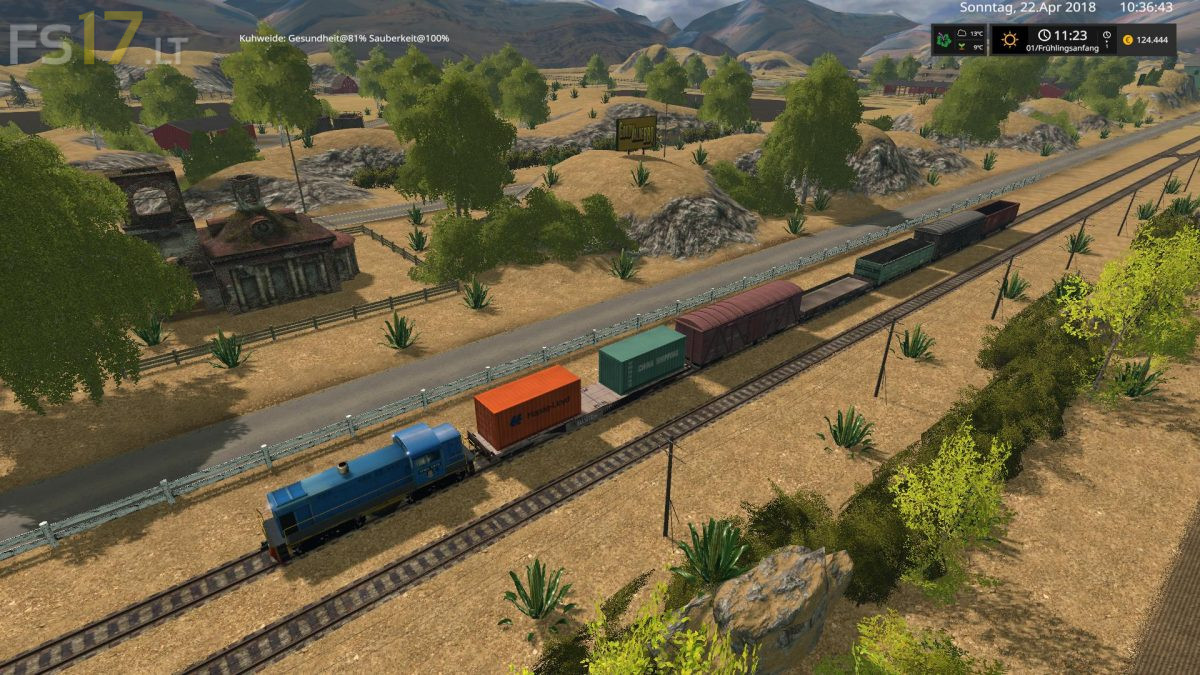
– Train (spline) installed
– Railroad crossings installed
– Animated animals (snakes, bushes)
– Fields (1 + 19, 11 + 12, 4 + 5, 7 + 8) put together
– Lights installed in the yard
– Decoration installed
– Tree at the yard
– Swapped fruit textures
– Night is darker now
– Milk sales installed (no longer sold automatically!)
– GMK installed
– Digital display installed at Abkippstelle
– Made corn higher
– Fixed hole in the bottom of the cattle pasture slurry tank
– Dyn. Heaven blocked
– Grass is now fully grown at game start
– Field 17 removed
– Small production installed (New factory script)
– UPK car wash installed
– Adapted PDA map