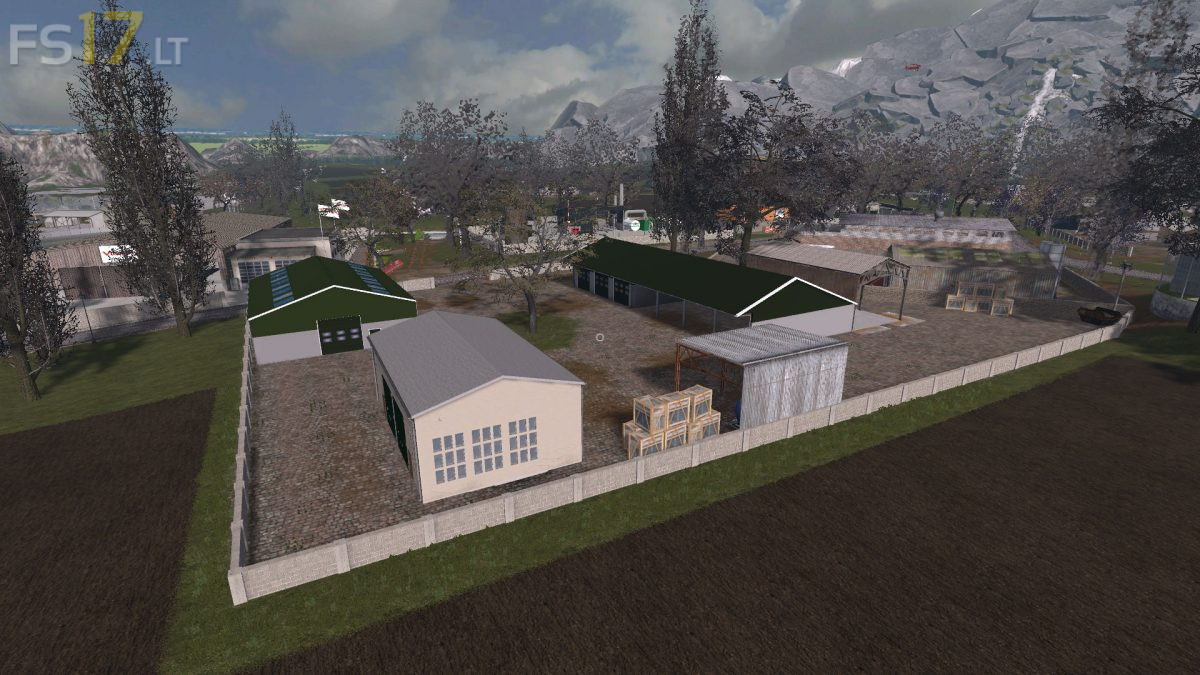
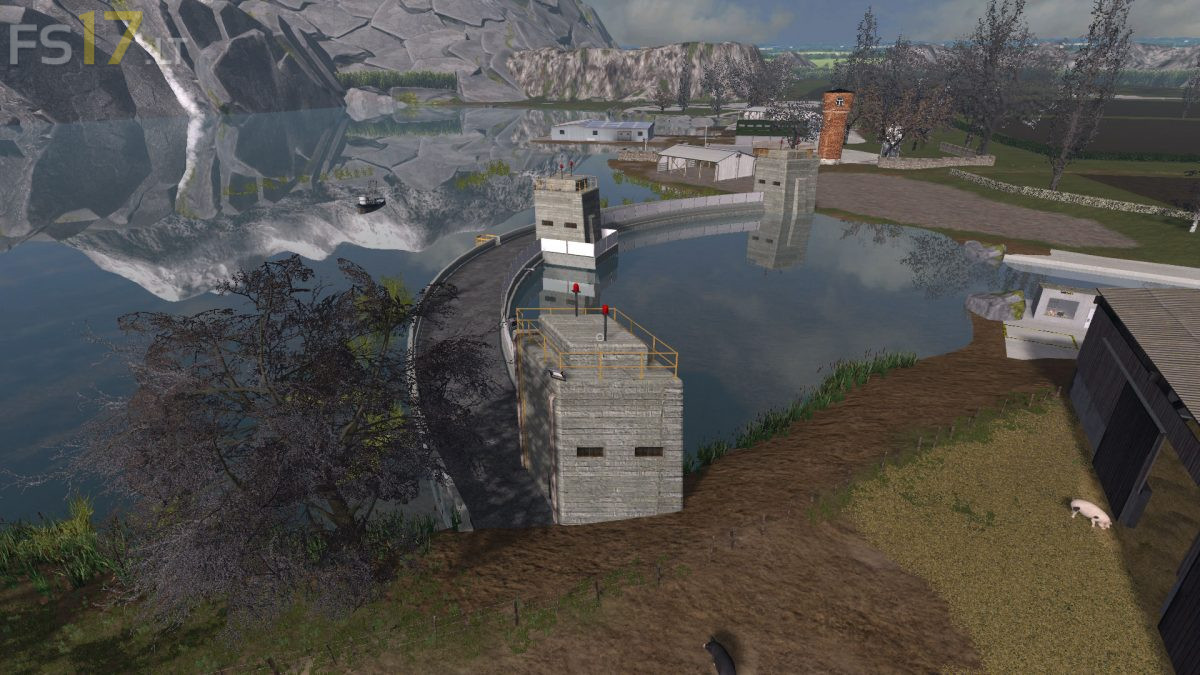
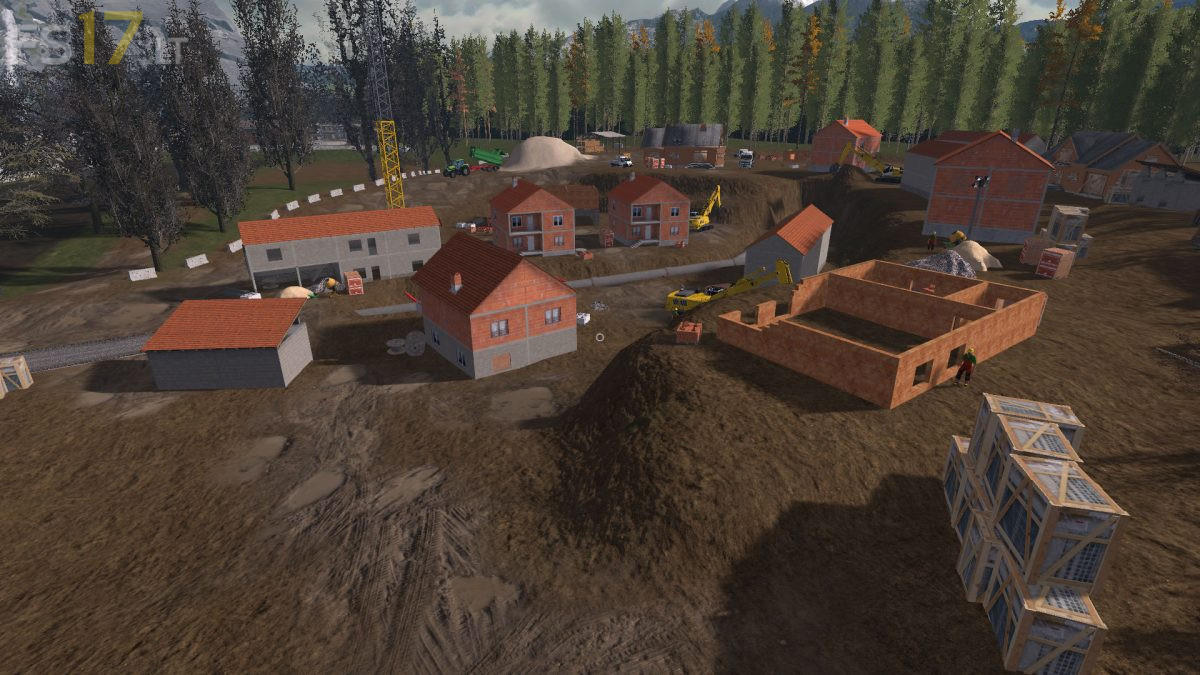
Sambreville Extended Map v 2.0
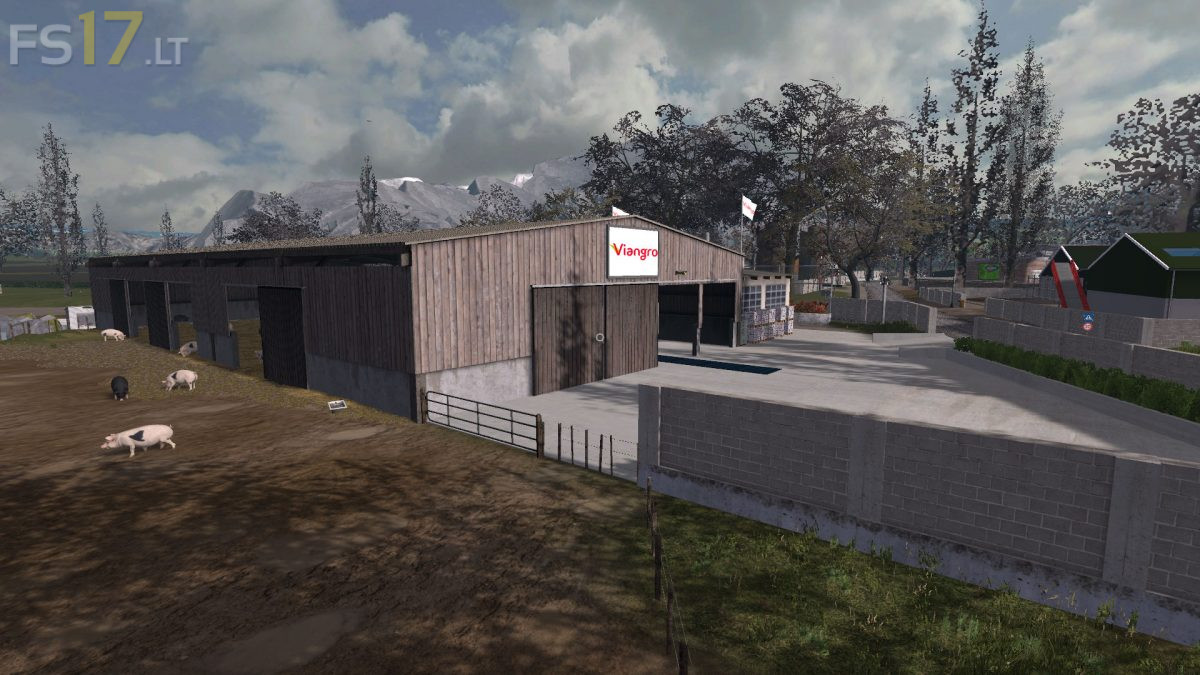
FS19 mods

About the mod:

Version 2.0:
* Added Ferry
* Added Fishing Boat
* Added Fishing System
* Careers of lime, gravel, buyable sand and indispensable for certain factories (as more possible to buy gravel and sand at the coop)
* Beer Bottle Factory
* Beer Factory
* Fabric Factory
* Greenhouses of vegetables and fruit
* Butter and Cheese Factory
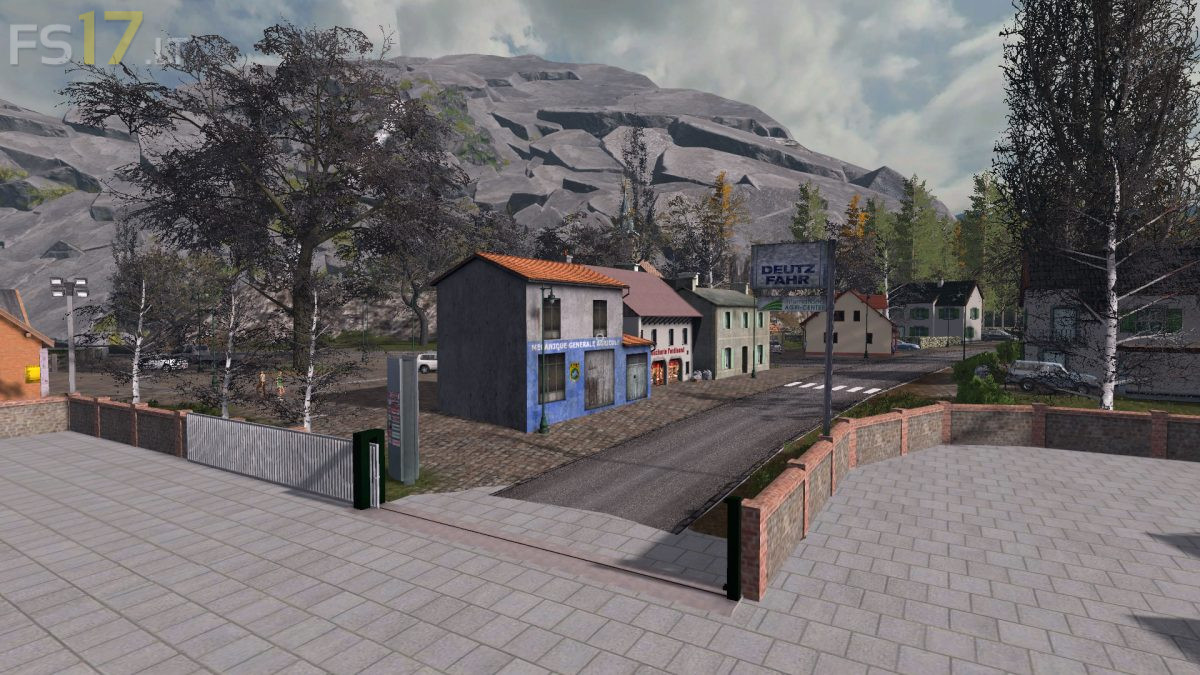
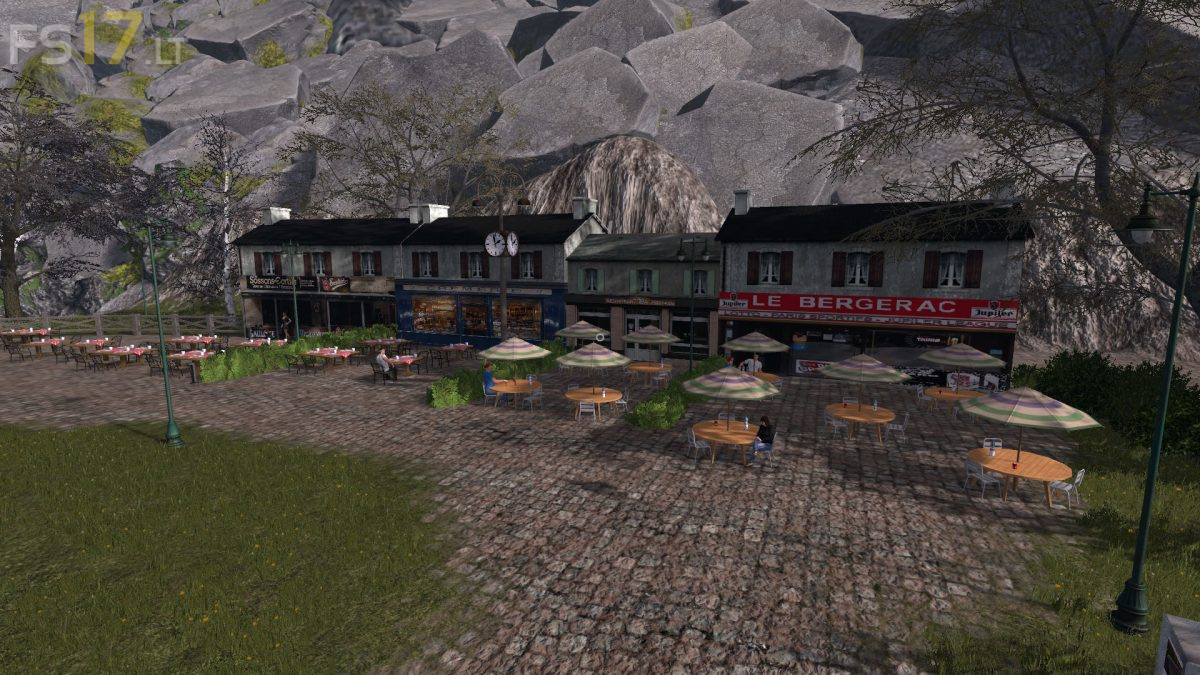
* New Village
* Addition of fields with fallow system (Purchasable in a sales agency)
* New system for purchaseable animal water
* Some small public works site (construction of bridges, cleaning of the canal, possibility with the earth at home constructing to fill the hole of the pipes)
* Modification of the silo system (there is more than one for all farms and it is for cows)
* Wood chipper
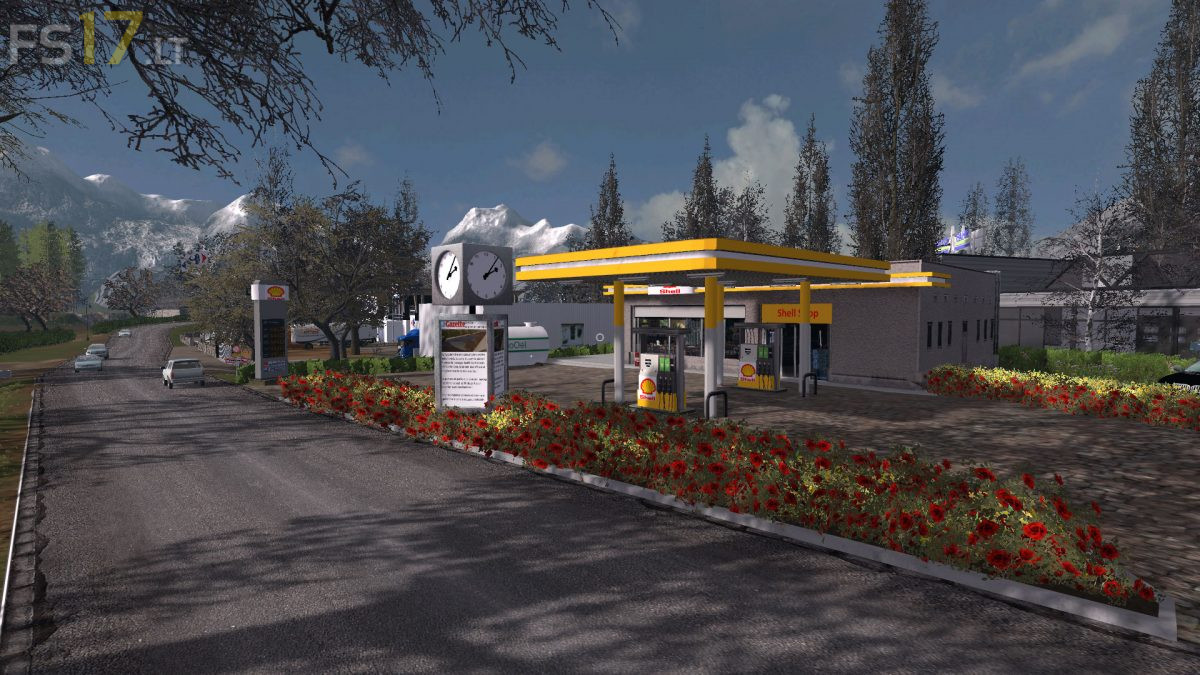
* New gas storage system

Credits:
Bootsy_Modding

How to install FS17 mods?

Firstly find a mod which you like and want to download. Then download a mod to your PC. Mods are usually in .zip format file. But sometimes it can be in .rar. If a mod file is a .zip format no needed additional actions. If a file is in .rar, then you must unarchive mod with software like WinRar or Zip7. Windows 10 users no need to use software for archives, Win10 itself has a feature to unarchive files.

The next step is to find mods folder in your PC. Usually, it is in Documents/My Games/Farming Simulator 17/2017. Open the "mods" folder and put downloaded .zip archive or unarchived .rar file to this folder.

Last step. Enjoy of FS17 mods!

3 thoughts on “Sambreville Extended Map v 2.0”

  • copernico says:
    2018-06-03 at 18:41

    file corrupt 🙁

  • moabiti says:
    2018-06-04 at 17:43

    Can’t extract or unpack the file!!!

  • Marc Meano says:
    2018-08-04 at 22:12

    thank you

Leave a Reply

Your email address will not be published. Required fields are marked *