

Missouri River Bottoms Map v 12.0







Missouri River Bottoms Map v 12.0
About the mod:
Version 12.0:
* Removed the Brahmas
* Added Beef Master
* Fixed the alfalfa so you can cut and it regrows
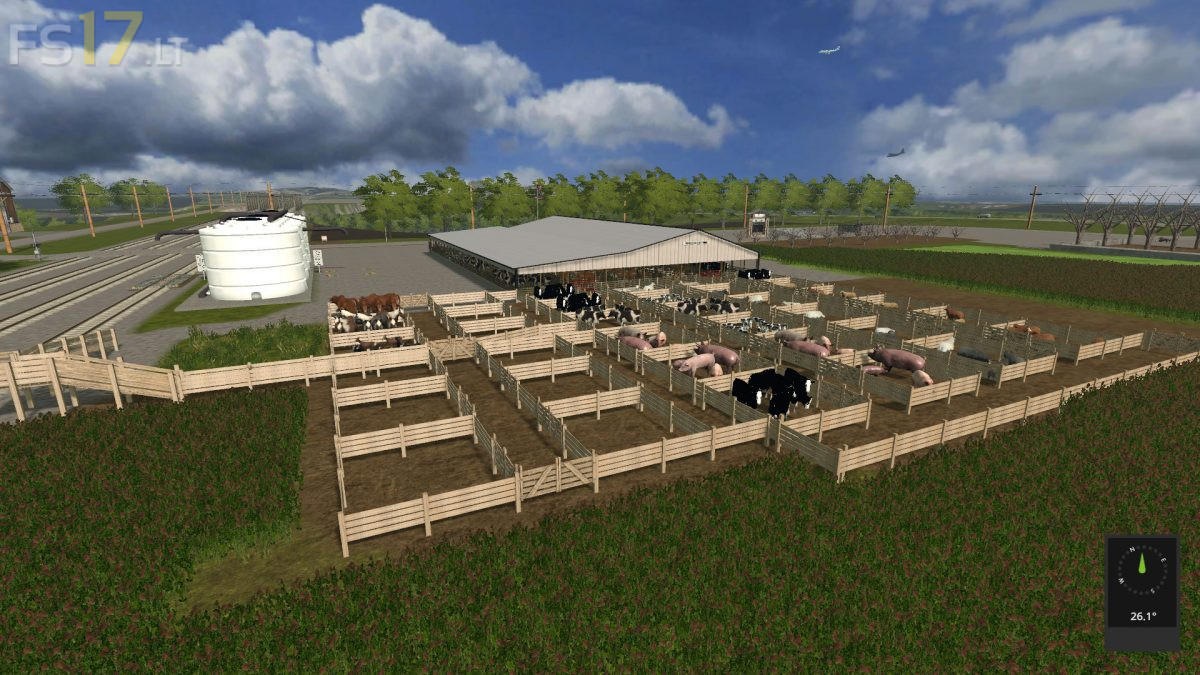
* The Beef Master is where the Brahmas was and the angus is at the Farm on west side of Map
* Removed the Dog
* Moved the Fuel Tanks and dog pen out of shop
* Moved the sell trigger at the Case IH shop to outside and in front of Repair shop
* Fixed the sell point for fish
* Added to other stores so you will have more than 1 sell point
* Added the grazing areas for cows, Brahmas, pony, sheep and goat
Credits:
jb3pc4sale
you should bring this to fs19
still need to fix how hired workers don’t go straight when plowing soeing and seeding and spreading firtilzer