

Fliegl Pallet Filling System v 1.0.0.2 Multicolor


Fliegl Pallet Filling System v 1.0.0.2 Multicolor
About the mod:
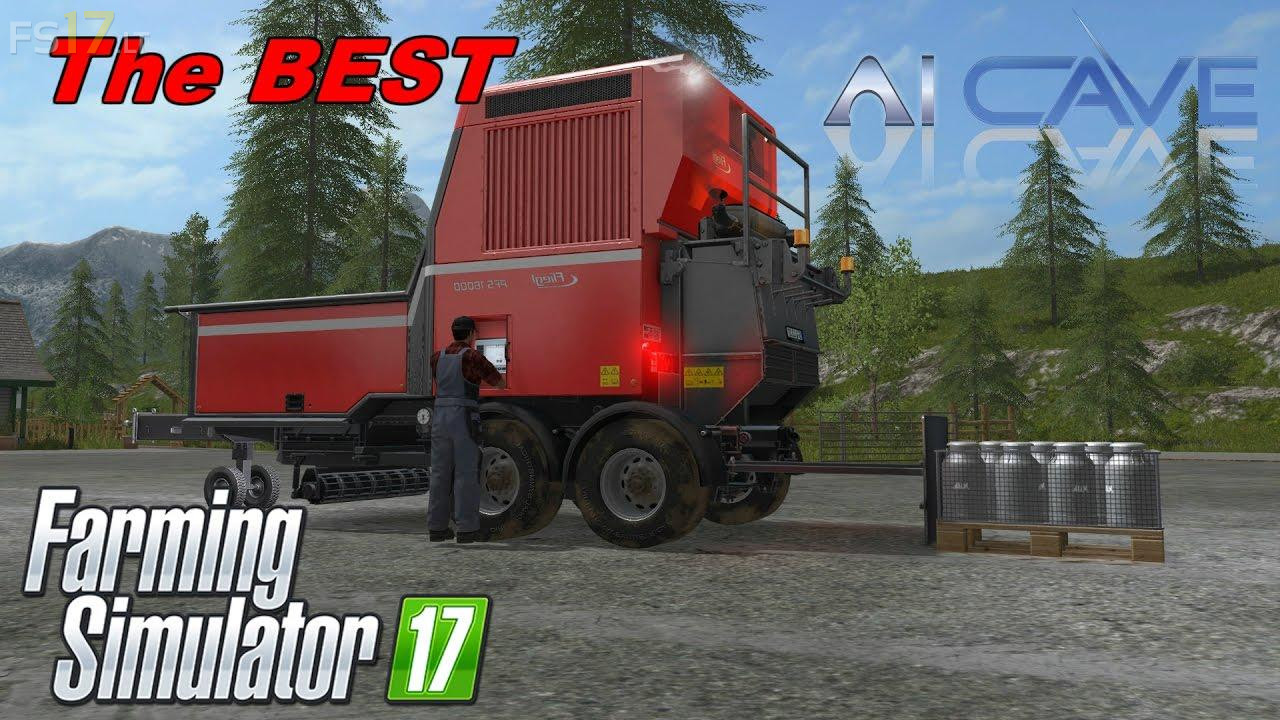
With the Fliegl Station you can create pallets like the name, but this is not all that this device can do, bales or BigBags are also possible.
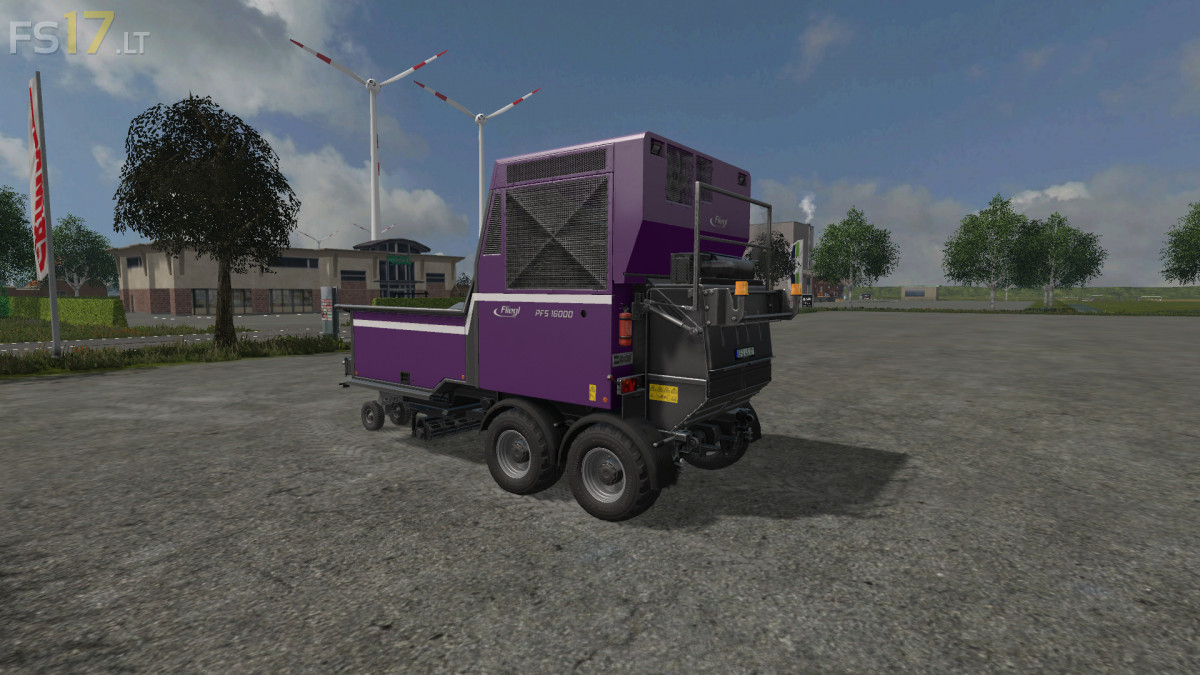
– Selectable Wheels: Standard, Agrar
– Selectable Design: White Decals, Red Decals
– Choice of Color
– Dirt / washable
– Lighting
– Currently, Fill Typen supported: potato, sugarbeet, milk, seeds, fertilizer, pig food, woodchips, silage, straw, grass_windrow, compost, biogas
Brief introduction to machine operation:
1. Disconnect the Fliegl station from the tractor
2. Start the main engine
3. Start the Flieglstation (speed goes up)
4. Switch on the pallet production
5. when pallet full pallet slides are used to push out
6. Insert the pallets slider
Credits:
Farmer Andy, Ifkonator
when you use this to make straw bales it poops them out like crazy if anyone remembers the small square baler in fs15 that made the tiny bales that’s how this one is they only fill to like 1000 L and thats nothing. i haven’t tried it actually making pallets yet but for baling its really really annoying
bales wont pick up with auto load or baling trailer