River Bend Gooseneck Trailers Pack

FS19 mods

About the mod:

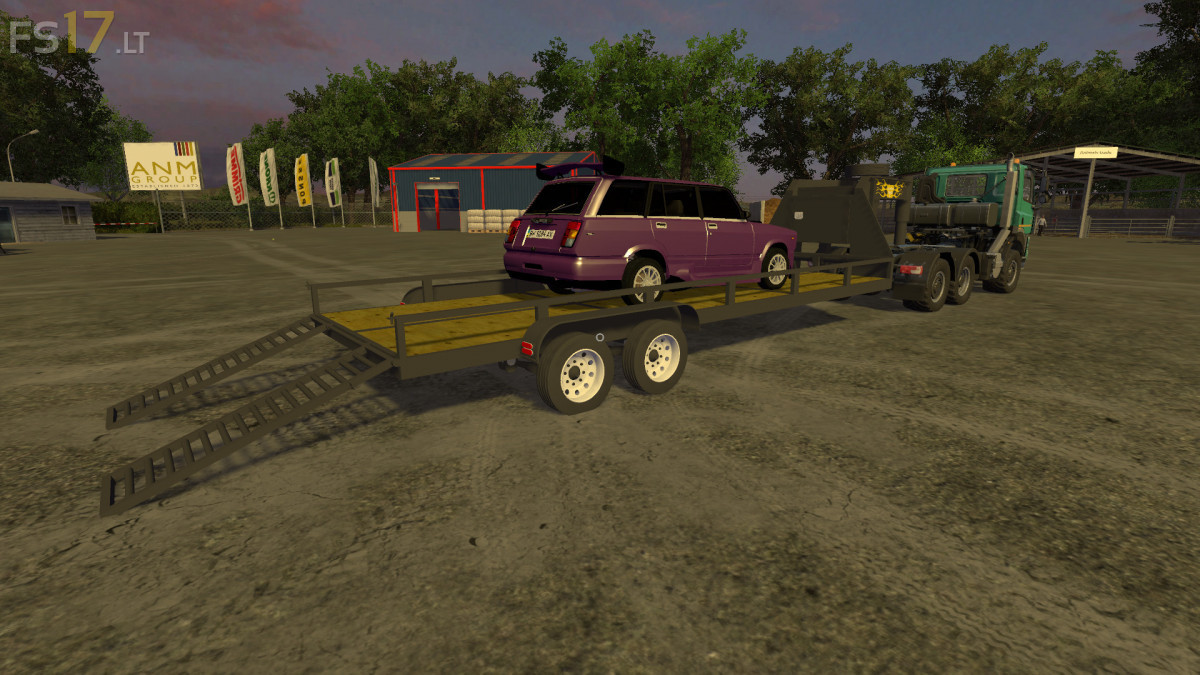
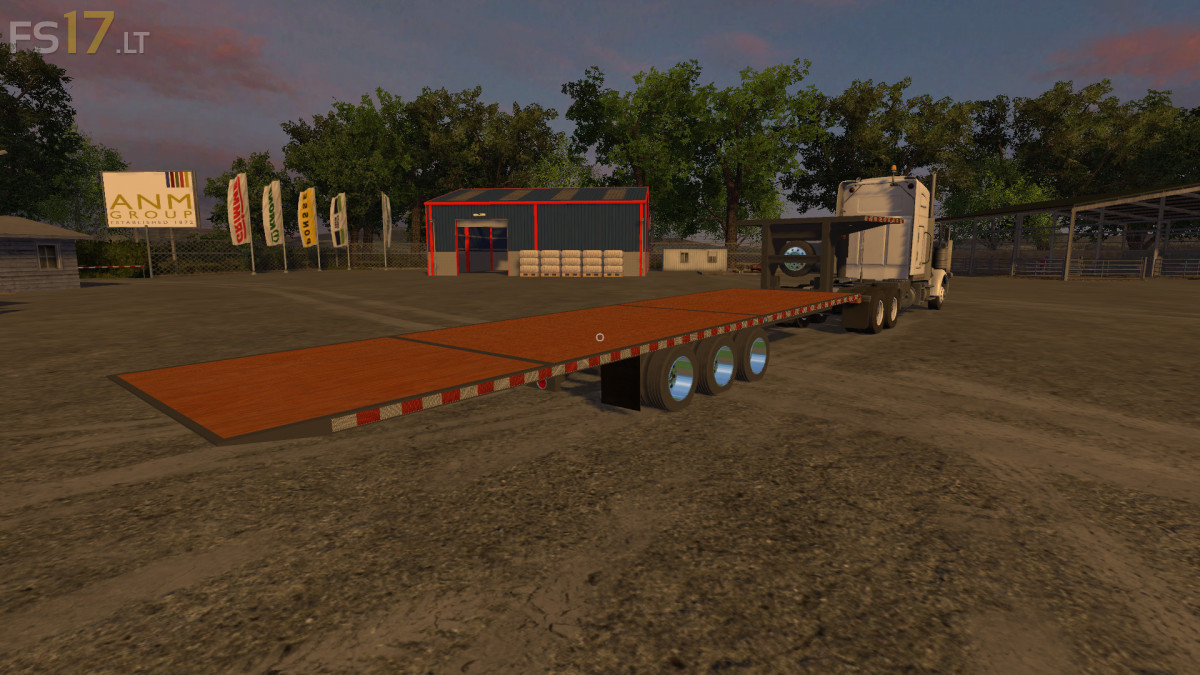
3 River Bend Gooseneck Trailers:
* River Bend Gooseneck 28 Foot
* River Bend Gooseneck 40 Foot
* River Bend Gold Series 32 FT Tilt Deck

Credits:
bearmodding

How to install FS17 mods?

Firstly find a mod which you like and want to download. Then download a mod to your PC. Mods are usually in .zip format file. But sometimes it can be in .rar. If a mod file is a .zip format no needed additional actions. If a file is in .rar, then you must unarchive mod with software like WinRar or Zip7. Windows 10 users no need to use software for archives, Win10 itself has a feature to unarchive files.

The next step is to find mods folder in your PC. Usually, it is in Documents/My Games/Farming Simulator 17/2017. Open the "mods" folder and put downloaded .zip archive or unarchived .rar file to this folder.

Last step. Enjoy of FS17 mods!

4 thoughts on “River Bend Gooseneck Trailers Pack

  • THITTLLMBTPO says:
    2017-01-12 at 16:56

    What is the mod of the Lada / Vaz on the first picture please

  • sloth says:
    2018-01-20 at 22:13

    all trailers freak out on normal trucks

    • colby says:
      2018-02-03 at 16:15

      because the trailers are for mod trucks

  • Thorough Mod Testing INC. says:
    2018-08-15 at 18:20

    The trailers spaz out on most trucks modded or not,
    its an error that prevents normal use as it locks the wheels of the vehicle
    in a certain direction and/or makes it speed off uncontrollably,
    obviously that isn’t intentional on the modders part and will hopefully be fixed in the near future.

    The trailers have been tested in with other mods on presaves
    as well as isolated to their own save game and mod folder to the same ending result.

Leave a Reply

Your email address will not be published. Required fields are marked *