
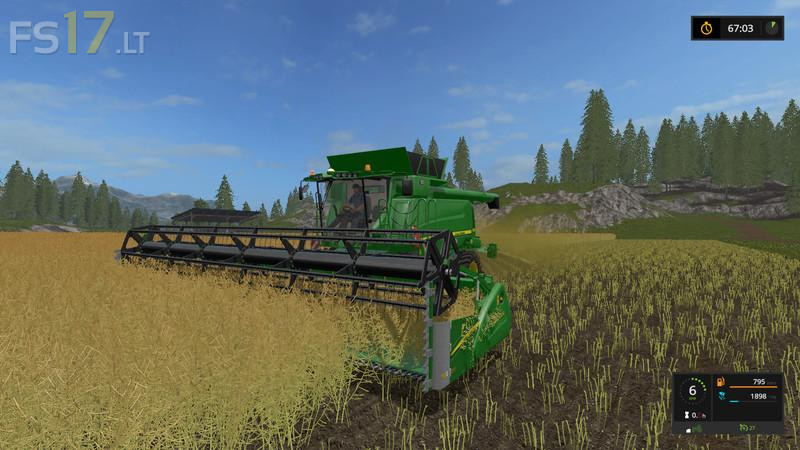
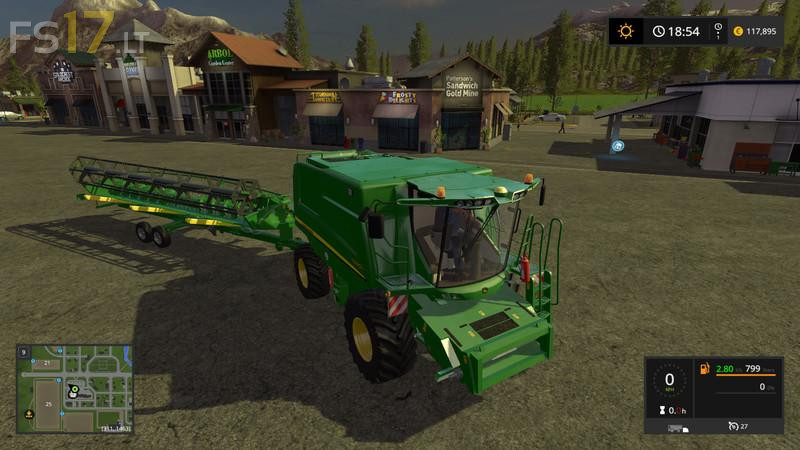
John Deere T670i

FS19 mods

About the mod:

– Power 425 hp
– Speed 25 km/h
– Exhaust effects
– IC Control
– Indoor HUD
– Included John Deere 630R Header and Header Trailer

Credits:
MySQly

How to install FS17 mods?

Firstly find a mod which you like and want to download. Then download a mod to your PC. Mods are usually in .zip format file. But sometimes it can be in .rar. If a mod file is a .zip format no needed additional actions. If a file is in .rar, then you must unarchive mod with software like WinRar or Zip7. Windows 10 users no need to use software for archives, Win10 itself has a feature to unarchive files.

The next step is to find mods folder in your PC. Usually, it is in Documents/My Games/Farming Simulator 17/2017. Open the "mods" folder and put downloaded .zip archive or unarchived .rar file to this folder.

Last step. Enjoy of FS17 mods!

One thought on “John Deere T670i

  • No massey fan says:
    2017-02-19 at 01:05

    Great mod, just a few things though
    Feeder house is set wrong so header sits too high off ground
    Speed of header dirtness is too slow
    The interior camera is too far forward, needs to be set further back in the seat
    Finally, the dirt texture on the windows needs to be adjusted as it makes it very difficult to see out of windows when combined is dirty
    It’s is a great mod, but I feel these adjustments would make it awesome

Leave a Reply

Your email address will not be published. Required fields are marked *