Add/Deduct Money v 1.0
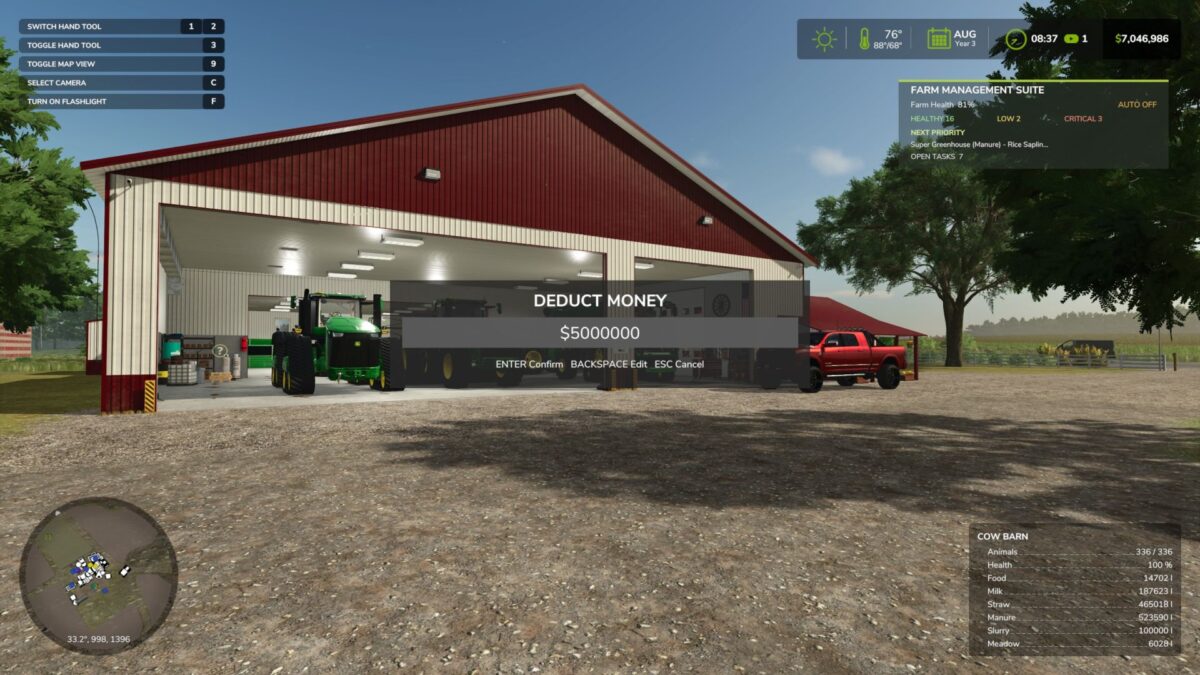
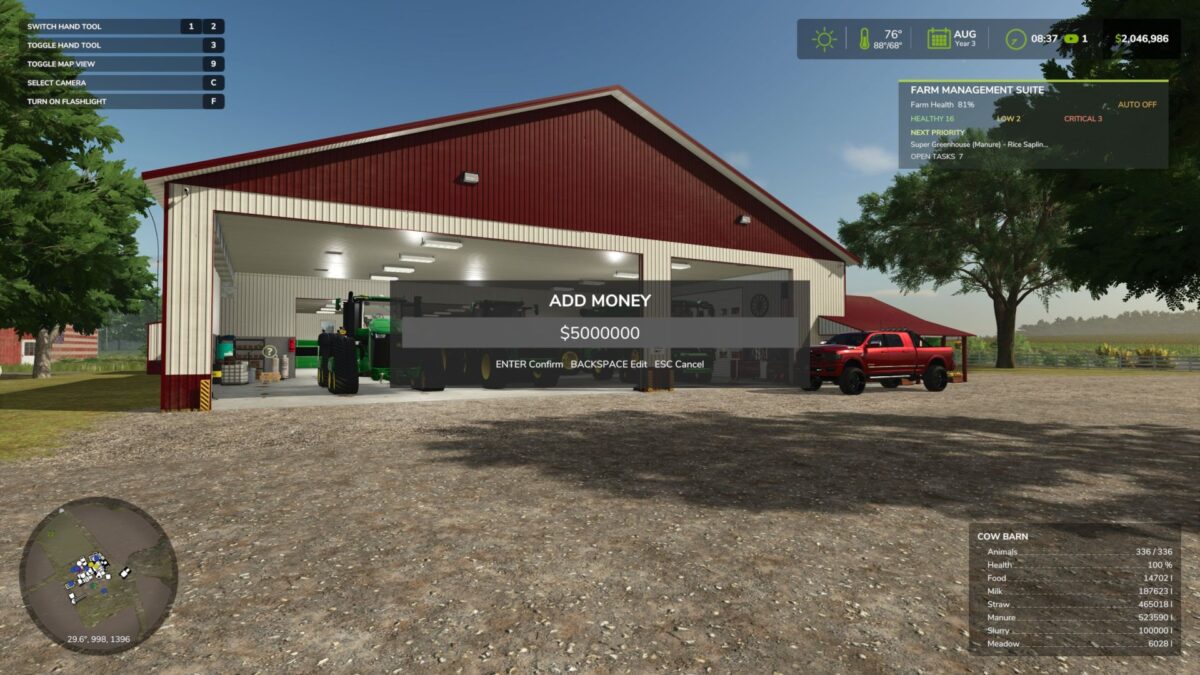
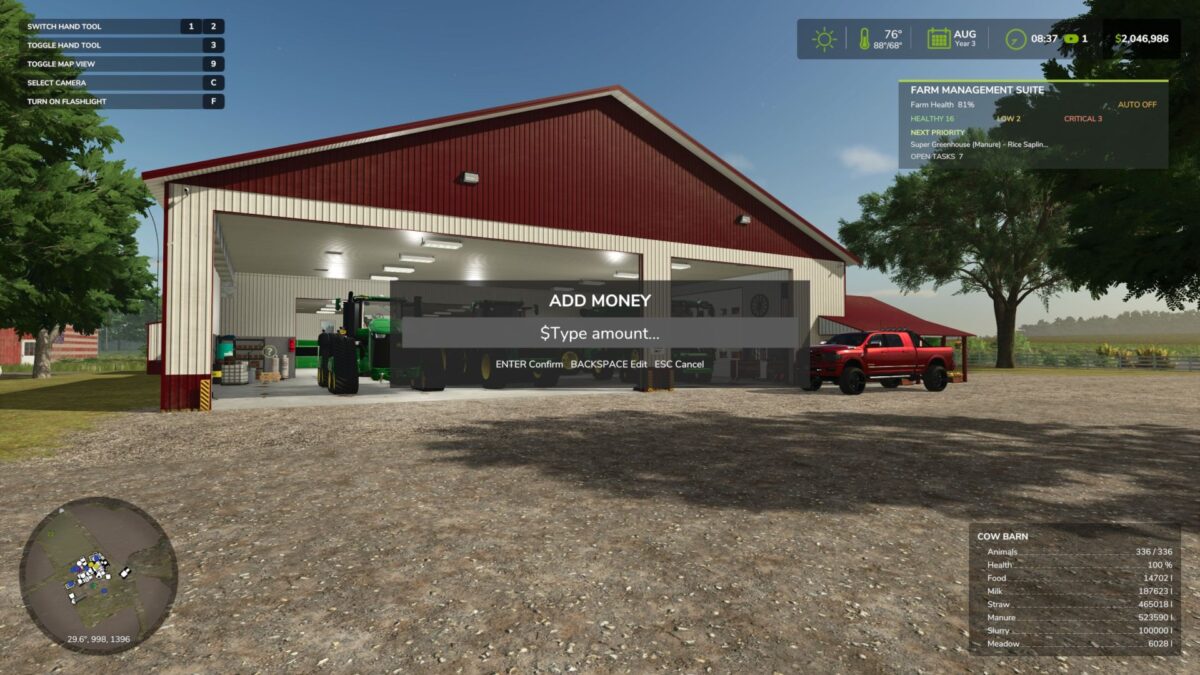
Farm Money Manager is a simple utility mod that lets you quickly add or deduct money from your farm without the hassle of closing the game or manually editing savegame files. Easily adjust your farm’s balance with a custom amount directly in-game, saving time and making farm management more convenient.
Features:
Add or deduct custom amounts
Simple and easy-to-use interface
No savegame editing required
Perfect for testing, roleplay, or correcting your farm’s balance
NuclearTony Mods
How do I install Farming Simulator mods?
Find a mod that you like and want to download first. Then, on your PC, download a mod. Mods are typically in.zip format. However, it is sometimes in.rar format. If the mod file is in.zip format, no additional actions are required. If a file is in.rar format, you must unarchive it using software such as WinRar or Zip7. Windows 10 users do not need to use archive software; Win10 includes an unarchive feature.
The next step is to locate the mods folder on your computer. It is typically found in Documents/My Games/Farming Simulator [Your FS game version, e.g. 2022]. Open the "mods" folder and place the downloaded.zip archive or unarchived.rar file there.
The final step. Have fun with Farming Simulator mods!