

Adjustable Engine Brake Force v 1.0




Adjustable Engine Brake Force v 1.0
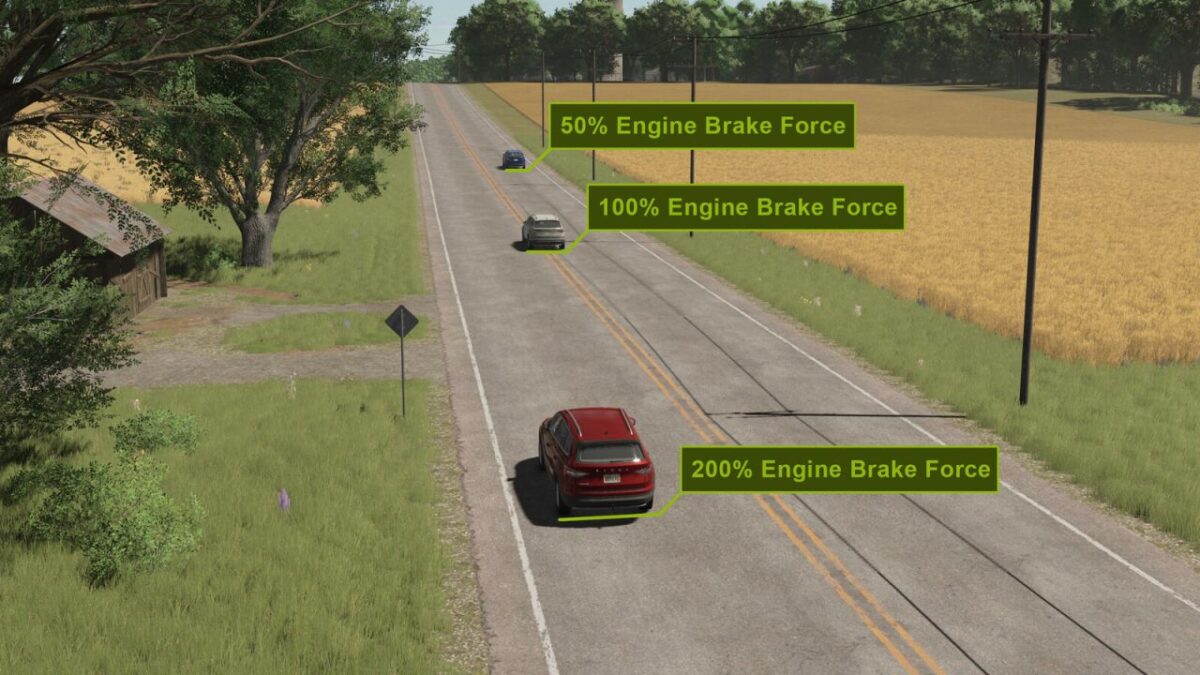
Many vehicles behave very differently when it comes to engine braking—as soon as you take your foot off the throttle, some vehicles brake very hard, while others only brake very slightly.
With this mod, you can adjust the engine braking force individually for each vehicle.
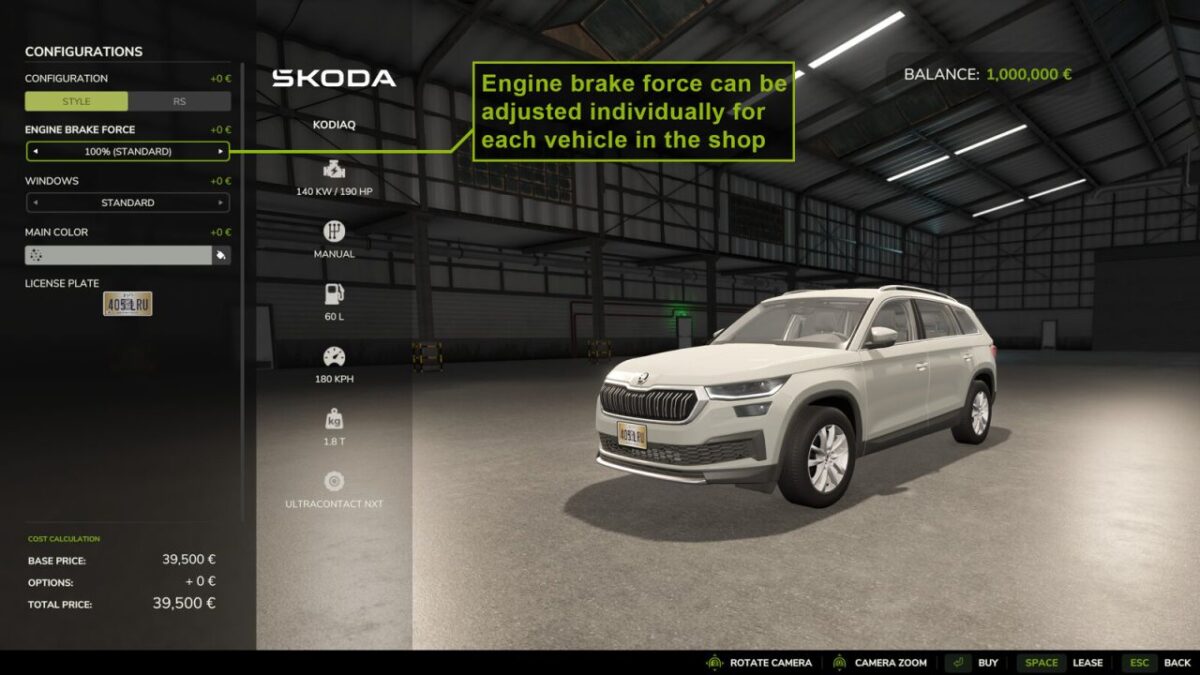
The script adds a shop configuration to each vehicle that allows you to customize the engine braking force.
By default, the engine braking force is set to 100%, which corresponds to the vehicle’s original value.
In the shop, you can adjust the engine braking force using a percentage value from 10% up to 400%.
Only the engine braking force is adjusted — meaning the deceleration that occurs when you stop accelerating but are not braking.
Normal braking force via the brake pedal remains unchanged.
The engine braking force setting is saved together with the vehicle and is restored when a save game is loaded again.
The modification is fully multiplayer compatible.