

Advanced Silage Types v1.4.0.1

Advanced Silage Types v1.4.0.1
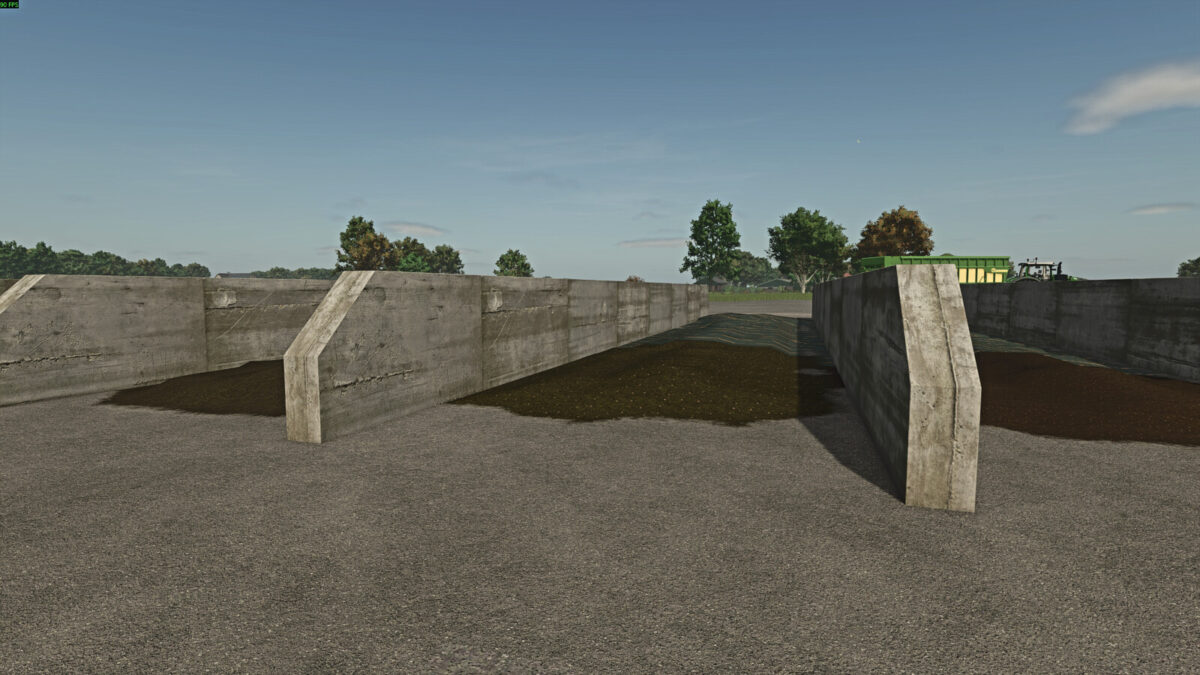
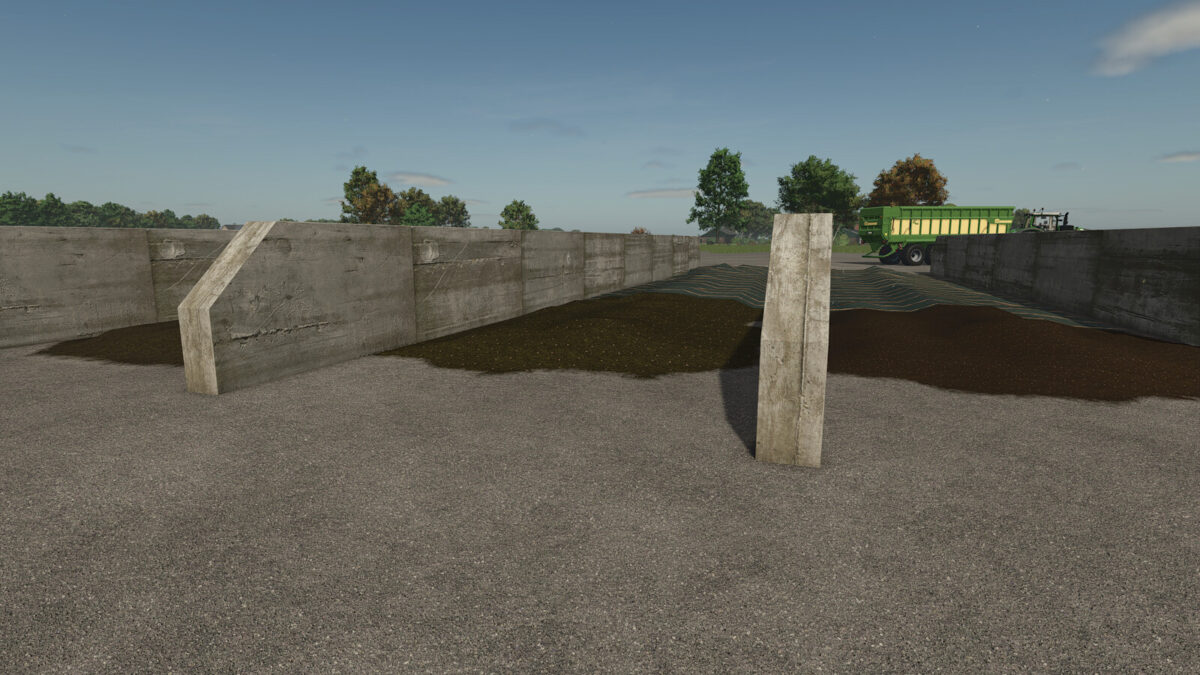
The “Advanced Silage Types” globally extends all bunker silos, biogas plants and feeding robots with additional silage types.
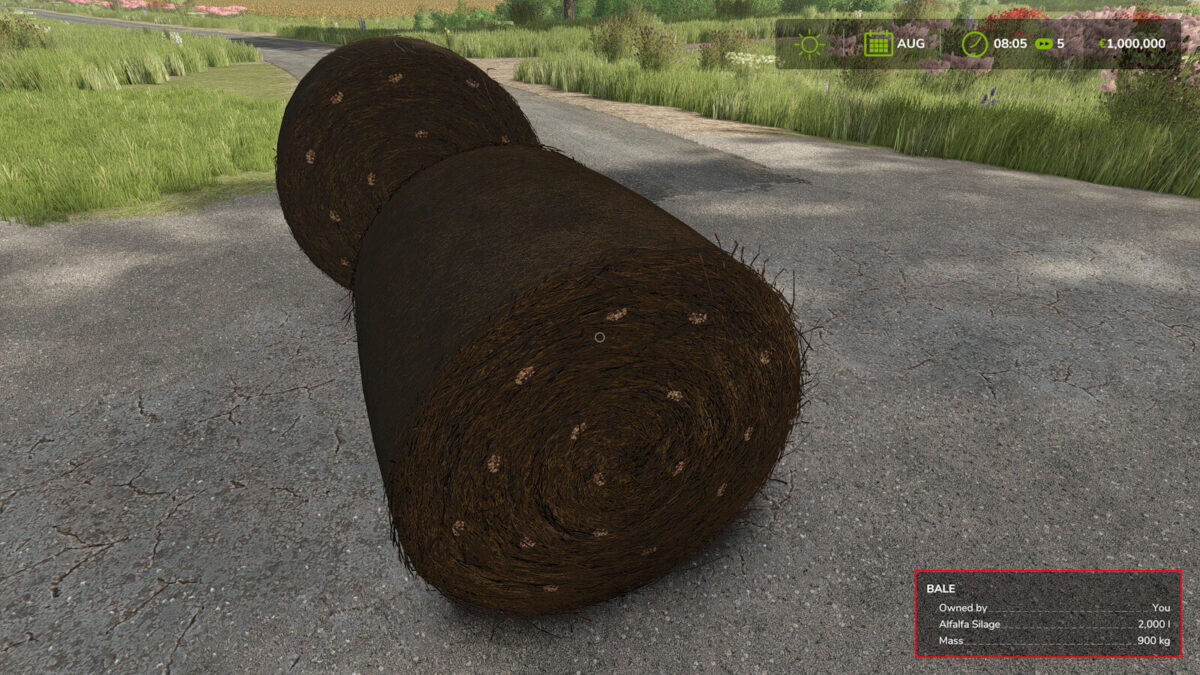
The script integrates the fillTypes *GRASS_FERMENTED*, *CLOVER_FERMENTED* and *ALFALFA_FERMENTED*, which are intentionally named according to the MaizePlus fillType conventions to avoid conflicts with other mods.
The implementation is based on template structures provided by T4xs.
All new silage types are processed like standard silage. Stationary productions (BGA) and bunker silos automatically receive the new silage types as valid input, with methane output adjusted for higher-value silage.
Furthermore, the script extends all stationary feeding robots: they now accept the new silage types at their silage unloading spots and convert them into the standard forage mixture.
Silos are able to ferment any supported crop, provided the required fillTypes are registered on the map. Missing or non-registered fillTypes are automatically ignored to ensure maximum compatibility.
In addition, all new silage types are added to silage additives in forage wagons and forage harvesters. The fillPlanes inside the silo may visually differ from those used by the map; this is a technical limitation and does not affect functionality.
The script allows users to add their own silage types via a clearly organized table. Special thanks go to PfalzAgrar and SirJoki80 for providing the silage textures.
Changelog 1.1.0.0:
– Fixed incorrect name for Silo_Clover
– Fixed incompatibility with PlanET Modulare BGA (Kastor)
– Code improvements
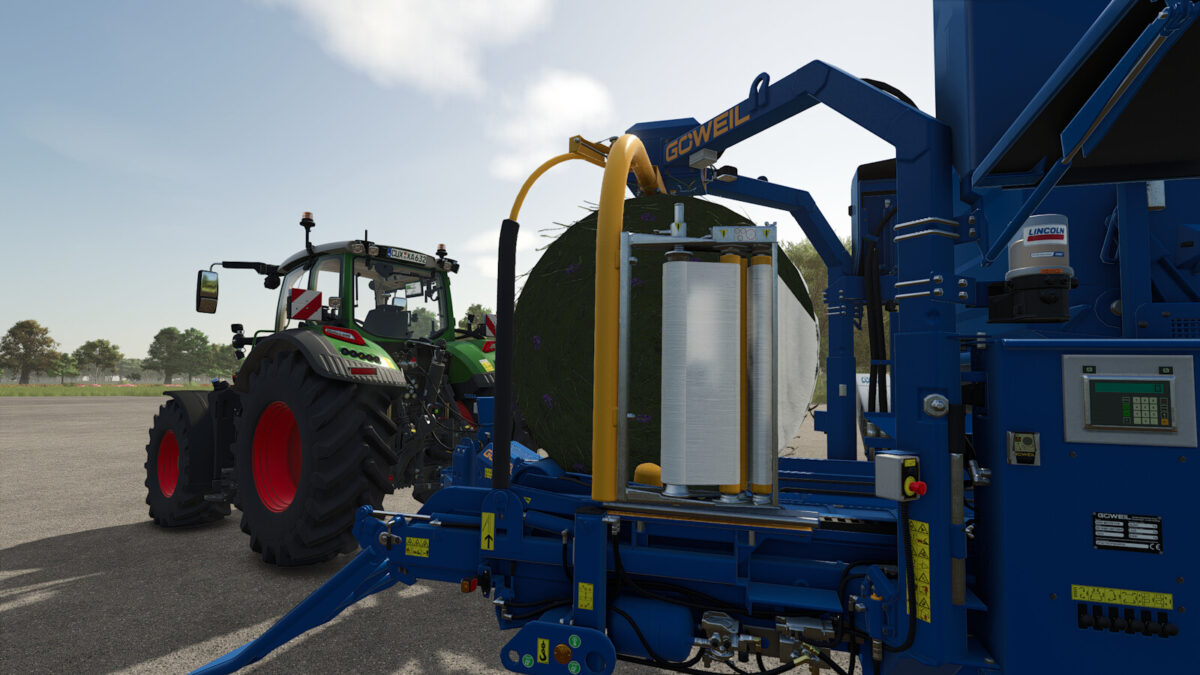
– Changed grass bales from silage to grass silage
Changelog 1.2.0.0:
– Fix for grass bales
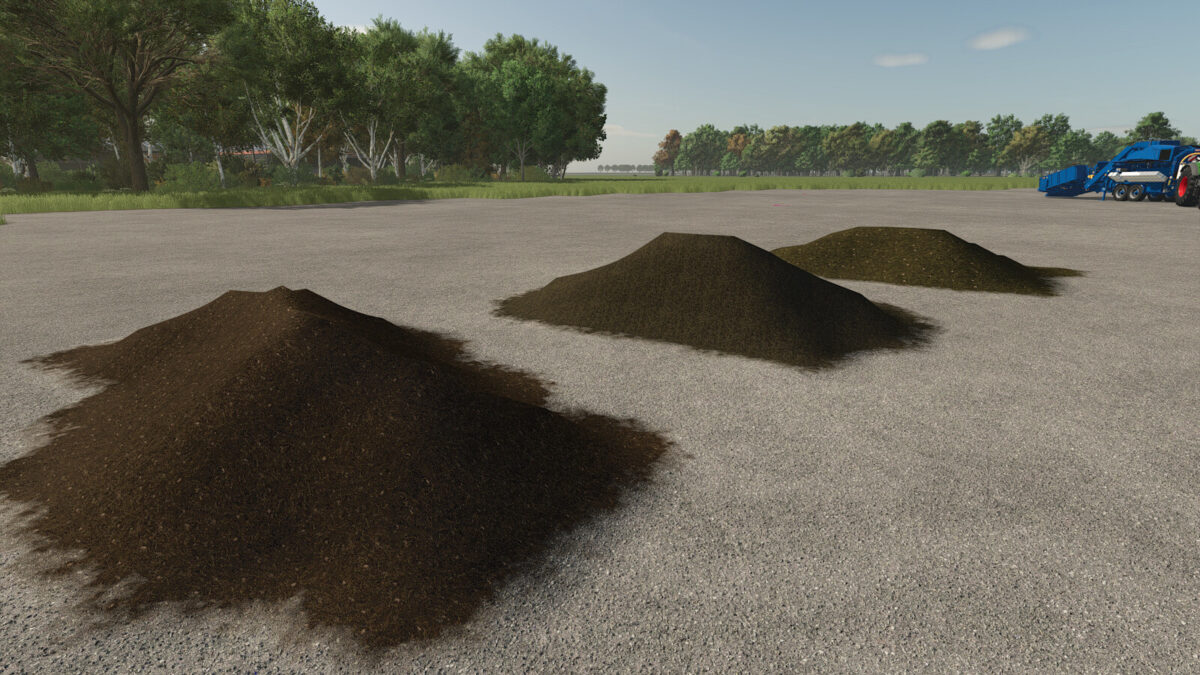
– CCM and compost integration to bunkersilos
– Added custom AnimalFood.xml
– Added effects für grass silage (thanks to T4xs)
Changelog 1.3.0.0:
– Added CCM to the feed mixer
– Removed custom AnimalFood.xml and replaced it with a more compatible script (thanks to T4xs)
– Added support for maize silage on maps that already include the filltype
Changelog 1.4.0.0:
– Reworked bunker silo logic
– The Pumps and Hoses biogas plant (BGA) is now supported
Changelog 1.4.0.1:
– Hotfix for new bunker silo logic