
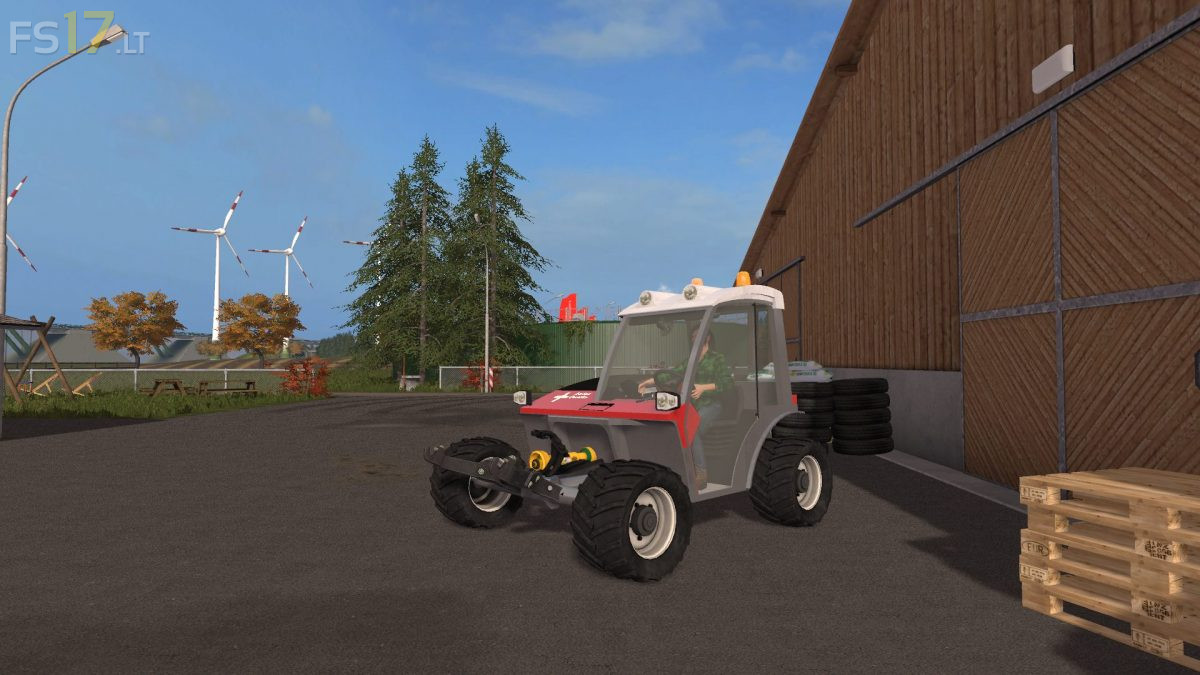
AEBI TT280 v 1.0

FS19 mods

About the mod:

– Power 109 hp
– Attachable twins
– Animated joystick, animated pedals, animated fans
– Interactive Control (door, windshield wiper)
– Various lights (working light, RULs)
– Animated displays (speedometer, RPM, tank, diesel consumption, indicator, forward and reverse gear)
– Optional and selectable number plate (only Austrian characters)

Credits:
Südtirolerbauer, LS Johann

How to install FS17 mods?

Firstly find a mod which you like and want to download. Then download a mod to your PC. Mods are usually in .zip format file. But sometimes it can be in .rar. If a mod file is a .zip format no needed additional actions. If a file is in .rar, then you must unarchive mod with software like WinRar or Zip7. Windows 10 users no need to use software for archives, Win10 itself has a feature to unarchive files.

The next step is to find mods folder in your PC. Usually, it is in Documents/My Games/Farming Simulator 17/2017. Open the "mods" folder and put downloaded .zip archive or unarchived .rar file to this folder.

Last step. Enjoy of FS17 mods!

One thought on “AEBI TT280 v 1.0”

  • Pierrot says:
    2017-10-22 at 08:33

    Bug avec la vue intérieur, vous pouvez plus rien faire après, à part fermer votre jeux et perdre votre partie en cours.

Leave a Reply

Your email address will not be published. Required fields are marked *