

Agri OC Map v 2.0

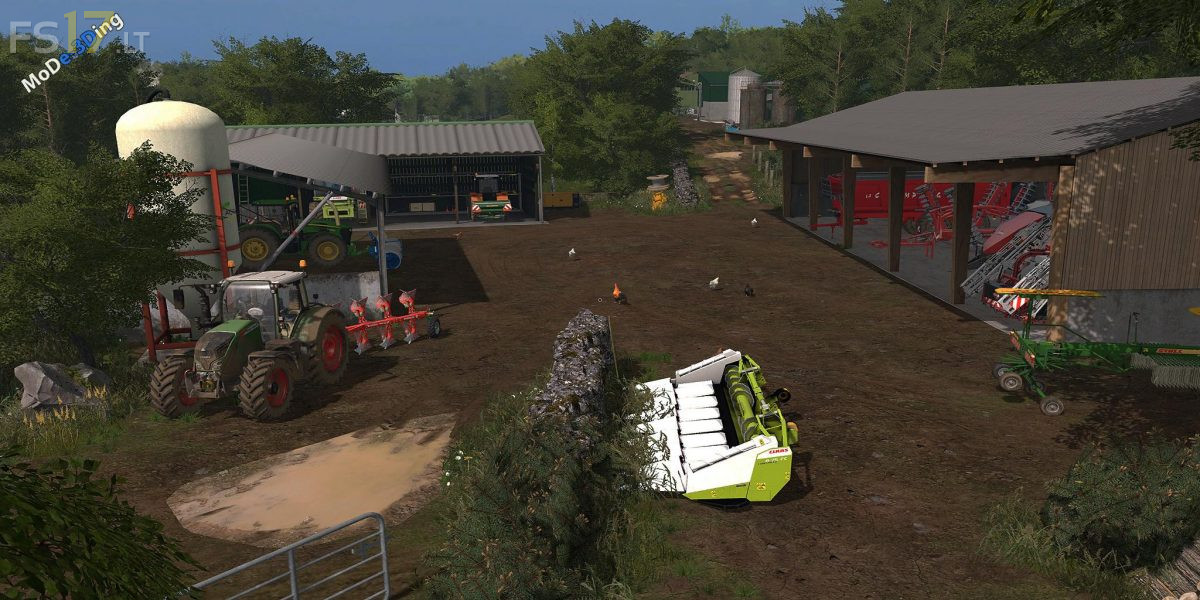
Agri OC Map v 2.0
– 53 fields.
– 1 villages.
– 3 points of sale.
– BGA has the farm.
– Sale of milk manually.
– 1 Farmhouse
– Roads are narrow roads! Equipment max 4 Meters.
– Storage Semence is Solid fertilizer on the farm
– Storage Gazoil on the farm
– Storage Liquid fertilizing on the farm
– Installation Compost master
– 2 fields with solo missions
– A Little Foret
Version 2.0:
* Mods Season Compatible
* Addition of a Foret As well as triggers of sale wood (Emerald)
* Adding a CUMA
* Curage manure cow cow is piggery
* Modification of Porcherie
* New Fruit add: Apples. Possibilities of harvesting in cages
* Is to sell them at the point of sale: La Cidrerie for an apple harvest
* Optimal, the apple tree requires compost or manure to have
* The manure or compost is deposited on the trunk of the apple trees with a tractor equipped with a frontloder or with a telescopic.
* Addition of new Big Bag (seed, fertilizer) to the purchase at the concession
* Added a lot of detail is animation
* Tablet Compatible
Respect Original Link ! Please !
Respect+Original+Link+!+Please+!
the gate to the shop wont open?