

AgroTrader v 1.1

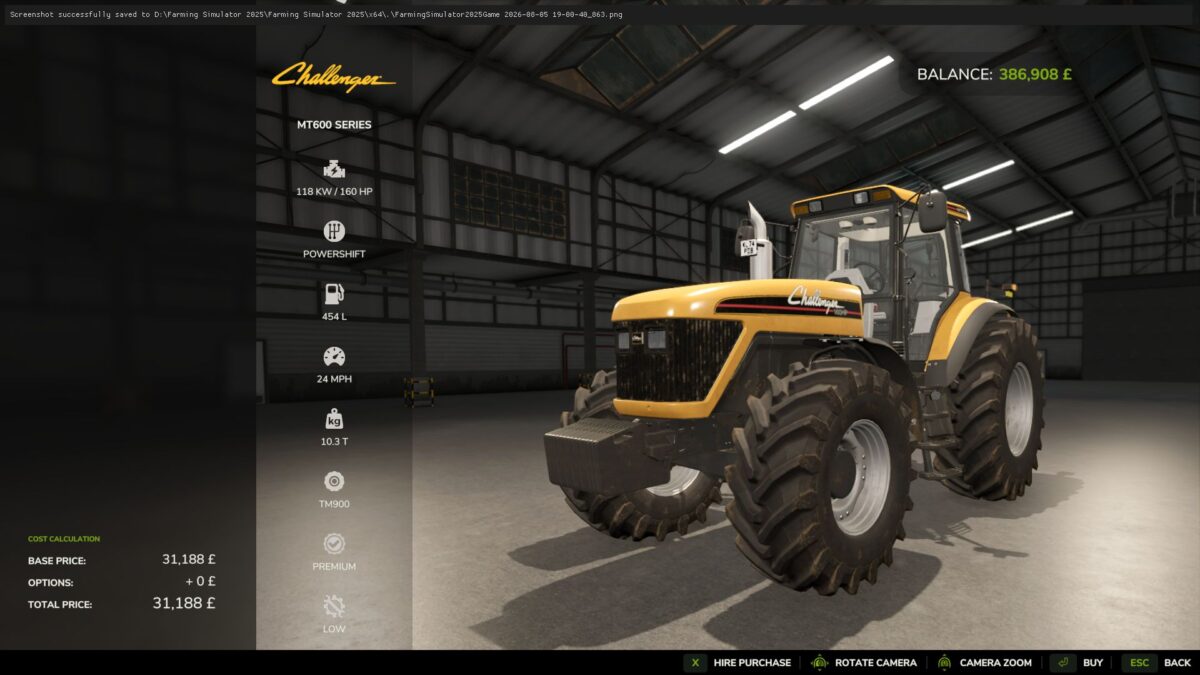
AgroTrader v 1.1
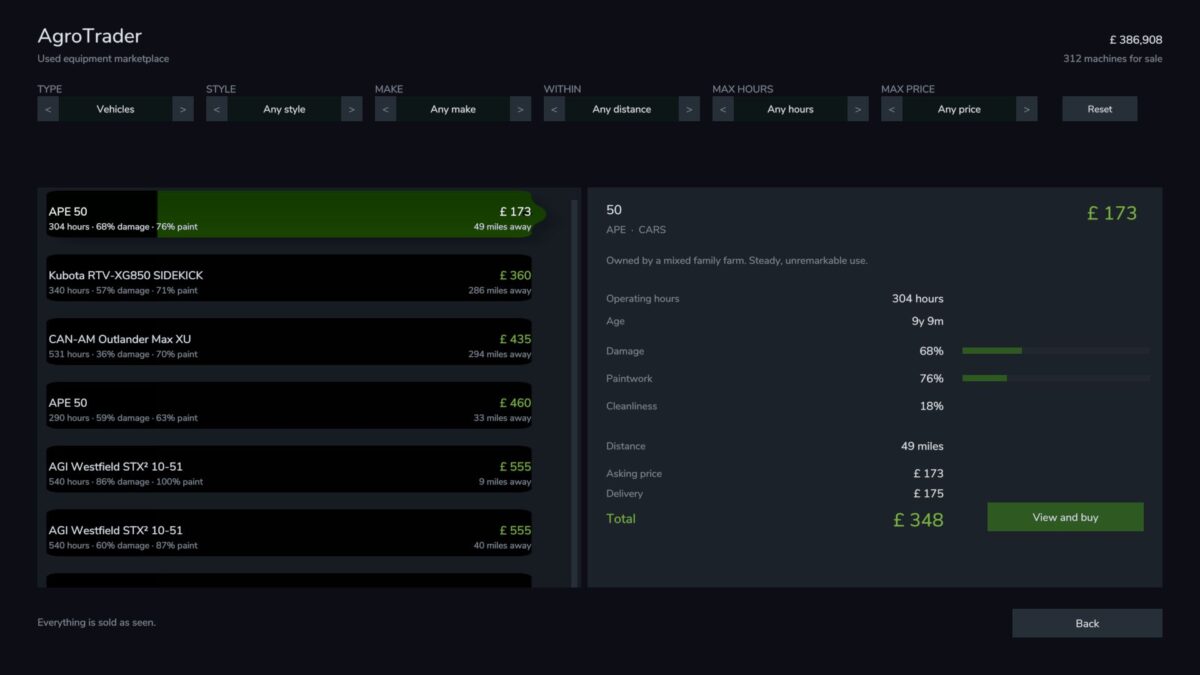
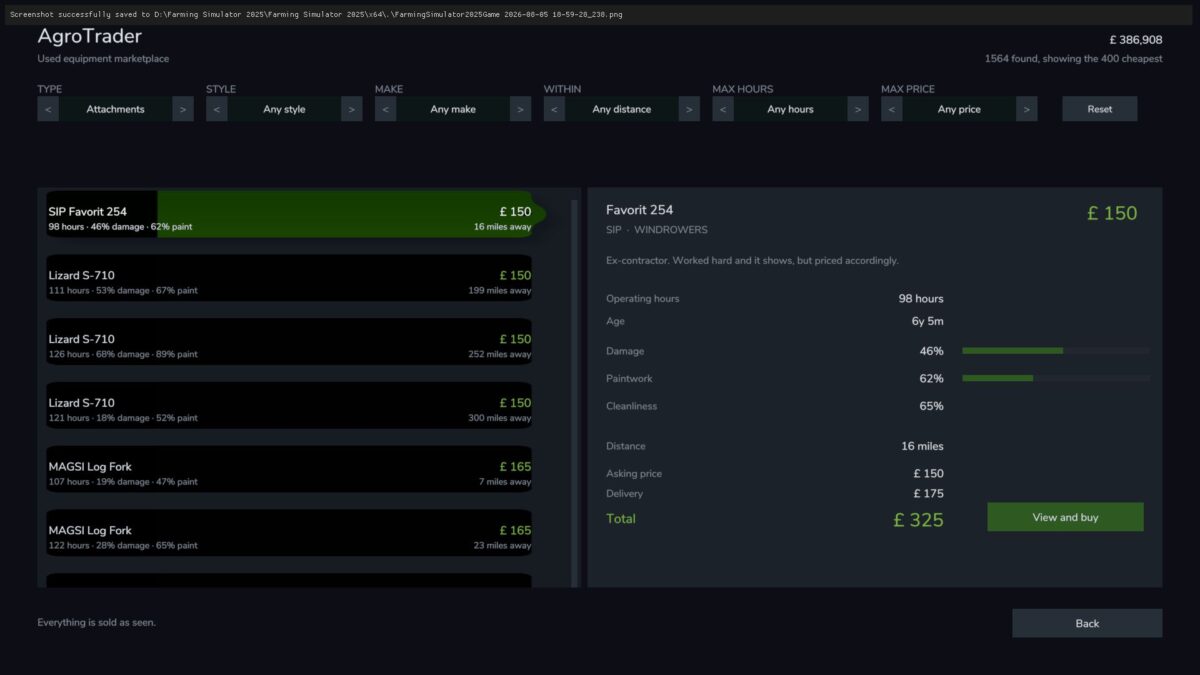
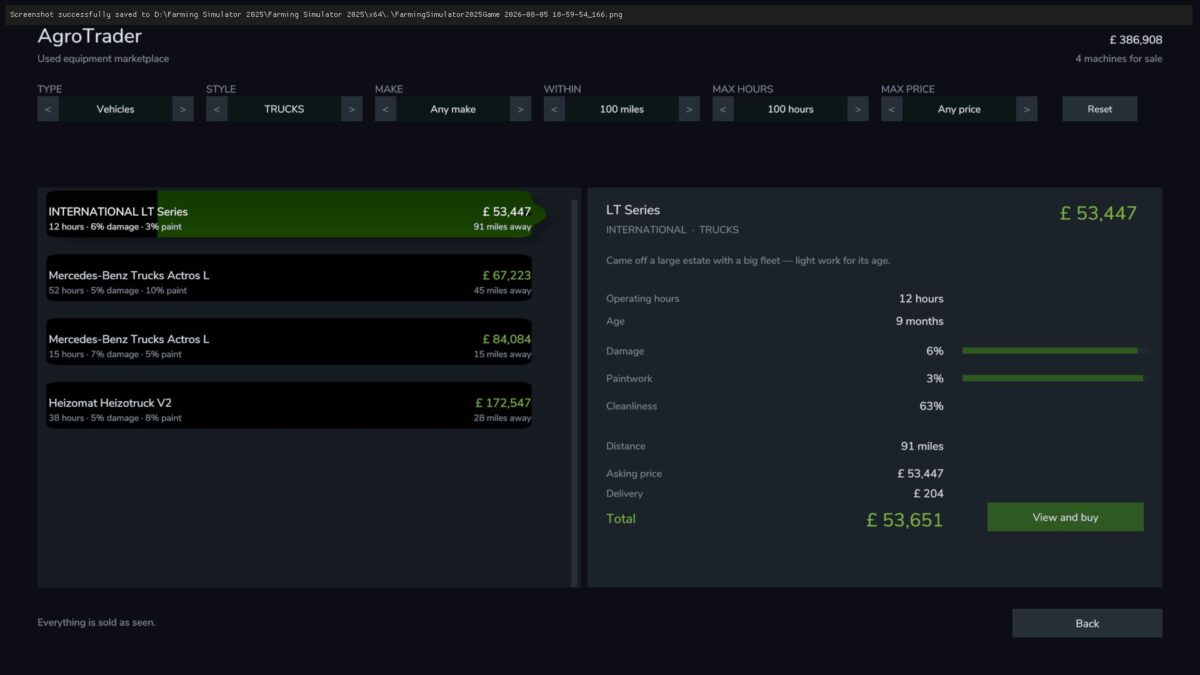
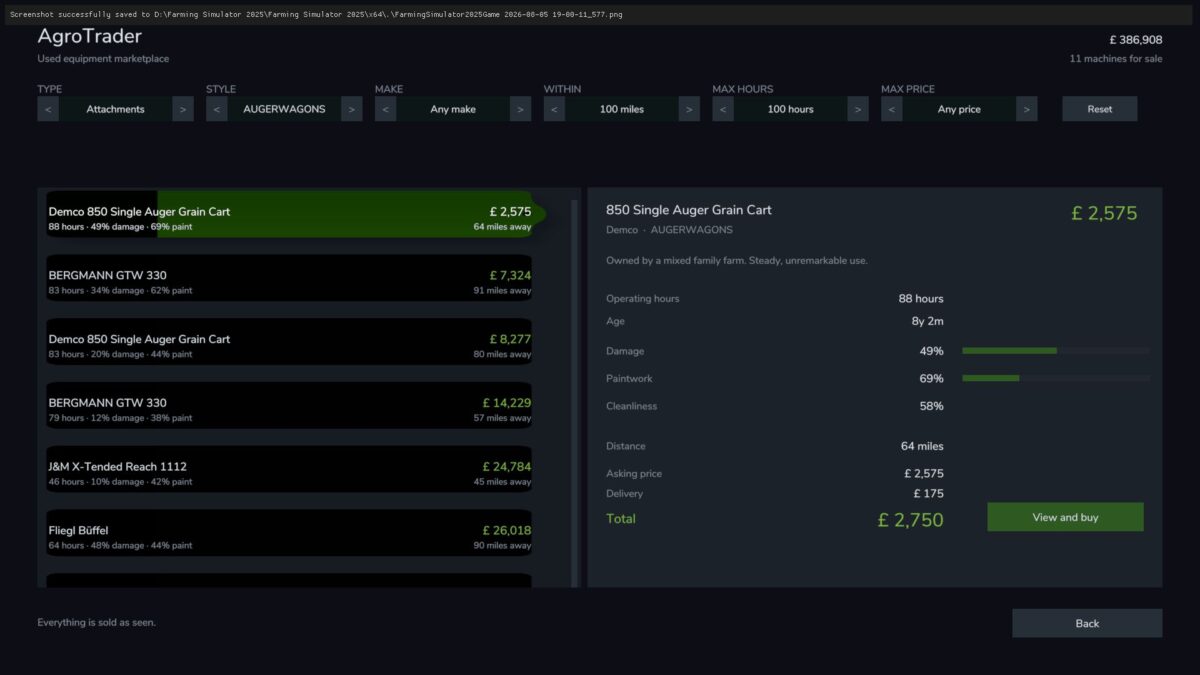
AgroTrader adds a searchable classified ads marketplace alongside it.
Every listing is a specific machine with its own operating hours, damage, paintwork and dirt, an asking price derived from those, and a location the further away, the higher the delivery cost.
Version 1.1:
* Completely new pricing model calibrated against real used machinery prices the vanilla trade in maths (which let an entire arable fleet go for £30 – € 40k) is gone
* Hours matter more than years: value holds while working life remains, drops steeply as overhauls loom, and bottoms out at a graded scrap floor a working machine is never nearly free, and a wreck never costs the same as a tidy example
* Every advert now shows a service history: full history commands a real premium, no history is cheaper for a reason
* Machines are no longer factory stock: each advert rolls its own specification bigger engines, different wheels, colours priced in and delivered exactly as advertised
* The whole market firms and softens with crop prices buy your combine when wheat is down
* Brand strength affects resale value, derived from the game’s own store data (mod brands classify themselves)
* New classifieds style marketplace screen: photo tiles with the machine’s stock photo, price, hours and distance at a glance
* Realistic market mix: mostly mid life “selling to upgrade” machines; old, battered auction stock is now the rare find it should be