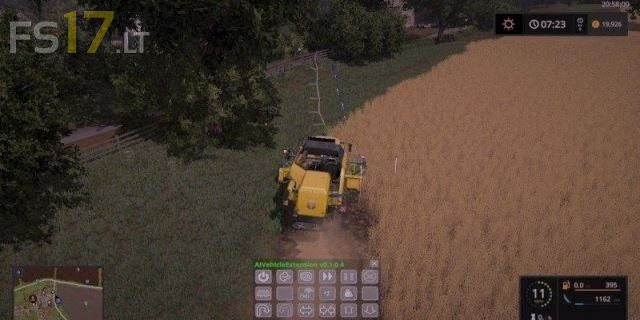
AI Vehicle Extension v 0.4.0.9 BETA
About the mod:
This mod replaces AutoCombine (auto combine and motor tractor). Sit in the harvester left shift + 6 and select the side to which the combine will rotate after start and start it with the letter -H- then use the left shift + 5 key combination to open the employee’s menu and set it up as convenient for you.
Credits:
Mogli
How to install FS17 mods?
Firstly find a mod which you like and want to download. Then download a mod to your PC. Mods are usually in .zip format file. But sometimes it can be in .rar. If a mod file is a .zip format no needed additional actions. If a file is in .rar, then you must unarchive mod with software like WinRar or Zip7. Windows 10 users no need to use software for archives, Win10 itself has a feature to unarchive files.
The next step is to find mods folder in your PC. Usually, it is in Documents/My Games/Farming Simulator 17/2017. Open the "mods" folder and put downloaded .zip archive or unarchived .rar file to this folder.
Last step. Enjoy of FS17 mods!



Best one yet , still needs work .
Thank You for your efforts
nefunguje+:-(