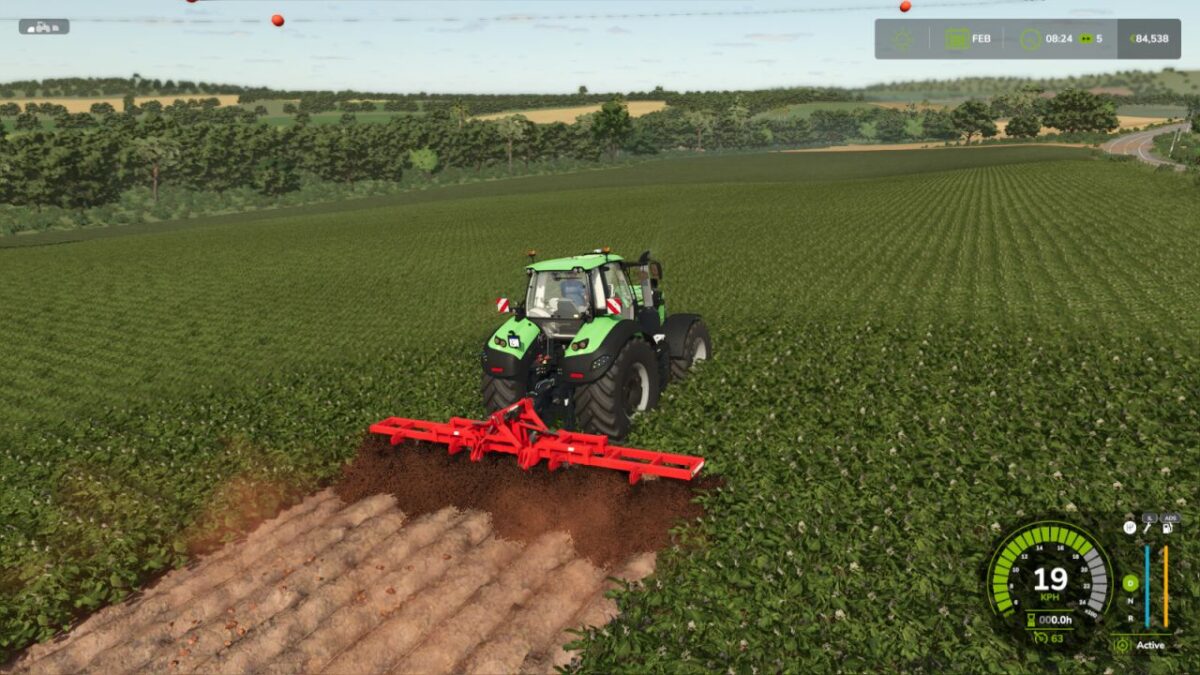
AI Worker Dynamic Speed v 1.0

FS25 mods

AI Worker Dynamic Speed v 1.0
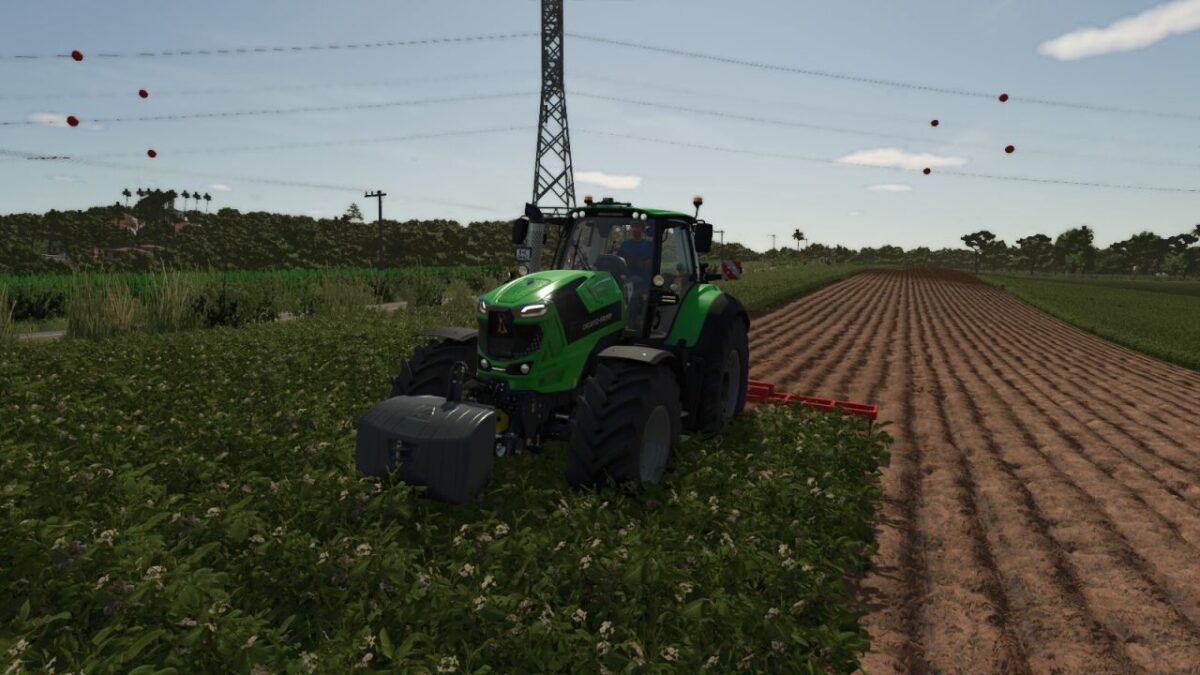
About the mod:

AI field workers can work forward and reverse up to the maximum speed available from the current machine.
Generated turns use a controlled and smooth speed profile. Stopping and row end behaviour remain under the control of the base game.
Player driven vehicles can optionally bypass implement working speed limits up to the vehicle maximum.
Both features are disabled by default and configured independently for each vehicle.

Hotkeys:
Toggle AI dynamic speed: Left Alt + 8
Toggle player implement speed override: Left Alt + 9
Controller users can assign both actions in the Controls menu.

Credits:
Lobo47

How to install FS17 mods?

Firstly find a mod which you like and want to download. Then download a mod to your PC. Mods are usually in .zip format file. But sometimes it can be in .rar. If a mod file is a .zip format no needed additional actions. If a file is in .rar, then you must unarchive mod with software like WinRar or Zip7. Windows 10 users no need to use software for archives, Win10 itself has a feature to unarchive files.

The next step is to find mods folder in your PC. Usually, it is in Documents/My Games/Farming Simulator 17/2017. Open the "mods" folder and put downloaded .zip archive or unarchived .rar file to this folder.

Last step. Enjoy of FS17 mods!

Leave a Reply

Your email address will not be published. Required fields are marked *