
Ala-Talkkari Veto Cont M v1.1.0.0

FS25 mods

Ala-Talkkari Veto Cont M v1.1.0.0

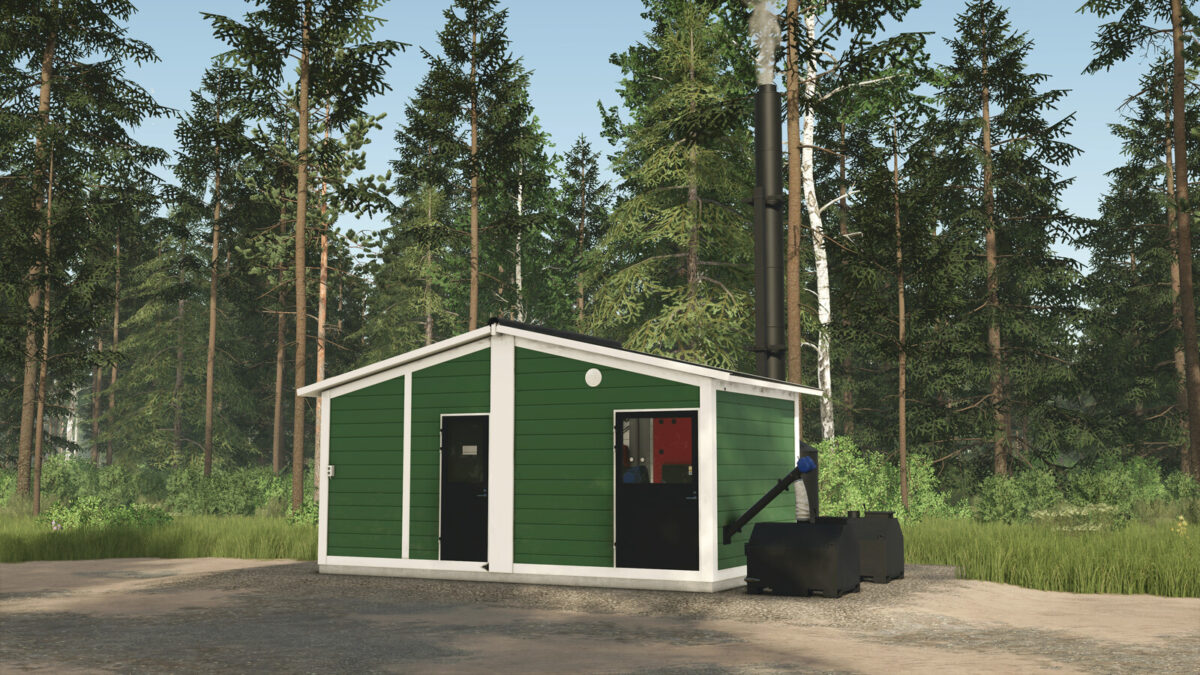
Ala-Talkkari Veto Cont M v1.1.0.0
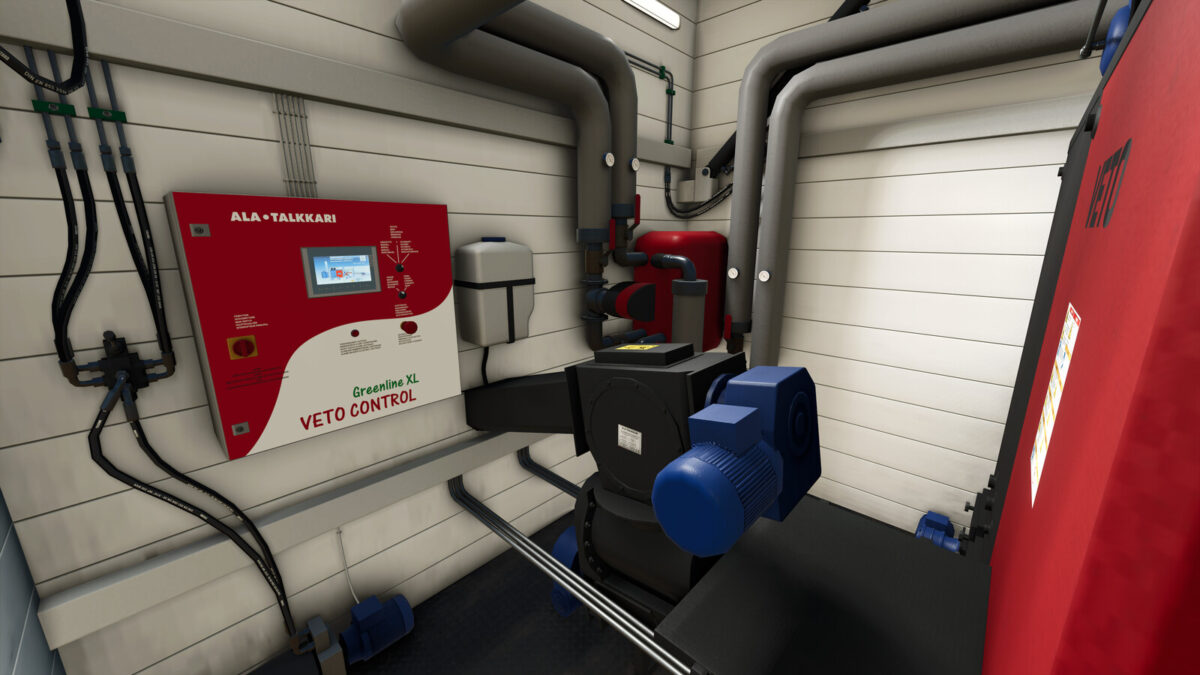
Ala-Talkkari Veto Cont M v1.1.0.0

Ala-Talkkari Veto Cont M v1.1.0.0
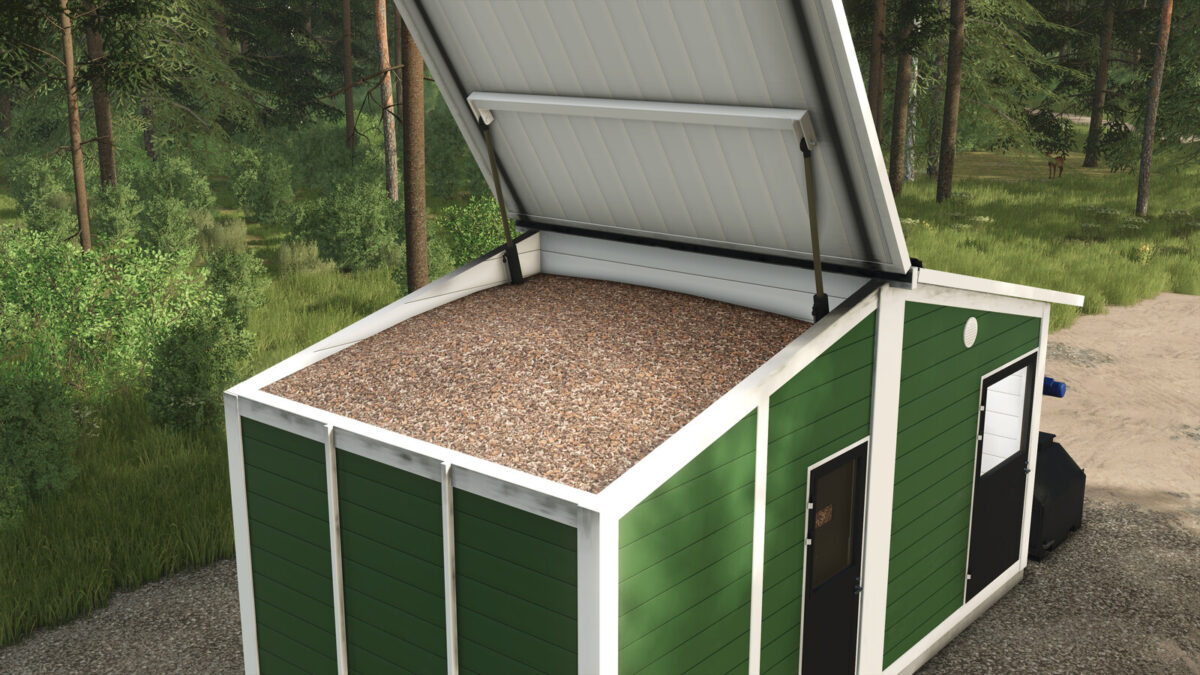
Ala-Talkkari Veto Cont M v1.1.0.0
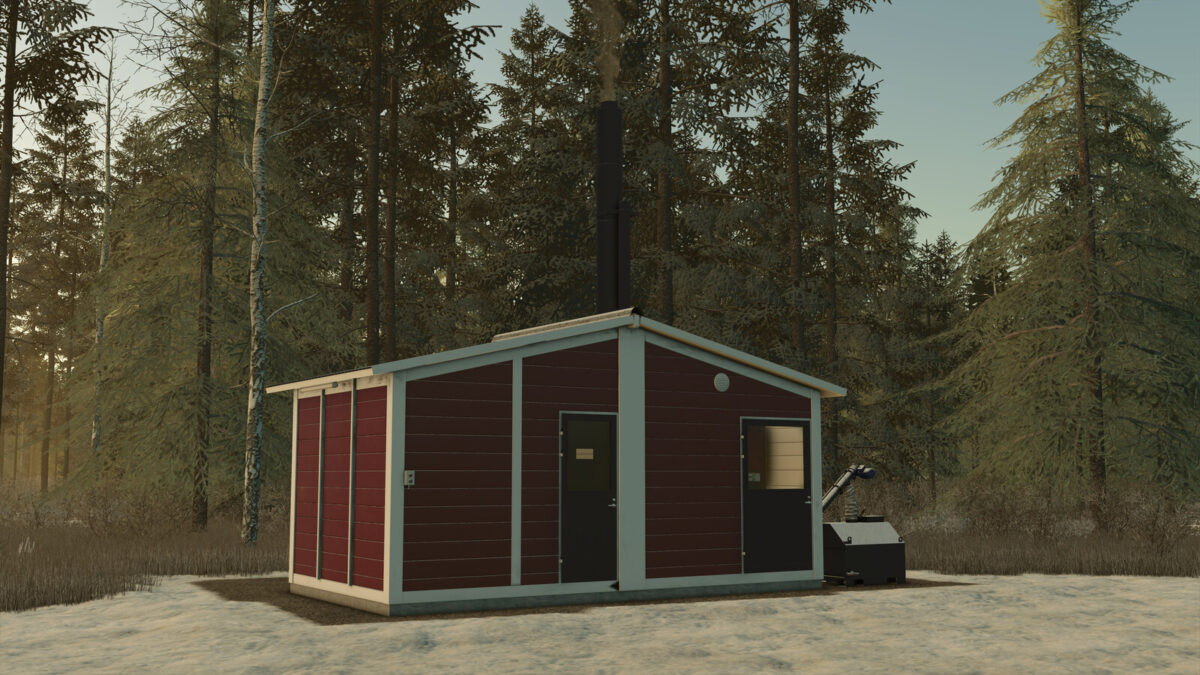
Ala-Talkkari Veto Cont M v1.1.0.0
About the mod:

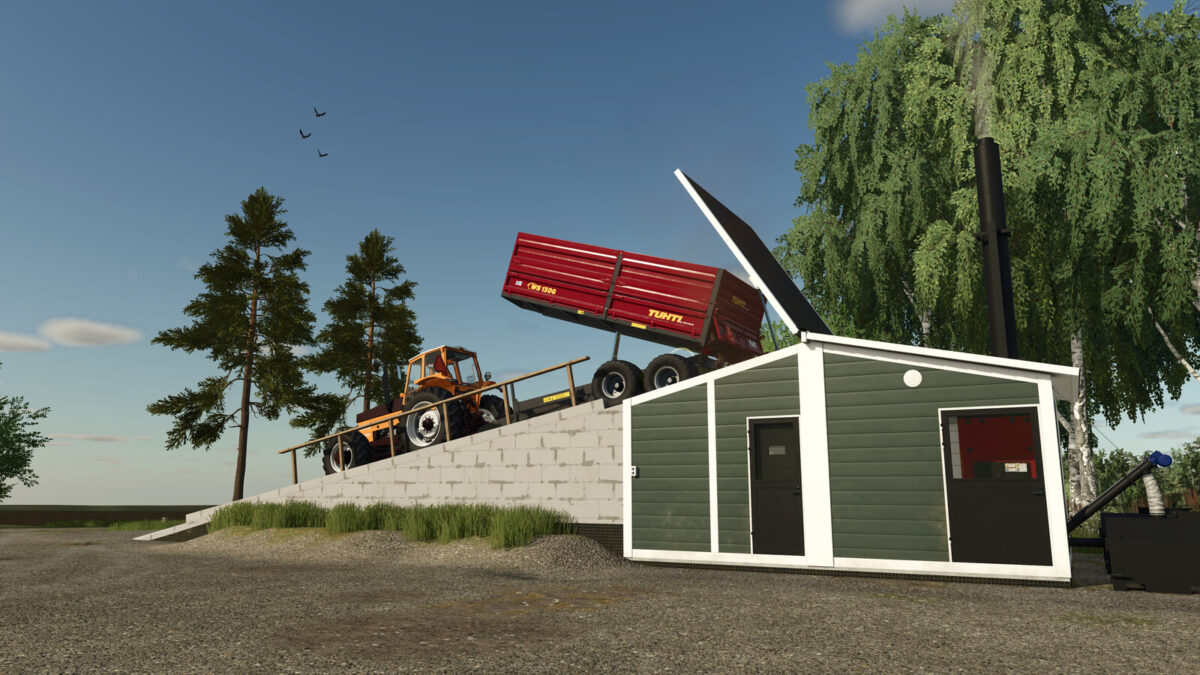
Veto Cont M with 300 kW heating capacity is the perfect choice for heating your farm or industrial facilities. Large, 21 000 liter tank ensures longer gaps between refilling. In the game, the plant produces electricity which is sold directly. It takes about 60 ingame hours to fully consume its tank.
Tank can be filled with a shovel while the left side roof is open. To open the roof, press left mouse button while standing next to the switch located on the front left corner outside.
Price: 160 000 $
Capacity: 21 000 l
Daily Upkeep: 5 $
Monthly Cycles: 18
Production Cost / Month: 60 $
Changelog:
1.1.0.0:
– Added another version with a loading ramp

Credits:
AEN Design

How to install FS17 mods?

Firstly find a mod which you like and want to download. Then download a mod to your PC. Mods are usually in .zip format file. But sometimes it can be in .rar. If a mod file is a .zip format no needed additional actions. If a file is in .rar, then you must unarchive mod with software like WinRar or Zip7. Windows 10 users no need to use software for archives, Win10 itself has a feature to unarchive files.

The next step is to find mods folder in your PC. Usually, it is in Documents/My Games/Farming Simulator 17/2017. Open the "mods" folder and put downloaded .zip archive or unarchived .rar file to this folder.

Last step. Enjoy of FS17 mods!

Leave a Reply

Your email address will not be published. Required fields are marked *