

Animal Auto Care v 2.2

Animal Auto Care v 2.2
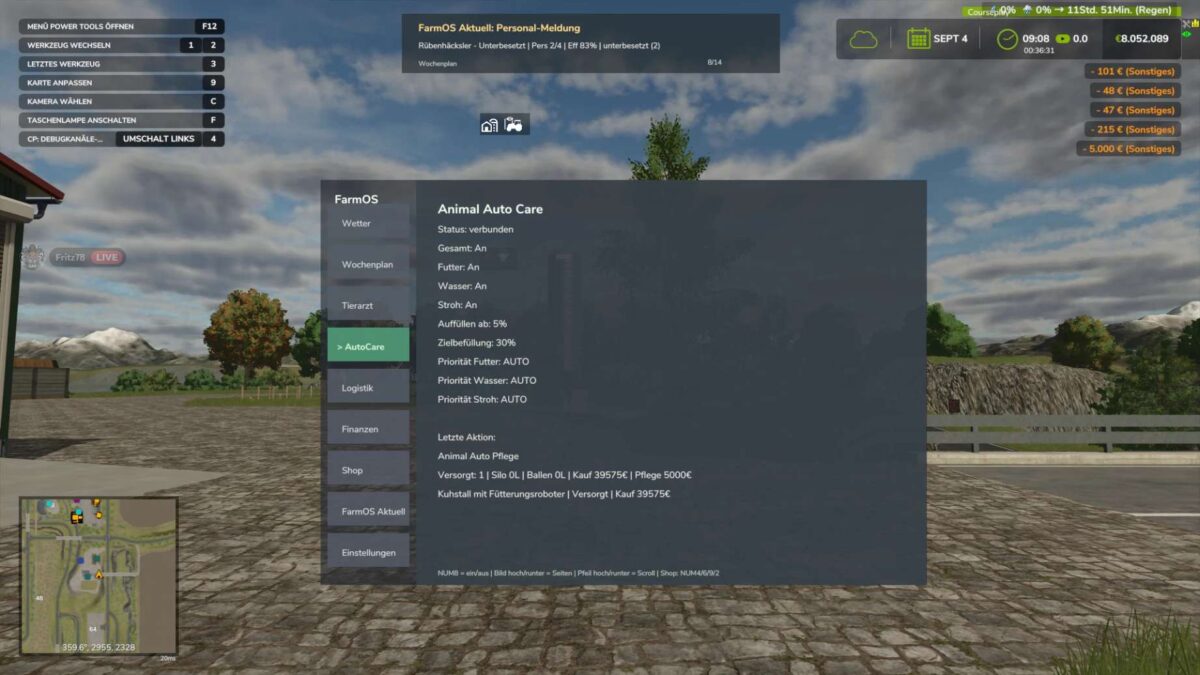
Animal Auto Care works automatically in the background in single player mode and now also in multiplayer and dedicated servers, assisting the player with animal management.
The mod works entirely in the background, utilizes existing game mechanics, and does not affect game balance.
Animal Auto Care works automatically in the background in single player mode, assisting the player with animal management.
Basic processes are monitored and executed automatically at regular intervals.
Short status and information messages are displayed via the integrated HUD, keeping the player informed about the mod’s activities at all times.
The mod does not affect the game balance and requires no additional input from the player.
Features:
Automatic daily barn service (9:00 AM)
Feed, water, and straw distribution
Prioritize main feed
Refilling only occurs below 30%
Fair costs per barn
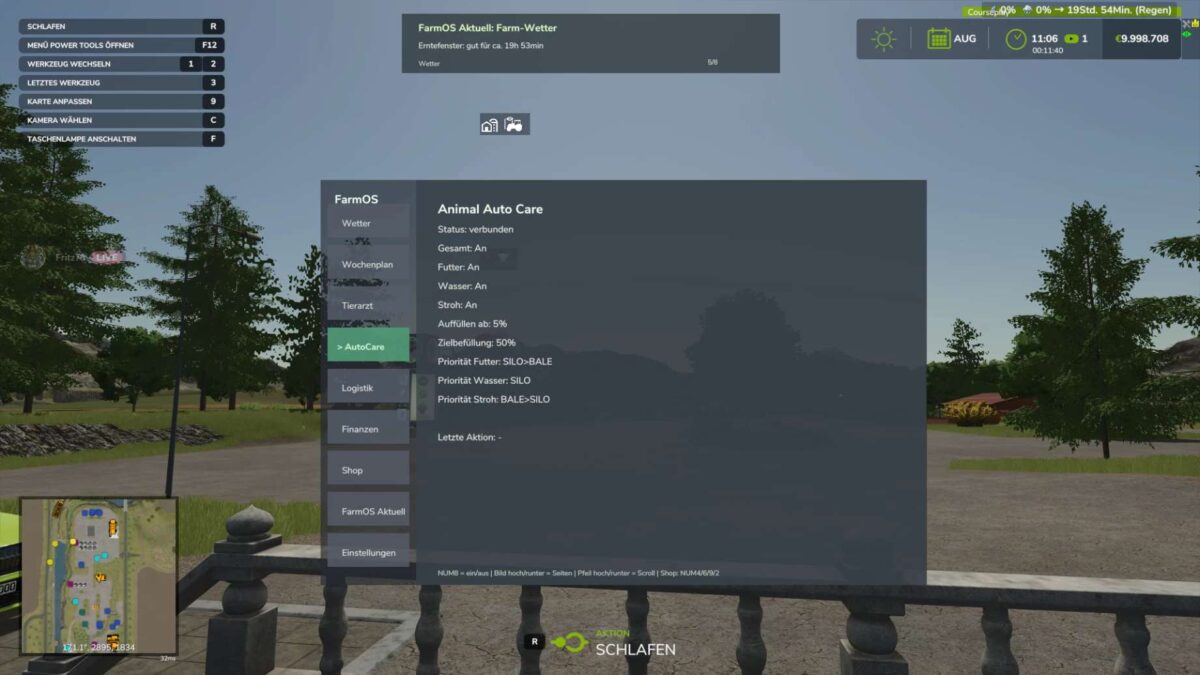
Clear HUD displays
Savegame, multiplayer, and dedicated server safe
Version 2.2:
* Wood Shavings: Wood shavings are now fully supported as bedding
* Horses: Horse stalls can now be automatically bedded with wood shavings instead of straw
* Rabbits: Rabbit hutches can also be automatically supplied with wood shavings
* Inventory: Existing bags, pallets, and stock of wood shavings are used first before new material is purchased
* Bedding System: The previous straw system has been expanded into a general bedding system, thus supporting different types of bedding
* Multiple Farms: Each farm now has its own Animal Auto Care profile with its own settings
* Multiplayer / Dedicated Server: Farm permissions and synchronization have been improved for multiplayer and dedicated servers
* Live Stable Status: The current supply status of the stables is now displayed directly
* Caretaker System: More realistic workflow: The caretaker is notified, travels to the location, carries out the supply, and then completes the task
* Costs and Materials: Money and materials used are only deducted once the supply is actually completed
* Water Requirements: The system now better recognizes whether a barn actually needs water
* Chicken & Goose Barns: Barns without a real water requirement are no longer unnecessarily supplied with water
* Mod Barns: Barns from other mods with a real water or supply requirement are still supported
* Material Origin: The display now differentiates more accurately between materials from the silo, storage/bales, and automatic purchases
* Instant Supply: New option to trigger a supply directly upon startup or activation
* Translations: Texts and translations have been revised and improved
* FarmOS Animal Auto Care v2.2 requires the latest version of FarmOS. FarmOS must be installed and up to date