

Anti AFK v 1.0

Anti AFK v 1.0
Anti AFK provides intelligent inactivity management for Farming Simulator 25 multiplayer servers.
The mod monitors genuine keyboard, mouse, controller, steering wheel and joystick activity.
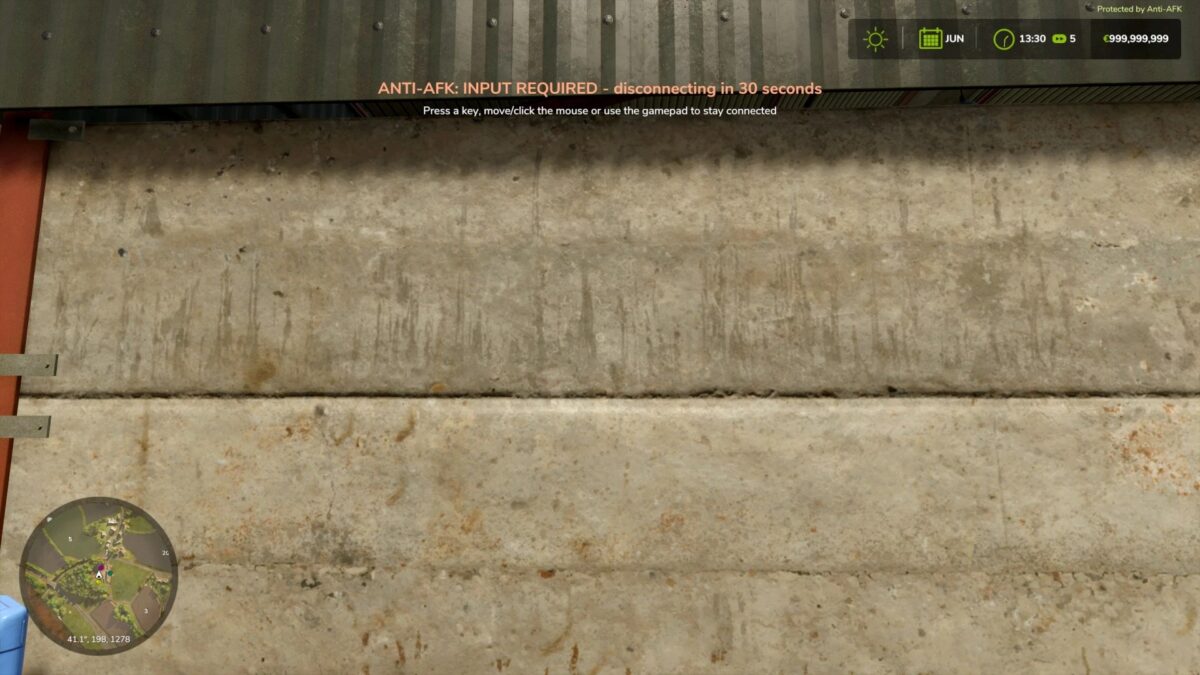
The default AFK limit is 15 minutes, with a 30 second warning before disconnection.
The system is group aware.
As long as at least one protected multiplayer player remains active, inactive players are not disconnected.
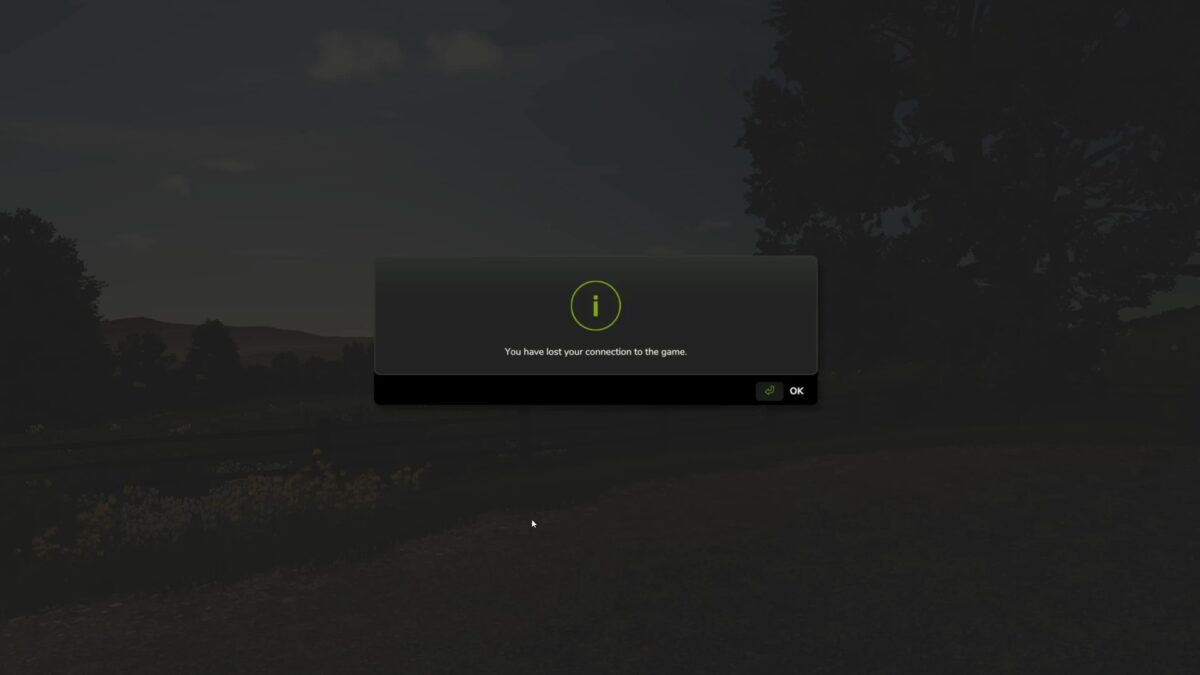
If all protected players become inactive, the group receives a warning and all inactive players are disconnected.
If only one protected player remains on the server, that player will be disconnected after reaching the configured AFK limit.
Server administrators can configure the inactivity timer from 1–120 minutes directly in Game Settings.
Slow-loading players are protected while joining, and the AFK timer only begins once gameplay has been reached.
Single player games and the local multiplayer host are not affected.