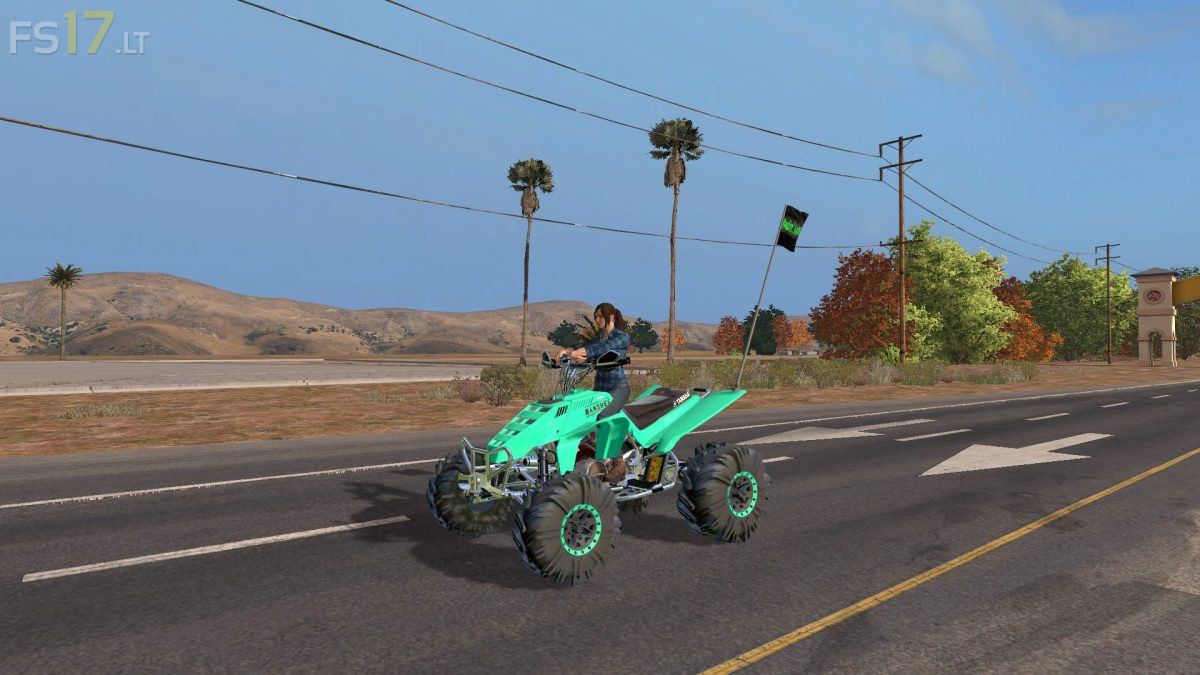
ATV Racing Pack v 1.0
About the mod:
The Pack consist of:
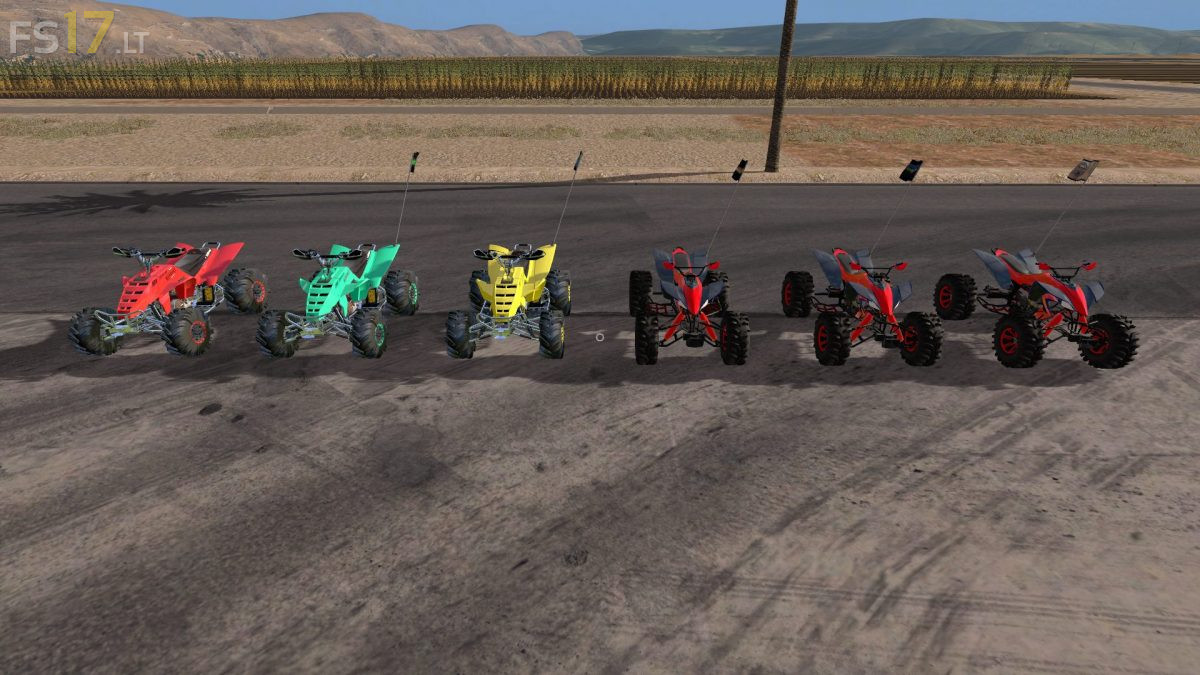
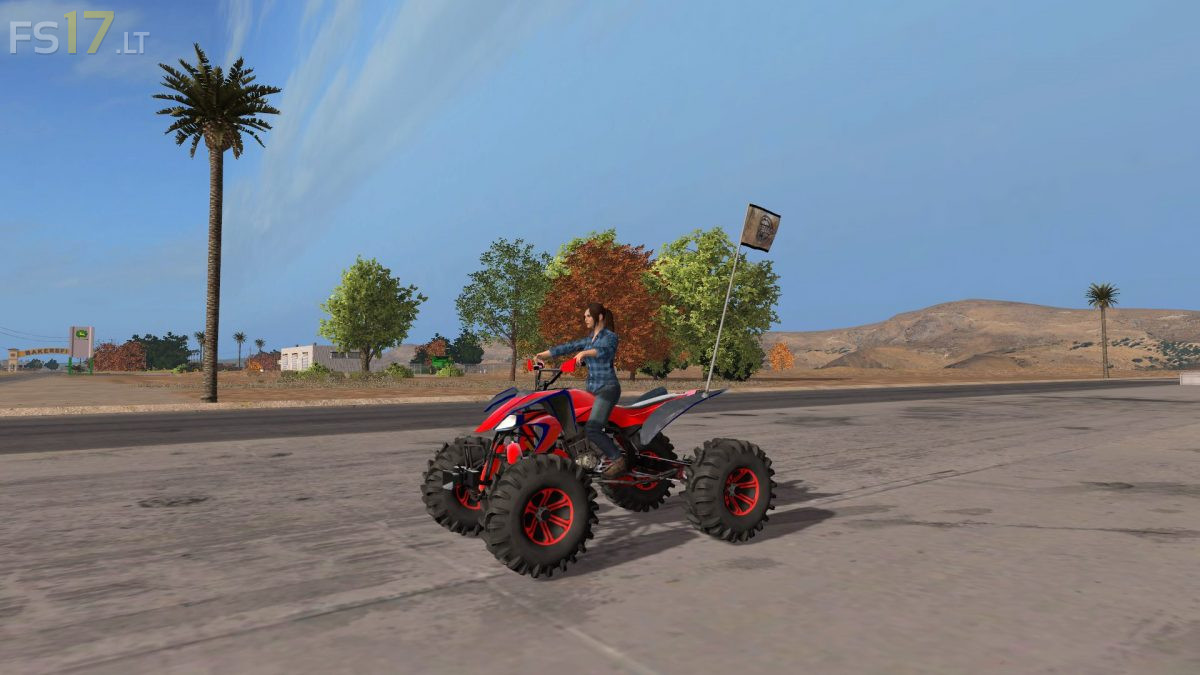
ATV Raptor:
– Engine Setup: 83 hp, 123 hp, 183 hp
– Speed 83 km/h
– Selectable Design (Flags)
Yamaha Banshee 350:
– Engine Setup: 123 hp, 183 hp
– Speed 123 km/h
– Selectable Wheels
– Selectable Design (Flags)
– Choice of Color
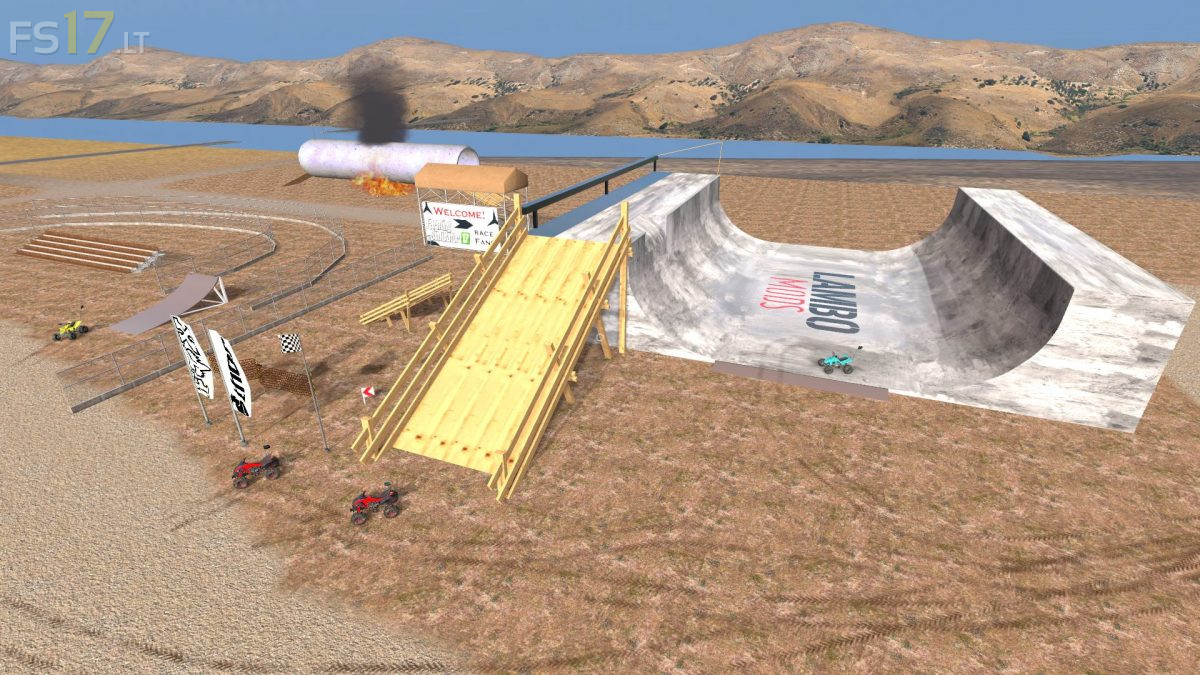
Placeable Objects:
– Motocross Halfpipe
– Tall Bleacher
– Net Fence
– Road Curve Sign
– Janky Wood Ramp
– Racing Turn Barriers
– Grand Stands
– Long Race Barriers
– Single Race Flag
– Motocross Ramp
– Motocross Thor Flag
– Motocross Fox Flag
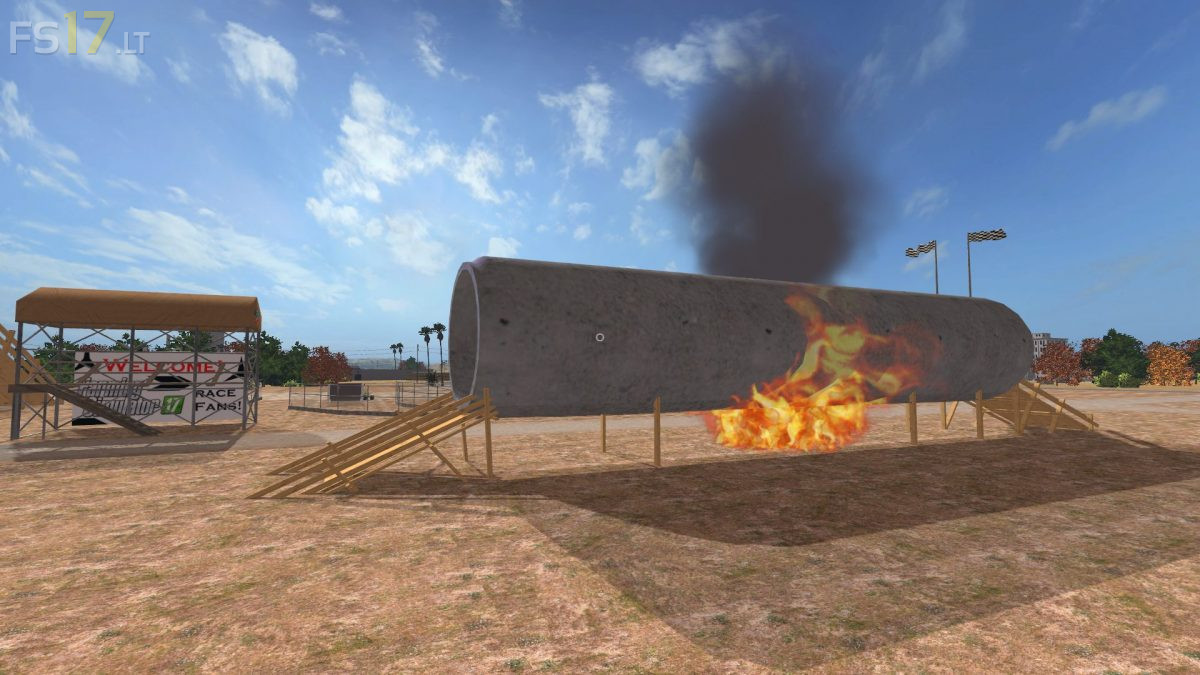
– Fire Tunnel
Credits:
Lambo
How to install FS17 mods?
Firstly find a mod which you like and want to download. Then download a mod to your PC. Mods are usually in .zip format file. But sometimes it can be in .rar. If a mod file is a .zip format no needed additional actions. If a file is in .rar, then you must unarchive mod with software like WinRar or Zip7. Windows 10 users no need to use software for archives, Win10 itself has a feature to unarchive files.
The next step is to find mods folder in your PC. Usually, it is in Documents/My Games/Farming Simulator 17/2017. Open the "mods" folder and put downloaded .zip archive or unarchived .rar file to this folder.
Last step. Enjoy of FS17 mods!
can you convert this to fs19
Add it to fs22