Automatic Bale Storage v 1.0.0.3

FS25 mods

Automatic Bale Storage v 1.0.0.3
About the mod:

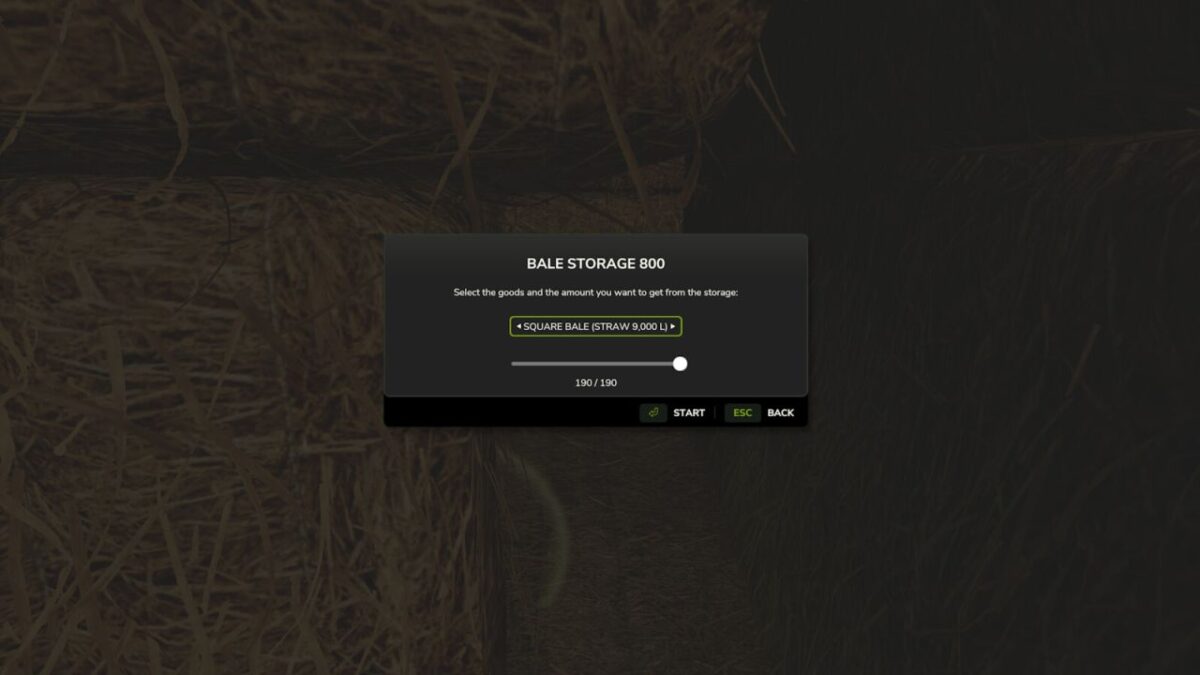
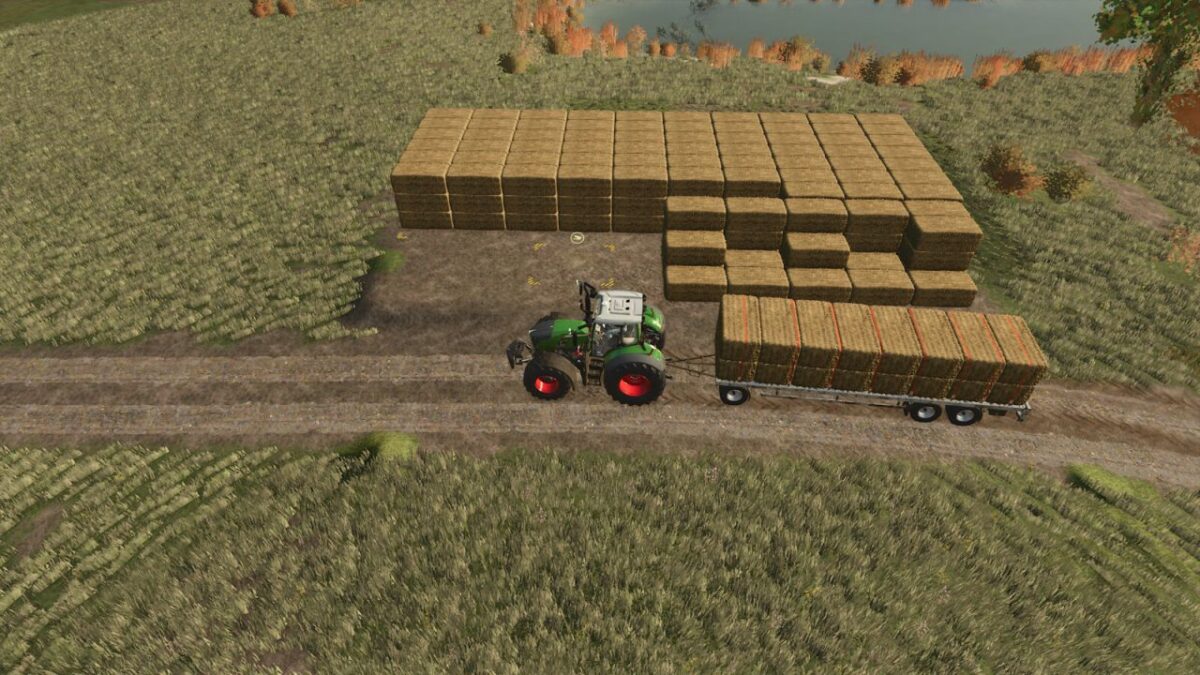
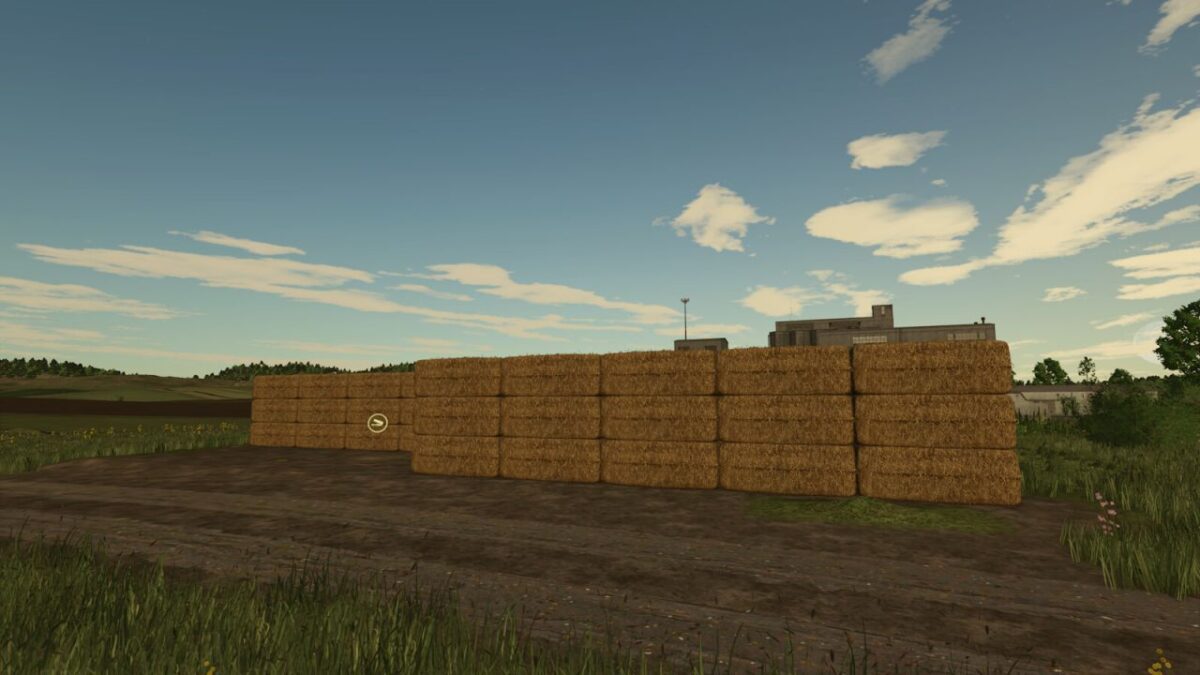
Changes how bale and pallet storage placeables unload their contents.
Instead of spawning all objects at once, an unload request from the storage UI is queued and dispatched in batches every 5 seconds.
If the output area is full the mod waits and retries automatically, so you never lose queued items.
The pending count is saved to the savegame and survives a reload.
The vanilla unload amount cap is also removed, so the UI slider goes up to the actual number of objects currently stored rather than the vanilla hard limit.
Compatible with all base-game and modded placeables that use the GIANTS object storage specialization.

Version 1.0.0.3:
* Fixed: Selling or deleting a storage while an unloading operation was still pending could cause the mod to continue working on the removed placeable.

Credits:
C.Schoch

How to install FS17 mods?

Firstly find a mod which you like and want to download. Then download a mod to your PC. Mods are usually in .zip format file. But sometimes it can be in .rar. If a mod file is a .zip format no needed additional actions. If a file is in .rar, then you must unarchive mod with software like WinRar or Zip7. Windows 10 users no need to use software for archives, Win10 itself has a feature to unarchive files.

The next step is to find mods folder in your PC. Usually, it is in Documents/My Games/Farming Simulator 17/2017. Open the "mods" folder and put downloaded .zip archive or unarchived .rar file to this folder.

Last step. Enjoy of FS17 mods!

Leave a Reply

Your email address will not be published. Required fields are marked *